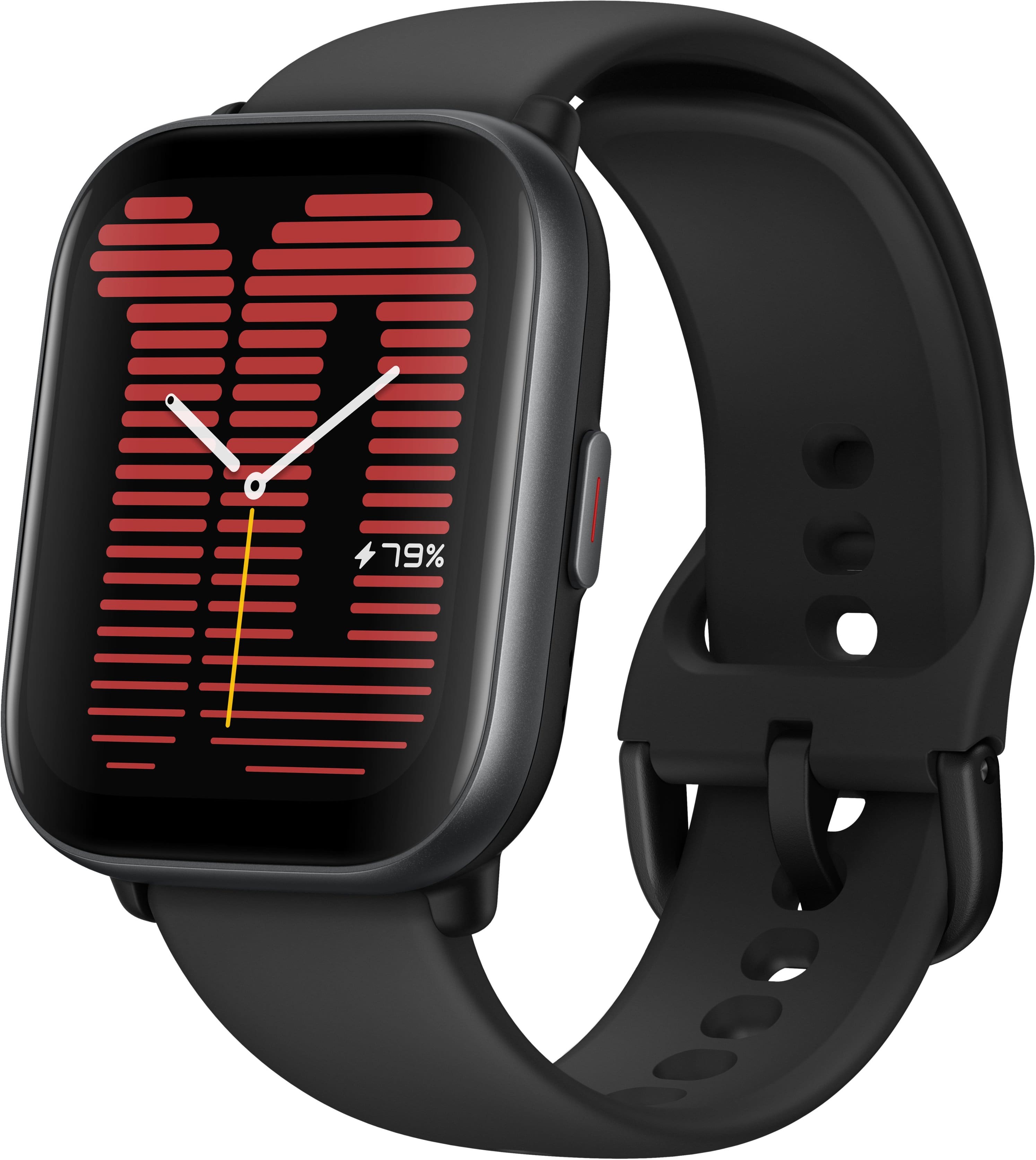
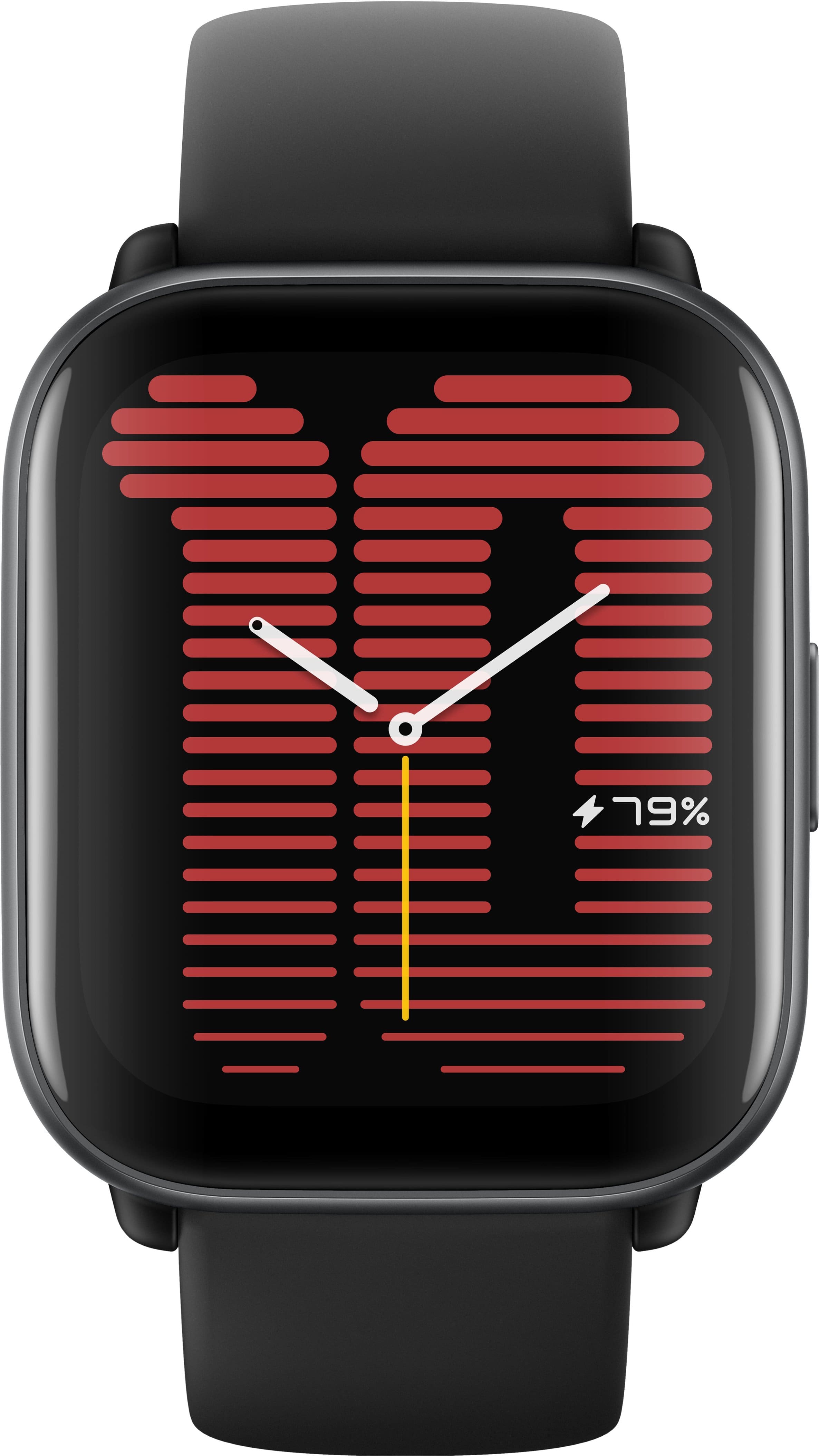
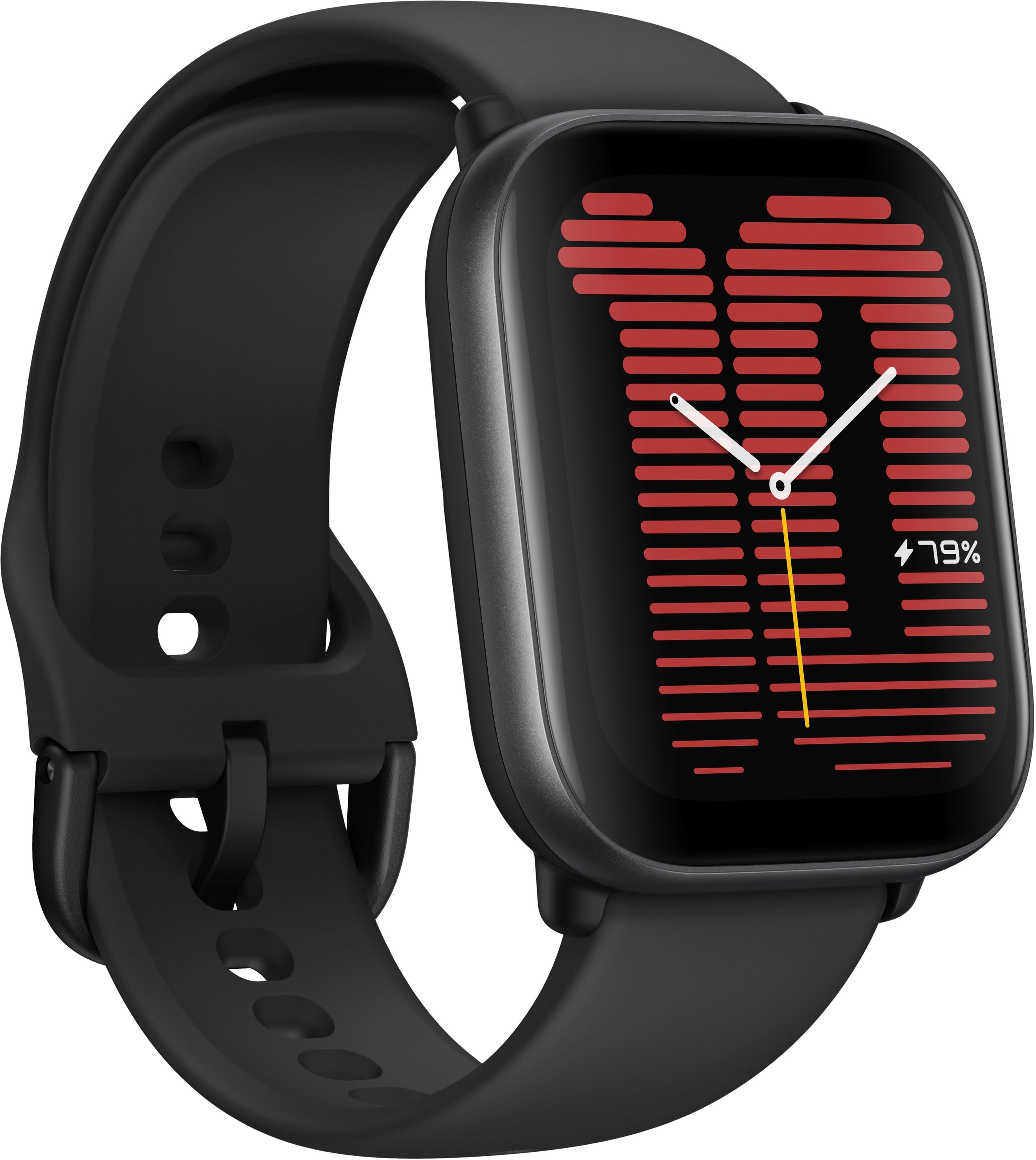
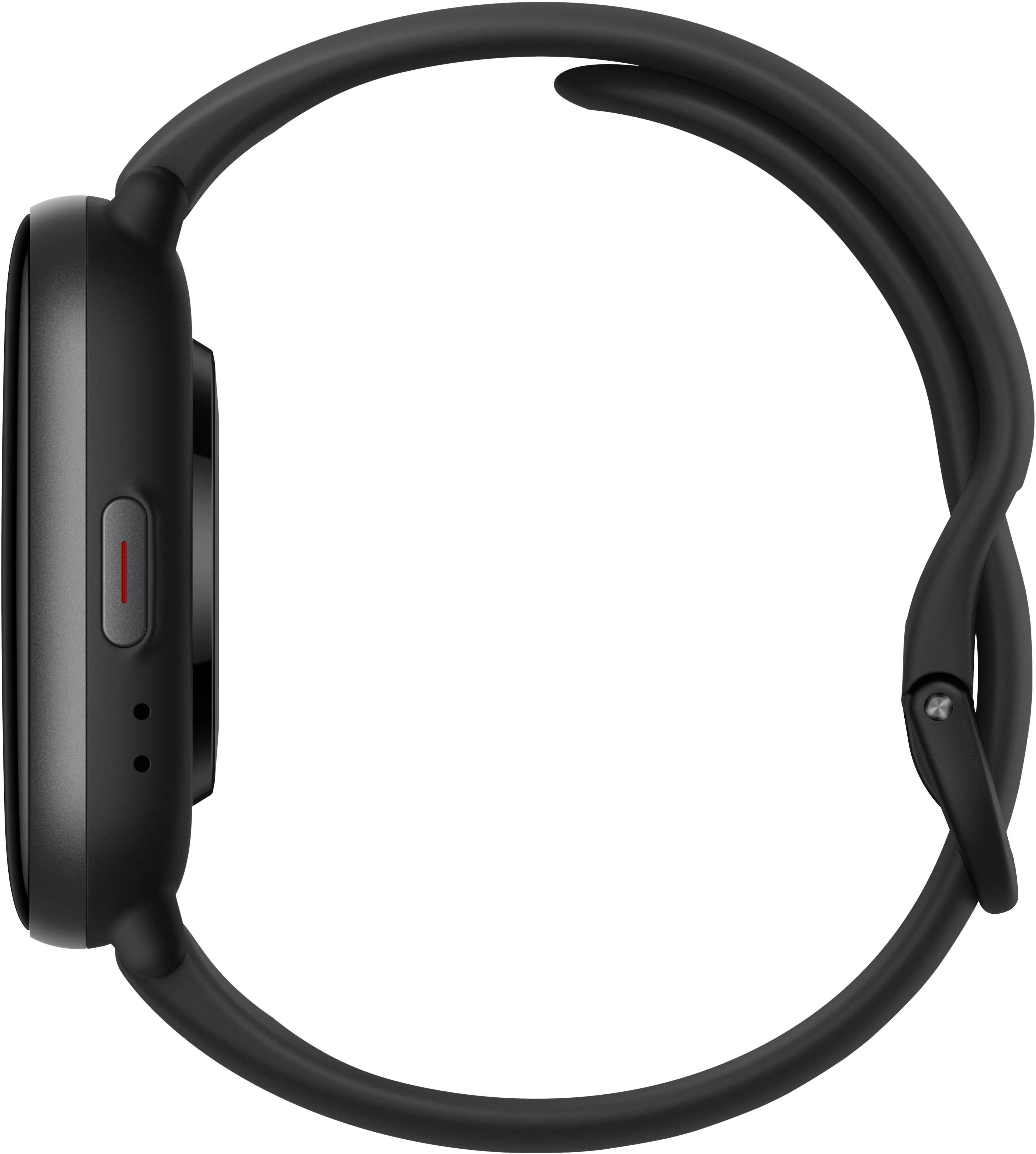
A:AnswerHi Gordis, yes you are able to get notifications from Google or Microsoft for appointment notification. You can also link your phone's calendar as well to receive notifications that way too.
Michael | Amazfit Support
A:AnswerHi Olive, yes the Active is compatible with the Motorola One 5G Ace running Android 11 OS. You would just need to download the Zepp app to pair and set up the watch.
Michael | Amazfit Support
A:AnswerPlease note the the watch does not support a cellular service so you can not set up a phone line with it. The watch connects through Bluetooth to your phone directly through the Zepp app.
Michael | Amazfit Support
A:AnswerHi Mads, yes you are able to set tasks/to do lists on it. You can also set a timer on the Active. You can do this through Alexa on the watch. Michael | Amazfit Support
A:AnswerHi DerekP, yes the Zepp app is able to sync data with GoogleFit. You would just need to make sure you sign up for a Zepp account through Google to automatically link them. Michael | Amazfit Support
A:AnswerHi Grammybear, no the watch is not able to count steps when your hands are stationary like pushing a cart or holding a basket. They need to be swinging and meeting the stride length for it to accurately track the steps. Michael | Amazfit Support
A:AnswerHi there, if you have the passcode lock enabled then you can disable it on the Zepp app if the watch is still connected. Please open the Zepp app and go under Device -> Amazfit Active -> Device settings -> Off-Wrist lock to turn it off. If you are still having issues then please email us at support.na@amazfit.com so we can further assist you on this. Michael | Amazfit Support
A:AnswerHi SHOWER, yes the Active watch has a waterproof rating of 5ATM so you are able to swim with it. We do not recommend to take a shower with it if you take hot showers which will weaken the waterproof seal over time. Michael | Amazfit Support
A:AnswerHi DWCT, yes the Active is able to pair with Bluetooth headphones to play music without a phone nearby. Please note you will need to load MP3 files to the watch to listen to that way only. Michael | Amazfit Support
A:AnswerAmazfit Active smartwatch includes a cable that plugs into a USB A port. The other end of the cable has a 2 prong magnetic connection which attaches to the back of the watch.