A:AnswerHello, it's easy! Here are instructions on connecting to wifi: Open the Settings menu.
Set Airplane Mode to Off.
Set the toggle next to Wi-Fi Mode to On.
Select the network you want to connect to.
A lock icon means that you need a Wi-Fi password: enter your Wi-Fi password then select Connect.
A:AnswerThey told me that it should just transfer when you set up your new Amazon Fire 10 as long as you use the same user. I didn't seem to have any problems except for a game and with a little work I got it.
A:AnswerHello! While you are in the Kindle app on the device, you can access the dictionary while reading. Just highlight the word you are wanting to know the definition of and the dictionary will pop up on the screen with the definition. Have a great day!
A:AnswerHi Cindy,
The Fire HD 10 does not have cellular capability built into it, so a data plan is not needed. These tablets use WiFi.
I hope this helps!
A:AnswerHi Jancie,
The Fire HD 10 will work with any WiFi connection. There is no mobile connection available on the tablet itself however, if your phone has a hotspot on it, you can connect it to that. As for applications that you get on your Fire Tv Stick, most applications are available for streaming services such as Disney+, Netflix and Hulu!
Have a great day!
A:AnswerHi There,
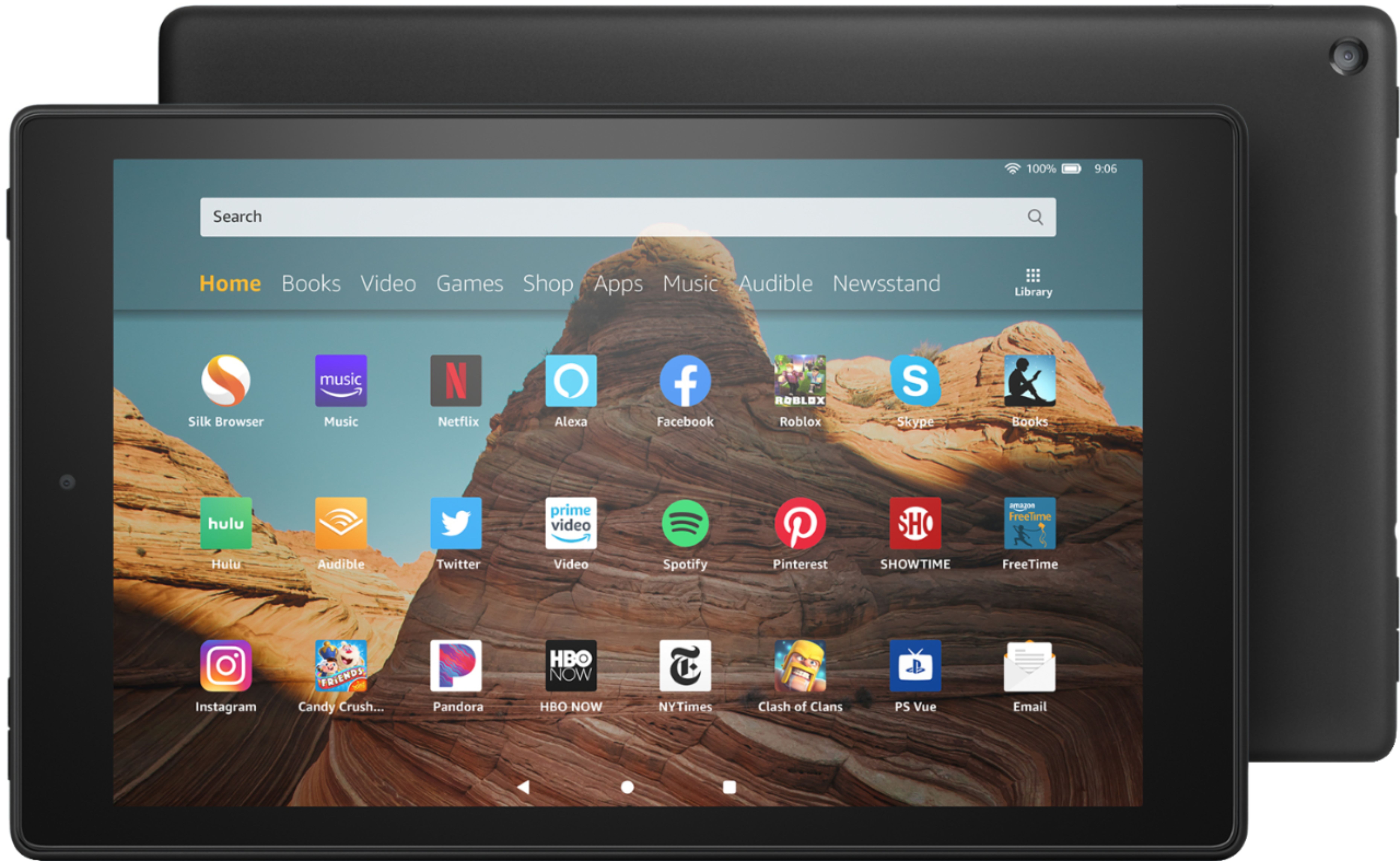
Roblox is absolutely downloadable on this device! As for the War Robots application, theoretically any application that you log into with a username/email address will typically hold your playing history on. If you have a memory card in the Tablet with information on it, this tablet will be compatible with it!
Have a great day!
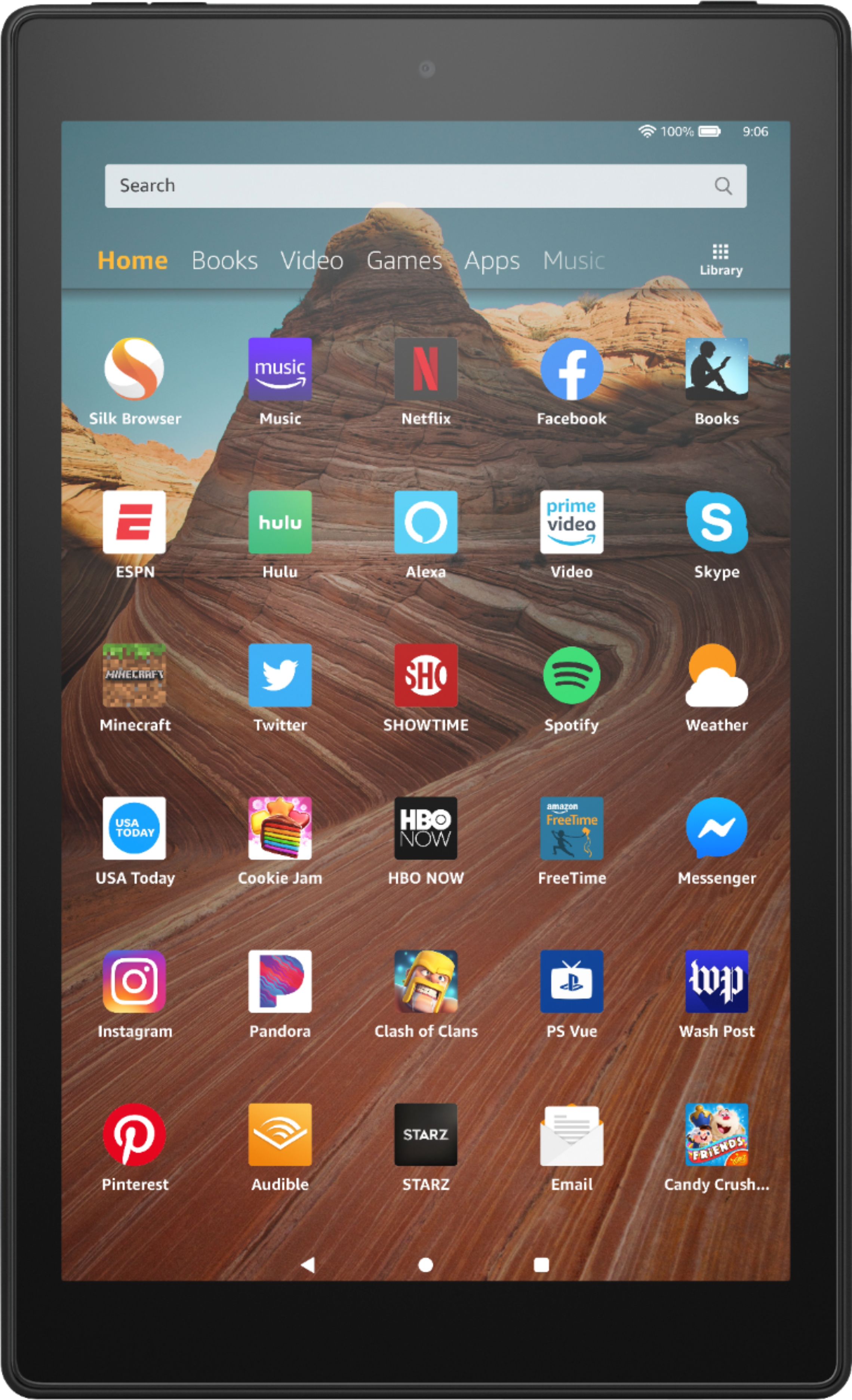
A:AnswerThe fire tablet is unable to send text messages as it does not have an cellular option. You are able to send messages and media thru apps like Facebook Messenger and Skype.
A:AnswerHello Gblop, if you incorrectly enter passwords five times you will be prompted to reset your password. This will allow you to get back in to your tablet and access the internet.
A:AnswerUnfortunately you cannot use google docs on our devices. However there are a variety of 3rd party office style apps available on the app store.