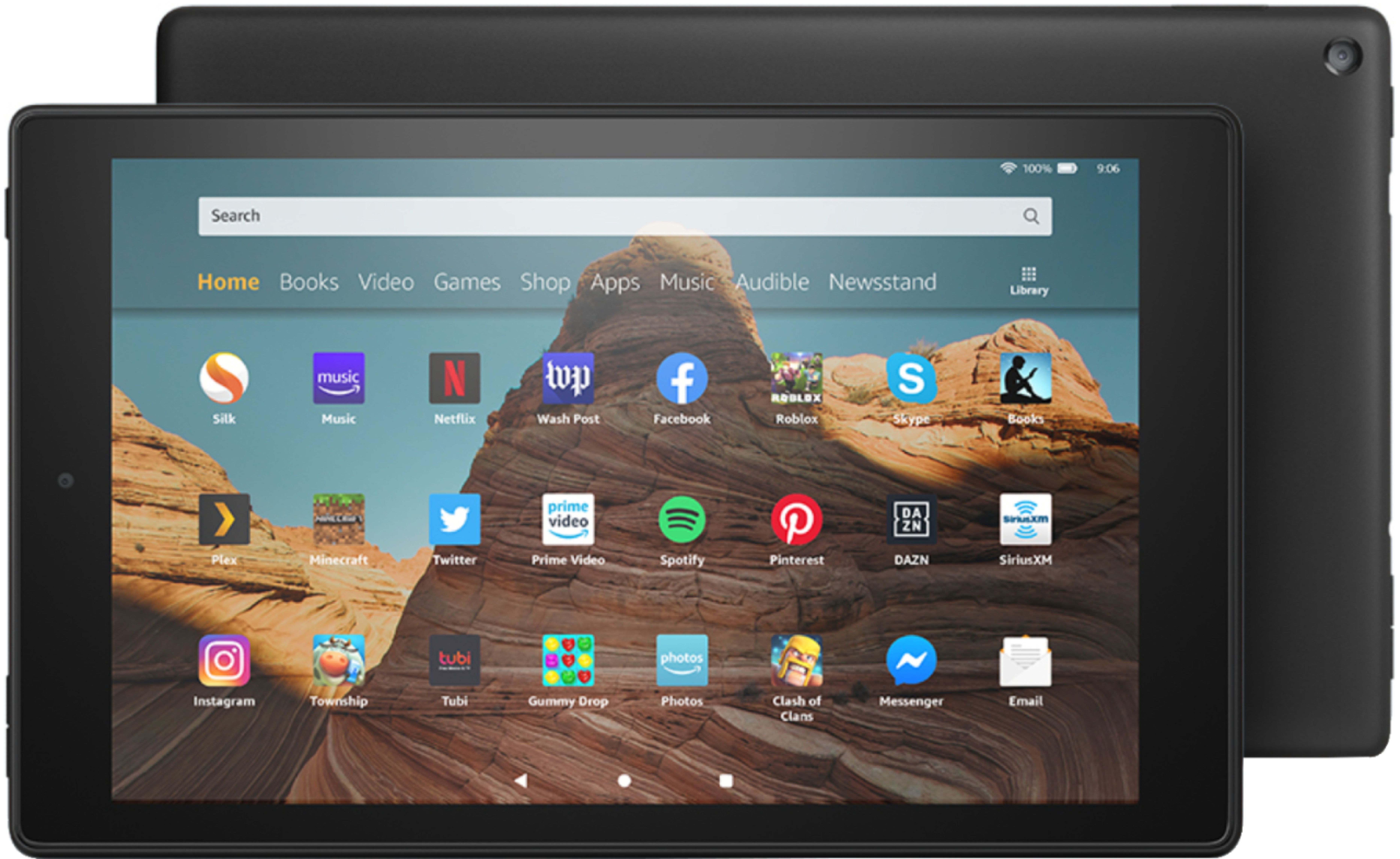
A:AnswerYou can AFTER installing the Google environment. There are pleanty of articles and videos on how to, just make sure you follow the instructions.
A:AnswerHello!
This is an android based operation system tablet. You would have to be more specific about what program you would be using to do this artwork, but this is a tablet, and runs much differently than a computer and does not have the processor built into it to be able to smoothly run the normal "art" programs that you would use a computer for. There are some basic photo editing apps available in the App Store. As far as a stylus, you can use one, but again, there are a lot of variables that are unknown to be able to fully answer that.
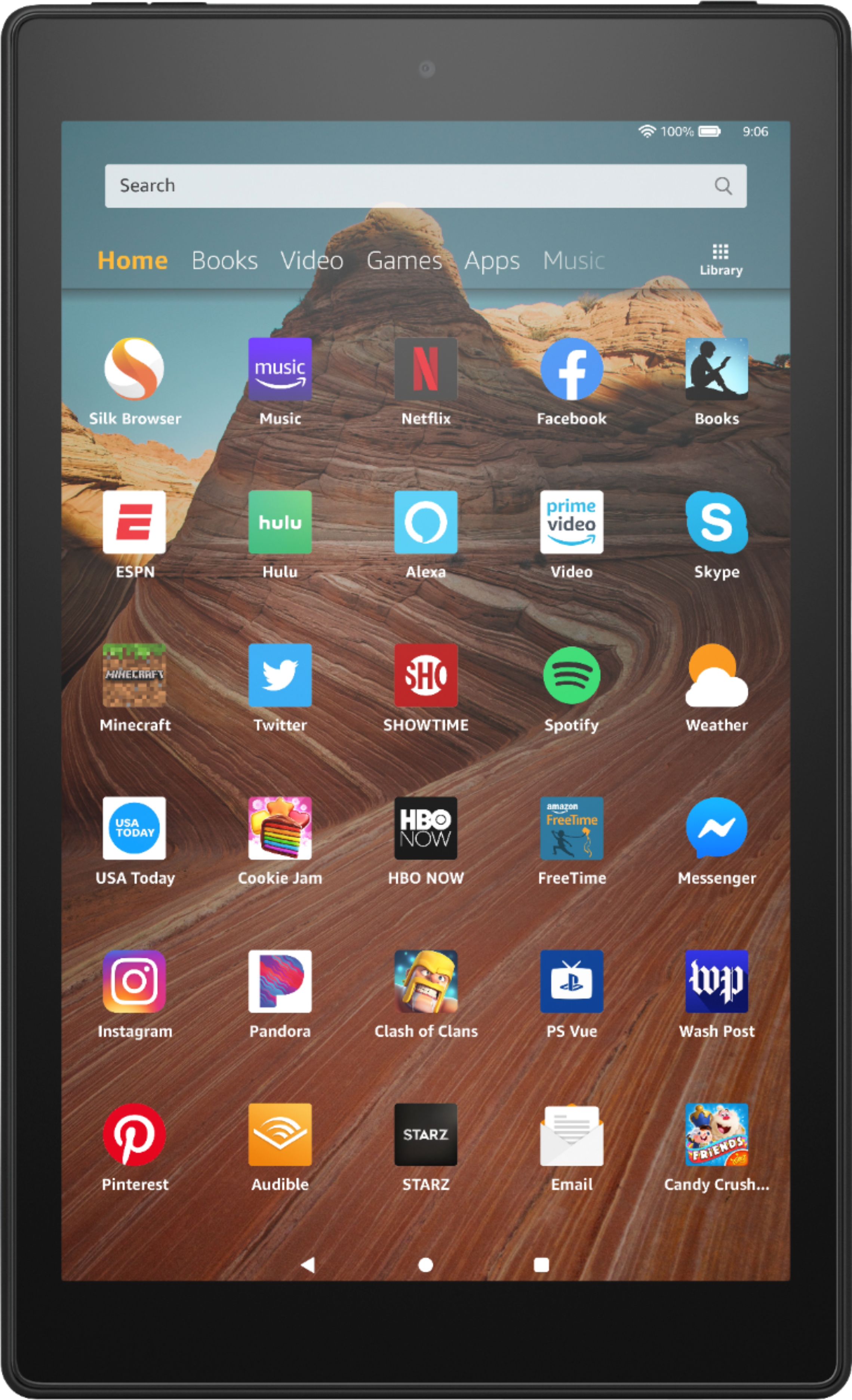
A:AnswerHello SFRN, FaceTime is not available on Fire Tablets as it's native to iOS and Apple devices. However video and voice calls can also be placed through the Alexa App, with Skype, Zoom and Facebook Messenger being a few other video calling apps that are available for download. Hope this helps!
A:AnswerI have used my iPhone to create a hotspot and it works pretty good. Newer vehicles can come with with a sevice that can provide WiFi thru the vehicle at a subscription charge. For better performance, close apps that use your network when you are done with them so they don't compete for bandwidth.
A:AnswerHi JoJo,
WiFi is built into all of our devices. This particular tablet does not have cellular capabilities built in. You can contact your cellular provider to see if your mobile device has a hotspot capability though!
A:AnswerHello Socalijim, no it does not. Although, Fire tablets come with the Amazon App Store which includes lots of content you could find in the Google Play Store.
A:AnswerHello BN2Wild, Yes you can transfer purchased video files to the Fire HD 10. An easy way to transfer files would be via SD card, the HD 10 supports up to 512gb.
Hope this helps!