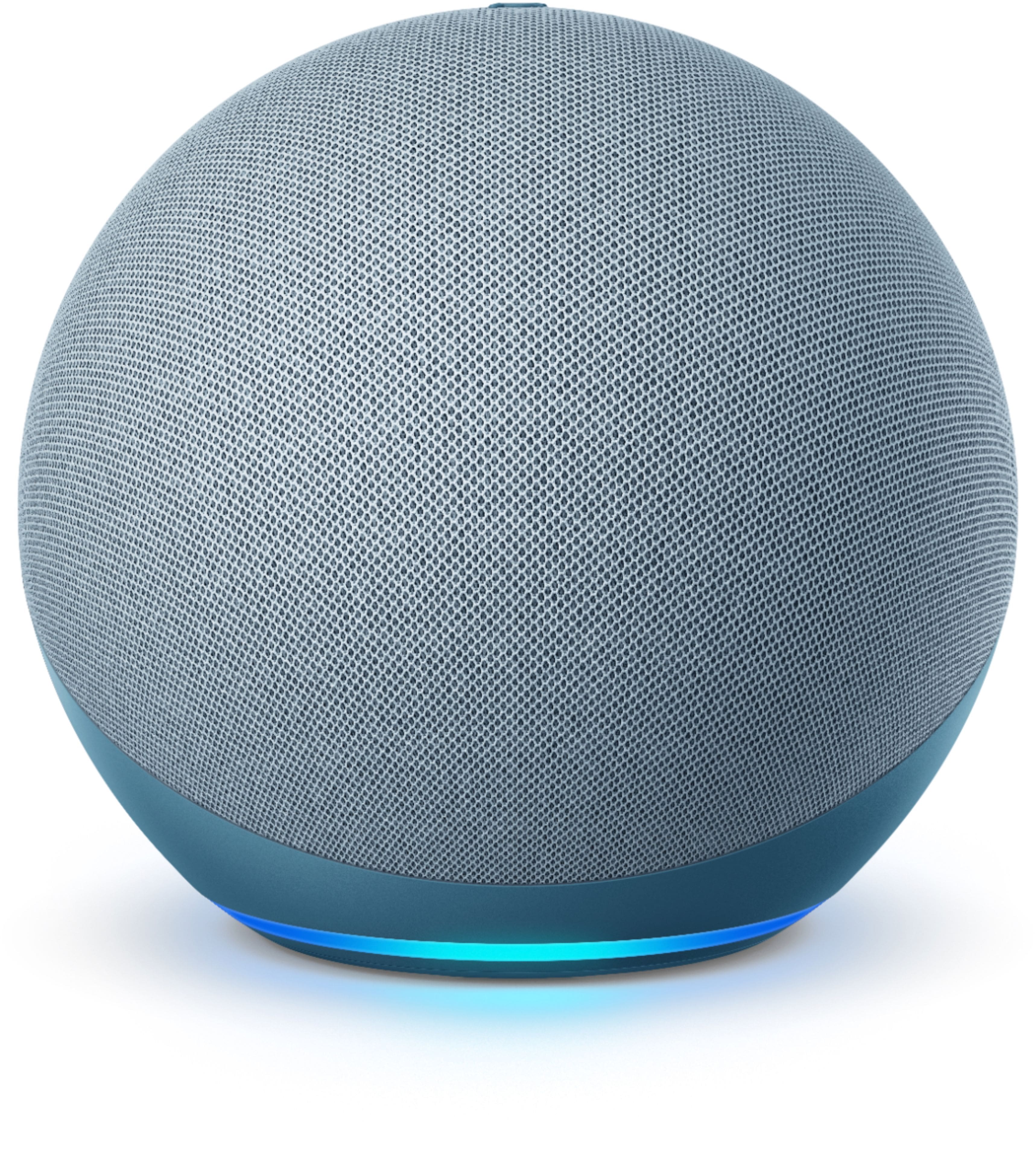
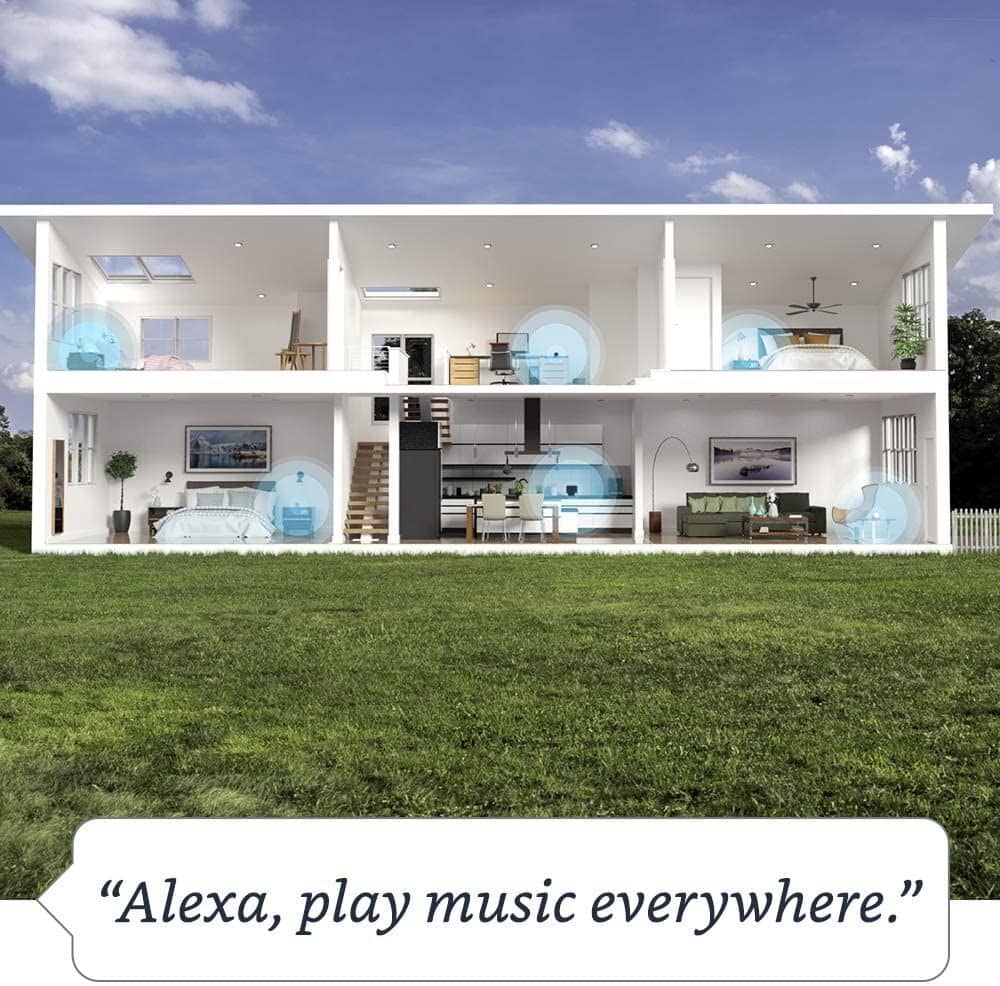
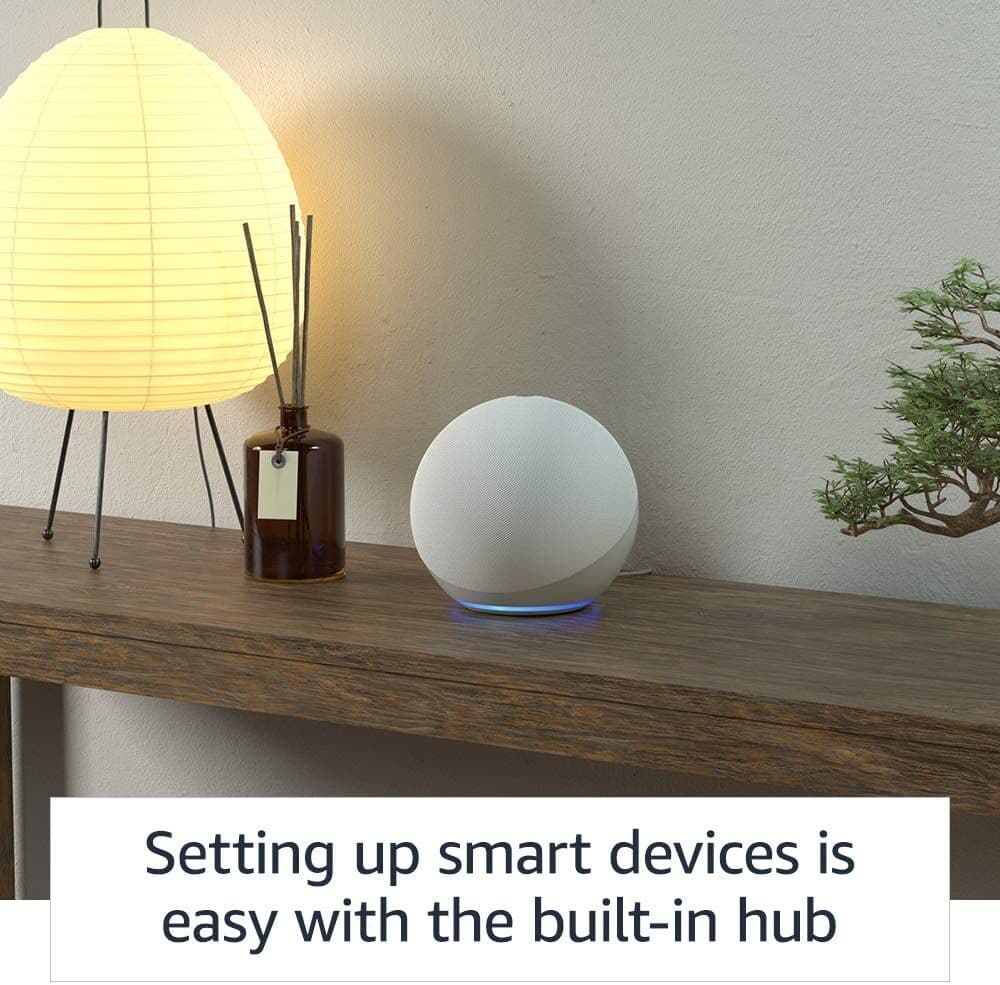
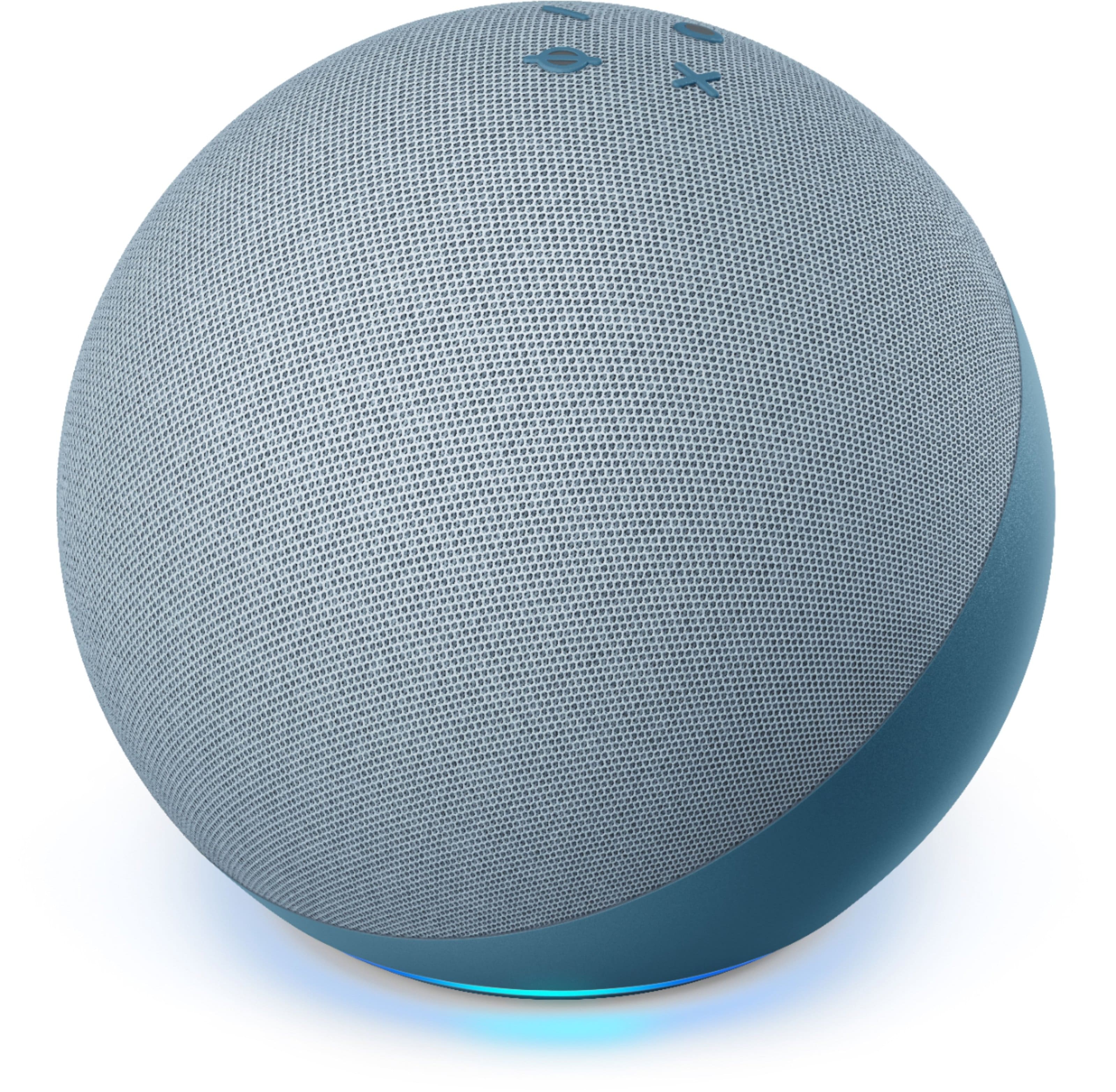
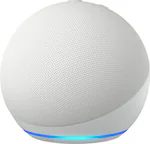
A:AnswerThe Amazon Echo (4th Gen) works as a hub for the Schlage Connect deadbolt. You do not need a separate Wink or SmartThings hub. The Echo can directly control the lock through Alexa, as long as the deadbolt is compatible with Zigbee.
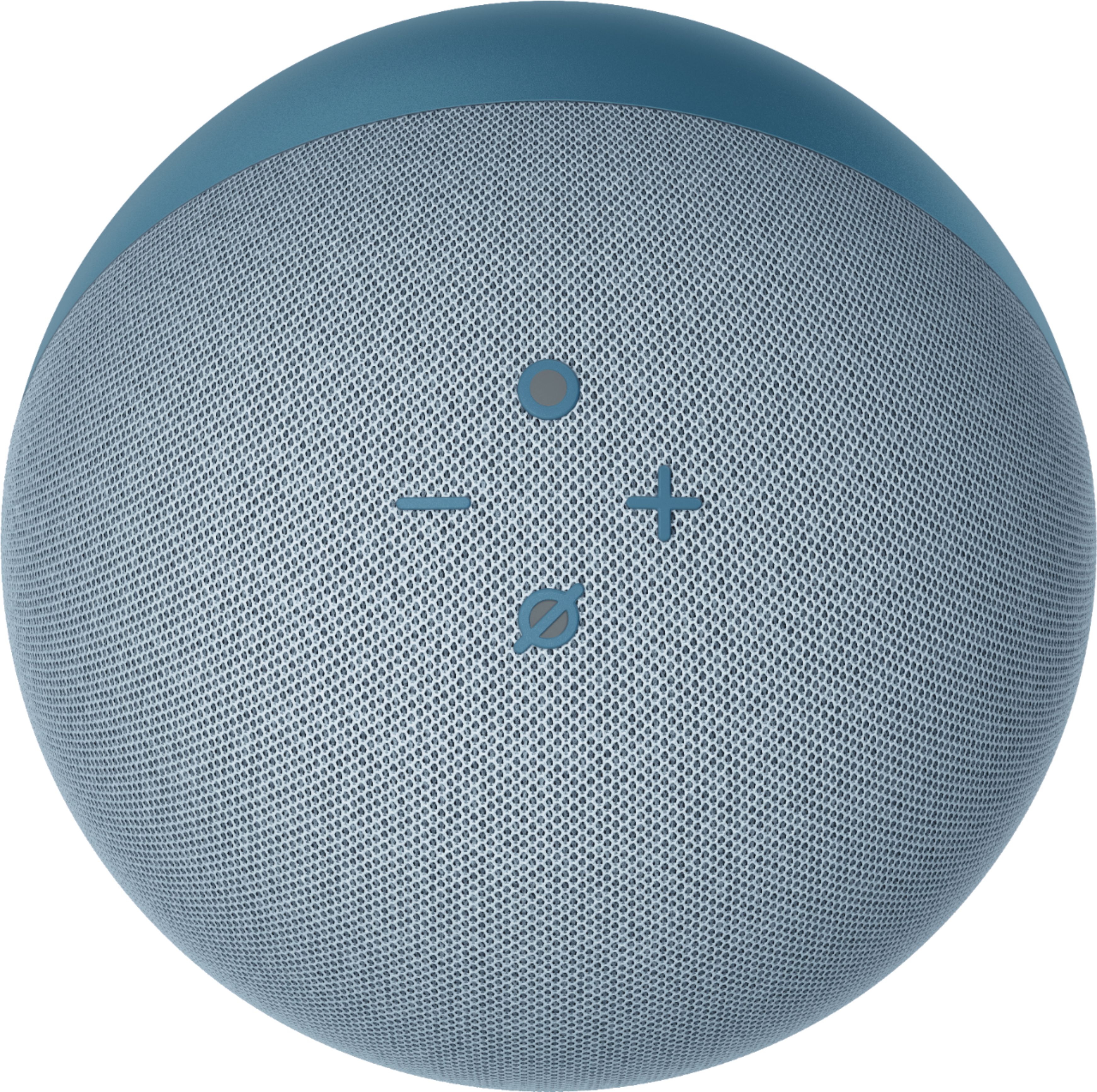
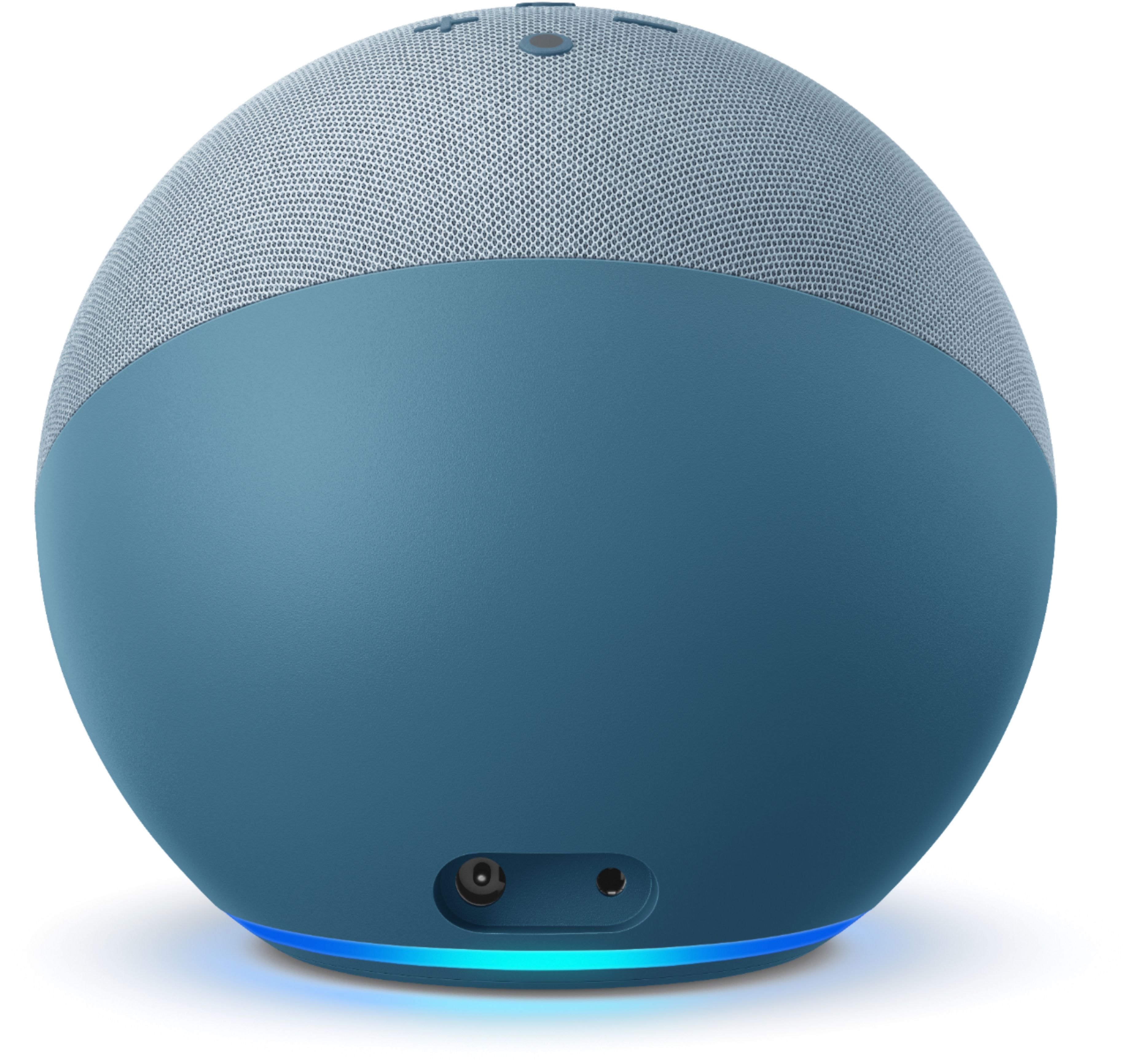
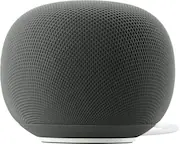
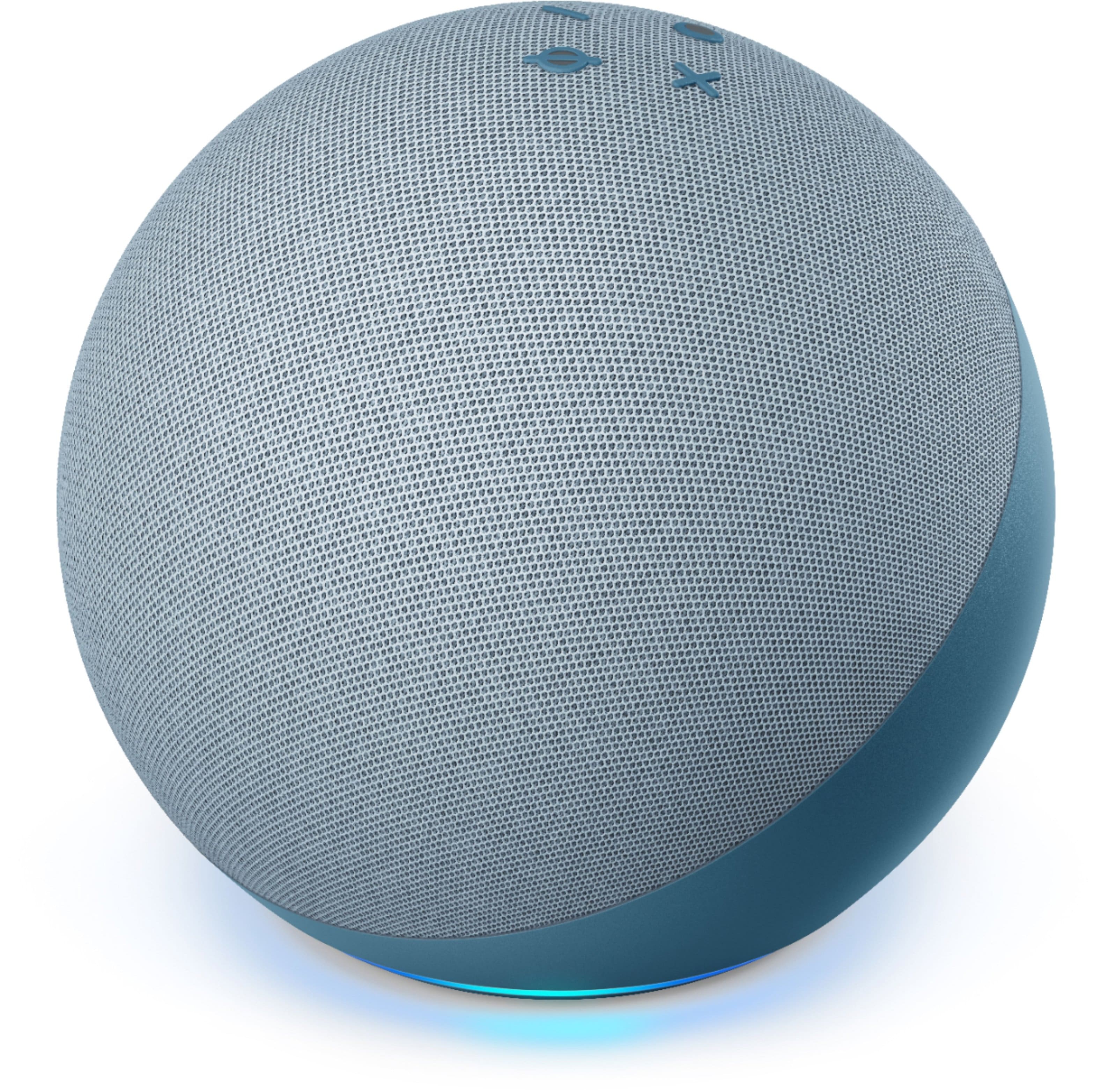
A:Answerjust ask Alexa to play whatever song u want & it plays. I dont have any prime membership, or anything like that. I have Echo w 4th gen (looks like about the size of a softball) sound & i think sound quality is great
A:AnswerThe Amazon Echo (4th Gen) hub will not work directly with the Kwikset Smart Lock 888 if it uses Wi-Fi. The Echo hub is designed to work with Zigbee devices, not Wi-Fi-based ones. However, you can still control the Kwikset lock using Alexa, but it needs to be connected to your Wi-Fi network, not through the Echo hub.
A:AnswerThe Amazon Echo (4th Gen) does not natively support the AirFly transmitter. AirFly is designed to connect Bluetooth headphones to devices with a headphone jack, like an in-flight entertainment system. The Echo does support Bluetooth, but it may not work directly with the AirFly transmitter.
A:AnswerThe Amazon Echo (4th Gen) cannot directly play audio from your LG TV. However, you can connect the Echo to your TV via Bluetooth and use it as a speaker. You will need to pair the Echo with the TV through Bluetooth settings.
A:AnswerHello!
You can begin with any Alexa enabled device. Many people like to start with smart speakers like the Echo Dot, Echo, or Echo Studio. There are also Alexa enabled devices with screens, like the Echo Show 5, Echo Show 8, Echo Show 10, and Echo Show 15. All of these have Alexa on them to start controlling your smart home. You can expand your system with smart lights, smart thermostats, smart plugs, and so on. I hope that information helps. Have a great day!
A:AnswerHello Andrea! This device does not have any support for landline capabilities. It would require at least for you to have a smart phone that can download the Alexa app onto it for the set up as well. There are a plethora of Accessibility feature available that you can access through the settings in the app to help with setting it up properly for him that would cover vision challenges, hearing challenges, etc. I hope this helps answer your questions some and that you have a fabulous day!