A:AnswerFirst you down load the Echo app, then you blue tooth it to your telephone, After that you use the Echo app to finish the configuration. when you finish you will connect to the internet using the wi-fi of your router. it is a wi fi device.
A:AnswerSecond generation. The only difference in second and third generation is the third comes with a high quality speaker. The second generation's speaker is still very good and you can add it to your own speakers via Bluetooth or wire if you want.
A:AnswerI am going to guess Google Home might be the better option. Since you have an Android phone which requires a Google account, the integration might be easier between Google Home, Calendar, Reminders. Alexa supports integration with Google Calendar, but not with Google Reminders.
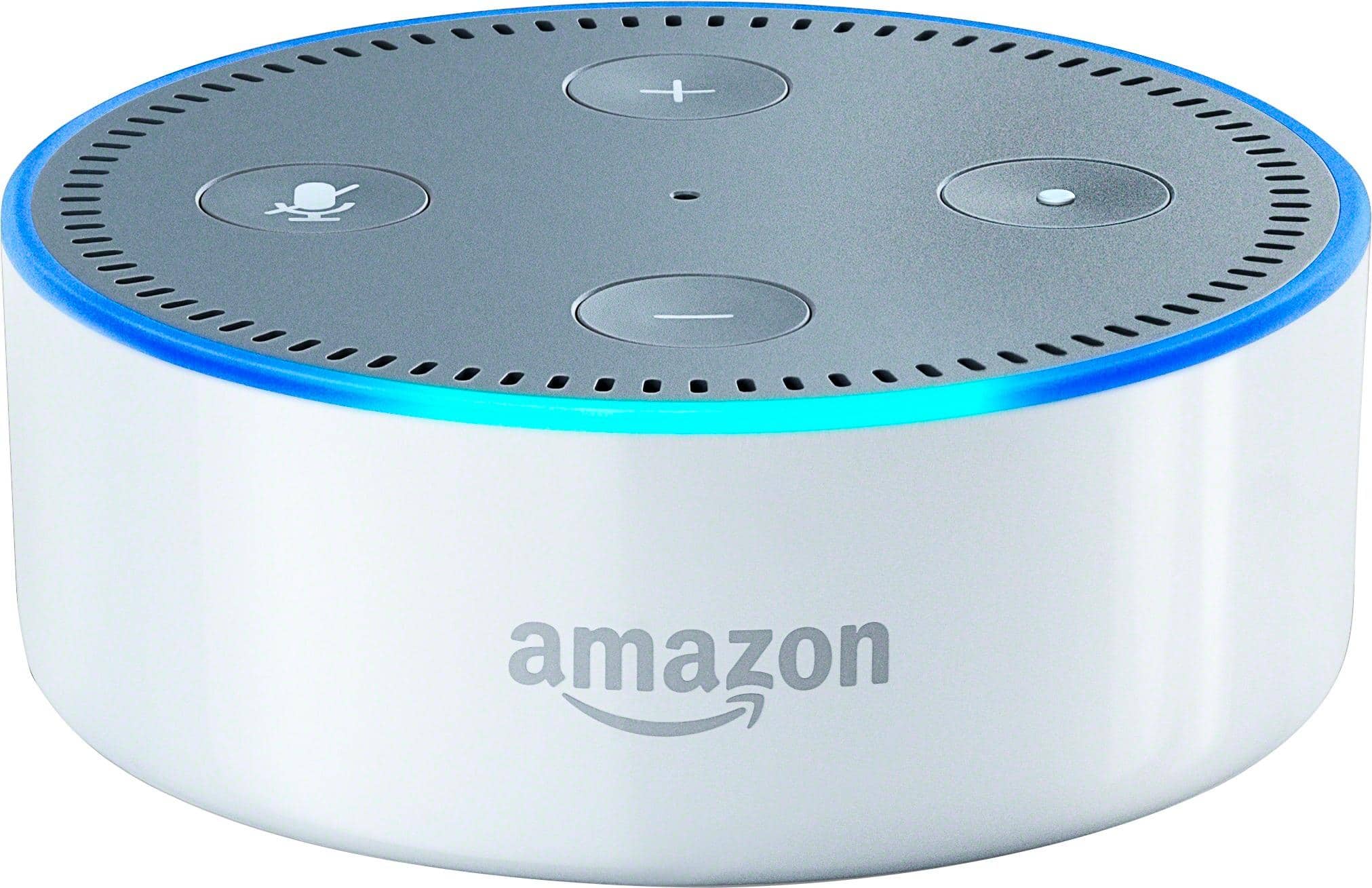
A:AnswerYou don't have to pay to use it. If you are a Prime member you get access to things to which you are not otherwise entitled (more music, for example) but I am not a Prime member and am happy with what I get.
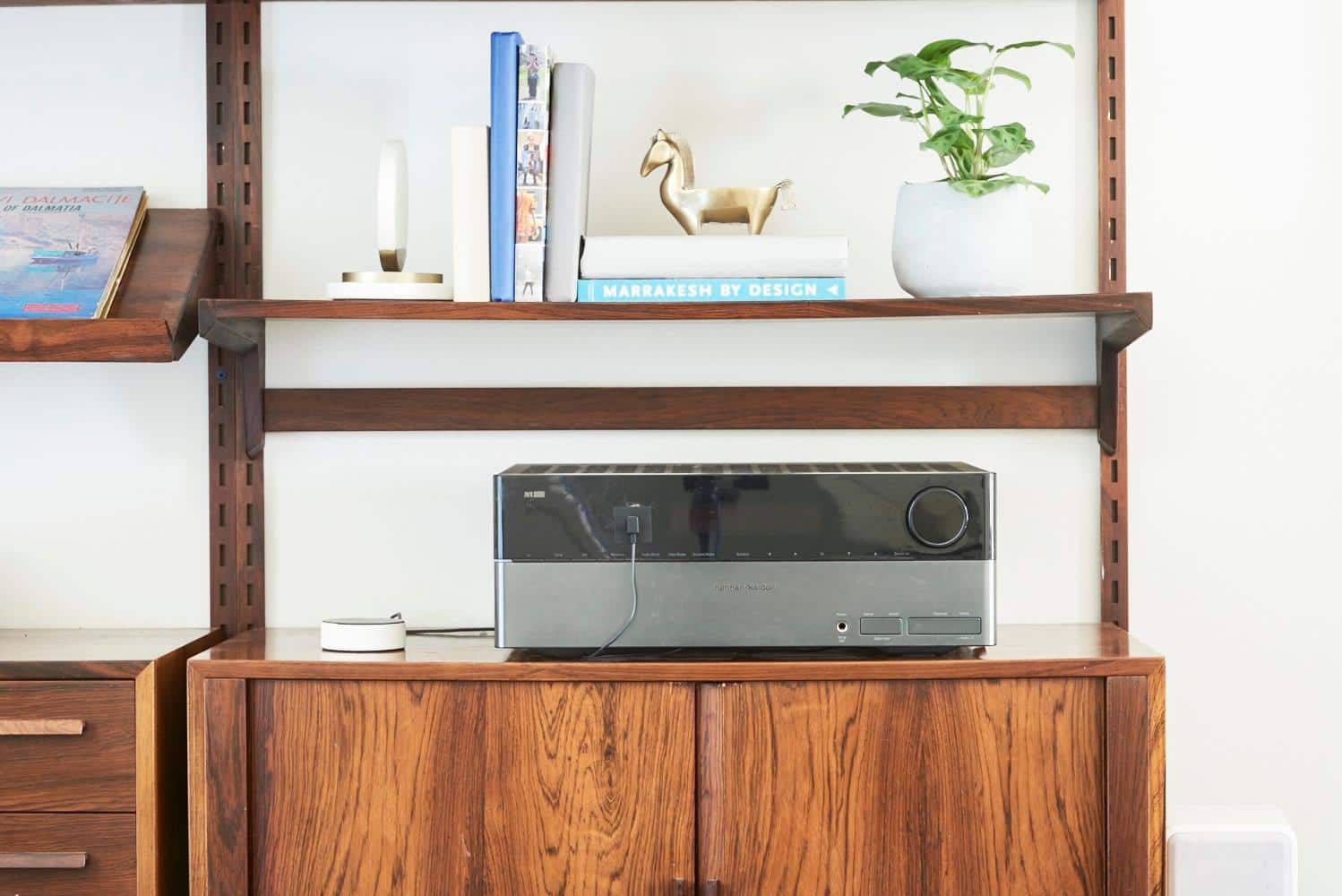
A:AnswerIf you leave it plugged in and the speakers/amp on full time, then yes. Otherwise, you might wonder "why isn't alexa answering me" when your speakers are turned down/off/etc.
A:Answerbest bet is buy more then one dot and keep them in places where you need them. buying more than one dot is still cheaper then buy the larger echo