A:AnswerOnce connected to the internet it is handsfree. Just say Alexa and a command and you're set. Although, some commands may require "skills" to be downloaded from Alexa app.
A:AnswerIf I understand your question....yes, you could. It requires a smart device to do the original set up and get it connected to wifi....but after that it can operate independently. The only time you would get hung up is if you wanted to make a configuration change or tie it to a service....such as Spotify or Pandora.
A:AnswerYes, when it hears "Alexa", it will respond to anyone. You can change the activation word from "Alexa" to something more personal or unique to avoid that. The news was playing on the TV the other day and they talked about Amazon's record sales and they said "Alexa" during the news broadcast and she turned on.
A:AnswerThere is an app called Amazon Alexa for your smart phone that controls all your Amazon Echos within the one app and it also coincides with the different apps that control the things like lights, thermostat, etc. depending on what works with Amazon Echos and the brand you buy. I have 1 Echo Alexa (bigger version) and 3 Echo Dots and they are all set up by this same app. Bluetooth is also done through the Amazon Alexa app and it is as simple as anything else that you Bluetooth. The Alexa app will walk you through the simple steps. I am a 68-year-old and I think if I can do it...anybody can. I have 4 Echo devices and they are individual from one another, but all controlled through the same app. There is so much information about Amazon Echos on the internet now that if you have a problem you will more than likely find an answer to any question you might have.
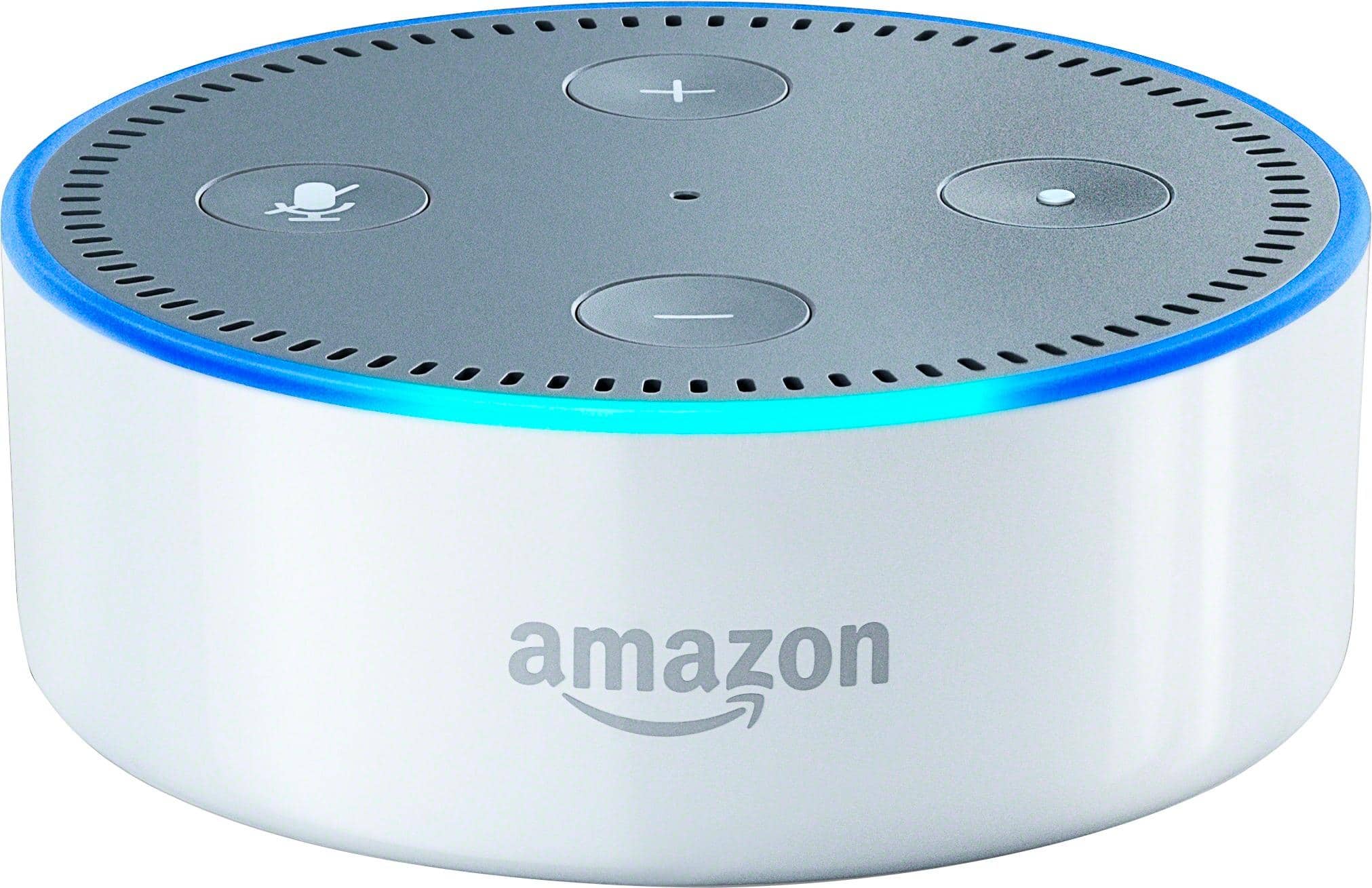
A:Answeryes. it is an alexa enabled device. use it to get information, listen to music, read the kids bedtime stories, or even control devices in your smart home. the possibilities are endless.
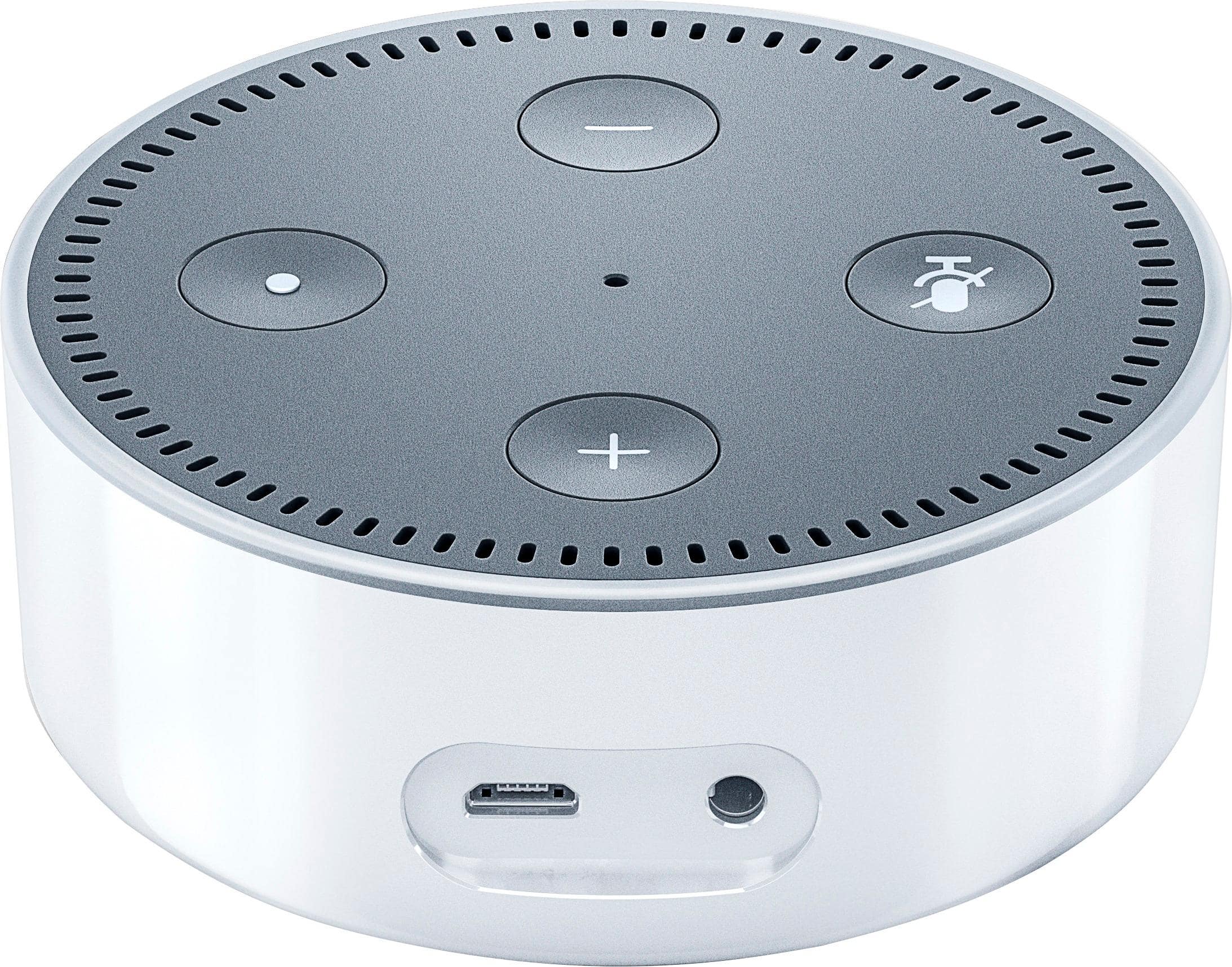
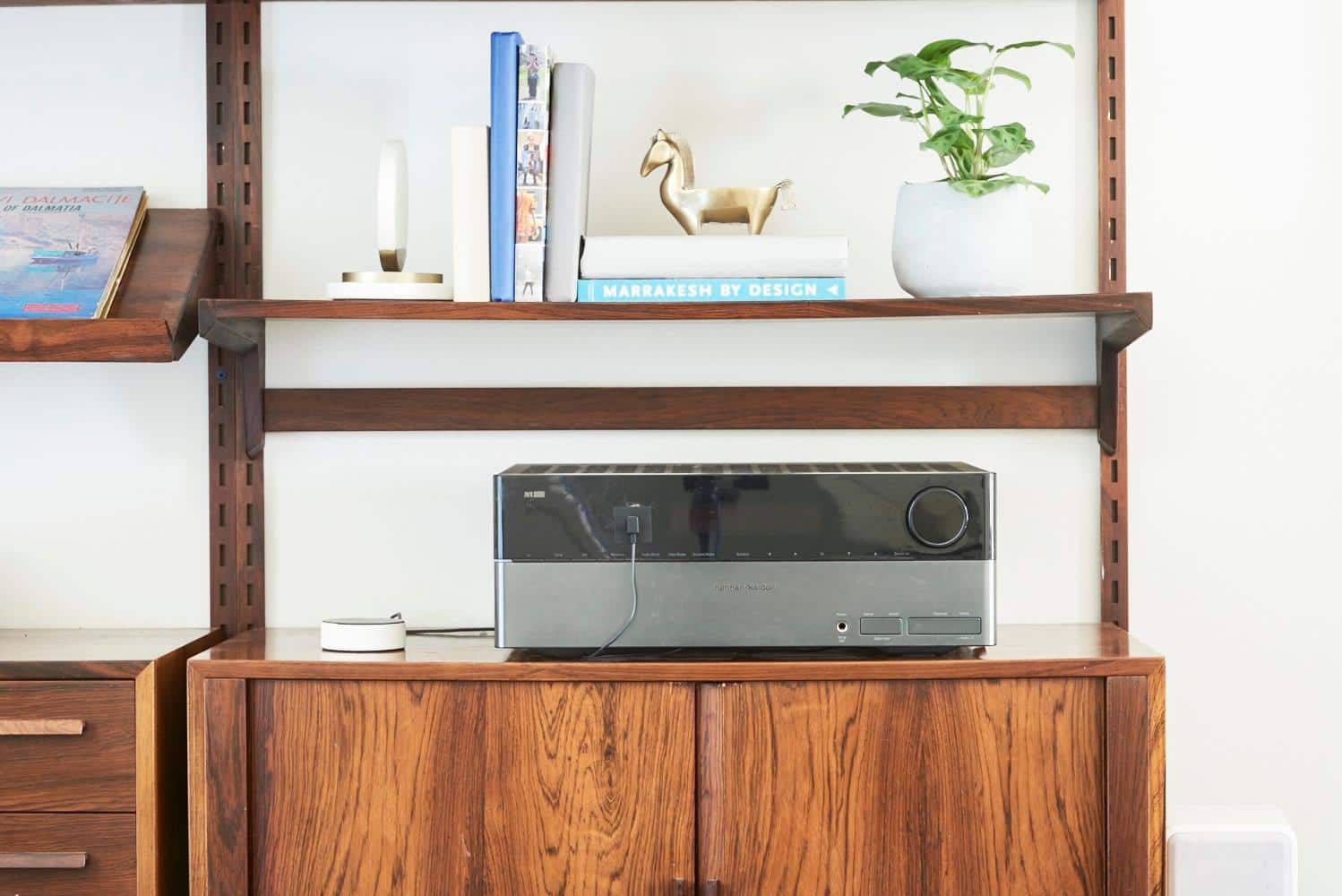
A:AnswerNo. Both stand alone on their own. The echo has its own speakers which are better than the dot. The dot has the speaker and it can also be connected with Bluetooth or wired to your own speakers. So you might better off with the dot because it's so much less expensive. I have both. If I set a timer on one of them it only works on that one. But if I want to add to my shopping list or to-do list they each save to the app. I have them connected to my WeMo Outlets and love them.
A:AnswerOne APP I have not heard mention other than on the QVC video for the Dot by the Amazon representative is an APP(free) in which you program emergency contact phone numbers and emails and if you are in an emergency situation in which you cannot get to a phone, such as falling. You can ask Alexa to contact Buddy List (I think that was the name) and Alexa will immediately send the person/s a text as well as an email advising there is an urgent message to them from you to get a hold of them. Just for that alone it sold me, the rest is gravy! I got one for myself as well as my elderly father.
A:AnswerAbsolutely. Once I plugged it in I simply installed the Amazon Alexa app on my cell phone, connected the Echo Dot to the app through Bluetooth, and then went into Settings on the app (for that particular Dot) and updated the wifi specifics ... network and password. Once the Dot is connected to the network you no longer even need the app on the phone. Basic instructions for doing this sort of thing comes with it but there are also many instructions for doing similar things online.
A:AnswerNo. They work independent of each other. If you have a Logitech harmony hub, you can control the fire stick with the Dot but that requires another device.