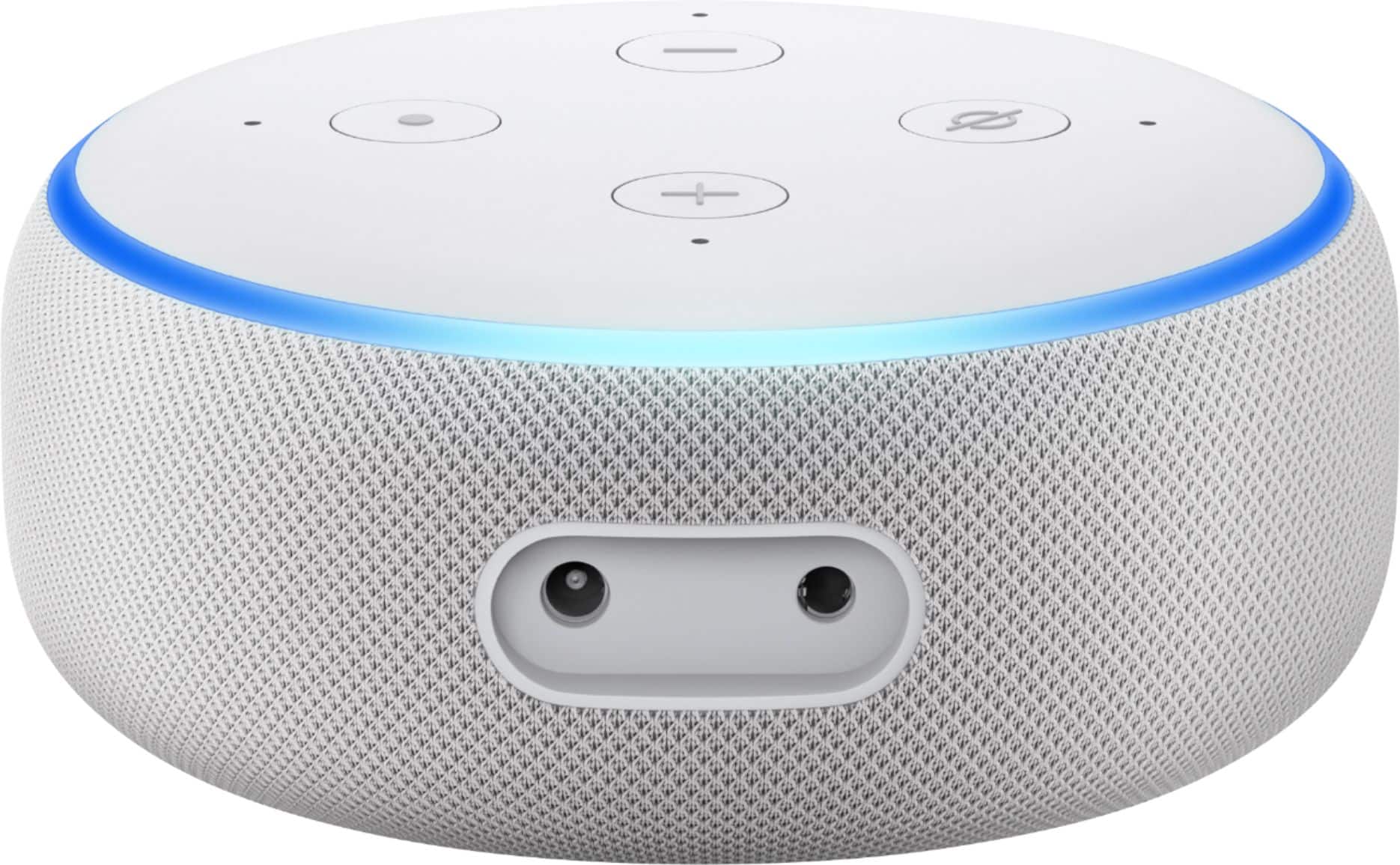
A:AnswerYes, unless you want to connect it to an external speaker or stereo system. Then you would need a stereo line jack, but this is not a common set-up as the speakers on the device are fine for most people.
A:AnswerHi There,
Thanks for your question! Alexa works wherever she is plugged in and connected to Wifi! If your current wifi system or hot spot outdoors covers the locations you want to use Alexa in that will work. Currently, Echo devices are not weatherproof so its best to keep in a covered area or purchase a charging port for your Echo Dot sold separately.
Hope that helps!
A:AnswerHi Samira! Echo Dot 3rd Gen supports 110-220 volts so it should work anywhere without needing a voltage converter, though you may need a different plug depending on exactly where you are going to be plugging it in. As for language support, from Amazon's website: Alexa can interact with customers in US-English, UK-English, CA-English, English with an Australian or Indian accent, German, Japanese, CA-French, FR-French, Italian, ES-Spanish, MX-Spanish, US-Spanish, IN-Hindi, BR-Portuguese, and SA-Arabic. Hope that helps, have a great rest of your day!
A:AnswerHi There,
Thanks for your question! Yes, the Echo Dot 3rd Gen is 15W and supports 100-240 volts. The power cord comes with the device in its box.
Hope that helps!
A:AnswerYou need an Amazon account to use Alexa, but you don't need Amazon Prime(Opens in a new window). Sign in on the app. Then click More on the lower right and select Add a Device. Here you can add any number of Alexa-supported devices to your account, from smart lights to smart plugs.
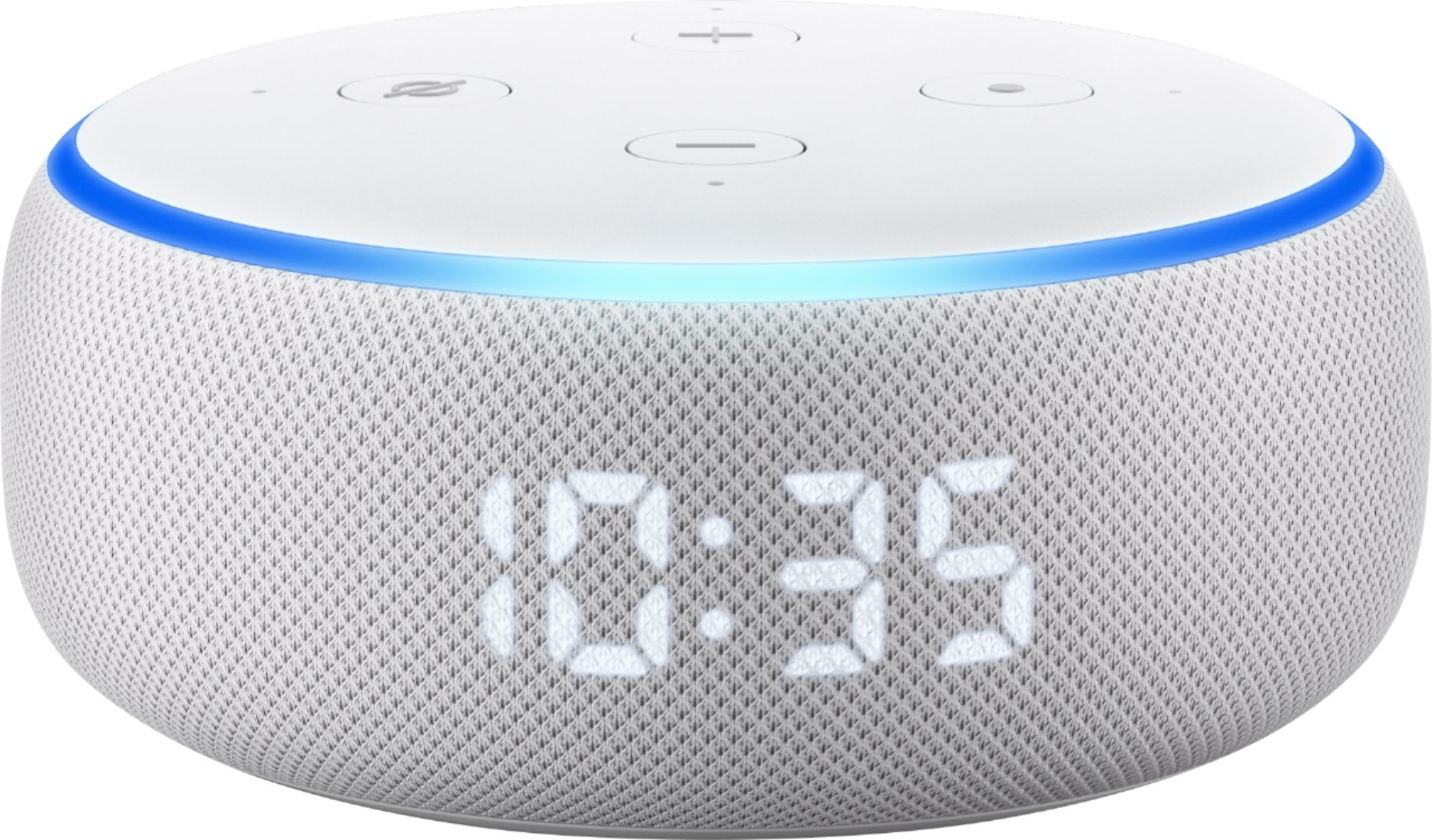
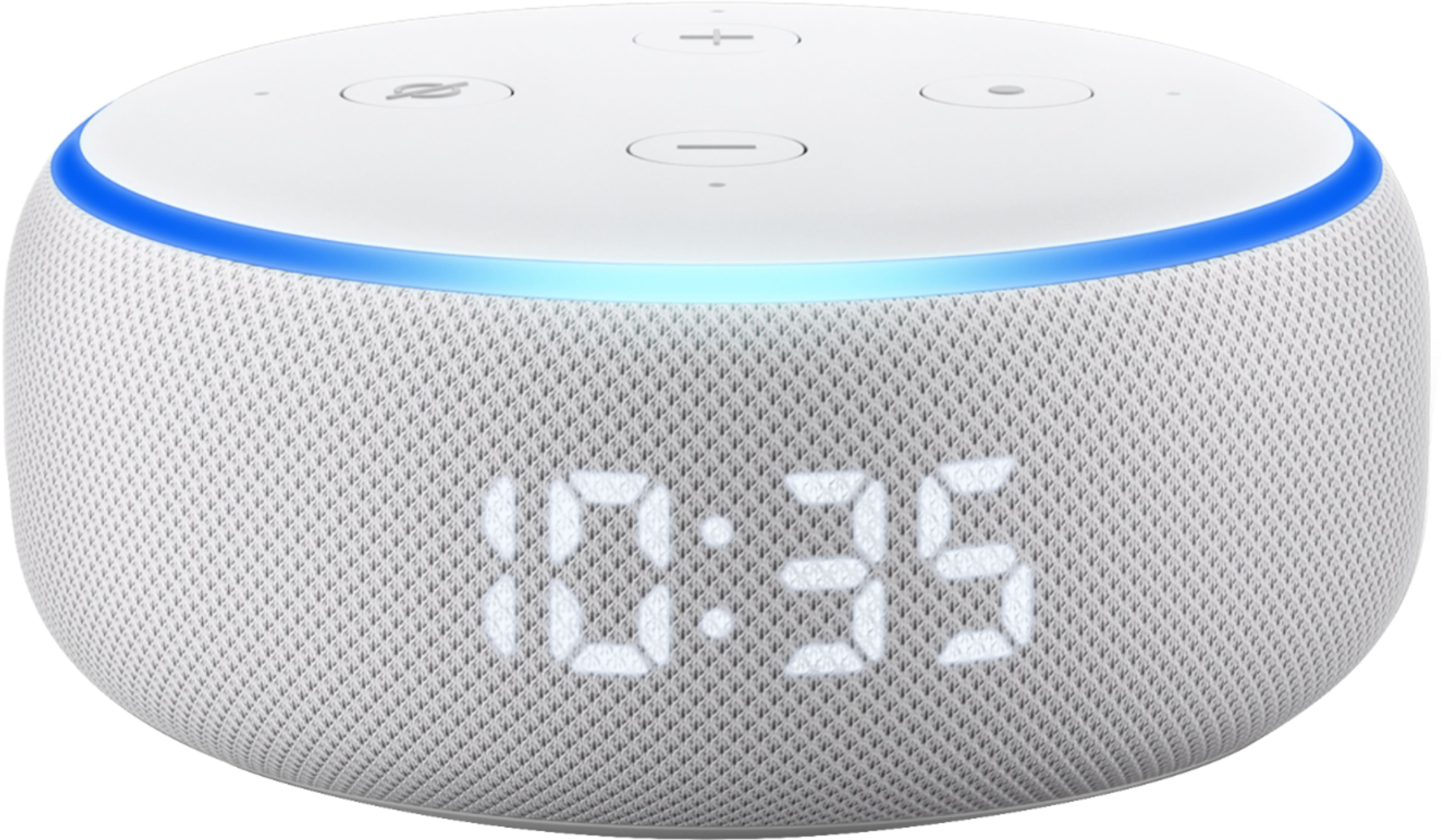
A:AnswerHi Hoppy! The echo dot 3rd gen does not have an LED display. However, you can ask alexa for the time when you're curious. Hope this helps, enjoy your day!

A:AnswerHello Diane, you want to know if you are able to listen to AM radio on the Amazon-Echo Dot 3rd Gen. You are able to listen to AM radio on the Amazon-Echo Dot 3rd Gen through several skills you can enable on the Alexa App. The skills are found under menu in your Alexa App. Hope this had addressed your concern. Have an amazing day!
A:AnswerHello!
An Echo Dot does not have a screen, so you would not be able to see your doorbell with this device. If you want to see the doorbell with an Echo device, you will need an Echo Show 5, Echo Show 8, or an Echo Show 10. You can also use Fire Tablets or Fire TV Sticks to view your doorbells. If you wish to talk to someone at your door, you can do that with the Echo Dot by saying "Alexa, answer the front door". I hope that information helps. Have a great day!
A:AnswerHello,
Yes, and Echo Dot will allow you to voice control smart home items. If you have an Alexa compatible Smart Thermostat, or Alexa compatible Smart Lights or Smart Plug or Smart switches, then yes, this will do the trick. Have a good day.
A:AnswerHello, BaxMar! Alexa can talk in quite a few different languages, but the main ones she uses in the U.S. are English and Spanish. She can also be multi-lingual with those if you are interested in that. There is a large list of languages Alexa can speak (which you can view in the Alexa app), but some aren't fully supported in the U.S., so some functions may not be available with those languages. Have a great day!
A:AnswerYes you can. On the Alexa app.
Hit More
Under See More
Hit Settings
Hit Alexa on this Echo Dot/Phone
Hit Language
Then Select which ever one you will like.
A:AnswerHello.
You need wifi (an internet connection) to make the Echo work.
Doesn't matter who's wifi you are using.
No internet connection = no working Echo.
A:AnswerThat is what I am using both my Echo Dot and my wife's Echo Dot to do... utilize my SiriusXM subscription on the Echos. No fee for using Alexa that I'm aware of. Alexa is part of the Echo Dot package.