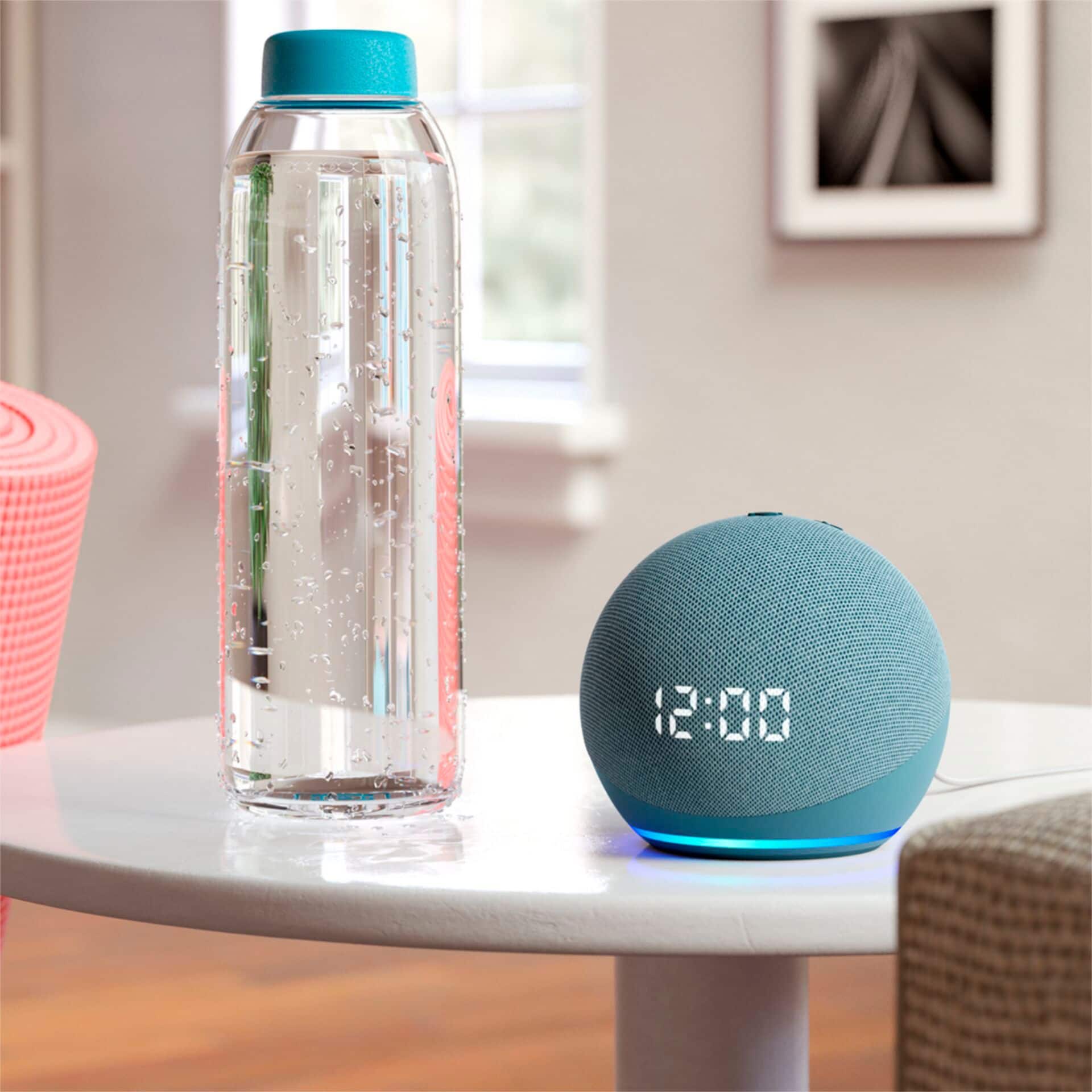
A:AnswerHello Dave, you want to know if their is a difference between the Amazon Echo Dot (4th Gen) Smart speaker with clock and Alexa US version and international version as well as if the US version will work internationally. The US version will work internationally, however the US version has the hardware and software specification for the US which it is different from international, example the regions for content are different thus might not work on the US version when international and the wattage international is also different from the US which can damage your Amazon Echo Dot (4th Gen) Smart speaker with clock and Alexa. Hope this has answered your questions. Have an amazing day!
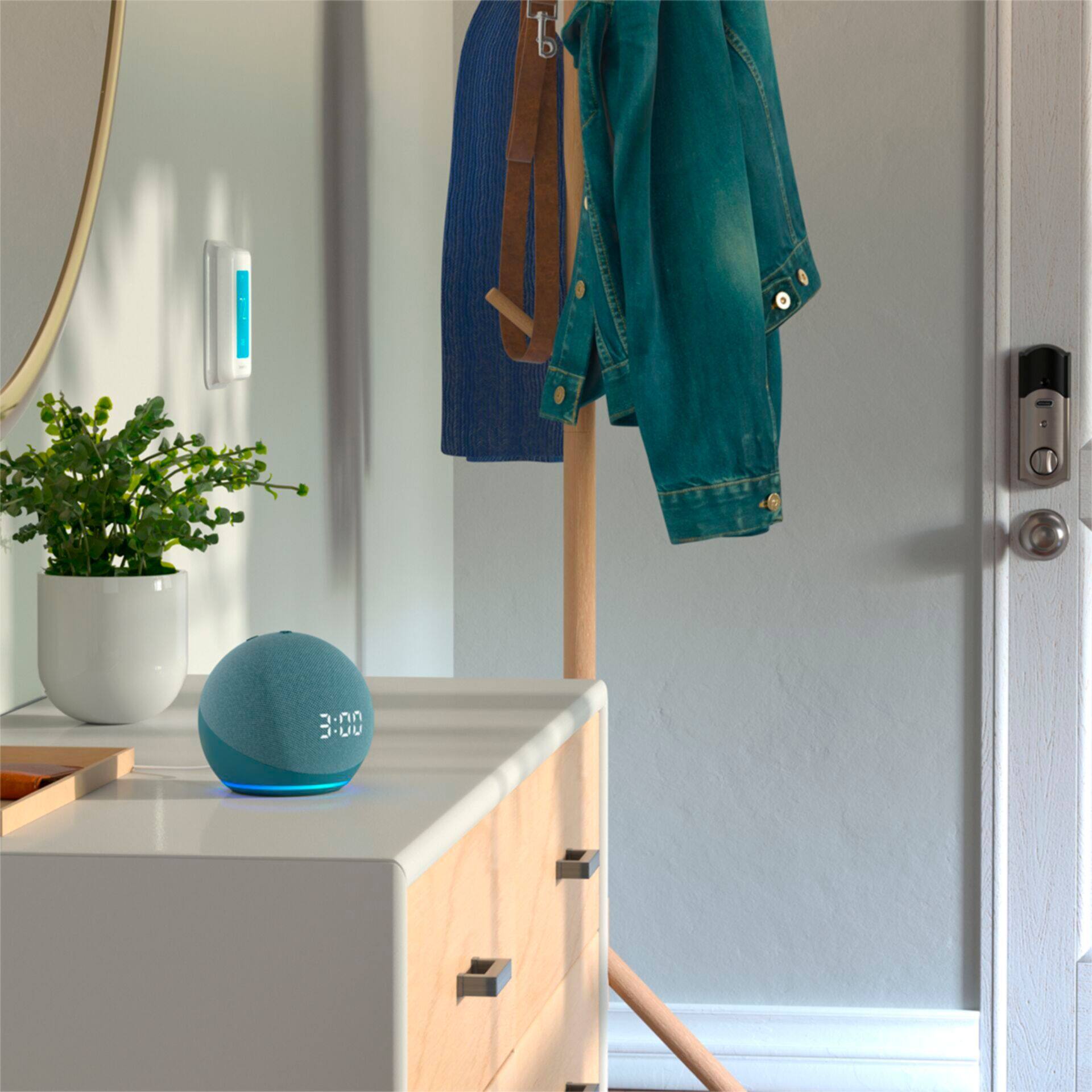
A:AnswerThe hub allows you to voice control compatible lights, locks, and sensors. Easily set up compatible Zigbee devices or select Ring Smart Lighting solar lights and bulbs.
A:AnswerHello, to get started you can say "Alexa, Set an alarm to BBC News on TuneIn." You can also create a routine and assign TuneIn as your default option. Make sure that you have TuneIn as your default music service: Settings > Music & Media > Default Music Service. Have a great day!
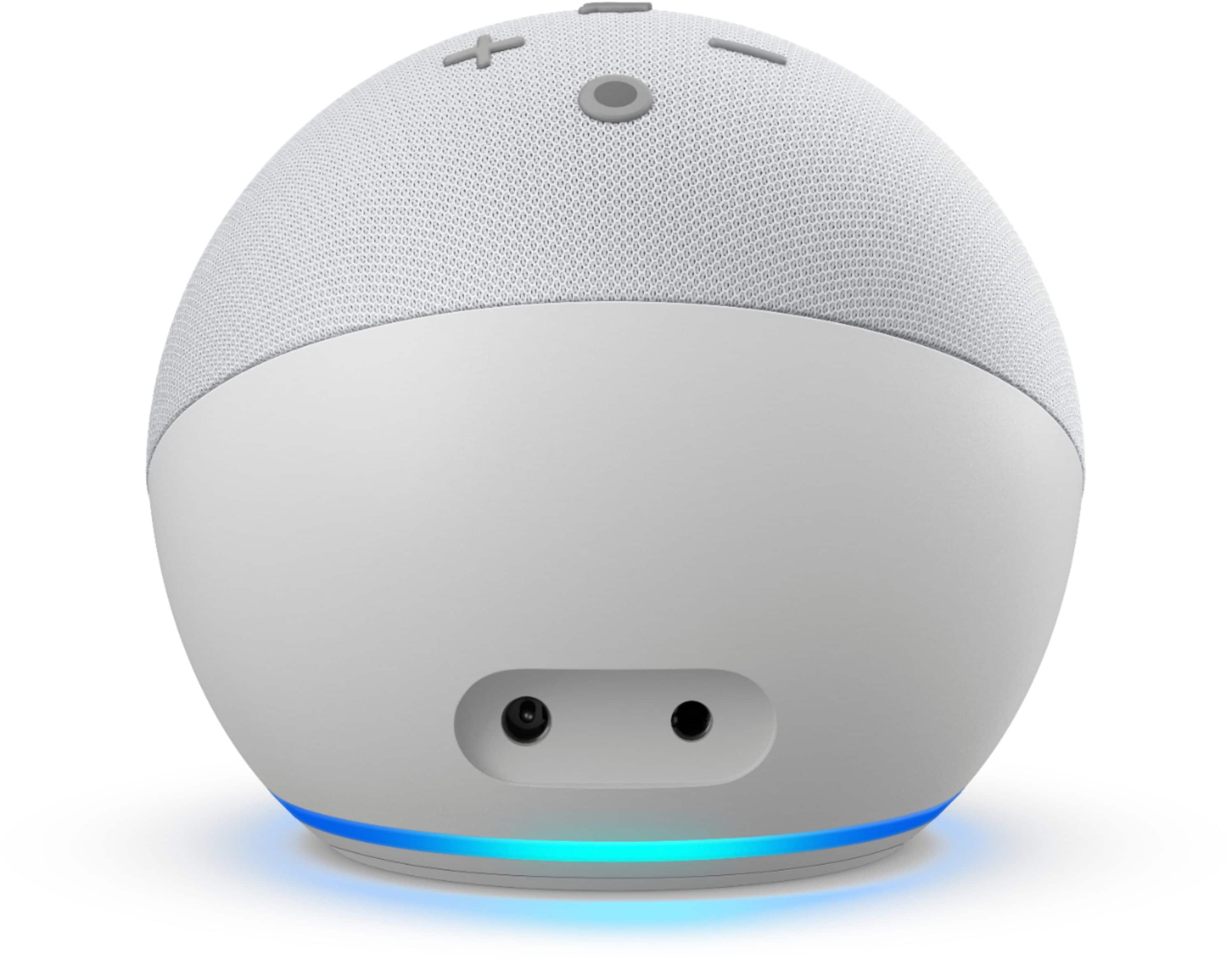
A:AnswerThe speaker comes with a white power cord that has the DC converter/plug at the end. Also included- multi-language setup insert & (the coolest part) a graphically printed cardboard box.
A:AnswerHello Lee! This device can be used as an additional speaker through a BlueTooth connection only. It does not have wiring options to connect to ports on a home stereo receiver. Thanks so much for your question and I hope you have a terrific day!
A:AnswerHi Meme,
The Echo Dot with Clock does not come with any light bulbs in the box currently. To utilize smart lighting with this device it must be plugged in and connected to wifi and other devices are required. Bluetooth compatible light bulbs are able to be linked via the Alexa App so you can control your smart home with your voice. Amazon also offers a smart plug that plugs into any outlet. Both items are sold separately.
Hope that helps!
A:AnswerHello, Dave!
You do not need a bulb for the Echo Dot with Clock. You are able to add smart lights and other smart home items to your Echo device to have Alexa control those items. I hope this helps. Have a great day!
A:AnswerHello, Dmedina!
Your Echo Dot would partially work in another country. There may be some functions of the device that would not work normally like they would in the United States, but as long as you are connected to the internet with the device, you should be able to do some of the functions of the Echo Dot. I hope that information helps. Have a great day!
A:AnswerYes you can, just go to your settings in your android phone and go to pair and if your Alexa is connected and on,it should pop up to pair click pair and then after it connects you go your Alexa app if you don’t hAve that app on your android then download it, after it’s downloaded go to Alex app and you will see. List of demands, including music from your cell phone through your pandora app or YouTube.. I hope that helped.. jenn xxx