Appliances Presidents’ Day SaleEnds 2/25. Limited quantities. No rainchecks.Shop now

Main Content

Questions & Answers

Page Showing 21-25 of 25 questions
  • QuestionWill the echo hub smart home work with eufy doorbell camera and security floodlight camera

    Asked by Poppy25.

    • Answer Hi Poppy25, Yes, the Amazon Echo Hub smart home control panel can work with eufy doorbell cameras and security floodlight cameras, provided the eufy cameras are compatible with Amazon Alexa. Many eufy cameras, including doorbell and floodlight models, offer Alexa integration. To enable this functionality, you'll need to link your eufy account to the Alexa app and enable the "eufySecurity" skill. I hope this answers your question!
      Answered by Amazon Devices Customer Support

  • QuestionDoes this work with z-wave technology?

    Asked by Spammypants.

    • Answer .Hello Spammypants! The Echo Hub does not work with Z-wave technology. You can use a separate Z-wave hub to connect Z-Wave devices to Alexa through the Echo Hub. I hope this information helps, have a great day!

      Answered by Amazon Devices Customer Support

  • QuestionWhen is this item coming

    Asked by Bbbbbbbbbenbbbbbbb.

    • Answer No announcements yet...but only 18 days left until "end of the year". Fingers crossed.

      Answered by Tr69

  • QuestionWould this connect to my already installed ring doorbell camera and ring cameras around the house?

    Asked by SarLa.

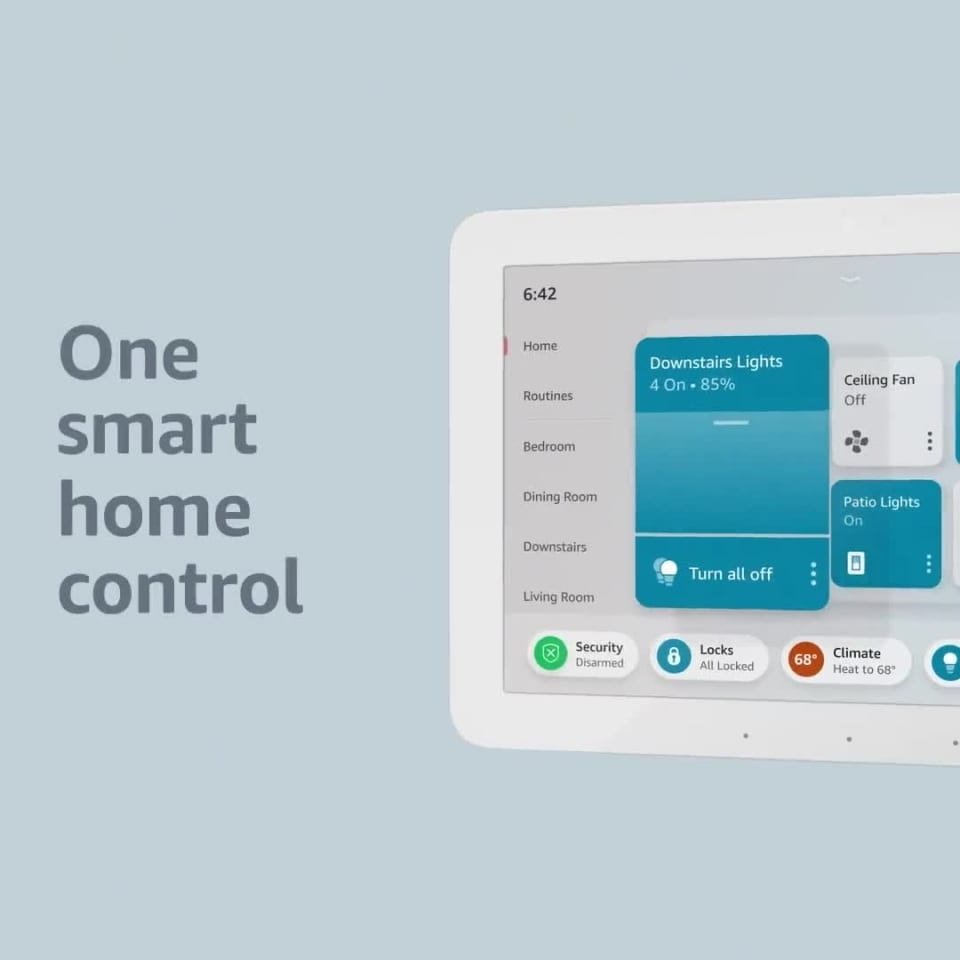
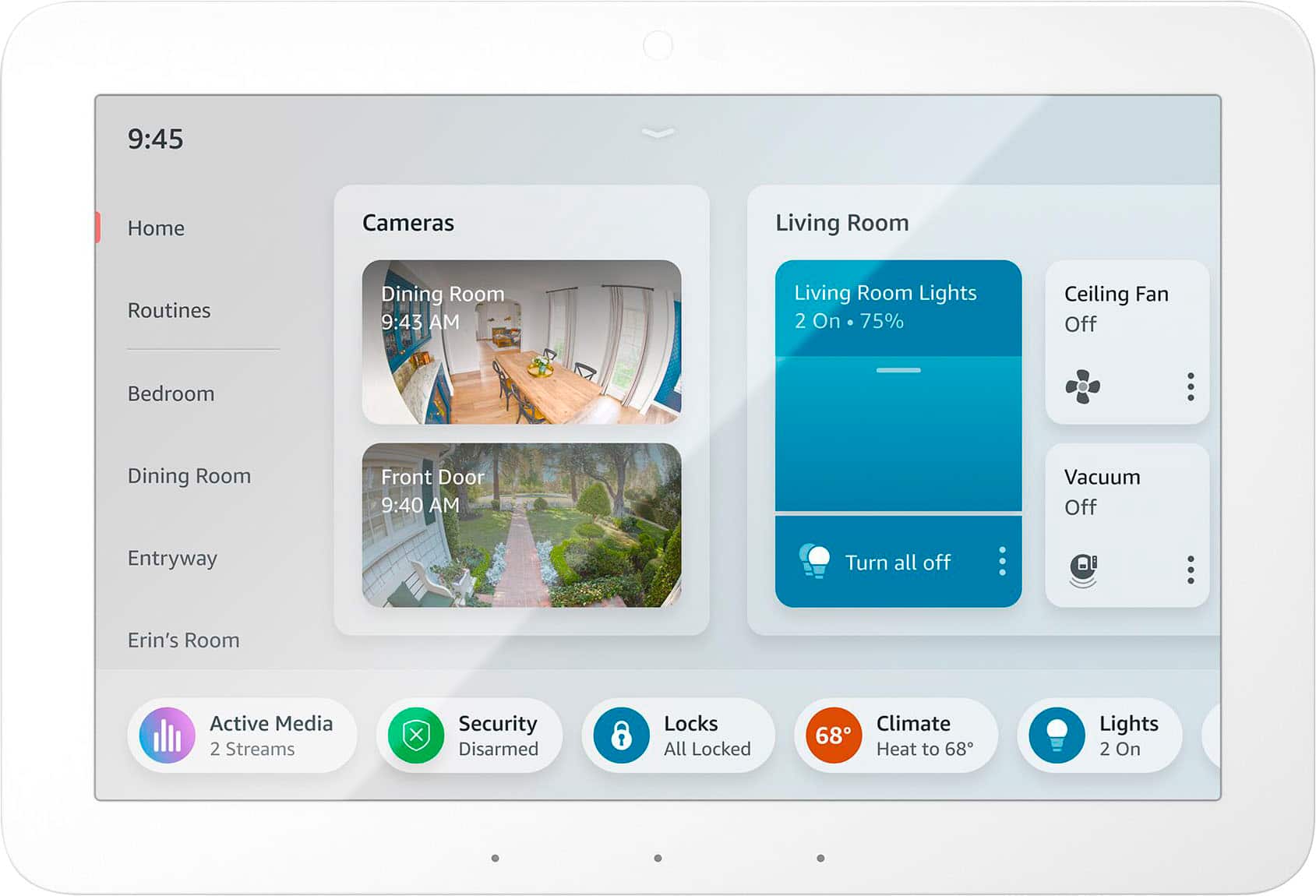
    • Answer Hello SarLa and thank you for your question! The smart home dashboard displays compatible smart home devices in your home. You can use the Smart Home dashboard to see and control compatible smart home devices in your home from your Echo Show. Your dashboard shows: -Lights -Plugs -Switches -Cameras -Thermostats Your smart home devices must be connected to your Amazon account to display on the Smart Home dashboard. To add a device, say, ""Discover devices."" You can also add devices from the Alexa app. You can add compatible smart home devices to your Favorites. Use the Alexa app to add favorite devices. You can also add the Smart Home Favorites widget to your Widget Panel to see and control your favorite compatible smart home devices. To add the Smart Home Favorites widget to your home screen, go to the Widget Gallery. You can also say ""Add the Smart Home Favorites widget to Home."" I hope this information helps. Have a great day!

      Answered by Amazon Devices Customer Support