A:AnswerHello MrsD! Thank you for your question! While you will definitely be able to sync multiple calendars to this through the settings on your Alexa app, it will not distinguish from each calendar through a color code or label. It will just show you all of the appointments on your calendar regardless of which one it is from. You are able to select a default calendar for when adding new appointments through Alexa via the Alexa app settings though. I hope this answers your question and you have a phenomenal day!
A:AnswerHello Oaktree2! Thanks for your question regarding cloud storage for our Echo Show 10 and Blink cameras. You do not have to subscribe for any Alexa cloud service for the Show 10 but for the Blink Outdoor camera there are 2 options for storing video footage. Some of the Blink Outdoor cameras come with a hub or it is also sold separately that allows you to use a flash drive to store data locally while there is a cloud plan available for $3 a month or $30 a year. This is done via the Blink service for the Blink camera and not through the Alexa service. Hope this answers your question and have an amazing day!
A:AnswerYou can connect via Bluetooth to cast music from any device that is capable, and the Samsung Note should be no exception. I use Apple and can connect via Bluetooth. The Echo Show 10 completes actions through WiFi mainly. You can log into streaming services and control music or calls with your voice, all through WiFi, and without involving your cell phone. Hope this helps!
A:AnswerHi Jazz,
There is a skill in the Alexa App called Nanit, it looks as though it will allow you to check in on your cameras, but it is not meant to continuously stream those cameras. The Echo Show itself does not allow app downloads, just the skills that the creators of those apps (like Nanit created their skill) for the Alexa devices. Hope this information helps. Have a great day.
A:AnswerHello,
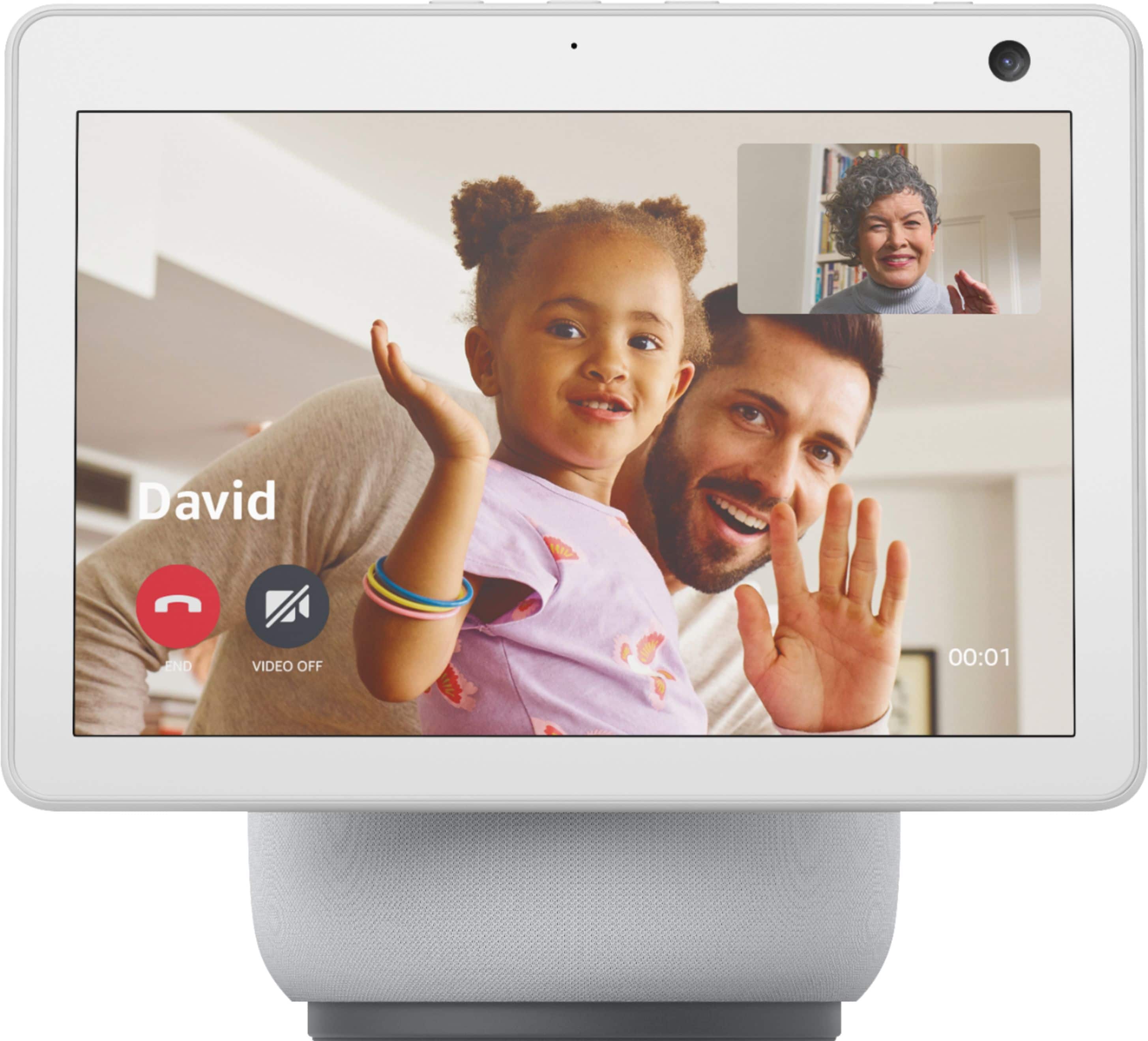
Facetime is specific to an Apple product. You could download the Alexa app on those devices and then make and receive calls on those devices from the Show devices through the app. Hope this info helps. Have a great day.
A:AnswerHello,
The Echo Show 10 has a Zigbee hub built in, as long as the devices you would like to connect use Zigbee technology (or Bluetooth) then the hub built in would be able to be connected. Hope that info helps.
A:AnswerHi Tani!
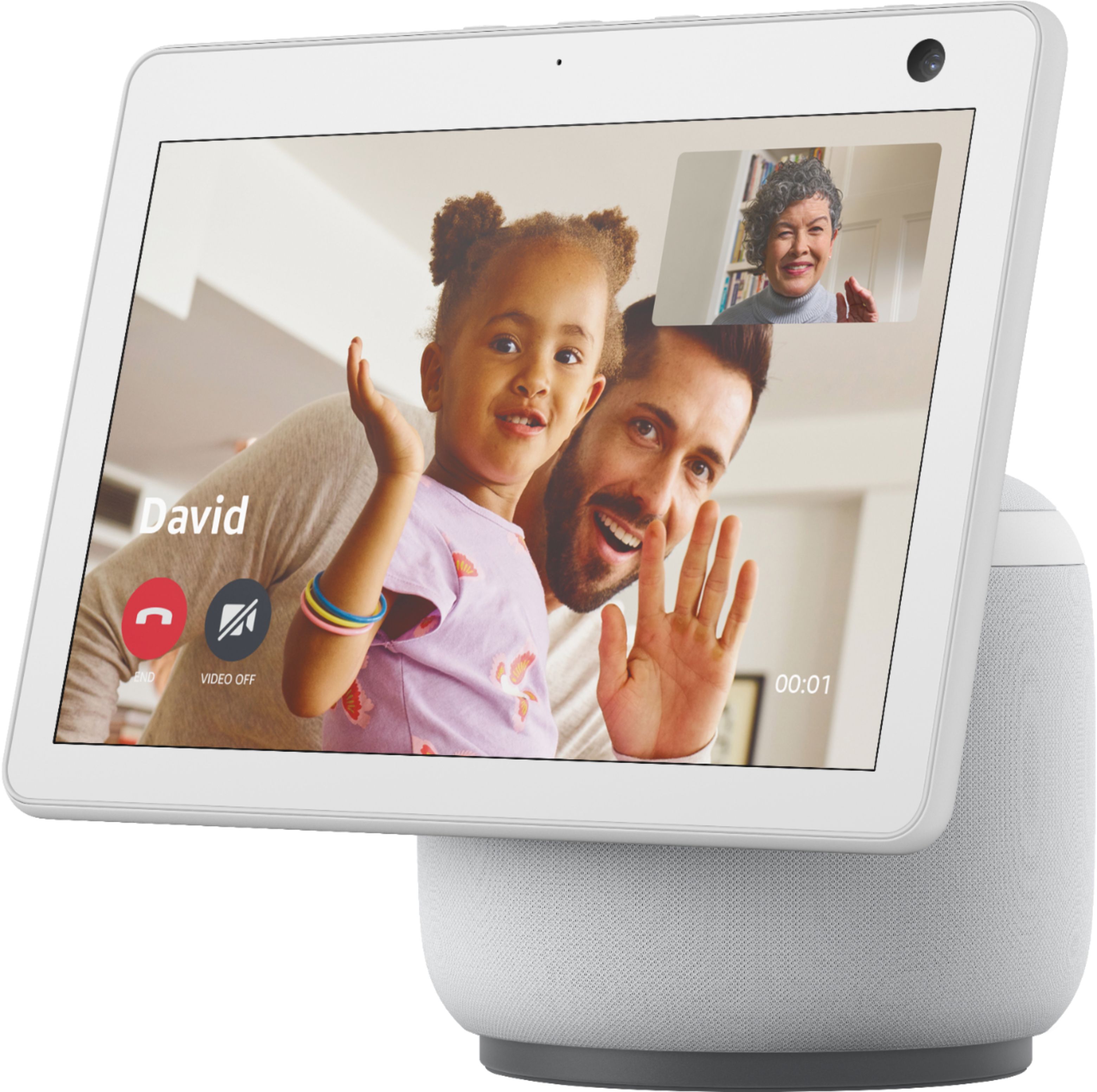
Yes, Zoom is available on this device. You would simply say "Alexa, open Zoom" and then it would ask for you to confirm permissions to use the camera a speaker, and then you would enter the Zoom meeting info. Hope this helps. Have a great day!
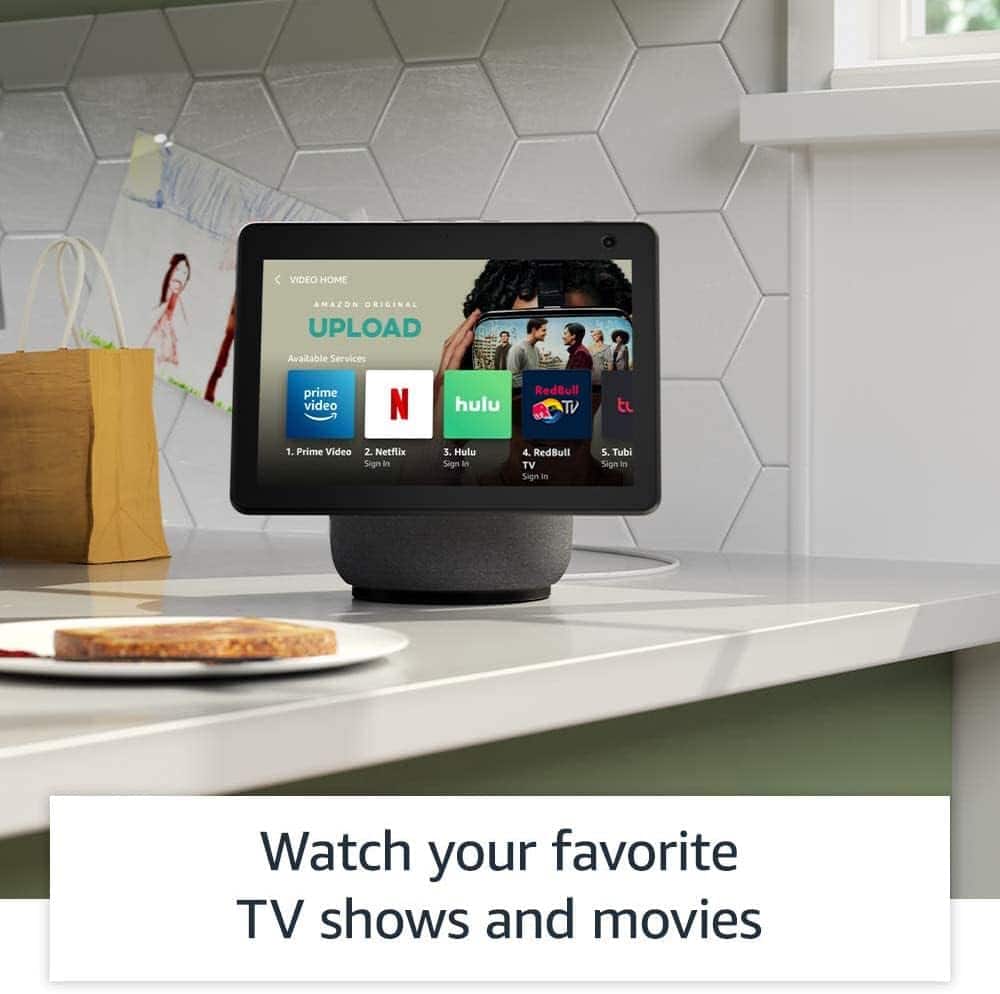
A:AnswerHello, BrooklynSB! Yes, the Echo Show 10 will work with your ADT security system. To get access to that, you will need to go into your Alexa app and enable the ADT skill. This will link your ADT account to your Echo devices. To answer your second question, there are ways to stream movies and TV shows to your Echo Show 10 depending on the streaming service you are wanting to use. Some do require you to enable a certain skill for access to those features. For your third question, any smart lock or security system that is compatible with Alexa will work on your device. I hope that helps. Have a great day!
A:AnswerHello,
Yes, this display is touch screen, or you can speak to it and tell it to scroll down/up and select videos if there are multiple, and so on. And if there is a link, yes, as it has an internet browser on it so it will open the link.
A:AnswerHello, CJake! Alexa is not something you would need to purchase. The Echo Show would connect to the Alexa app on your phone (which is free to use) and allow you access to all that Alexa can do for you. You can ask her the weather, to play music, to control your smart home, and so much more! To use the device, there are no additional fees. I hope that helps! Have a great day!
A:AnswerHi Dennis,
The setup will be available VIA the screen on the Show. The device itself is a 2.1 system with 2 1" tweeters and one 3" sub. In comparison to the Echo Studio, the studio is a next generation audio system with 3D sound capabilities, a downward firing subwoofer as well as 4 other speakers. Have a great day!
A:AnswerHi Evita,
The Alexa application is available on both Android and iOS devices. If you are looking to pair your device to it VIA bluetooth you won't have any issues! Have a great day!
A:AnswerHello. Thank you for your question! A red line on the bottom of your Echo Show 10 screen typically indicates that the microphone is muted. To resolve this, locate the microphone mute button on the top, and press it to unmute the microphone. I hope that helps! Have a great day!
A:AnswerHello, thank you for your question. Yes, the Echo Show 10 is compatible with Eufy. You can view live footage and receive notifications through the Alexa app and on the Echo Show screen. You'll need to link your Eufy account to the Alexa app via the Eufy Security skill. I hope that helps, have a great day!
![Echo Show 10 Premium sound with Alexa Music Timers Smart home Information Intercom News Amazon Music 1 NO. Collapsed in Sunbeams Arlo Parks Collapsed Sunbeams Songs For You Ignorance The Weather Station Hies Bicep Hold Space For Me (Explicit) Drion sun What kinda Music [Explicit] tom Misch & Yussef Dayes Phoebe Bridgers](https://pisces.bbystatic.com/image2/BestBuy_US/images/products/6430/6430068cv1d.jpg)