Early Black Friday DealsNew Doorbusters every Friday.Shop now

Main Content

Questions & Answers

Your price for this item is $174.99
Clearance
The comparable value price is $249.99
Page Showing 41-60 of 162 questions
  • QuestionWho makes the Echo 8?

    Asked by Loupug.

  • QuestionDoes Echo Show 10 support KSL+ app to watch video content?

    Asked by CJ.

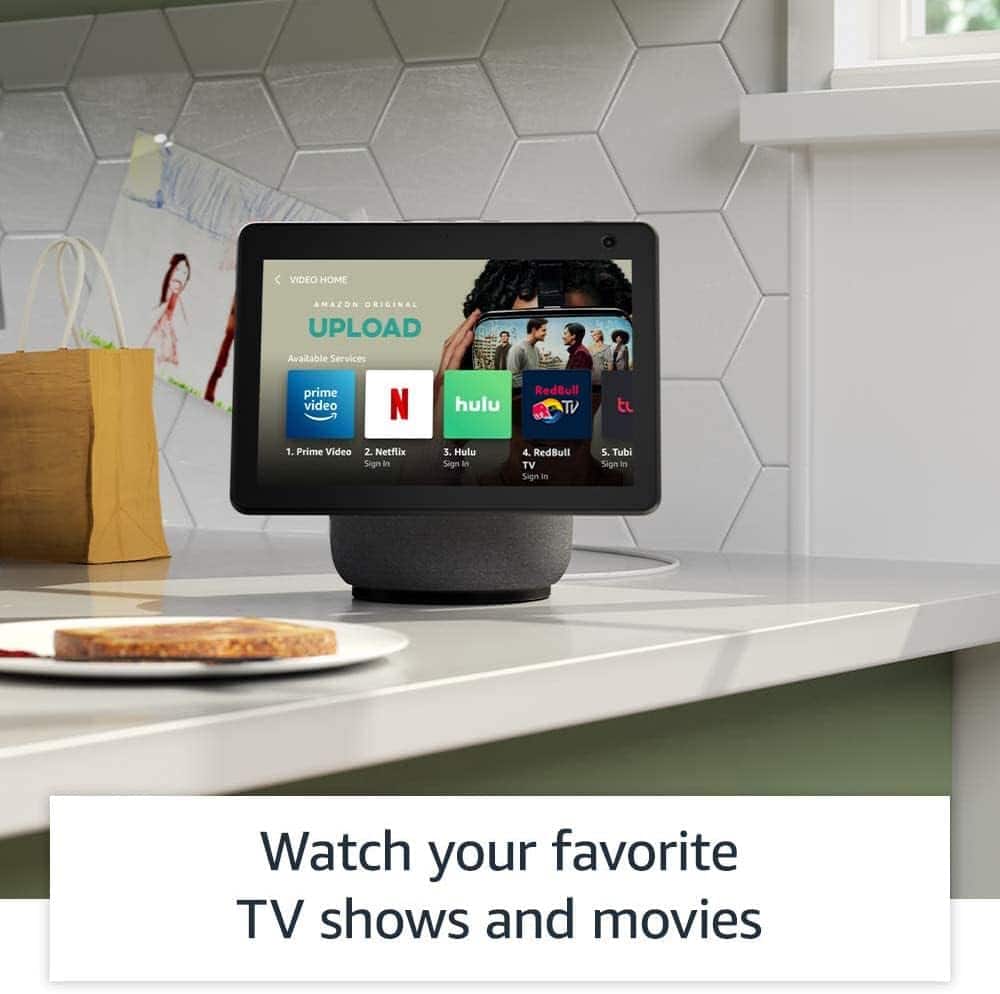
    • Answer Hello CJ! You can link your video streaming services to your Alexa account to stream on your Echo Show devices. To get started, say "Go to video home" and select from the available video providers. Follow the on-screen prompts to log in with the account information for that provider. Then you can use your voice to play movies, videos, and TV shows from Prime Video and supported streaming services. Have a great day!

      Answered by Amazon Devices Customer Support

  • QuestionAvailable in Puerto Rico?

    Asked by Marta.

    • Answer Hi Marta, Yes you can absolutely use the Echo Show 10 in Puerto Rico, as it is a supported location for Alexa and Echo devices. Hope this helps!

      Answered by Amazon Devices Customer Support

  • QuestionIs this compatible with google exterior security cameras ?

    Asked by iPadproron.

    • Answer Hi iPadproron! The Echo Show 10 will work great with Google cameras, you'll just need to add the Google Nest Skill to your Alexa account. Here's how Google suggests setting things up: Open the Google Home app Google Home app. Tap your account. Verify that the Google Account shown is the one linked to your Google device. If correct, tap Close to exit the account window. To switch accounts, tap the drop down and then another account or Add another account. Tap Settings. Tap Services and then Amazon Alexa skill. Follow the instructions on the screen to enable the skill in the Alexa app. From here, just ask Alexa to show you your cameras! The Echo Show 10 can display up to 4 compatible cameras at a time. I hope that helps, have a great rest of your day!

      Answered by Amazon Devices Customer Support

  • QuestionIs the Echo compatible with Sirius XM accounts?

    Asked by barb.

    • Answer Yes I do compatible

      Answered by CarmenR

  • QuestionHow do I start?

    Asked by Hollis.

    • Answer Hello Hollis, Thank you for your question. To get started with your Echo Show 10, plug the included power adapter into an outlet, then into your device. Your device provides a guided setup on the screen. Follow the on-screen prompts to: -Select a language. -Connect to your Wi-Fi network. -Log in to your Amazon account. -Confirm your time zone. -Confirm your address. -Confirm the location of your device. -Choose a name for your device. -Choose a wallpaper for your device. -Follow the on-screen steps to teach the Echo Show its range of motion. -Review your available on-screen offers. When you see the home screen with rotating pages, your device is ready to use. Hope this helps, have a nice day!

      Answered by Amazon Devices Customer Support

  • QuestionDO I have to pay extra (one time or subscription) for the streaming services listed (APPLETV, NETFLIX,ETC) as coming with the echo

    Asked by BG.

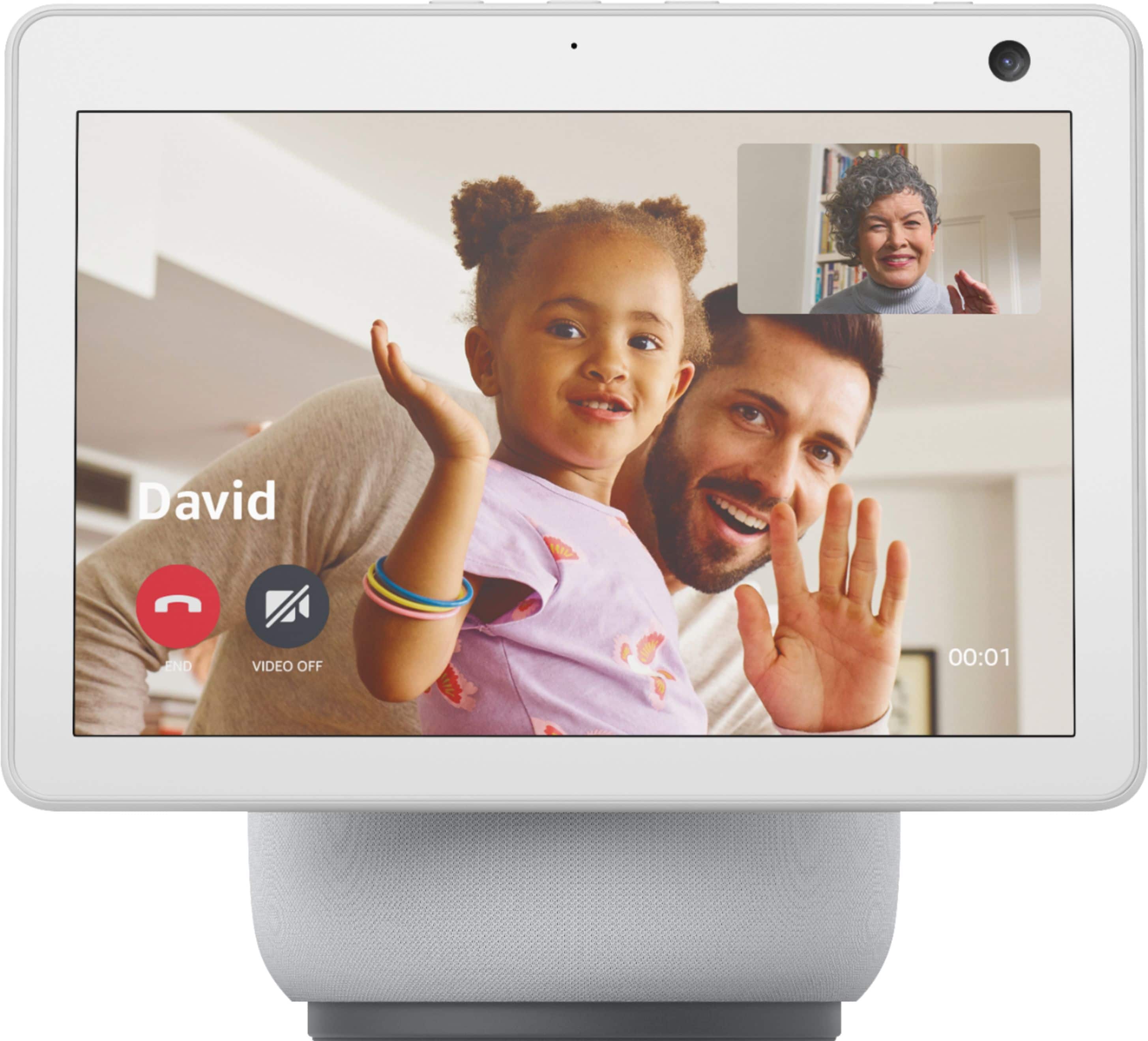
    • Answer Hello BG, Thank you for your question. There are many different streaming services available on the Echo Show 10, to search the one you want and link an existing subscription it to your Echo Show 10 here are the steps: To get started, say "Go to video home" and select from the available video providers. -Follow the on-screen prompts to log in with the account information for that provider. -On your Echo Show 10, use your device settings to add apps and providers to Fire TV. -Say, "Go to Settings", or swipe down from the top of the Echo Show screen and select Settings. -Open Fire TV Settings, then select Applications. -Select whether to find apps on Silk Browser or in the Fire TV Appstore, or to manage apps you already have. -When you find the apps you want, follow the instructions provided for installing them. Note: Some services might require you to install the provider's app, or sign into a subscription, before you can watch their video content. Hope this helps, have a nice day!
      Answered by Amazon Devices Customer Support

  • Questionhow do you shut Alexa off

    Asked by stinky.

    • Answer unplug it

      Answered by niyah

  • QuestionI need to monitor my 91 yr old father who lives in independent living. The building has wifi but not secured. He does not have a cell nor internet in his room. Can Echo Show 10 be used as a video cam to check in on Dad without the use of an addl hot spot?

    Asked by Cowboys.

    • Answer yes Alexa can go without internet or anything if they needed emergency they could call 911 you could just say Alexa show me my dad's room what you have to like as an example if you have more than one Alexa in the house you going to have to name the Alexis or you going to have to just press on each one and see which one but if your dad is asleep and you want to see if he's okay and still breathing you can say Alexa show me my dad's room and Alexa will say okay and show you your dad's room.

      Answered by niyah

  • QuestionWhat is is the voltage support of both the Ecoshow 8 and 10. Will it work in India?

    Asked by Gauri.

    • Answer Hi Gauri, Thank you for your question. The voltage for the Echo show 8 and 10 are both 30W. And yes both devices will work in India. Hope this helps, have a nice day!

      Answered by Amazon Devices Customer Support

  • Questioncan you set up your echo show to show your photos all the time like a digital frame thank you

    Asked by sunshine.

    • Answer Hello sunshine, and thank you for asking this question! You can absolutely set up your Echo show to cycle through your own photos! When you set up the device you’re asked what sort of photos you want your Echo to display. (this can also be accessed later through the settings) You can have it display any albums from amazon photos of your creation. Uploading photos to amazon photos is super easy and free to use. I hope this answers your question and that you have a wonderful day.

      Answered by Amazon Devices Customer Support

  • QuestionWill this work with my ring doorbell

    Asked by Redcell.

    • Answer Hello Redcell and thank you for your question! Yes, you can use the Amazon Echo Show 10 to view your Ring Doorbell. In order to view and interact with your Ring Doorbell, you need to enable the "Ring Skill" in the available Alexa Skills. Hope this helps! Have a great day!

      Answered by Amazon Devices Customer Support

  • QuestionCan you set control for lights in the house?

    Asked by Vic.

    • Answer She can pair with most all of your electronics

      Answered by Allmine

  • QuestionIs echo compatible with ADT?

    Asked by Jewels.

    • Answer Hi Jewels! Thank you for reaching out to us! We are happy to help you with your question about connecting your ADT device to your Echo Show 10 3rd gen. I've got some great news for you! ADT works seamlessly with Alexa, and it's super easy to get connected. To get started, all you need to do is enable the "ADT skill" in your Alexa app. From there, the app will guide you through a simple step-by-step process to connect your ADT device to your Echo Show 10 3rd gen. You'll be up and running in no time, and you'll be able to enjoy the convenience of controlling your ADT system with just your voice. If you have any more questions or need further assistance, please don't hesitate to ask. We're here to help!

      Answered by Amazon Devices Customer Support

  • QuestionWill this product work with a RING Doorbell? Is so, do I need any additional equipment?

    Asked by BobC.

    • Answer yes it will u just need Alexa and the rindoor and u can put it anywere and just say Alexa show me back door or Alexa show me front door or were ever u put it and if u have cameras you can say Alexis show me my cameras and it will say ok if you name your camera as example if you named your camera number one just say Alexa show me number one camera and Alexa can turn your lights off or your TV just say Alexa turn the light off or Alexa turn the TV off or Alexa turn the upstairs light off you can even turn lights on.

      Answered by niyah

  • QuestionCan the echo 10 access netflix or hulu, or disney plus?

    Asked by JoeCa.

    • Answer Hi JoeCa! The Echo Show 10 can access Netflix, Hulu, Prime Video, Twitch, and YouTube just by asking Alexa! If you're looking for an Echo Show with even more video content, check out the Echo Show 15 which has built-in Fire TV with access to all your favorite streaming apps! I hope that helps, have a great rest of your day!

      Answered by Amazon Devices Customer Support

  • Questiondoes this device display photos

    Asked by Raptor.

    • Answer Yes it sure does. You can upload all your photos to it, but I'm not sure if the machine forces you to look at other stuff too, or if you can view ONLY photos. The menus are pretty tough to navigate; right now mine has photos, but also other ads and suggestions that pop up, like suggested news stories or weather updates. You can go in and turn off any stuff you don't want to see, but there are a ton of different categories to go through... You might need a Youtube tutorial to figure out how to work much of the photo stuff, because the machine is not intuitive.

      Answered by andrewrnixon

  • QuestionI was thinking about giving an Alex to a non verbal quad plate , when i do drop in does that person have acccept of do anything to activate on their end

    Asked by Bobby.

    • Answer Weirdly, Drop-In just lets you look through their camera without announcing that you're there at all... I think it has to be set up to be allowed the first time (so you aren't just spying on strangers), but I can view the camera feed from mine as a "security cam" via my phone. Are you using it to check on someone, because this would definitely let you do that.

      Answered by andrewrnixon

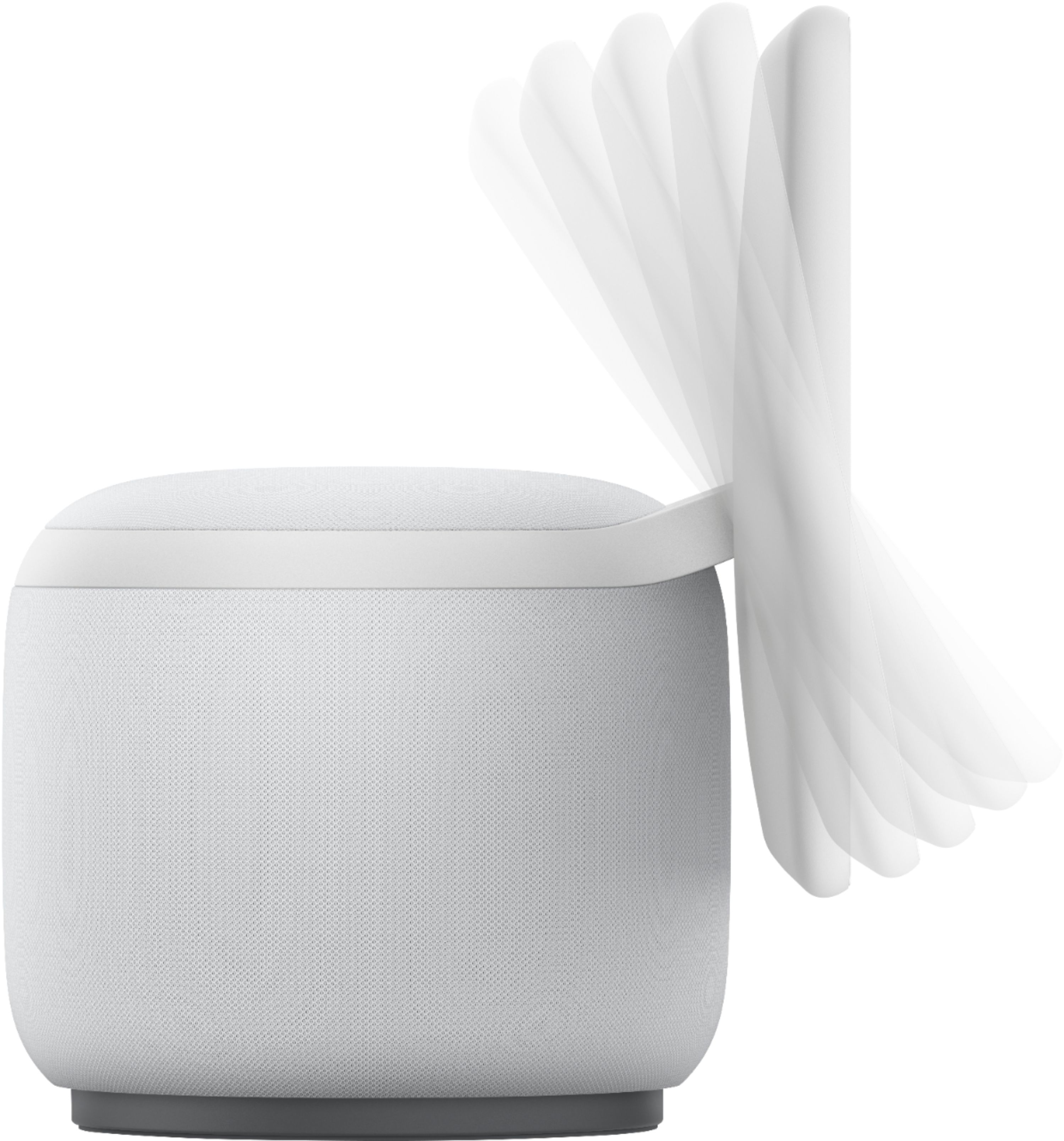
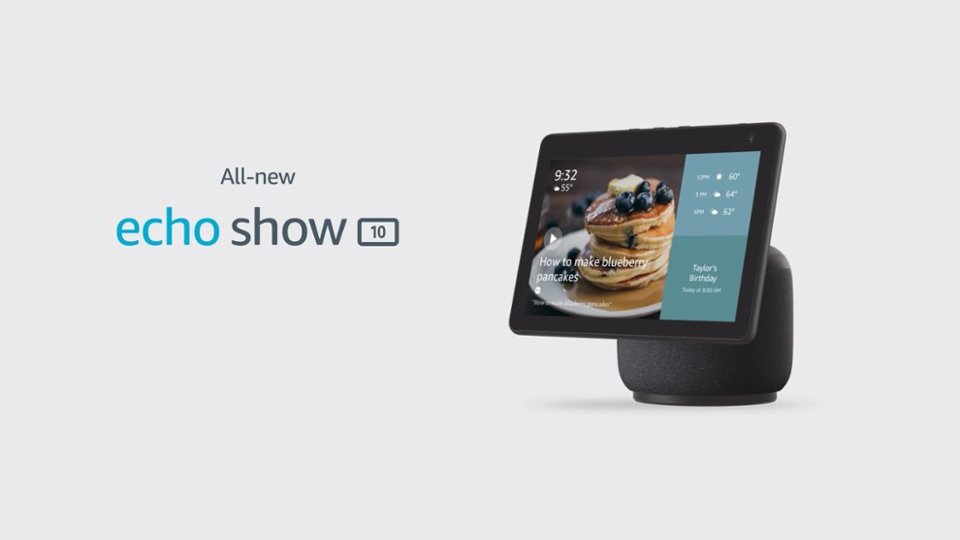
  • QuestionDoes this device have base that rotate

    Asked by DonaldE.

    • Answer Well, the base is the stationary part, but the screen rotates. I suppose if you held the machine aloft by the screen, the base would be forced to rotate.

      Answered by andrewrnixon

  • QuestionDo you have to have Alexa in order to use this device?

    Asked by Jo.

    • Answer Yes

      Answered by Anonymous