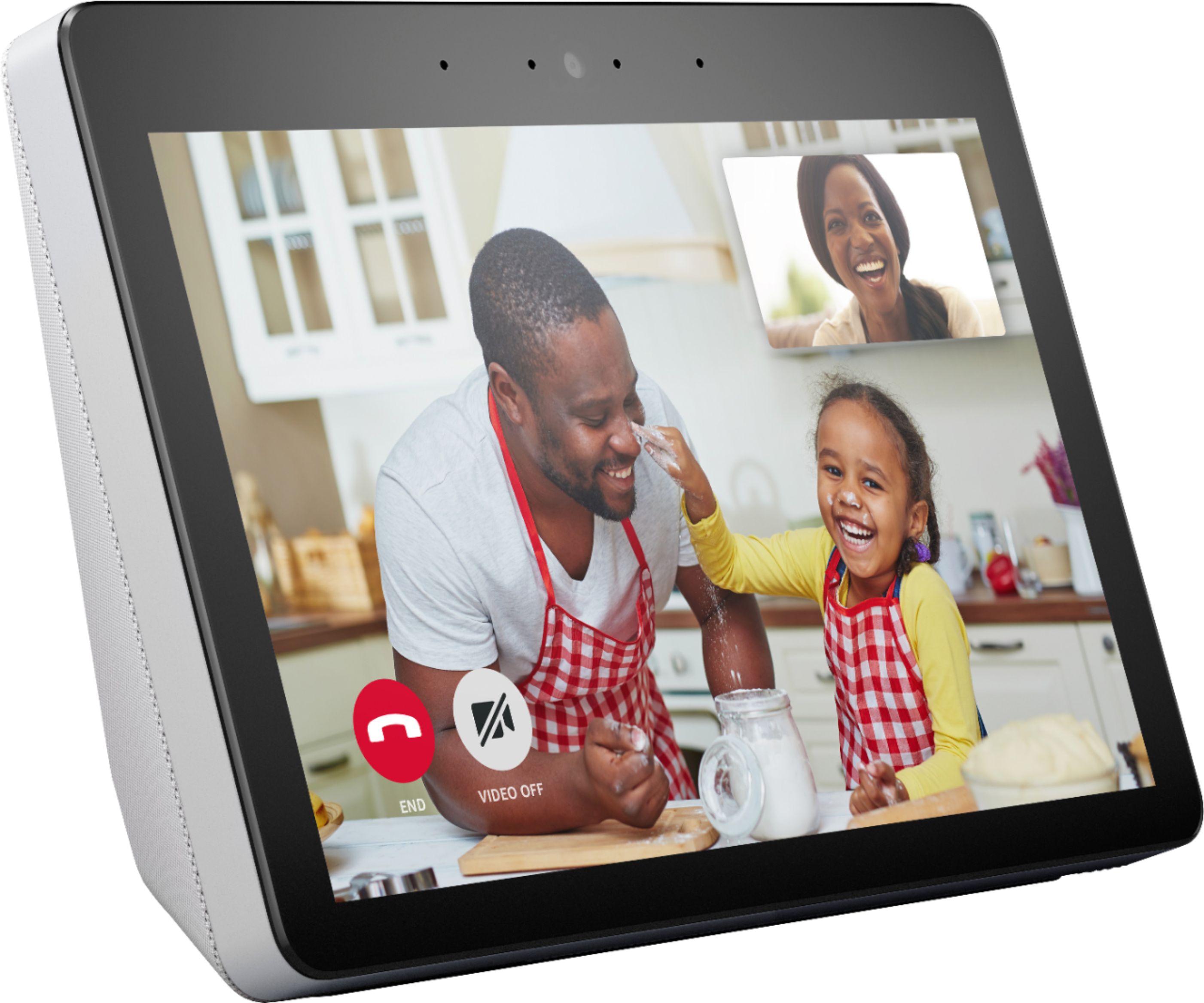
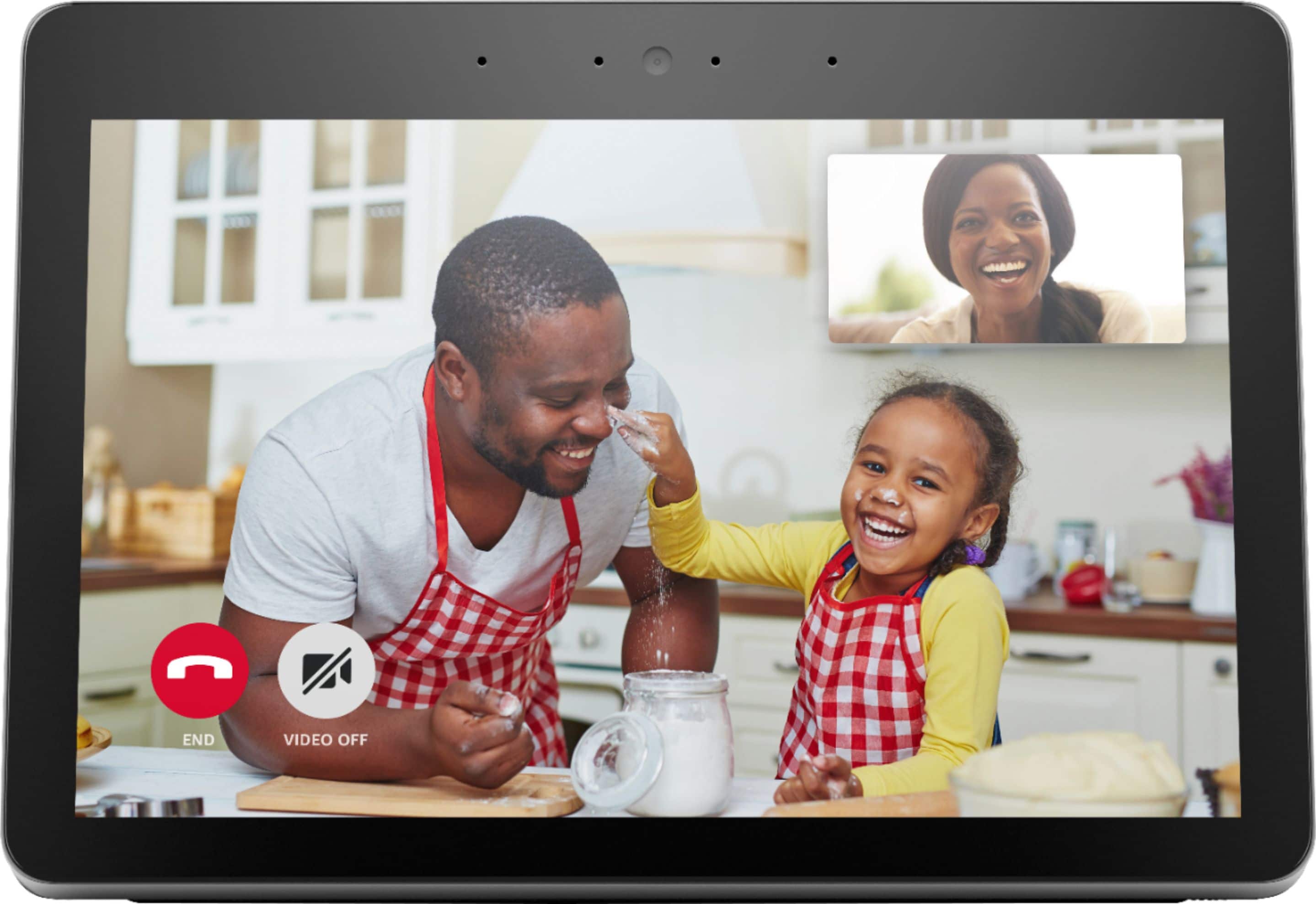
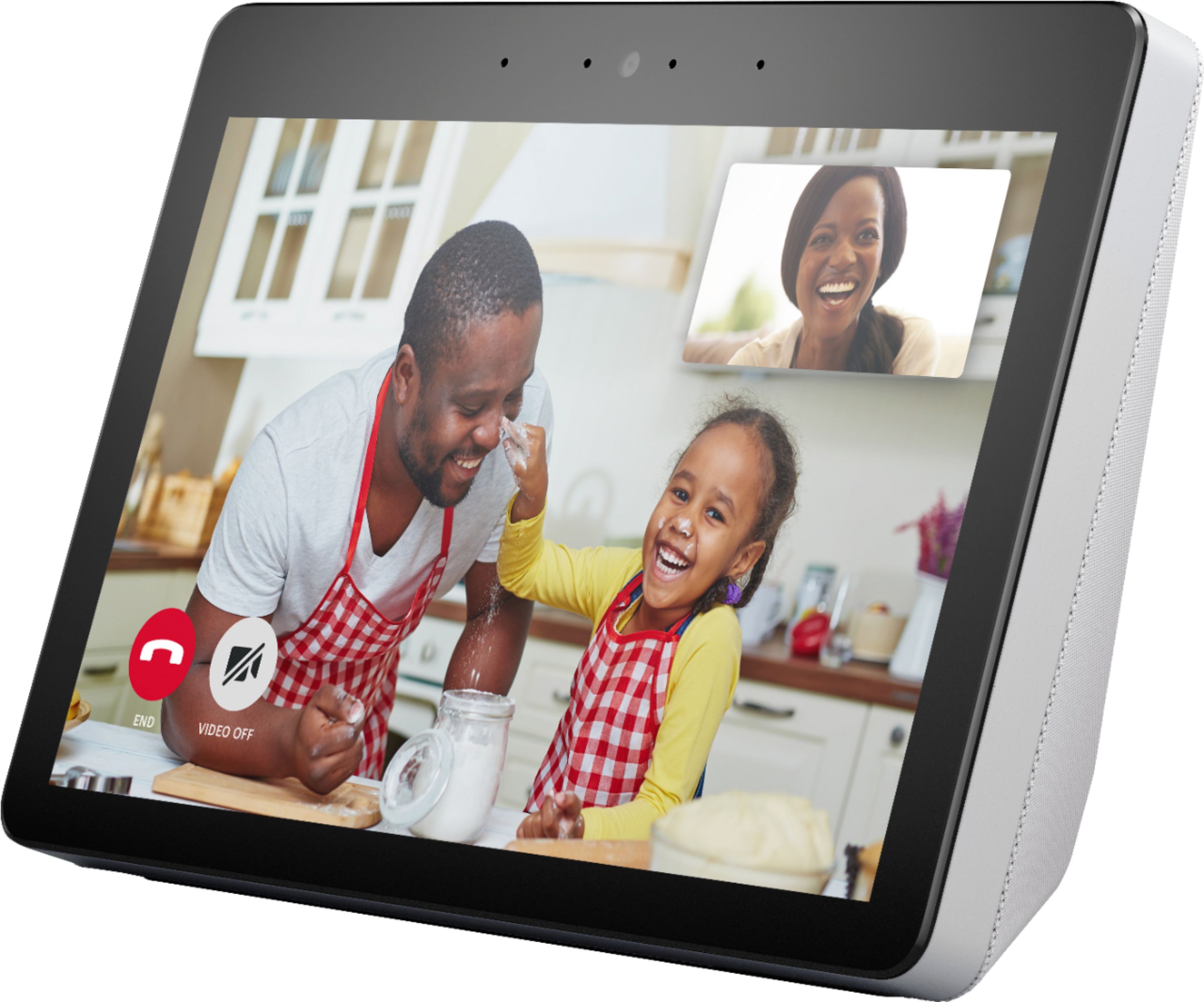
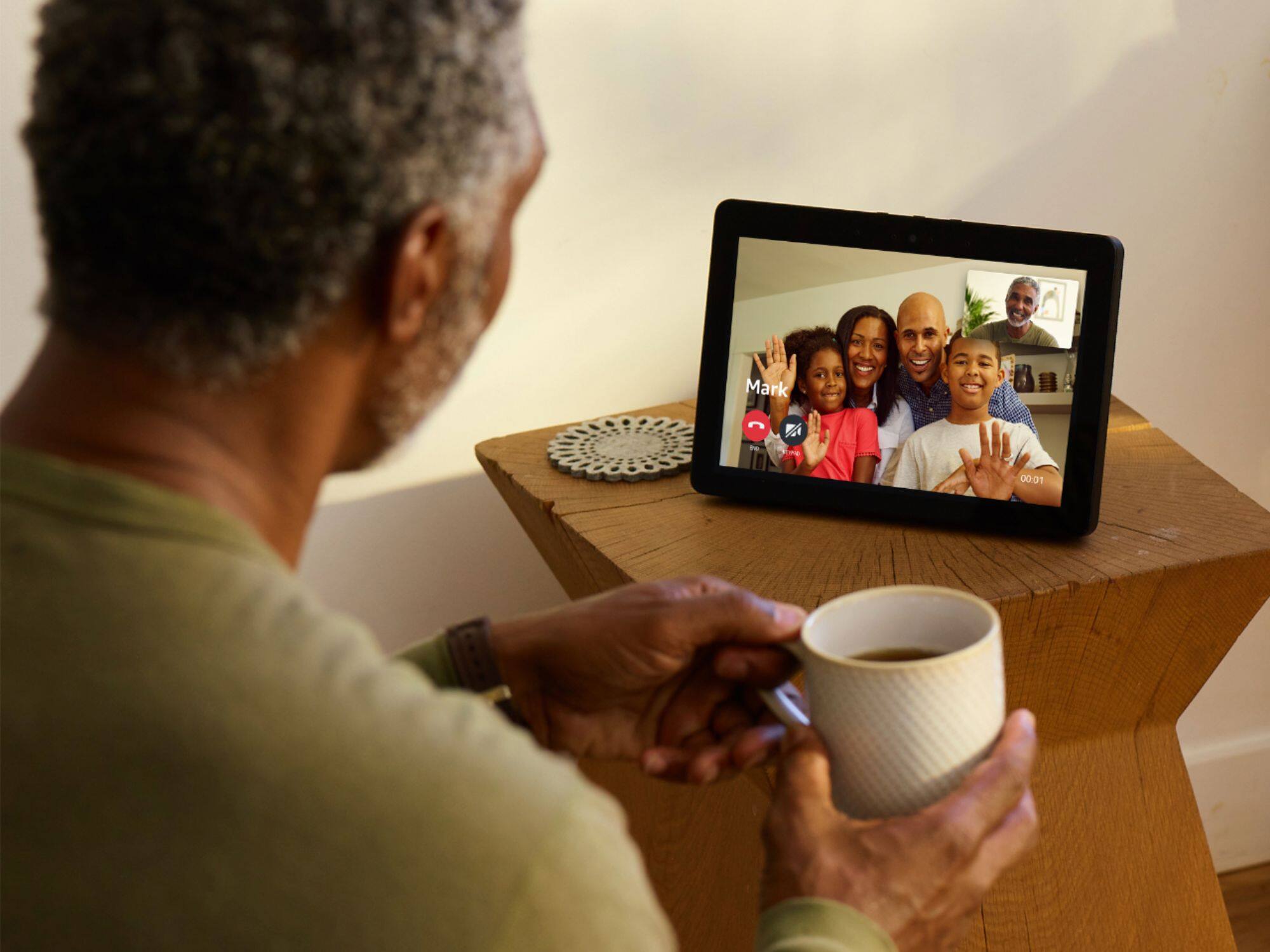
A:AnswerHello Tee, FaceTime is only on Apple devices. You can download the Alexa App to each of your phones and do video calls through there to your Echo Show.
A:AnswerHello,
Yes, this will work with both. There is a Ring and a Vivent Skill that will allow you to link the accounts and see your cameras. Hope that info helps.
A:AnswerHi!!
Yes, you can connect your Blink account through the Skills section in the Alexa App, and then ask Alexa to show you those cameras by their names. Hope that info helps!
A:AnswerYup, You can link it to your photos in a number of ways. Or build a separate Alexa Photo Album and choose your photos. I'm currently just using one photo as my home screen but that's just me. You can cycle thru all your photos if you want.
A:AnswerIt doesn’t matter what WiFi you are connected to, Alexa is based on your sign in. If you find a way to watch NFL games on this limited device, please let me know. Video is limited to the preinstalled apps regardless of your preference. You can’t even sign in.
A:AnswerEcho devices do not need a hub. They work independently through your Wifi. The Echo Show and the Echo Plus both have a hub built into them to connect and control certain devices such as light bulbs and door locks.
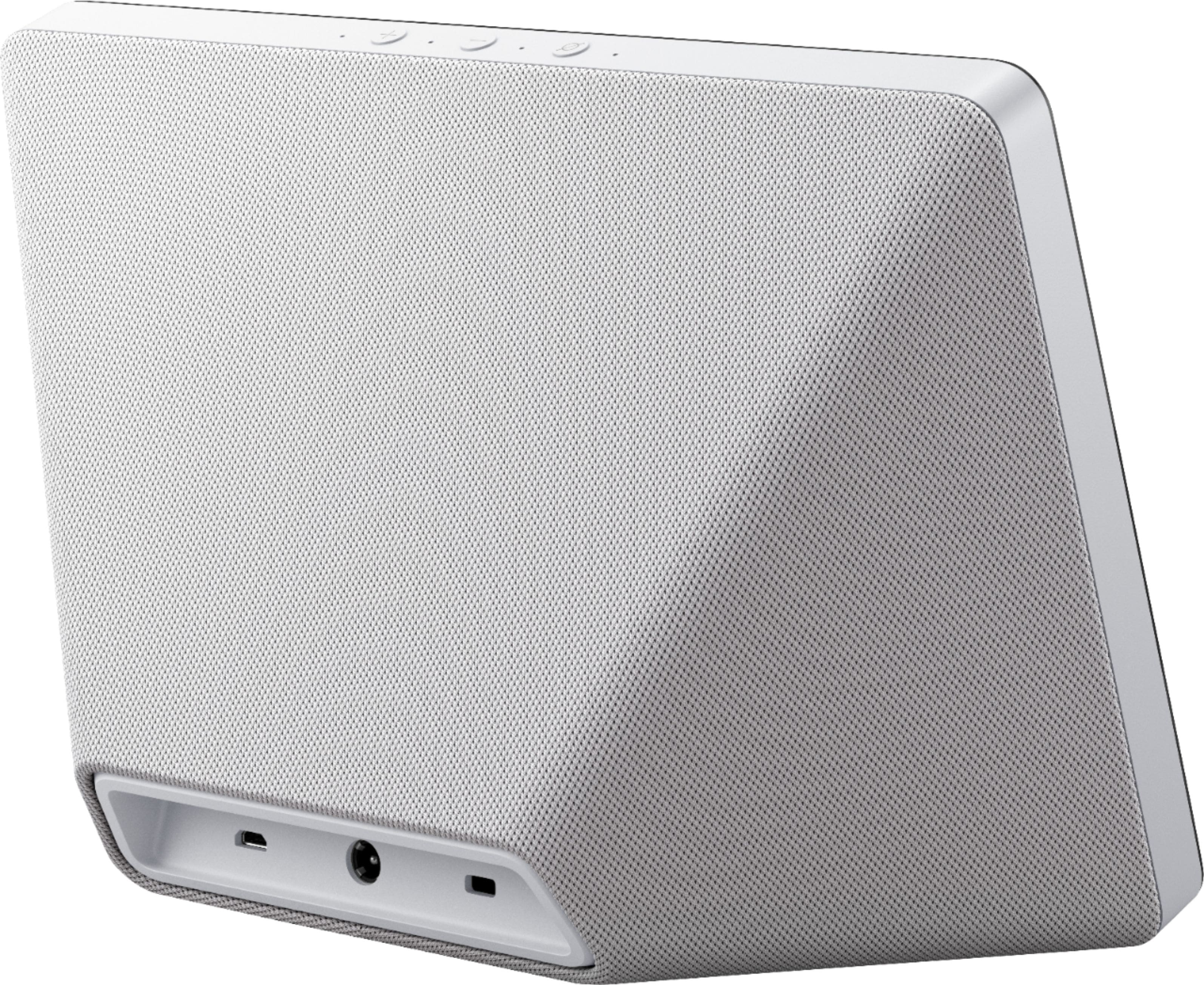
A:AnswerHello! My first suggestion would be to reset the device itself. Here is how to reset the Echo Show: 1. Press and hold the Mute and Volume Down buttons until you see the Amazon logo (about 15 seconds).
2. When prompted, follow the on-screen instructions to set up your device.
Once that is done, you should be able to log back in and get your device up and going again. Have a great day!
A:AnswerHello Steve, as long as you've linked your smart home devices (bulbs, lights cameras thermostats) with Alexa through the Alexa app you'll be able to control your devices from anywhere. Hope this helps!