Year-End SaleEnds 1/1/26. Limited quantities. No rainchecks.

Main Content

Questions & Answers

Your price for this item is $199.99
Page Showing 21-40 of 40 questions
  • QuestionAfter the one year subscription that comes with it, how does it automatically renew -- who does it get charged to?

    Asked by James.

    • Answer Hi James! After 1 year, your subscription will automatically renew every month starting at just $2.99 per month plus applicable tax. You may cancel anytime by visiting the Amazon Parent Dashboard or contacting Customer Service. Content availability may vary by location and date. Thanks for the question, have an amazing day!

      Answered by Amazon Devices Customer Support

  • QuestionDo I need to have some type of subscription on this tablet for this tablet to work?

    Asked by korral.

    • Answer Not unless you need WiFi for certain apps like Disney+, YouTube etc.

      Answered by Dbrown

  • Questionwill I be able to download the Tik Tok app on this tablet

    Asked by AlyssaT.

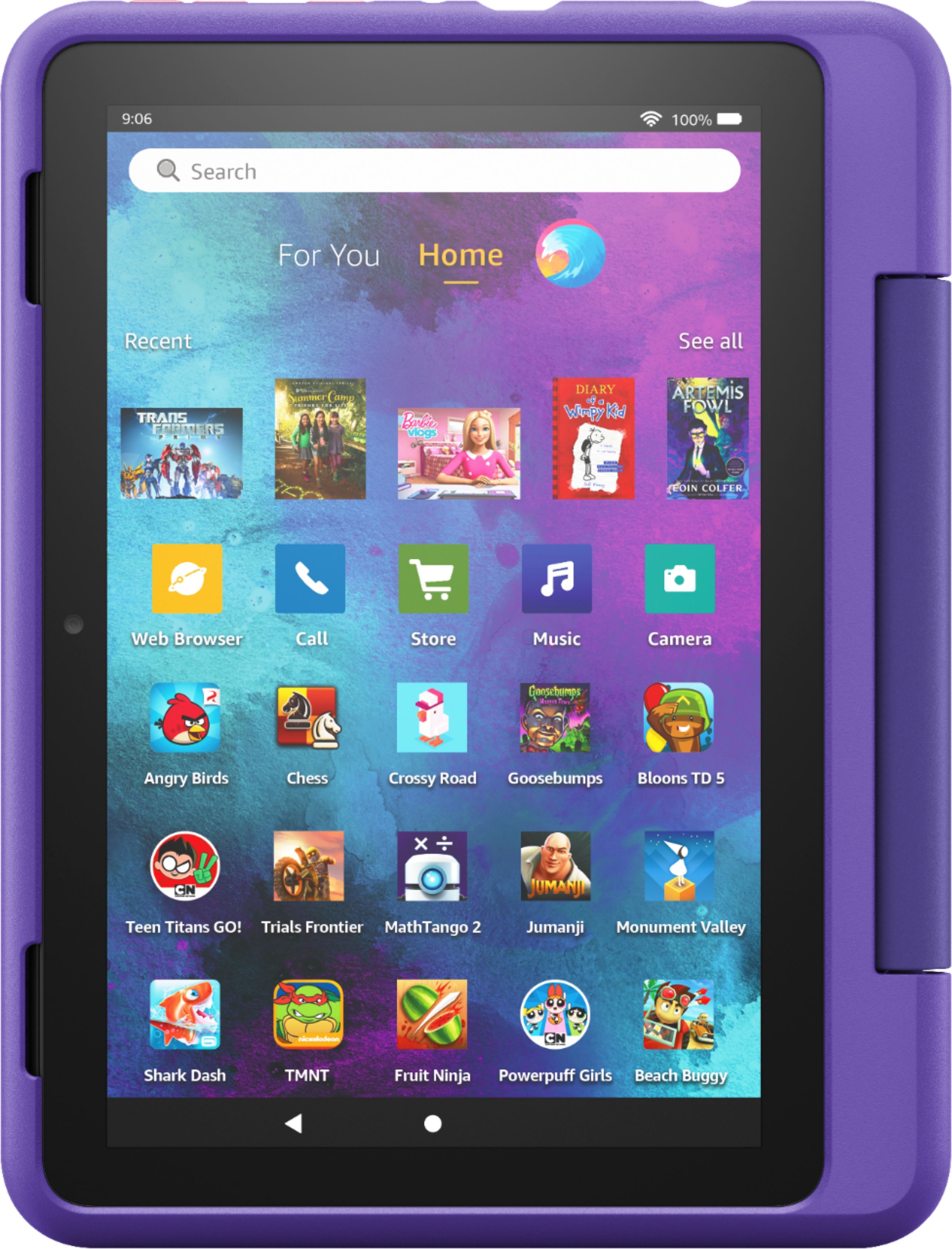
    • Answer Hello Alyssat! Yes TikTok is available for download from the Amazon Appstore while logged in under an adult profile. It will need to be allowed under a child's profile if you would like your child to have access to it. You can do that via the Amazon Kids app under the adult profile, or the Parent Dashboard website under your Amazon account settings on the Amazon website. The easiest way to allow it would be to locate and tap the Amazon Kids icon on the home screen of the adult profile after you have downloaded TikTok to your device. Once there, you can tap the gear icon next to the child's profile you would like to add it to. Then locate Add Content and select TikTok as an allowed app. Once it is allowed, you are at the mercy of the settings in the TikTok app, as this app is not considered as child friendly in our content settings. I hope this answers your question and that you have a Happy New Year!
      Answered by Amazon Devices Customer Support

  • QuestionIs this model compatible with Osmo? It says that the Fire HD 10 (9th and 11th generation). I can't find the generation on here. Please help, trying to get it for Christmas.

    Asked by Osmo.

    • Answer This is the 11th generation of the Amazon Fire HD10. Have a great day!

      Answered by Amazon Devices Customer Support

  • QuestionCan I download google classroom and dodjo?

    Asked by CYBm.

    • Answer Google classroom is not currently available on the Amazon Fire Tablets. Have a great day!

      Answered by Amazon Devices Customer Support

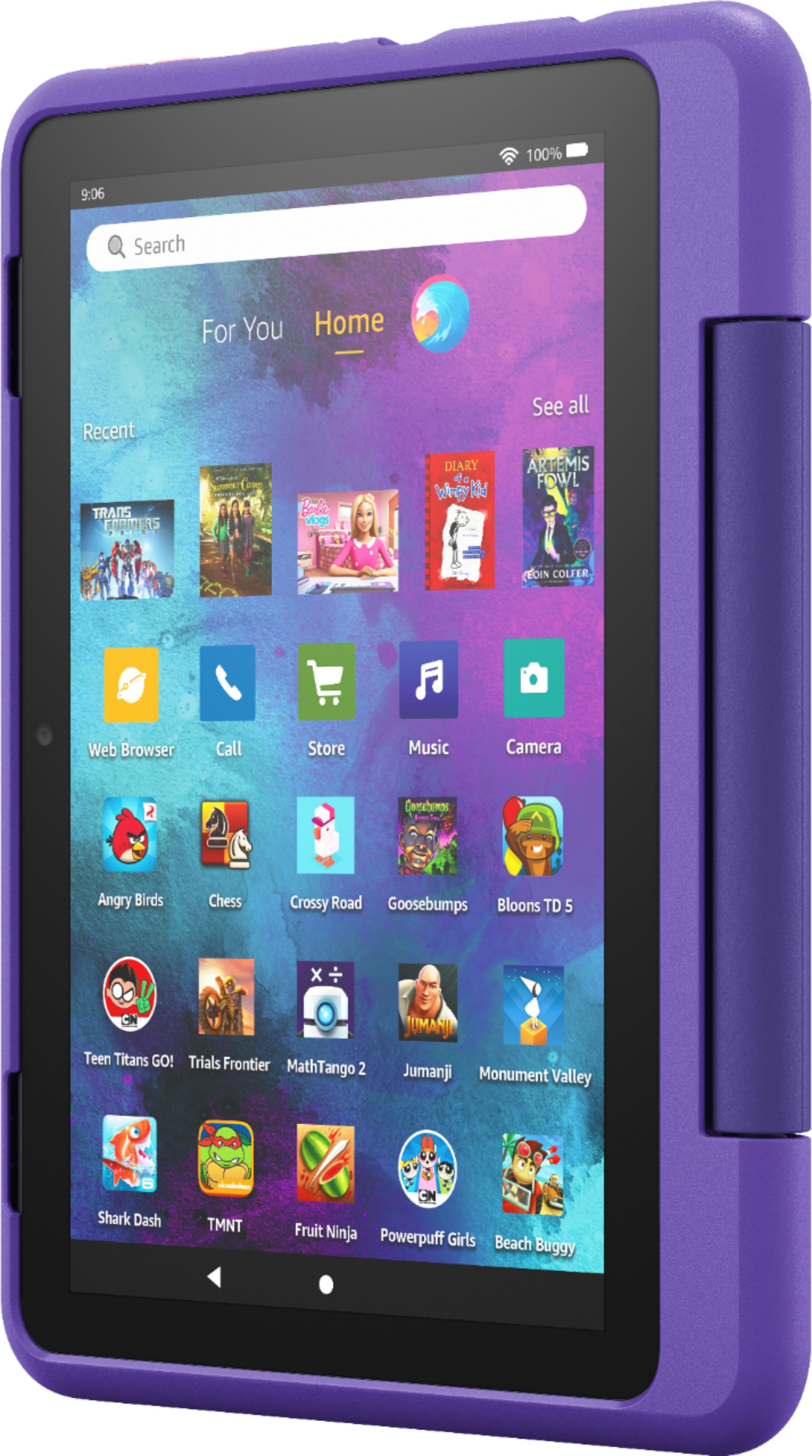
  • Questioncan you change out to different cases for the tablet

    Asked by bucky.

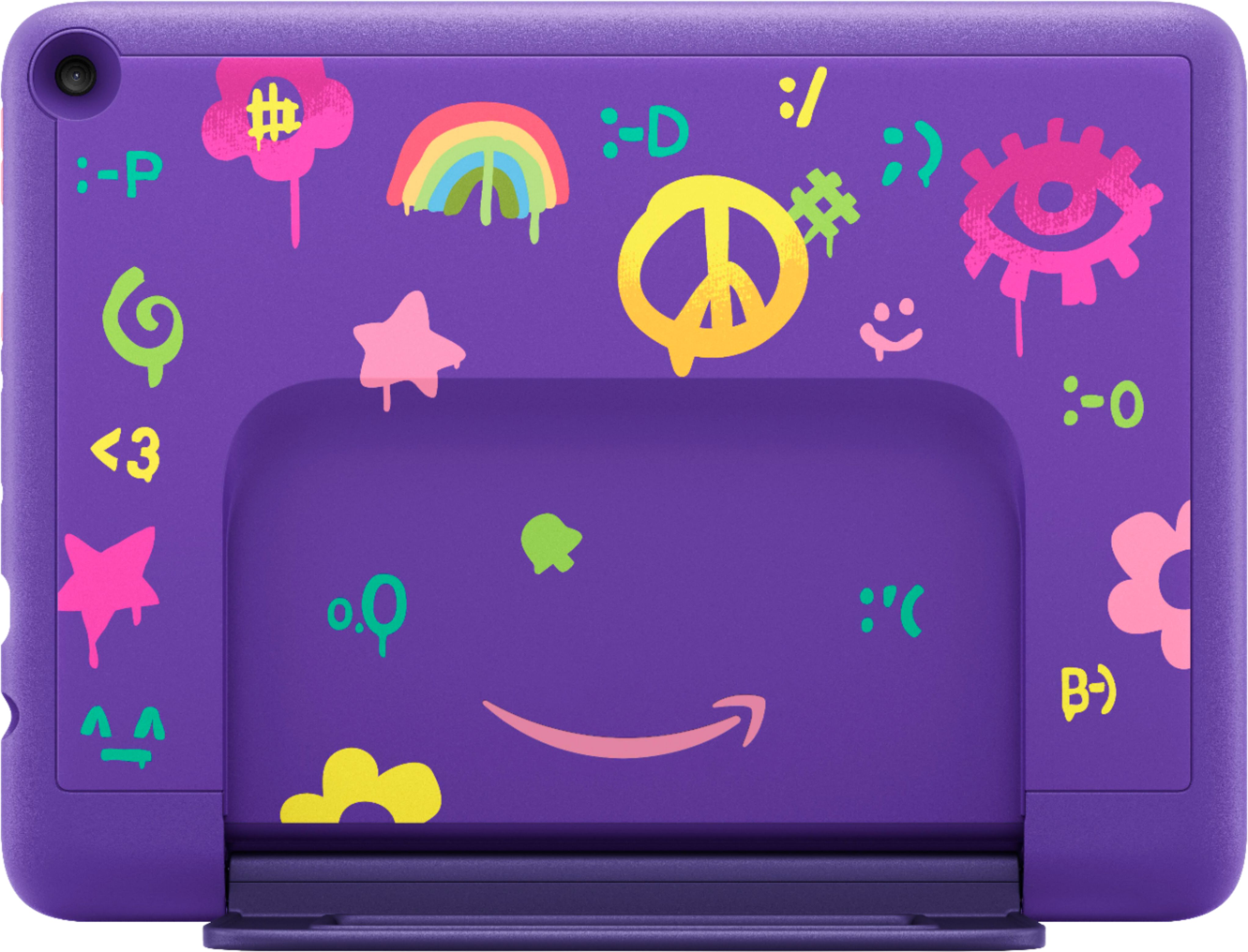
    • Answer Hi bucky! Yes, the case that comes installed on the Fire 10 Kids Pro is removable, and different cases can be installed. Thanks for the question, have a great day!

      Answered by Amazon Devices Customer Support

  • QuestionWhat type of Bluetooth keyboard do you recommend that I purchase to go with it?

    Asked by Liz.

    • Answer Hello Liz, you want to know what Bluetooth keyboard will go with the Fire 10 Kids Pro. At the moment there is not a specific Bluetooth keyboard, suggestion will be a Bluetooth keyboard that is compatible for tablets. Hope this has addressed your concern. Have a great day!

      Answered by Amazon Devices Customer Support

  • QuestionHello. I am interested in purchasing this item for my 6 year old and wanted to know if I will be able to install Netflix or Disney+ to this devise.

    Asked by SaraJayy.

    • Answer It does give you the option to add those to your child’s profile.

      Answered by Ana503

  • QuestionCan I download Roblox ?

    Asked by Anonymous.

    • Answer Yes my child was able to use Roblox but it must first be approved on the parent profile

      Answered by Ana503

  • QuestionCan a Bluetooth keyboard be used with it?

    Asked by Mary.

    • Answer Hi Mary! Yes, You can use a keyboard with this tablet! On Your Fire Tablet 1. Swipe downwards from the top side of the screen. 2. Look for Settings in the drop down menu and tap on it. 3. Then tap on Wireless. 4. Next tap on Bluetooth. 5. Make sure the Bluetooth feature is enabled by flipping the On / Off switch to the orange position. ... 6. A list of available Bluetooth devices should appear. Hope this helps, enjoy your day!

      Answered by Amazon Devices Customer Support

  • Questioncan you download utube?

    Asked by Anonymous.

    • Answer Hello, Yes, you can download YouTube on the Fire 10 Kids tablet. YouTube can be downloaded to your Fire Tablet. You can download games and apps and use them on the go by following these steps: 1. Select Games & Apps or open the Apps or Games app. 2. Select an app from your Library to download it or search for a new app in the Store. Have a great day!

      Answered by Amazon Devices Customer Support

  • QuestionDo you need wifi to use it. Or is there a data plan to go with it?

    Asked by Jt.

    • Answer Hi Jt! The Fire HD 10 Kids Pro utilizes a Wifi connection for internet connectivity. It uses Dual-band wifi. Supports public and private wifi networks or hotspots that use the dual-band 802.11a/b/g/n/ac standards with support for WEP, WPA, and WPA2 security using password authentication; does not support connecting to ad-hoc (or peer-to-peer) wifi networks. Wifi 6 (802.11 ax) is not currently supported. Supports 2.4 GHz and 5.0 GHz networks. I hope that answered your question, have a great day!

      Answered by Amazon Devices Customer Support

  • QuestionWill this tablet be available again in future?

    Asked by Pat.

    • Answer We received the new version. 2023.

      Answered by CheryleR

  • QuestionDoes this tablet come with the case as shown in ad or is case sold separately?

    Asked by Pat.

    • Answer Yes it comes with the case

      Answered by Dina

  • QuestionDoes this tablet have a drawing app like the galaxy 6elite tablet?

    Asked by Anonymous.

    • Answer Yes

      Answered by Great

  • QuestionDoes this tablet have Google?

    Asked by Judi.

    • Answer Hi Judi, The Google Play Store is not available on this tablet. However, kids can browse websites they have access to like Youtube when given access! To add content to your Child Profile on a Fire Tablet, follow these steps: 1. Go to the Parent Dashboard 2. Navigate to the child profile you wish to manage and select Settings. 3. Select Add content. 4. Select the desired content category using the tabs above the list of content. 5. Add or remove content by toggling the switch next to them. One bit of advice though is that you will need to log in or create a child's Google profile within the YouTube website and utilize Google's parental settings to filter inappropriate content how you see fit within the site. Hope this helps!

      Answered by Amazon Devices Customer Support

  • QuestionHello, Can i charge the tablet with europen voltage,220-230v? Thanks, Eitan

    Asked by Eitan.

    • Answer The Amazon Fire Tablets come with a standard U.S. USB adapter to charge. You would need to get a USB charger for the country you are in and then the USB cable that comes with the tablet will work just fine. Have a great day!

      Answered by Amazon Devices Customer Support

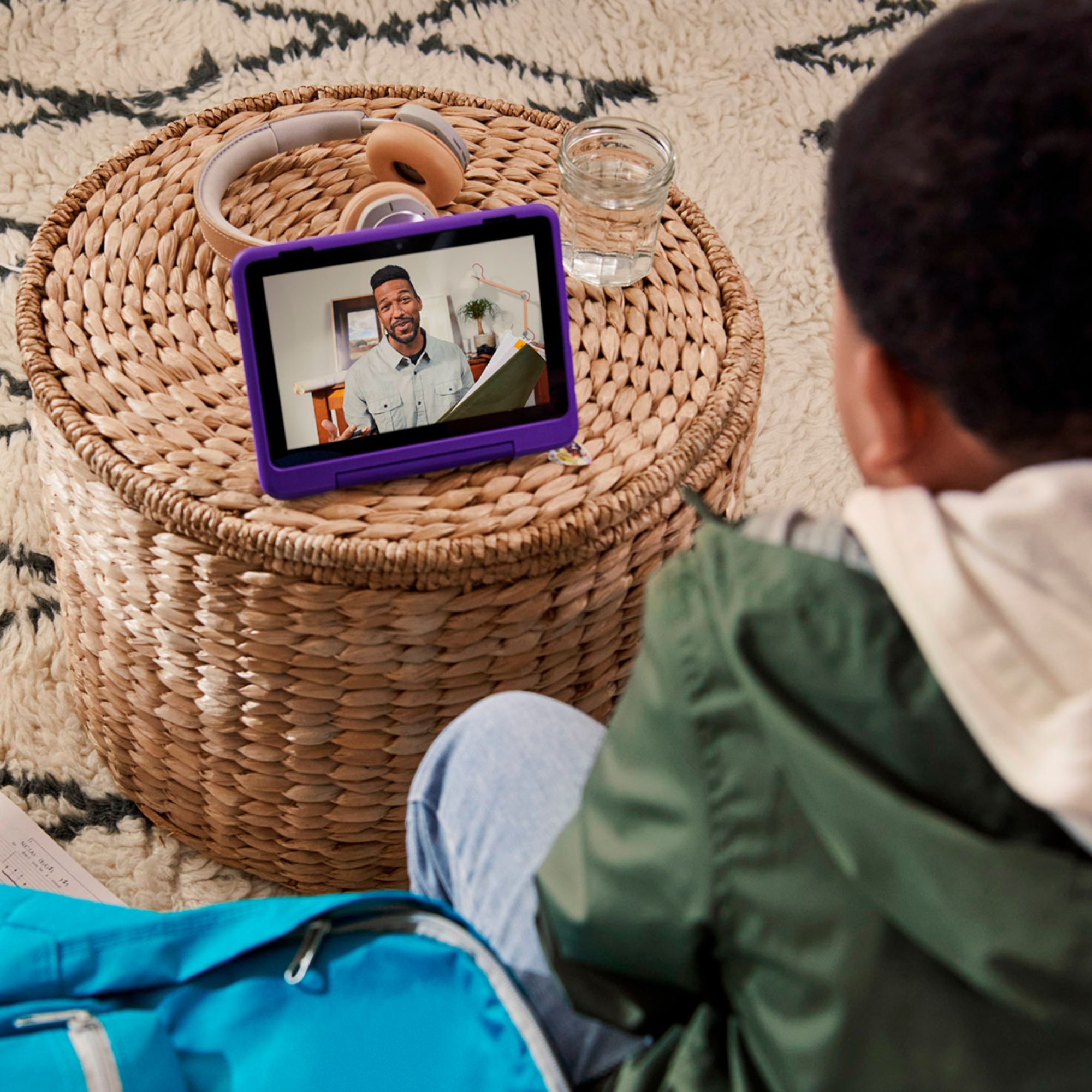
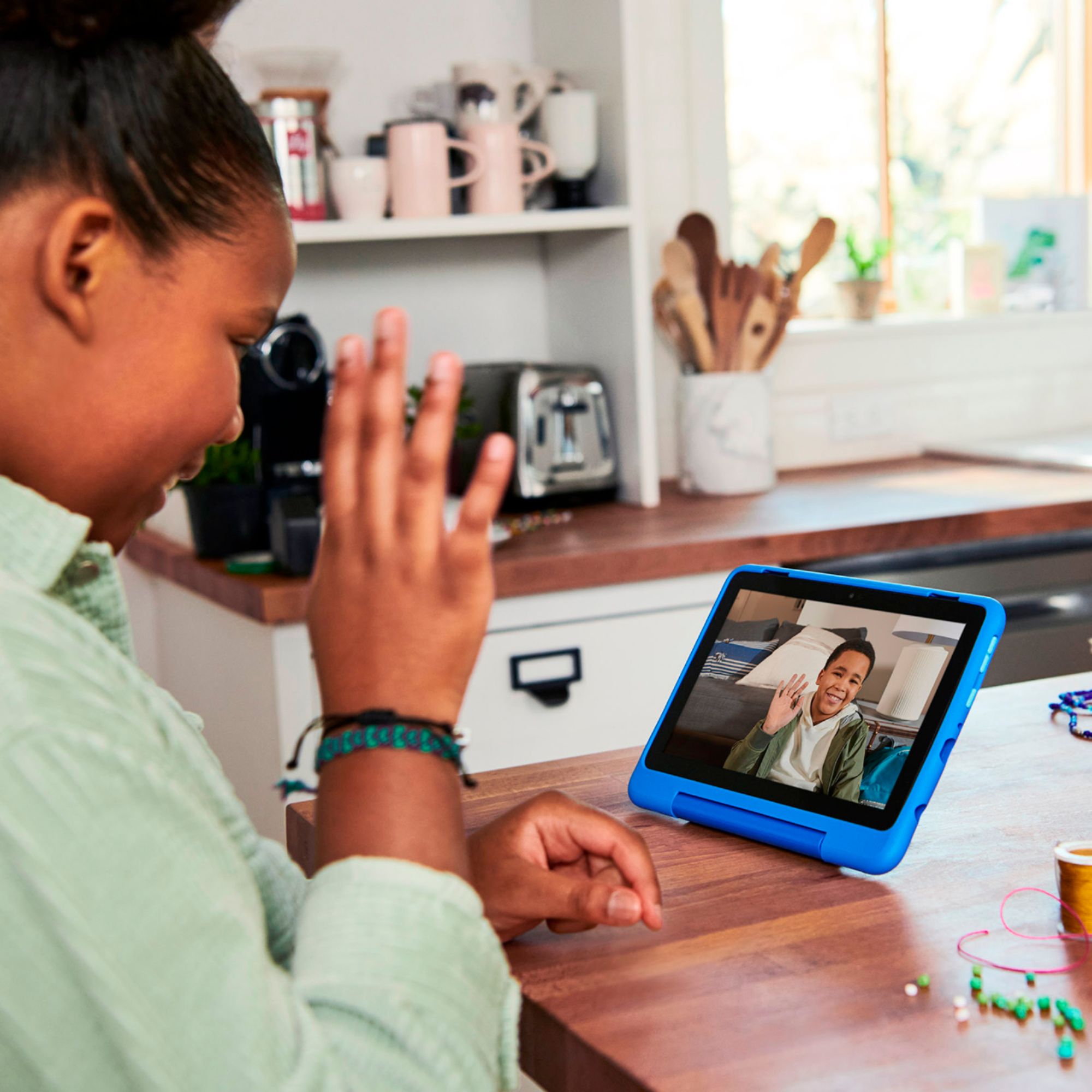
  • QuestionI don't own any Alexa products. Would my child be able to make video calls to friends with apple devices such as ipad or iphone?

    Asked by Dan.

    • Answer Hello Dan, you want to now if your child can make video calls to their friend who have Apple devices from the Amazon Fire 10 Kids Pro. They will be able to make video call to their friends using the Amazon Fire 10 Kids Pro as long as they have the same video calling app which can be downloaded from the Amazon Appstore and their friend from which ever appstore they have use for their devices. Hope this has answered your question. Have an amazing day!

      Answered by Amazon Devices Customer Support

  • QuestionCan you access Amazon Music on the Fire HD10 kids pro? What music options are available other than stations?

    Asked by DJ808.

    • Answer Hello! Yes, you can download Amazon Music onto the Fire HD10 Kids Pro. You can download games and apps and use them on the go by following these steps: 1. Select Games & Apps or open the Apps or Games app. 2. Select an app from your Library to download it or search for a new app in the Store. You have access to download multiple music apps, just simply head to the apps section and search for music apps and it will give you a list of choices. Have a great day!

      Answered by Amazon Devices Customer Support

  • QuestionCan my child download and play Roblox On Amazon Fire 10 Kids pro? What about facebook messenger for kids?

    Asked by MattK.

    • Answer It doesn’t play many games well. Not powerful enough.

      Answered by Anonymous