Questions & Answers
- Model:
- B07WDDT3G5
- |
- SKU:
- 6412947
Q: QuestionIs the case included?
Asked by Case.
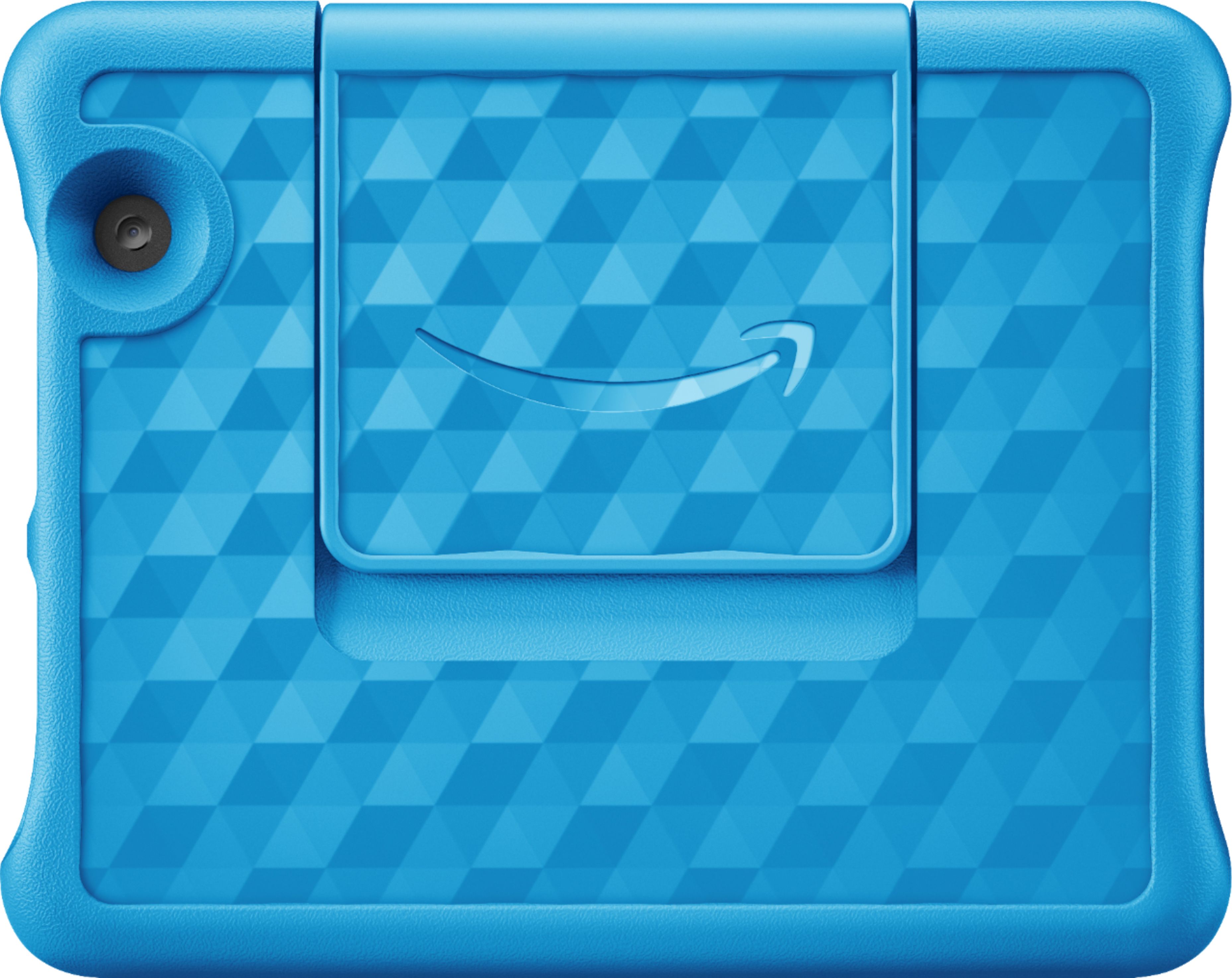
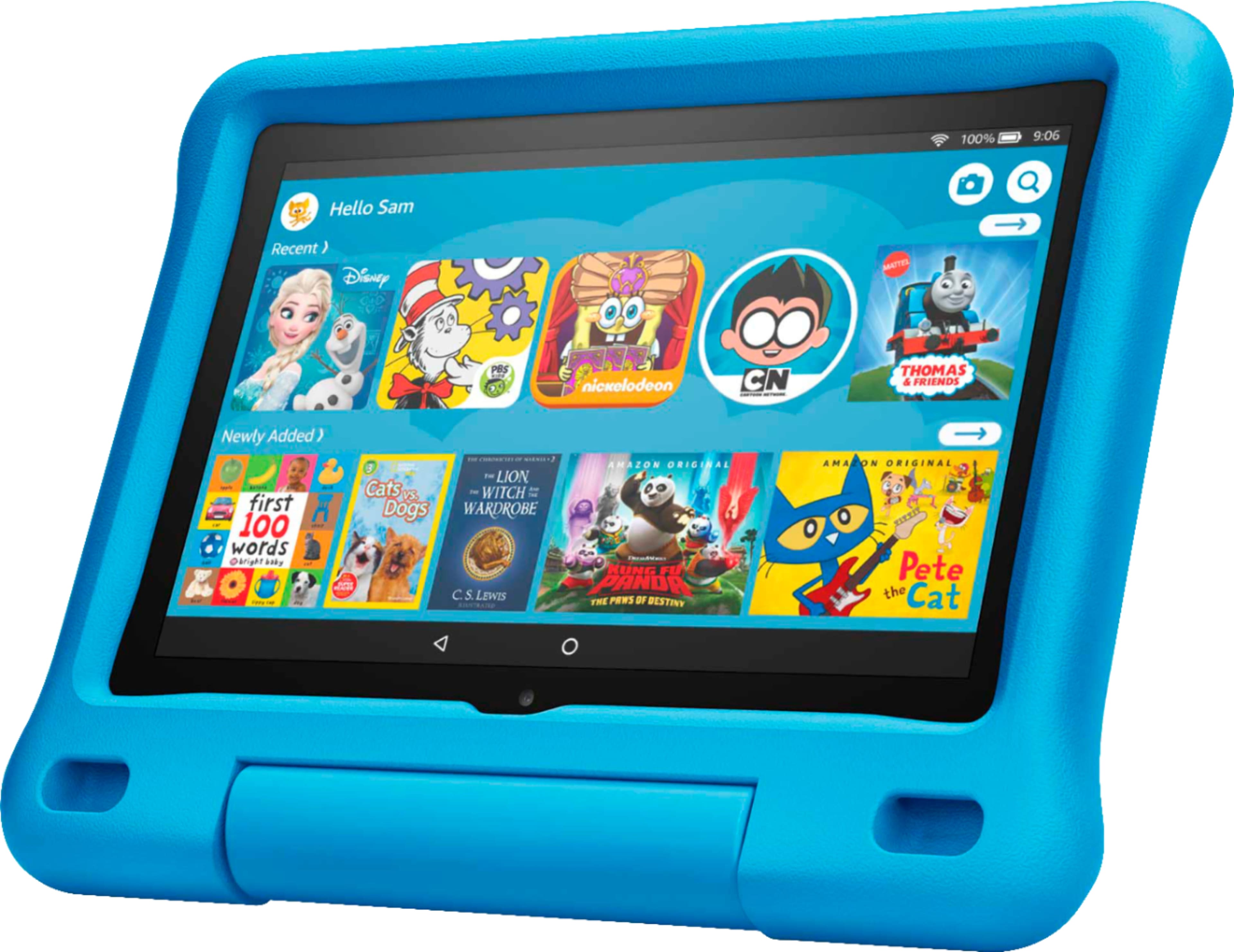
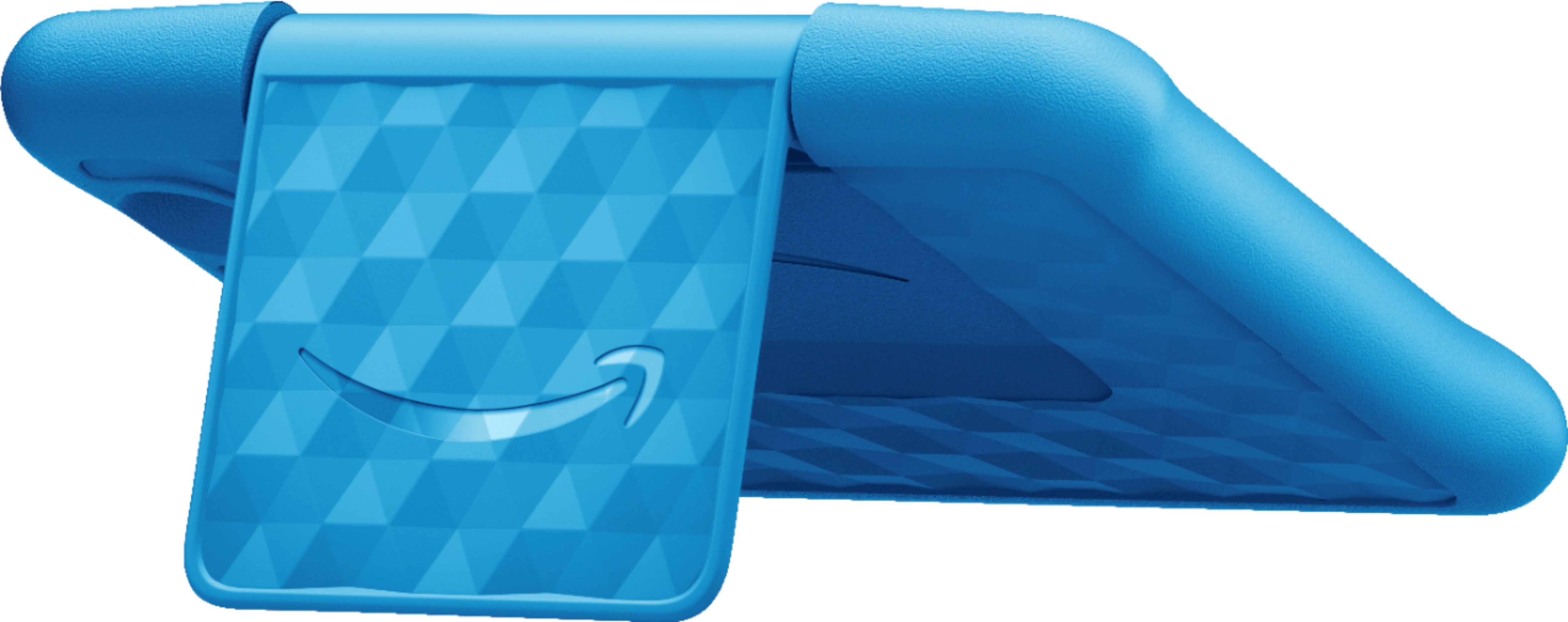
- A:Answer Yup, the case is already included. it has a protective case which you can choose from either blue or pink. You better buy this tablet when it is on sale like 50% off.
Answered by RIHS
Q: QuestionCan you play with Osmo on this model?
Asked by Michele.
This question was asked about the related product: Amazon - Fire 8 Kids - 8" Tablet – ages 3-7 - 32GB - Purple
- A:Answer no lo ha jugado
Answered by cramirez
Q: QuestionDoes this tablet have 1 year kids free time on it and does that start when I buy the tablet or when I turn it on and start using it, and how much is it after the year? And do I have to to pay for an Amazon prime account to access that or anything else?
Asked by Jesy.
- A:Answer Hi Jesy, Yes. This tablet comes with 1 year of Amazon Kids+ free for one year. After the year, you can choose to keep or stop. There are several subscriptions for this depending on the amount of children/devices you want to use it on, but it starts as low as $2.99/mth. The device warranty starts from the time you activate the device and set up using your Amazon account info. You do not need an Amazon Paid Prime membership to use this. You will be asked to sign in with your Amazon account, or create a free one when starting up the tablet. All Amazon accounts are free, the upgrade of adding a Prime Membership is what adds the additional cost and gets you things like free 2 day shipping on applicable merchandise. Hope this info helps. Have a great day!
Answered by Amazon Devices Customer Support
Q: QuestionJust bought this today for my daughter, does this tablet have any warranty and for how long ( 1 - 2 years? ) ? Does the YouTube for 3 months start when I buy it, or when I turn it on and start using it?
Asked by Jesy.
- A:Answer Amazon always backs this tablet for 1 year including accidental damage! Examples cracked screen, and who else can say they will replace your electronic for free if you accidentally cracked your screen? No one beside Amazon that I am aware of! Thumbs up 100%!
Answered by FireTabletMom4Life
Q: QuestionDoes this have a camera
Asked by Anonymous.
- A:Answer Yes, it has 2. A foward and rear facing camera
Answered by Eog23
Q: QuestionCan I video call someone?
Asked by Deb.
- A:Answer if in the adult profile you can install the applications that you want and thus make a video call
Answered by Ilse
Q: QuestionCan i download the baby Rhymes for my 15months baby which i can play without internet?
Asked by Anonymous.
- A:Answer Hello and thank you for your question! Baby Rhymes is not available at this time from the Amazon Appstore. I hope this answers your question and that you have a great day!
Answered by Amazon Devices Customer Support
Q: QuestionCan I download classroom apps on this tab? I need one for my sons school work and a kids tab. Thanks
Asked by Mia.
- A:Answer Go to Google Play to download apps
Answered by CloudyPluto
Q: QuestionCan you download the Xbox game pass app to play video games?
Asked by BigDad.
- A:Answer No the app doesnt have cloud gaming on the kindle fire. Its useless. Without cloud gaming.
Answered by Anonymous
Q: QuestionHi there, Can you download and use Facebook portal on here?
Asked by Nursemom.
- A:Answer Hi Nursemom! Yes, the facebook messenger app can be downloaded to your Fire Tablet. You can download games and apps and use them on the go by following these steps: 1. Select Games & Apps or open the Apps or Games app. 2. Select an app from your Library to download it or search for a new app in the Store. Hope this helps, enjoy your day!
Answered by Amazon Devices Customer Support
Q: QuestioniS YOUTUBE ALREADY ON HERE
Asked by PAM.
This question was asked about the related product: Amazon - Fire 8 Kids - 8" Tablet – ages 3-7 - 32GB - Purple
- A:Answer si youtube hi ve los muñequiots
Answered by cramirez
Q: QuestionDoes this work in Singapore?
Asked by Anne.
- A:Answer Hello Anne, the Fire Tablets will work anywhere there is a WI-FI connection. Some of the apps and Alexa features may not operate outside the U.S. Have a great day!
Answered by Amazon Devices Customer Support
Q: QuestionDoes it have wifi everywhere
Asked by Kiki.
This question was asked about the related product: Amazon - Fire 8 Kids - 8" Tablet – ages 3-7 - 32GB - Purple
- A:Answer no he tenido problemas
Answered by cramirez
Q: QuestionCan I download messenger? I video chat with my son on his mom's messenger.
Asked by Vee5.
- A:Answer Yes I’m the App Store as long as the parental controls are set accordingly.
Answered by FireTabletMom4Life
Q: QuestionIt says come with 3 months free YouTube premium. How do I access this?
Asked by Anonymous.
- A:Answer Download the YouTube app and sign up.
Answered by Eog23
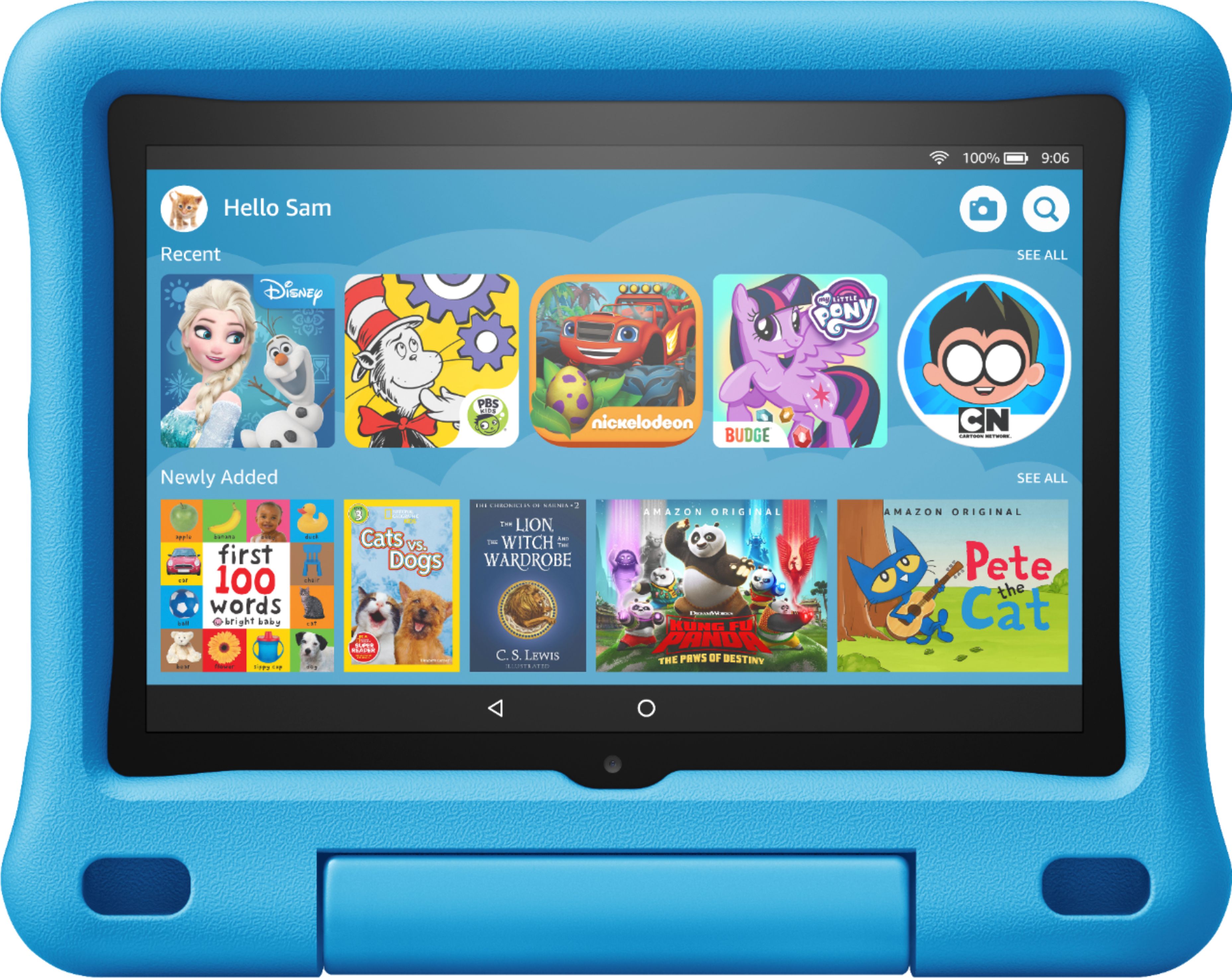
Q: QuestionDoes this tablet come with the case and screen protector
Asked by Amy.
- A:Answer Hi this is a really great tablet it does come with a case (the blue material) but no screen protector
Answered by Yes2No
Q: QuestionWhat’s the manufacturer’s warranty?
Asked by Anonymous.
- A:Answer Hello, The Fire Tablet Kids Edition has a two-year worry-free guarantee. The warranty for the device is provided by Amazon.com Services LLC, and for specific instructions about how to obtain warranty service for your device, please contact Amazon Customer Service. I hope that helps. Have a great day! Thank you for your question.
Answered by Amazon Devices Customer Support
Q: QuestionHello. Can YouTube kids be downloaded. ?
Asked by Andy.
- A:Answer Yes you have to login as yourself , to download it. it’s called kids tube
Answered by Yes2No
Q: QuestionCan Youtube be downloaded on this tablet?
Asked by Pitachez.
- A:Answer Hello Pitachez! Yes, the YouTube app can be downloaded to your Fire Tablet. You can download games and apps and use them on the go by following these steps: 1. Select Games & Apps or open the Apps or Games app. 2. Select an app from your Library to download it or search for a new app in the Store. Next, to enable the app to be used on your child's profile, you will need to follow these steps: 1. Go to the Parent Dashboard 2. Navigate to the child profile you wish to manage and select Settings. 3. Select Add content. 4. Select the desired content category using the tabs above the list of content. 5. Add or remove content by toggling the switch next to them. Have a great day!
Answered by Amazon Devices Customer Support
Q: QuestionCan my grandson access YouTube from this pad
Asked by Gina.
- A:Answer Gina, "Hello! To add content to your Child Profile on a Fire Tablet, follow these steps: 1. Go to the Parent Dashboard 2. Navigate to the child profile you wish to manage and select Settings. 3. Select Add content. 4. Select the desired content category using the tabs above the list of content. 5. Add or remove content by toggling the switch next to them. And, Yes, you can access/add YouTube for your grandson on the Fire 8 Kids Tablet, I hope this helps, have a great day!
Answered by Amazon Devices Customer Support
Most-viewed items
- $249.99$249.99The price was $379.99
- $109.99$109.99The price was $199.99
- $329.99$329.99The price was $469.99
- $159.99$159.99The price was $309.99
- $449.99$449.99The price was $649.99
- $229.99$229.99The price was $599.99
- $99.99$99.99The price was $129.99
- $209.99$209.99The price was $439.99
- $329.00$329.00The price was $349.00
- $1,399.99$1,399.99The price was $2,699.99