Questions & Answers
- Model:
- B07WJS3QDX
- |
- SKU:
- 6412948
Q: QuestionHi is this the newest version ? What is the difference between the 7 and the 10 ? Is it just the screen size? Thank you
Asked by Hanna.
- A:Answer I think just the screen size!!
Answered by Badger
Q: QuestionWill I be able to download YouTube in this tablet?
Asked by Liz.
- A:Answer Hi Liz! Yes, you can download Youtube onto this tablet. Hope this helps!
Answered by Amazon Devices Customer Support
Q: QuestionIs this tablet waterproof?
Asked by Waterproof.
- A:Answer Hello! No, the Fire HD Kids Edition tablets are not waterproof. Have a great day!
Answered by Amazon Devices Customer Support
Q: QuestionIf I buy this kids tablet from a different retailer will it still come with 1 year of Freetime and 2 year warranty?
Asked by Trish.
- A:Answer Hi Trish The Kids tablets come with those benefits regardless! Have a great day!
Answered by Amazon Devices Customer Support
Q: QuestionCan you get Disney plus on this tablet?
Asked by Anonymous.
- A:Answer Yes , all you have to do it go to your profile instead of your children’s and download it. My daughter uses it all the time.
Answered by Kaitlin
Q: Questionwill it be compatible with Osmo?
Asked by tom.
- A:Answer Hello Tom, Yes Osmo is available for download from the Amazon AppStore. Thank you!
Answered by Amazon Devices Customer Support
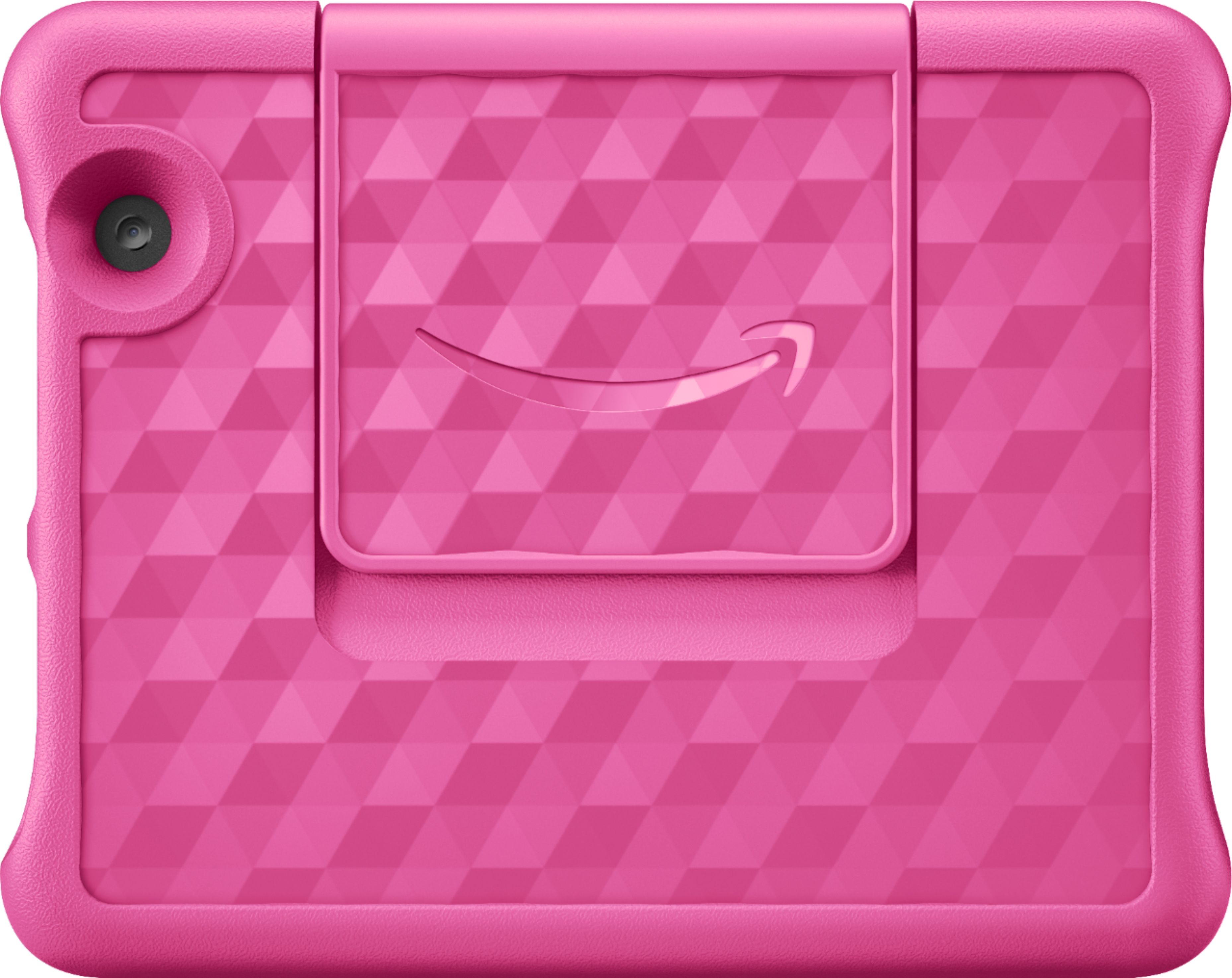
Q: QuestionWhat accessories go with 8 HD Amazon Fire kids tablet and does it come with case and charger
Asked by Anonymous.
- A:Answer Hello! The Fire HD 8 Kids Edition does come with a case and a charger in the box. There are many different accessories you can get for the device, but those are included when you purchase the tablet. Have a great day!
Answered by Amazon Devices Customer Support
Q: QuestionI just bought one and it keeps flashing the Amazon symbol, it won’t turn on.
Asked by Isaac.
- A:Answer might have a bad battery. take it to store or return it to amazon for a replacement
Answered by Eog23
Q: QuestionCan I set the tablet to a different language like Brazilian Portuguese?
Asked by Language.
- A:Answer yes you can. find it under the settings
Answered by Eog23
Q: QuestionWhat means, ages 3-7? The content is just for kids of 3 and 7? Means Kids can’t not use it if they are 8 year old?
Asked by Paloma.
- A:Answer Hi Paloma! The age range for the Fire 8 Kids Tablet is a suggested range based on the preloaded kids content, and the case included with the device. You can add multiple profiles to this device, and control what content each user has access to via the Parent Dashboard. Here's how you can do that: To add content to your Child Profile on a Fire Tablet, follow these steps: 1. Go to the Parent Dashboard 2. Navigate to the child profile you wish to manage and select Settings. 3. Select Add content. 4. Select the desired content category using the tabs above the list of content. 5. Add or remove content by toggling the switch next to them. Have a great day!
Answered by Amazon Devices Customer Support
Q: QuestionAre you able to download Hooked on Phonics?
Asked by Cmarie.
- A:Answer Hello Cmarie! Thanks so much for your question! Yes, Hooked on Phonics is an available app that you can download from the Amazon Appstore. You can find it by tapping Apps & Games and then searching for Hooked on Phonics. I hope this helps and that you have a great day!
Answered by Amazon Devices Customer Support
Q: QuestionDo the parental controls work without the Amazon kids subscription?
Asked by Boymom12.
- A:Answer Yes, I've listed the steps to enable parental controls without the subscription. There are going to me limitations to standard parental controls vs. the parental controls in the Kid's superscription though. Set Up Parental Controls on Your Fire Tablet. Restrict access to shopping, downloading content, and settings on your device (FireOS 5 and higher). Alternatively, use Amazon FreeTime to select and share content from your Amazon library with your child or allow access to kid-friendly Amazon-curated content. Note: Your parental controls password is different from your lock screen password. Swipe down twice from the top of the screen to show Quick Settings. > Tap the Settings icon. > Tap Parental Controls. > Toggle the switch to On. > Enter and confirm your password. Make sure that you record your password. > Tap Finish. A lock icon appears at the top of the screen when parental controls are enabled.
Answered by Amazon Devices Customer Support
Q: QuestionI'd like to purchase this Fire HD 10th Generation 8 for my 6 year old Grand Daughter. Is it possible for me to pay for subscriptions focused on Reading, Writing and Math as extended Gifts for her Parents to include when I buy the Fire HD 8 Tablet.
Asked by Anonymous.
This question was asked about the related product: Amazon - Fire 8 Kids - 8" Tablet – ages 3-7 - 32GB - Purple
- A:Answer Hello, Unfortunately, it is not, but you can always buy gift cards for Kindle (reading) or Audible (audiobooks) or Amazon for them to use when they set up and want to pay for those subscriptions. Hope that helps.
Answered by Amazon Devices Customer Support
Q: QuestionWhy can’t I find a manual for the Amazon Kindle Fire HD 8 kids edition (2020)! It only comes with a Quick Start guide. There are a few owner’s manuals for the non-kids version, but not the kids edition. Please help me!
Asked by Dianne.
- A:Answer Hi Dianne, There are no full manuals included in the packaging anymore in an attempt to save paper. You can search for how to videos on various websites (amazon included) to find helpful videos that can show you more about the tablet. Have a great day!
Answered by Amazon Devices Customer Support
Q: Questioncan this tablet get youtube kids?
Asked by KR.
This question was asked about the related product: Amazon - Fire 8 Kids - 8" Tablet – ages 3-7 - 32GB - Purple
- A:Answer Hello KR, yes you can get YouTube Kids on the Fire HD 8, hope this helps!
Answered by Amazon Devices Customer Support
Q: QuestionCan you lock it so child can't leave movie?@
Asked by Movie.
- A:Answer Hello, Movie! I'm not sure of a way to lock it so that they cannot leave the movie, but you could enable some features on FreeTime that would keep the child from accessing apps and games during the time you have the movie open. Once in your FreeTime account, you can adjust what the child can access. I hope that helps! Have a great day!
Answered by Amazon Devices Customer Support
Q: QuestionIs a subscription to Amazon kids plus required to use this? If not then what features would not work without it?
Asked by Anonymous.
This question was asked about the related product: Amazon - Fire 8 Kids - 8" Tablet – ages 3-7 - 32GB - Purple
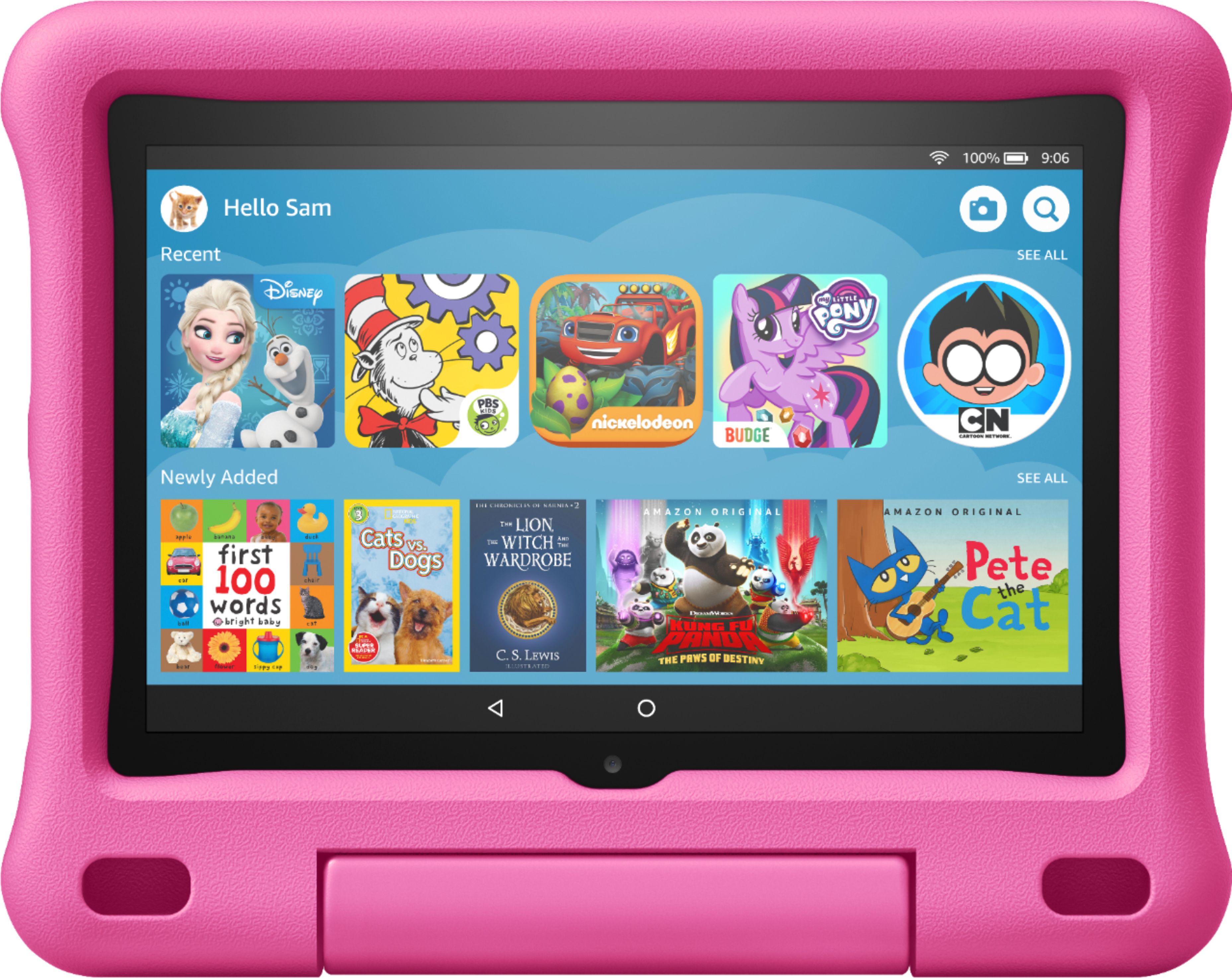
- A:Answer HI! Amazon Kids+ is not a requirement to use this tablet. Amazon Kids+ is an all-in-one subscription that gives kids access to thousands of kid-friendly books, movies, TV shows, educational apps, and games on compatible Fire, Fire TV, Android, iOS and Kindle devices. Plus, kids can enjoy hundreds of hours of fun with ad-free radio stations and playlists, and a growing list of premium kid’s skills available on compatible Echo devices. You would lose these curated items if you set up without Amazon Kids+. Hope this helps, enjoy your day!
Answered by Amazon Devices Customer Support
Q: QuestionIt keeps asking for a pin and I don't have one and it won't let me go any further what do I do
Asked by Mommy.
- A:Answer I haven' t opened my amazon 7 tablet for a long time! I enter the pin but there is no check sign to (enter) to finish logging! what do i do?
Answered by Samram
Top Rated
- $249.99$249.99The price was $379.99
- $99.99$99.99The price was $129.99
- $329.99$329.99The price was $469.99
- $109.99$109.99The price was $199.99
- $33.33 per month$33.33/mo.for 36 months; 0% APR