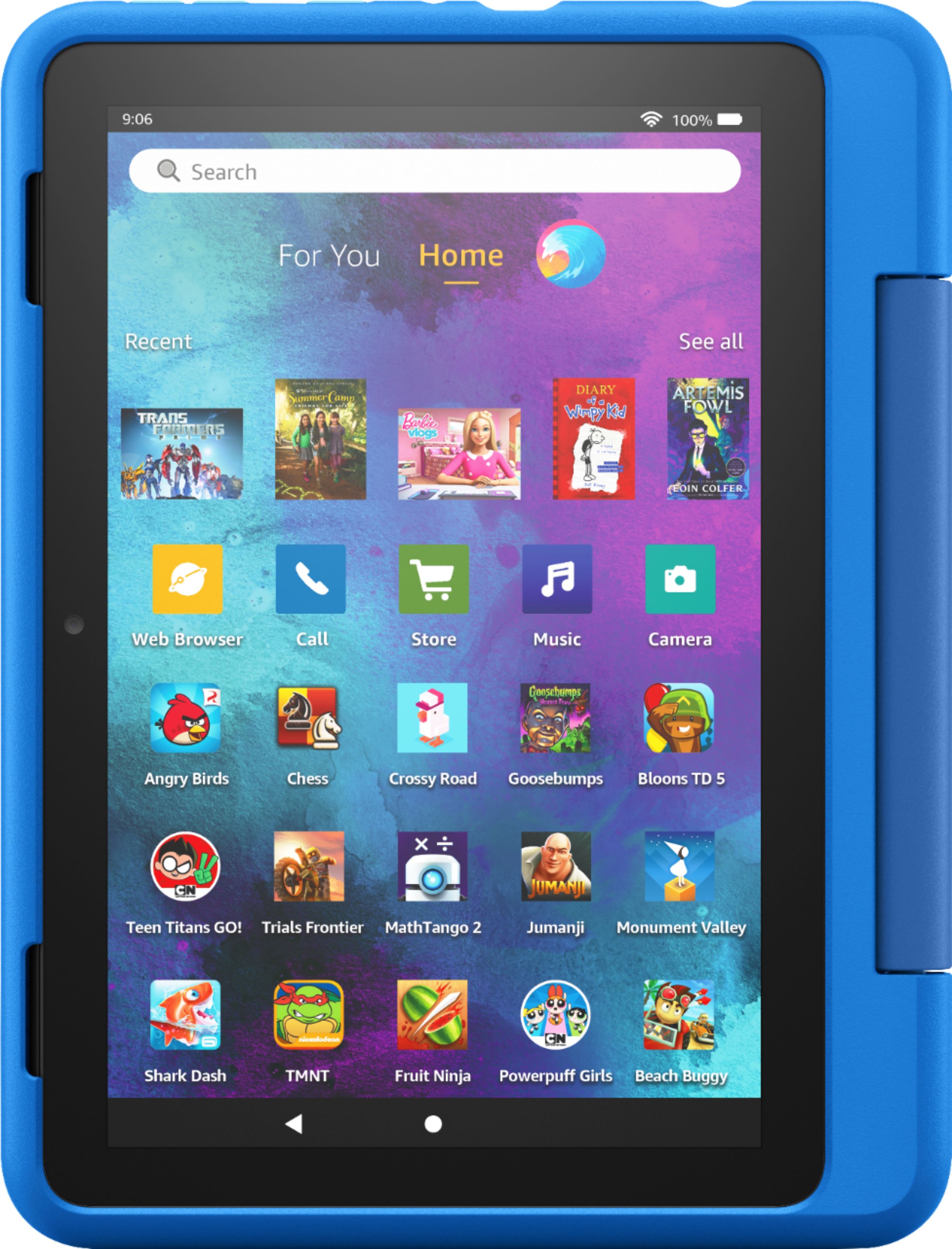
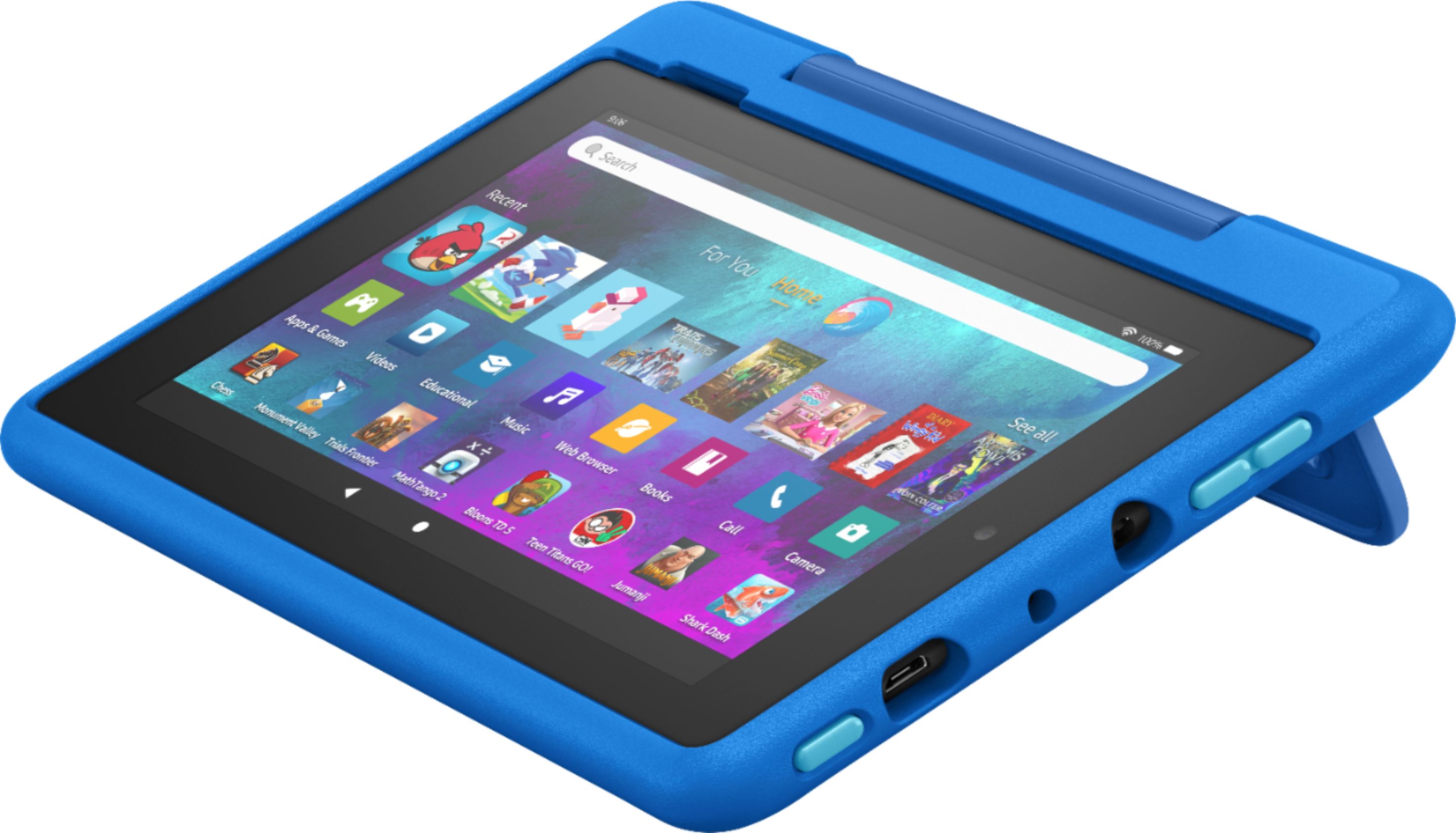
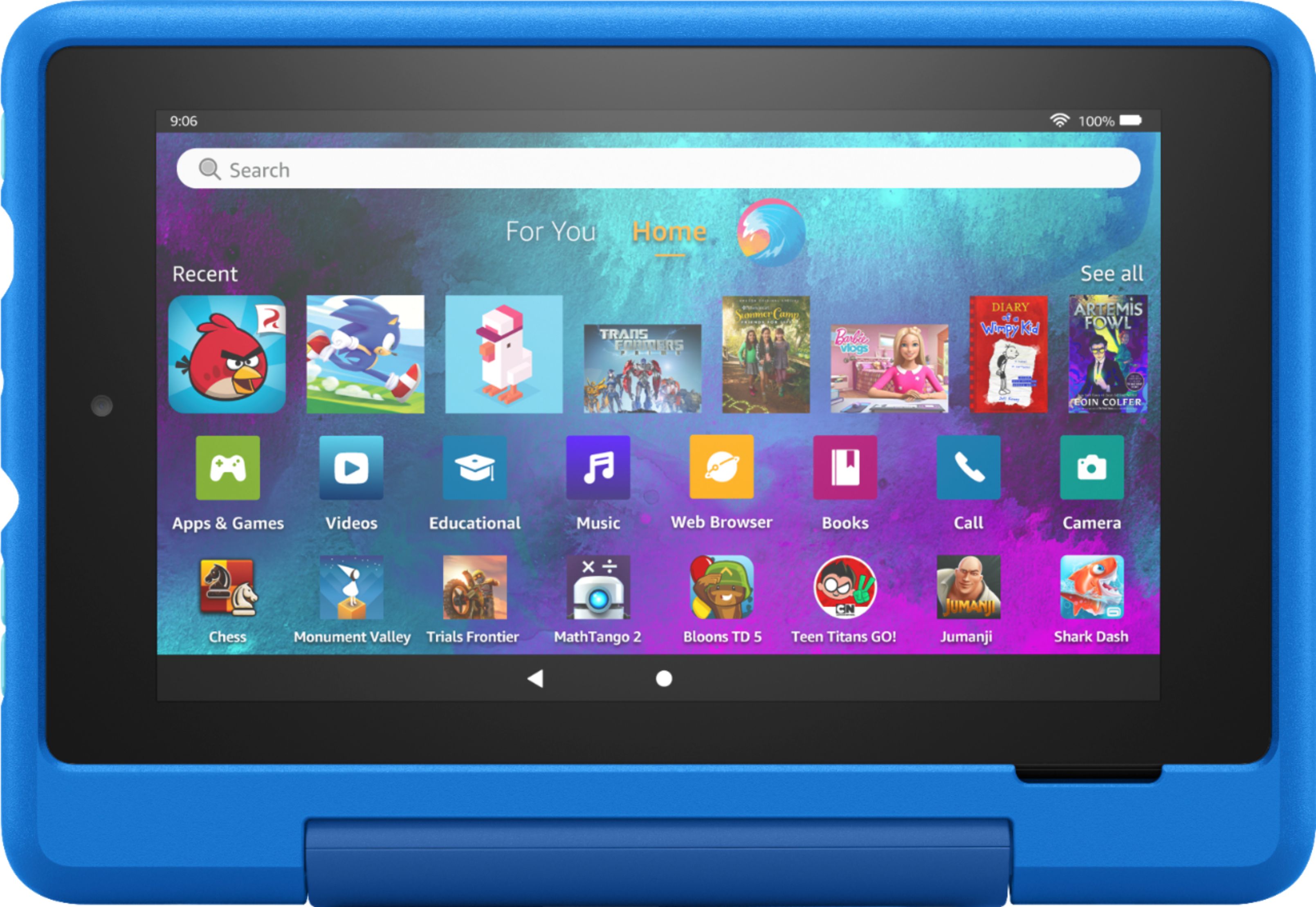
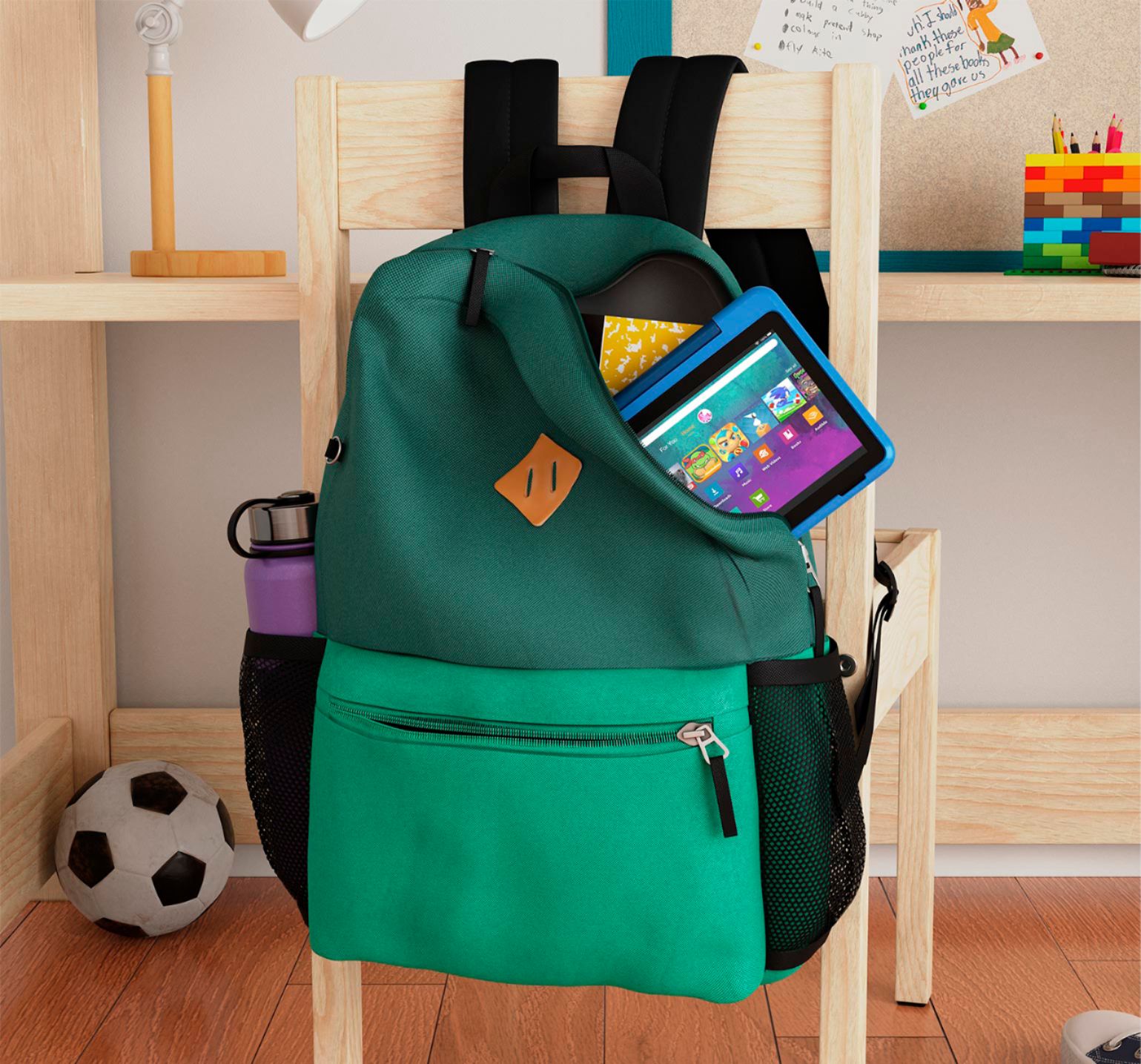
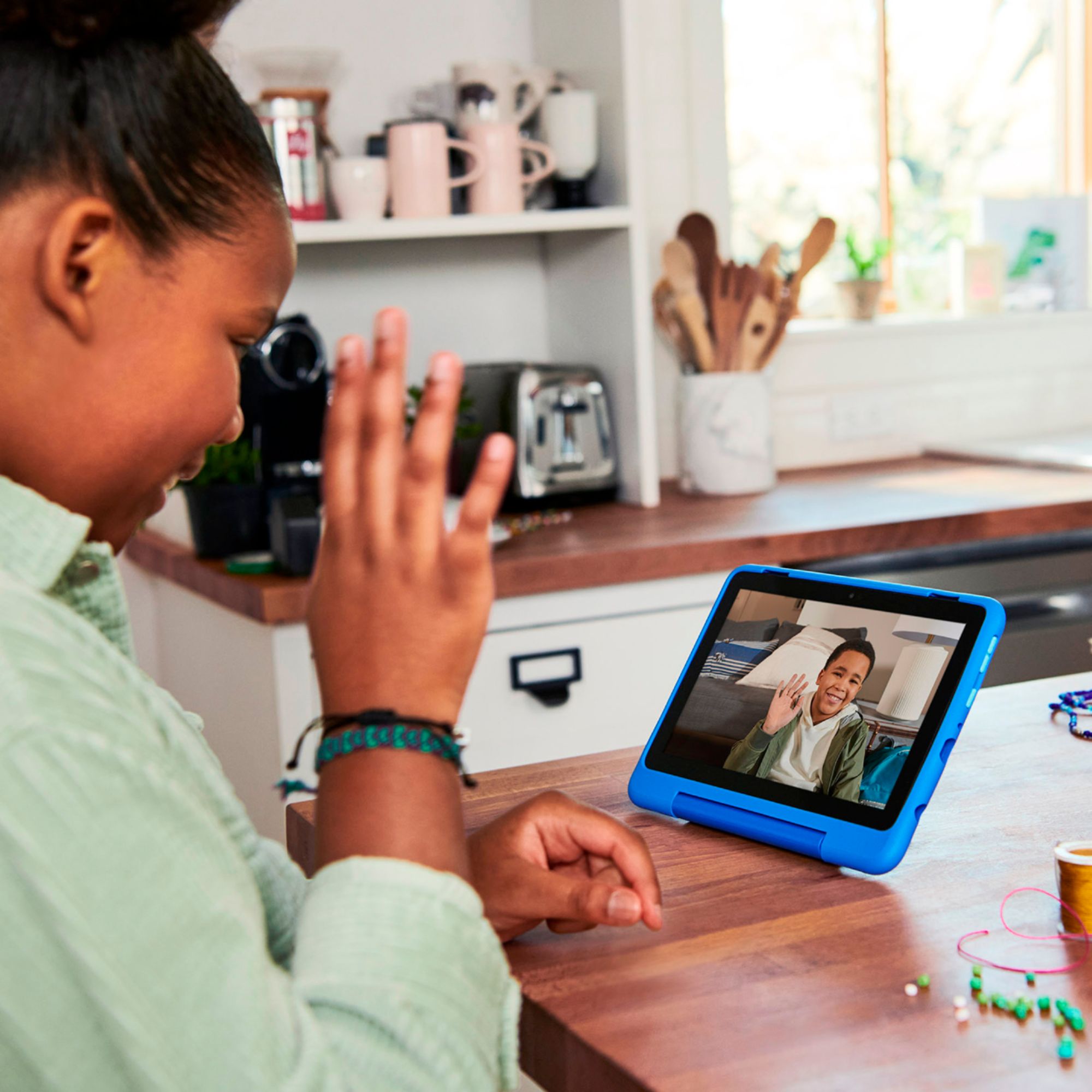
A:AnswerHello! The new Kids Pro Fire Tablet is designed specifically for kids ages 6–12. The tablet will come with 1 year of Amazon Kids+, parental controls, a slim protective case, and a 2-year worry-free guarantee, just like the Kids tablets. In addition to the Kids+ content, the Kids Pro tablets include access to a digital store. With this, kids can request to download or purchase apps, while parents can approve purchases and downloads. The tablet also comes with a built in web browser. The web browser comes with built-in controls designed to help filter out inappropriate sites and let parents add or block specific websites at any time. I hope that helps explain the new Kids Pro tablet! Have a great day!
A:AnswerOk yes it is compatible, it does not have to be Amazon approved memory card to work. I am the one who asked this question and after some research, I did not find anything about this specific very high performance card. So I tried again, after logging as the parent on the tablet, Upgrade the memory did work perfectly. Now I can see that the tablet software recognized the memory added of 128Gb. Hourra!
A:AnswerHi Darrian,
Yes, you can share videos and pictures with your grandaughter by giving her access to the amazon photos app! To do this you will have to adjust the parental controls on the childs profile to enable. with parental controls, you can help keep your child from accessing certain things, avoiding accidental purchases, and set time limits with on-device controls.
Here are the things the parental controls let you restrict access to:
-Web browsing
-Email, Contacts, and Calendar apps
-Purchasing from the Amazon Store or Amazon Shop app
-Playing titles from Prime Video
-Specific content types or titles (for example, books or apps)
-Wireless connectivity
-The camera
-Location-based Services
You can also use the daily curfew option to schedule when your child can use the device. Enabling Parental Controls does not remove Mature or Adult-rated content from the device. You may encounter such content in Apps and Games, Music, and Books, or in Amazon store search results. To restrict the content available on the device, you can:
-Create an Amazon Kids child profile and select which apps and content are available to that profile.
-Block access to content on the device (for example, "Apps and Games," "Books," and "Music") by going to Amazon Content and Apps menu under Parental Controls and selecting the button next to each category to say Blocked.
After doing so you can create a profile in amazon photos to share! If you are already a prime member, you get unlimited, full-resolution photo storage and 5 GB for video; custom curated slideshows; benefit sharing for up to five family members with the option to share your full library; and a refined search filter to find the people, places, and things you love at a moment’s notice.
Hope that helps!
A:AnswerHi Dede! The Fire 8 Kids Pro Tablet utilizes a Wifi connection for the internet. It does not have cellular capabilities. Here's the details on the Wifi: Dual-band wifi. Supports public and private wifi networks or hotspots that use the dual-band 802.11a/b/g/n/ac standards with support for WEP, WPA, and WPA2 security using password authentication; does not support connecting to ad-hoc (or peer-to-peer) wifi networks. Wifi 6 (802.11 ax) is not currently supported. Supports 2.4 GHz and 5.0 GHz networks. Thanks for your question, have a great day!
A:AnswerHello CSerby! Osmo currently has 20+ different apps available for download from the Amazon Appstore on this device. Many of them are creative and coding based. For any additional compatibility details you would want to refer to the app developer Osmo and ensure specific availability. Thanks so much for your question and have a great day!
A:AnswerHello, I understand you are looking for tablet that is Wi-Fi and cellular enable. At this given time the Amazon Fire Tablets do not support cellular. I hope this has addressed your concern. Have an amazing day!
A:AnswerHello Mom! In regards to your question about the Fire 8 Kids Pro being able to stream youtube videos without being connected to Wifi, the answer is no. The device needs to be connected to Wifi in order to stream any video related content. I hope this helped answer your question, have an amazing day!
A:AnswerHello! The new Kids Pro Fire Tablet is designed specifically for kids ages 6–12. The tablet will come with 1 year of Amazon Kids+, parental controls, a slim protective case, and a 2-year worry-free guarantee, just like the Kids tablets. In addition to the Kids+ content, the Kids Pro tablets include access to a digital store. With this, kids can request to download or purchase apps, while parents can approve purchases and downloads. The tablet also comes with a built in web browser. The web browser comes with built-in controls designed to help filter out inappropriate sites and let parents add or block specific websites at any time. I hope that helps explain the new Kids Pro tablet! Have a great day!
A:AnswerSo I had a heck of a time with this issue, I would connect it on the parent profile then switch to kid profile and it would disconnect. I ended up just pressing and holding the Bluetooth radio button from the drop down menu under the kids profile. This finally opened the bluetooth menu on the kids side so I could connect bluetooth headphones.