A:AnswerHi Yes, you can use YouTube (or YouTube Kids) on the Amazon Fire HD 10 Kids Pro, but it's not as straightforward as on a regular Android tablet because Fire tablets run a modified version of Android without the Google Play Store pre-installed, and the Kids/Pro profiles have strict parental controls. You can access youtube through the Silk Browser Hope you have a great day.
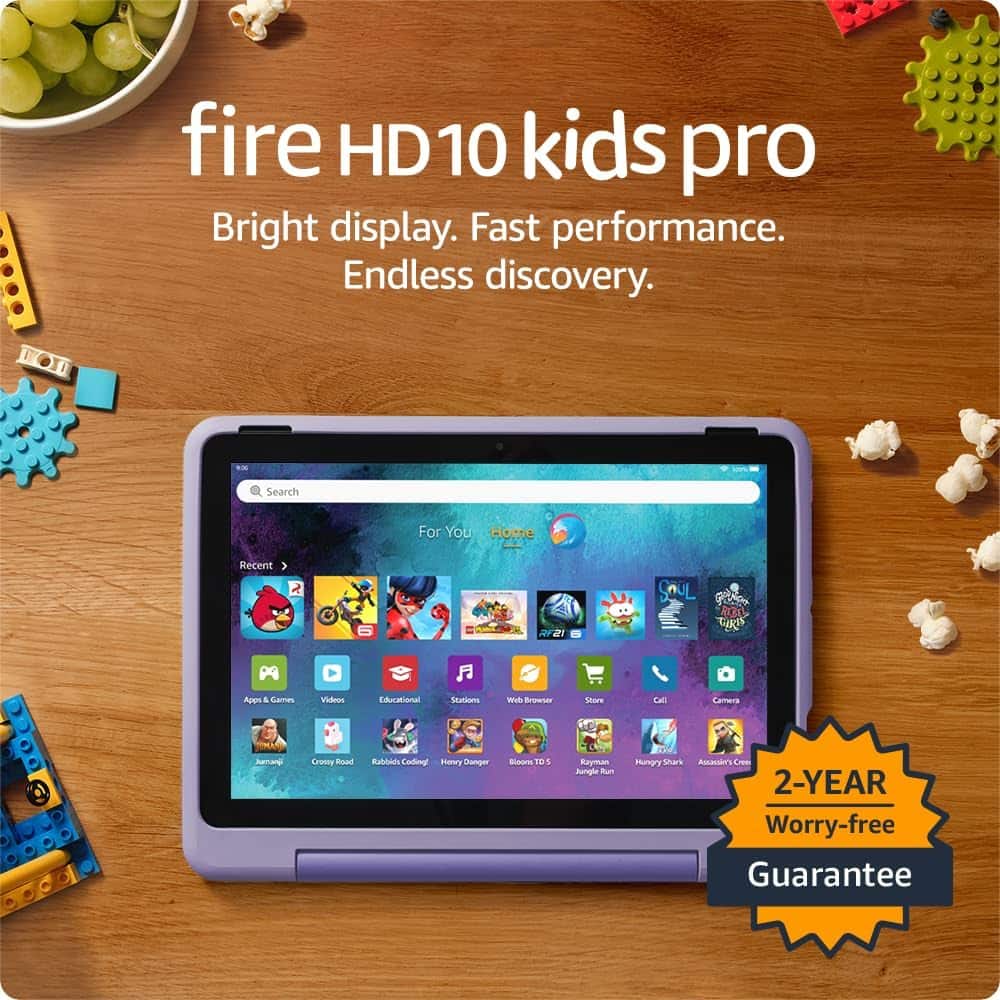
A:AnswerHello and thank you for asking this question. The Fire HD Kids Pro comes with a 2 year worry free guarantee that even covers accidental damage like cracked screens. If something happens to your device reaching out to amazon customer service is the best way to get started. I hope this answers your question and that you have a wonderful day.
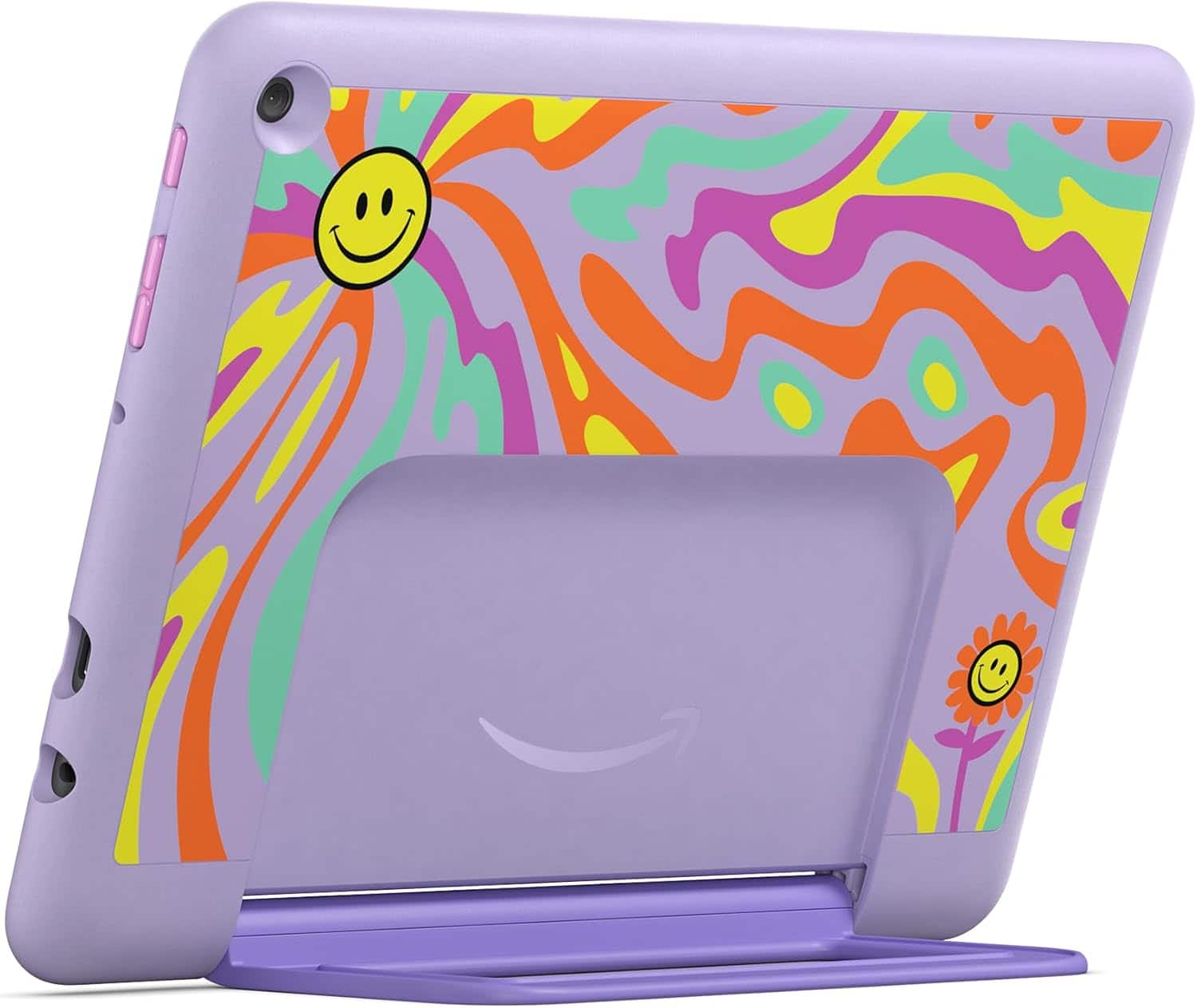
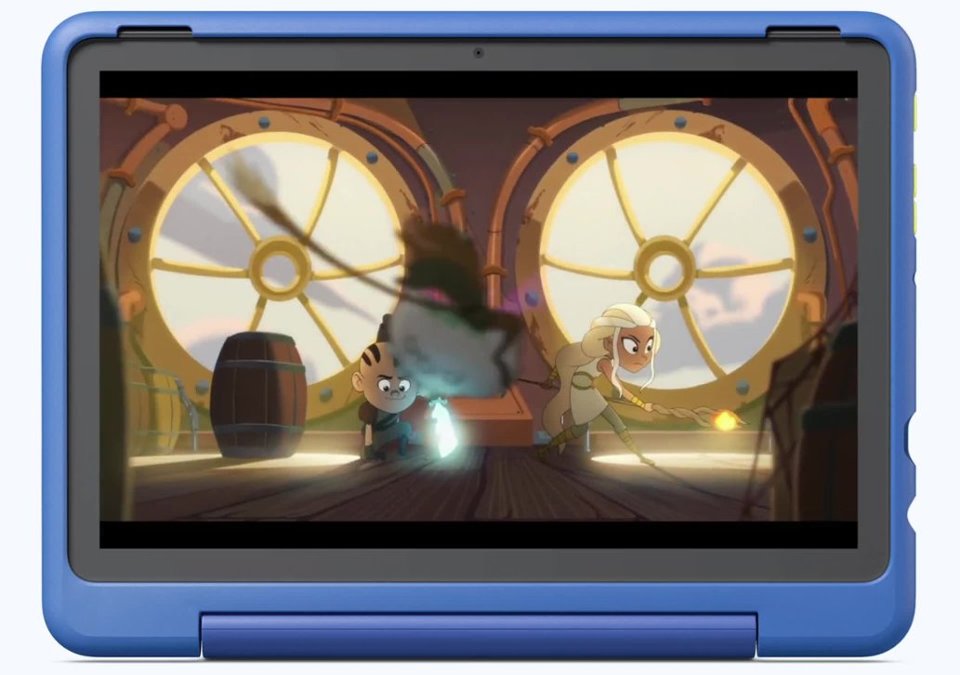
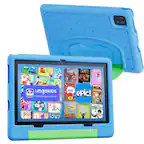
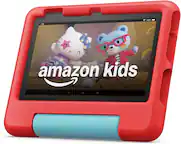
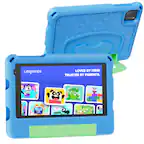
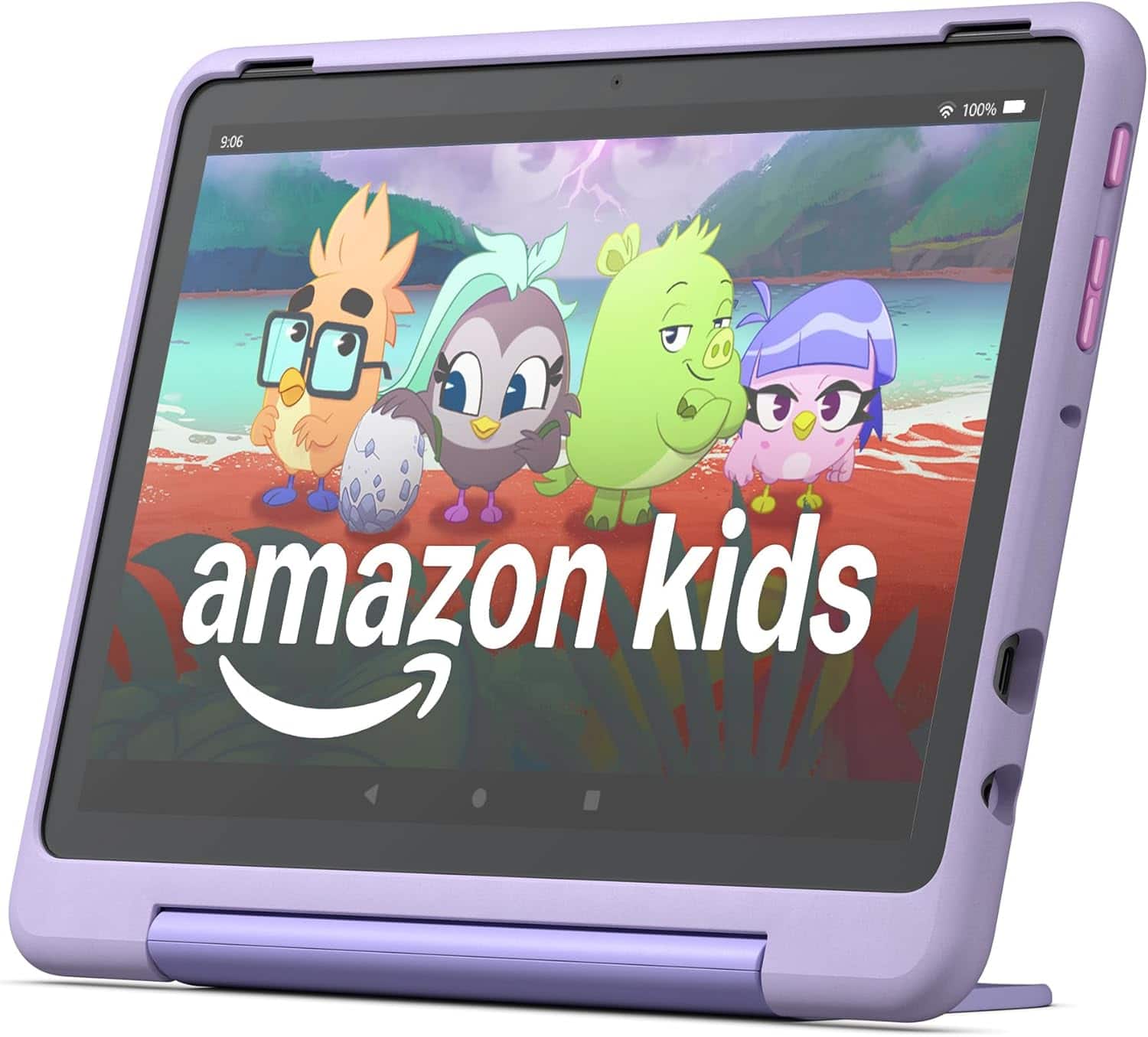
A:AnswerThe blue part is a built in case. There is an adjustable stand also built in. The edges are raised above the screen so if it falls to a flat surface it should be safe.
A:AnswerHello rholland,
Thank you for your question. No, a standard Kids Fire 10 tablet does not automatically lock the screen during a movie, but you can use the "App Pinning" feature within the parental controls to essentially lock the screen to a specific app like a movie, preventing accidental navigation away from it while watching.
How to enable:
Go to your Fire tablet settings, find "Parental Controls," and then locate the "App Pinning" option.
How it works:
Once you pin an app, the only way to access other features on the tablet is to exit the pinned app using a specific combination of buttons, usually requiring a parental password.
Hope this helps, have a nice day!
A:AnswerHi Warrantee! The 2 year worry free guarantee is a no questions asked replacement policy, you just contact Amazon Customer service and let them know that there is an issue with the tablet to have it repaired or replaced. I hope that helps, have a great rest of your day!
A:AnswerHello Memawsgirl and thank you for your question! The Amazon Fire HD Kids 10 Pro has several speech-related features and apps, such as: VoiceView, Assistive Reader, Speak Selection & Text to Speech. Additionally, there are apps available in the Amazon App Store such as: LetMeTalk, Speech Therapy Articulation & Speech to Text. If there is a specific speech app that has been previously recommended for your granddaughter to use, you would have to research to see if the app is available on the Amazon App Store and see if the Fire HD Kids 10 Pro has the specifications to run the app with out issue. Hope that helps! Have a great day!
A:AnswerHello jerrica,
Thank you for your question. At this time Adventure academy is not supported on the Fire HD Kids pro tablet. Hope this helps, have a nice day!
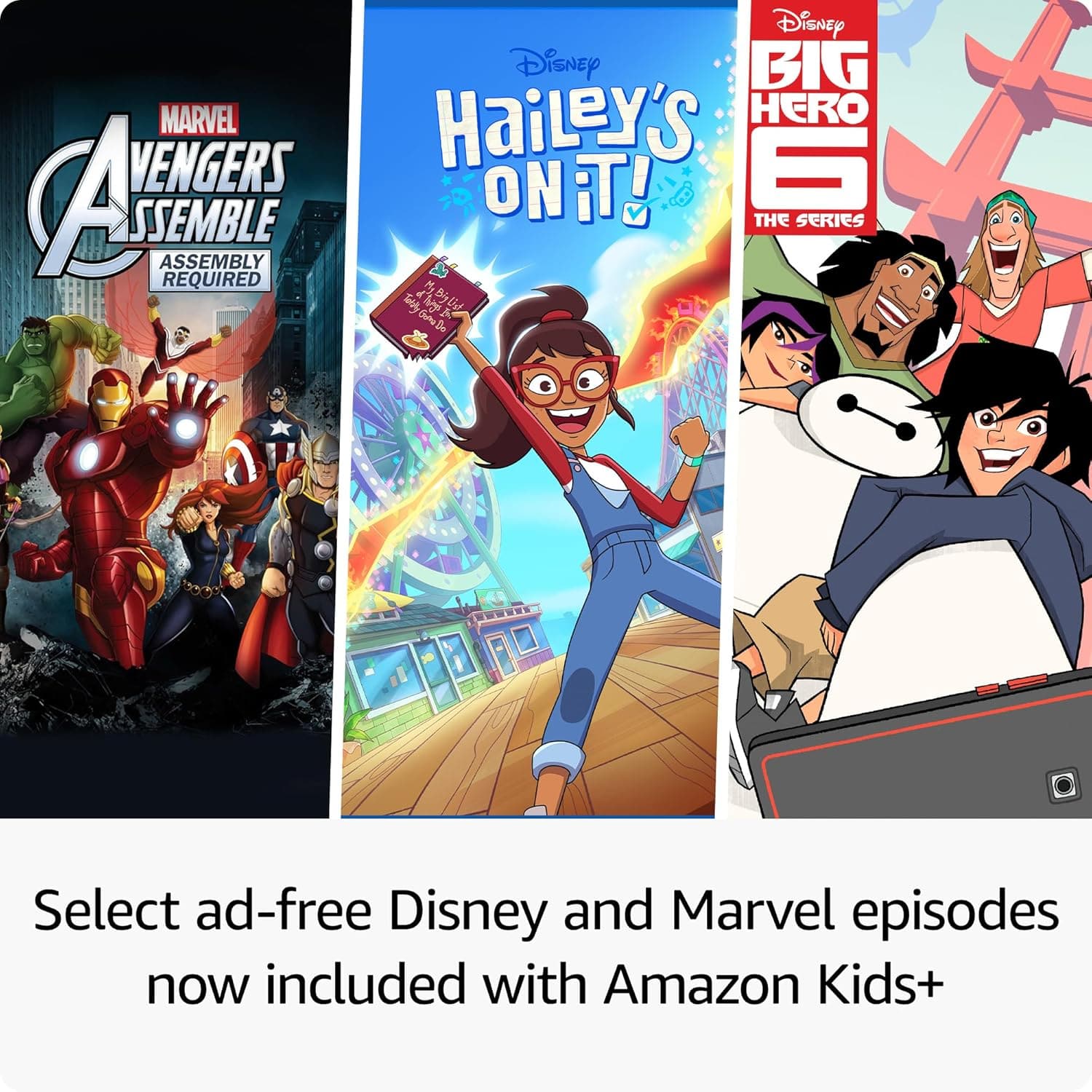
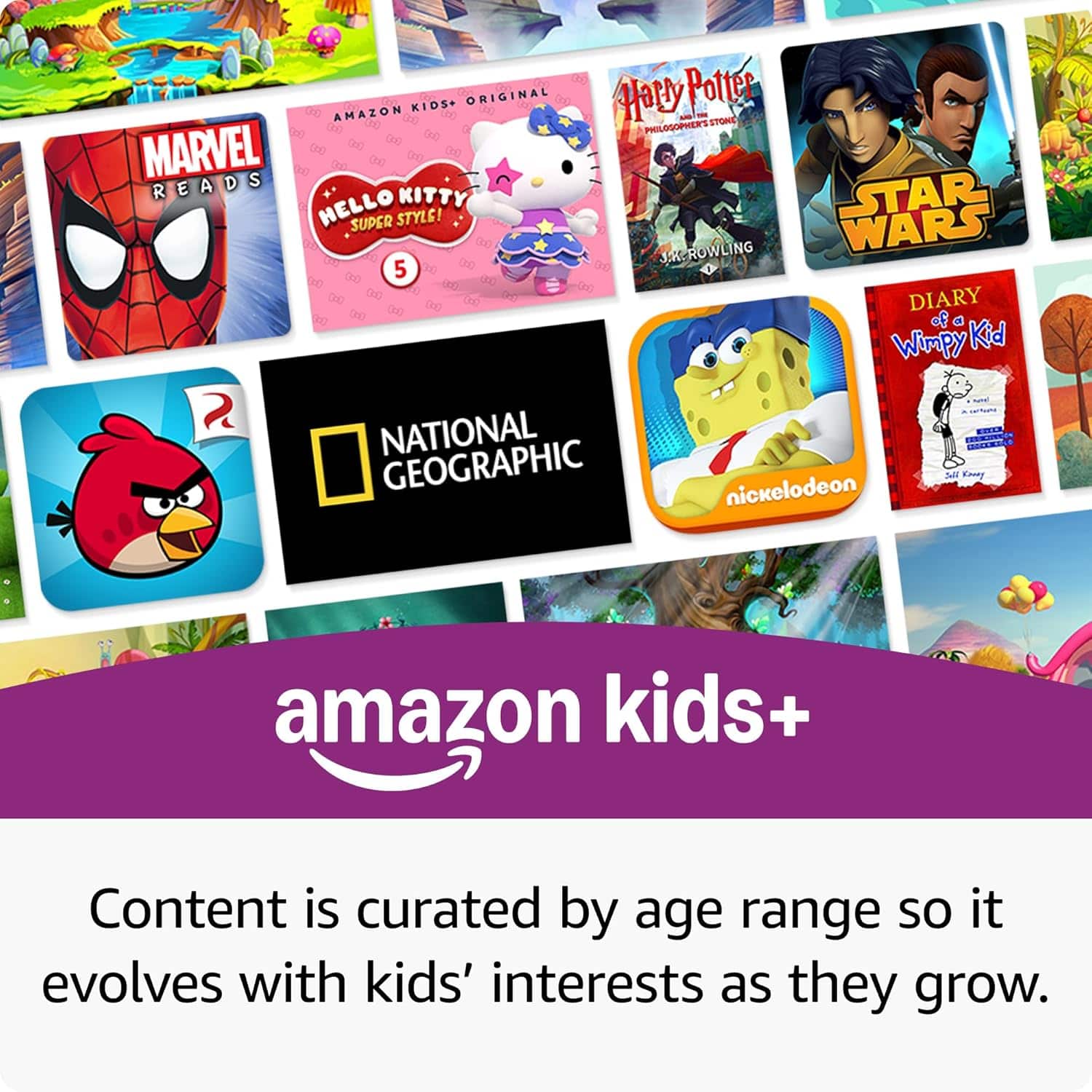
A:AnswerGood Morning -RomPepMom, Thanks for reaching out. The Amazon play store does include ABC Mouse as well as plenty of other educational games suitable for a 4 year old.The Google Play store is not available on the Fire HD 10 Kids Pro tablet but there is plenty of content available through the Amazon App store. You also will have access to 1000's of kids books, games and movies through a free 1 year trial of an Amazon Kids+ subscription. The tablet also comes with the 2 Yr worry free guarantee so you know the device is protected from defects and accidental damage. I hope this helps. have a great day!
A:AnswerHi there! The Fire HD 10 Kids Pro is a WiFi device, so it needs a WiFi connection to connect to the internet. If your phone allows other devices to connect to it's network through WiFi it should work just fine. Additionally, the Fire HD 10 Kids Pro features a Micro SD Card slot you can use to expand it's storage, giving you tons of space to download movies and shows ahead of time when you won't have internet access. I hope that helps, have a great rest of your day!
A:AnswerHello, the Amazon Fire Tablets do not support cellular service. You will need to have a WI-FI connection to access online features. You can download movies and games that can be used when Wi-Fi is not available.
Have a great day!
A:AnswerYes you can download items when connected to the internet that will allow them to use the tablet when they are not connected such as games, books and movies.