A:AnswerYes, it is WiFi ready, but the camera is only a poor 2 megapixels. It takes very bad pictures, even in good light. And you can forget taking any pictures in low light. If you want a tablet with a good camera, you need to search the internet (and pay much more). Also, DO NOT get any tablet with less than 2GB memory. I have the 8in 2017 tablet with only 1.5GB mem, and it runs slow now because newer apps eat more resources.
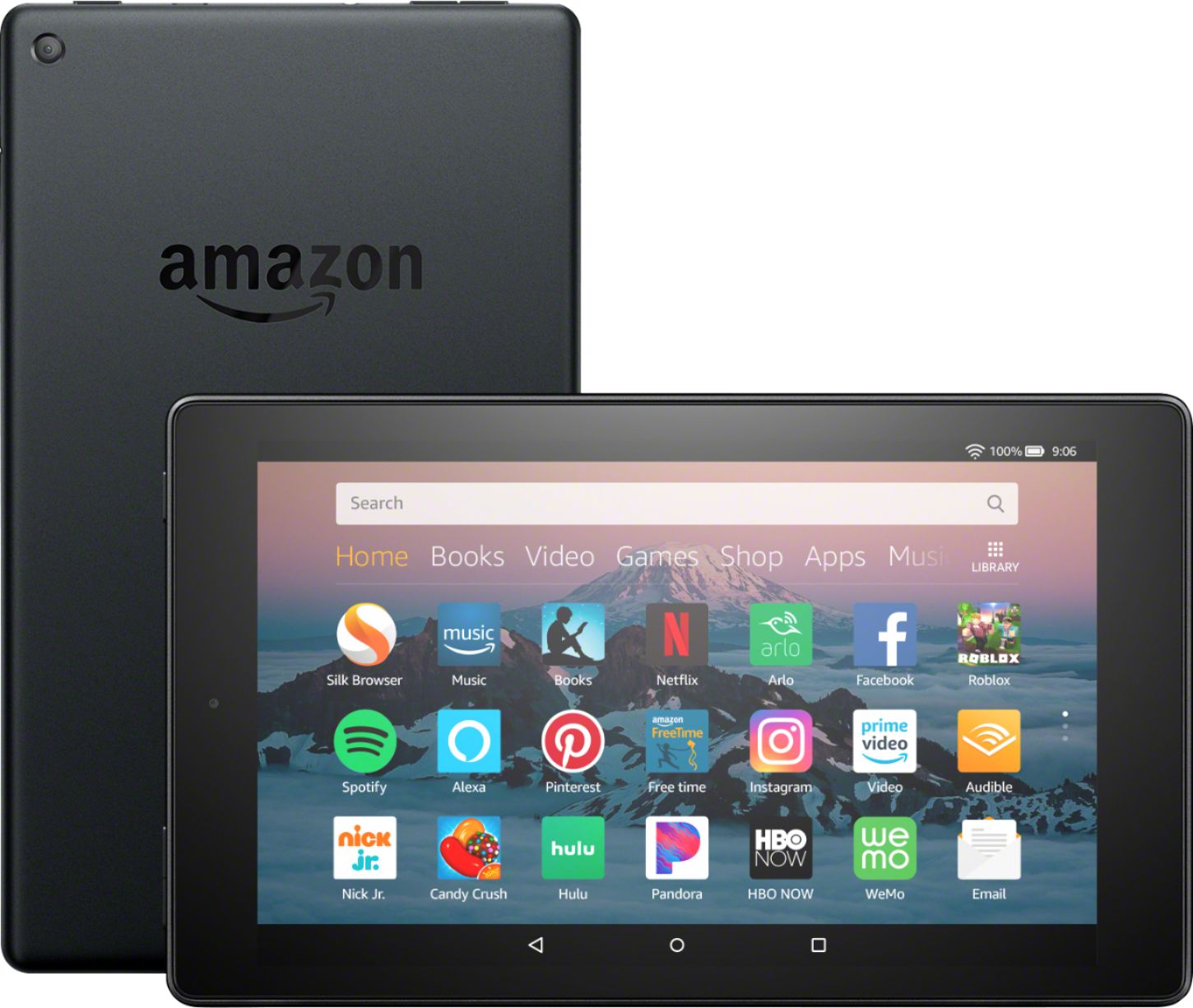
A:AnswerYes they even have messenger kids most of the apps are pretty much the same as the android You can make phone calls through messenger video chat all that stuff You can make phone calls through messenger video chat all that stuff
A:AnswerYou can turn Alexa off.
You can watch Prime movies and play Amazon games. You need to look up how to download Android apps to get apps not available in the Amazon App Store.
A:AnswerYes, you can access your email and do web browsing from the Fire 8 with ease. I haven't had to travel yet with it, but I will certainly be taking it with me when I do!
A:AnswerAds come after you click on an app. Amazon will have an ad on the opening screen, but after you sign in to the tablet there are no pop ups. My home page has no ads except the one from amazon. I like the amazon ads because we shop from there a lot, but they don't pop up. they are always at the top of the screen. Then when I click on a game or book there are no ads. The game app you choose may have ads, but that's the game makers not amazon.
A:AnswerIt does not! I have had it on (& ready to use) on all of my previous versions of FIRE since they first came out. This one does not have it and they are really pushing that paid app for reading out loud. It is not on here. I have to find another use for my fire or return it. Frustrating!
A:AnswerYes you can. This is the same tablet as the “kids” version except you don’t get the bumper or the 2 year warranty or the 1 year of free time for free. If you already have the freetime app, it will prompt you if you would like to set up your freetime profile as you go through the initial setup process.
A:AnswerBattery problem? Turn your tablet off when not in use. Also if you are using it for an extended period of time, keep it plugged in. And no, it does not have a replaceable battery. At least not for you to do. It can be done, but it takes a repair shop to do it. for that cost it would do you better to buy a new one!
A:AnswerYes, it has alexa built in. it also has "show mode" in which it acts the same way an echo show would. the audio wont be comparable to an echo or dot, and neither will the screen compared to the Show. But it does have those capabilities
A:AnswerSome people said they side installed Google play store. But that may void product warranty. So wait three months before you try to install, the product has only three months warranty period.