Questions & Answers
- Model:
- B0D1DCXYTJ
- |
- SKU:
- 6601643
Q: QuestionCan you download your own apps on it?
Asked by Anonymous.
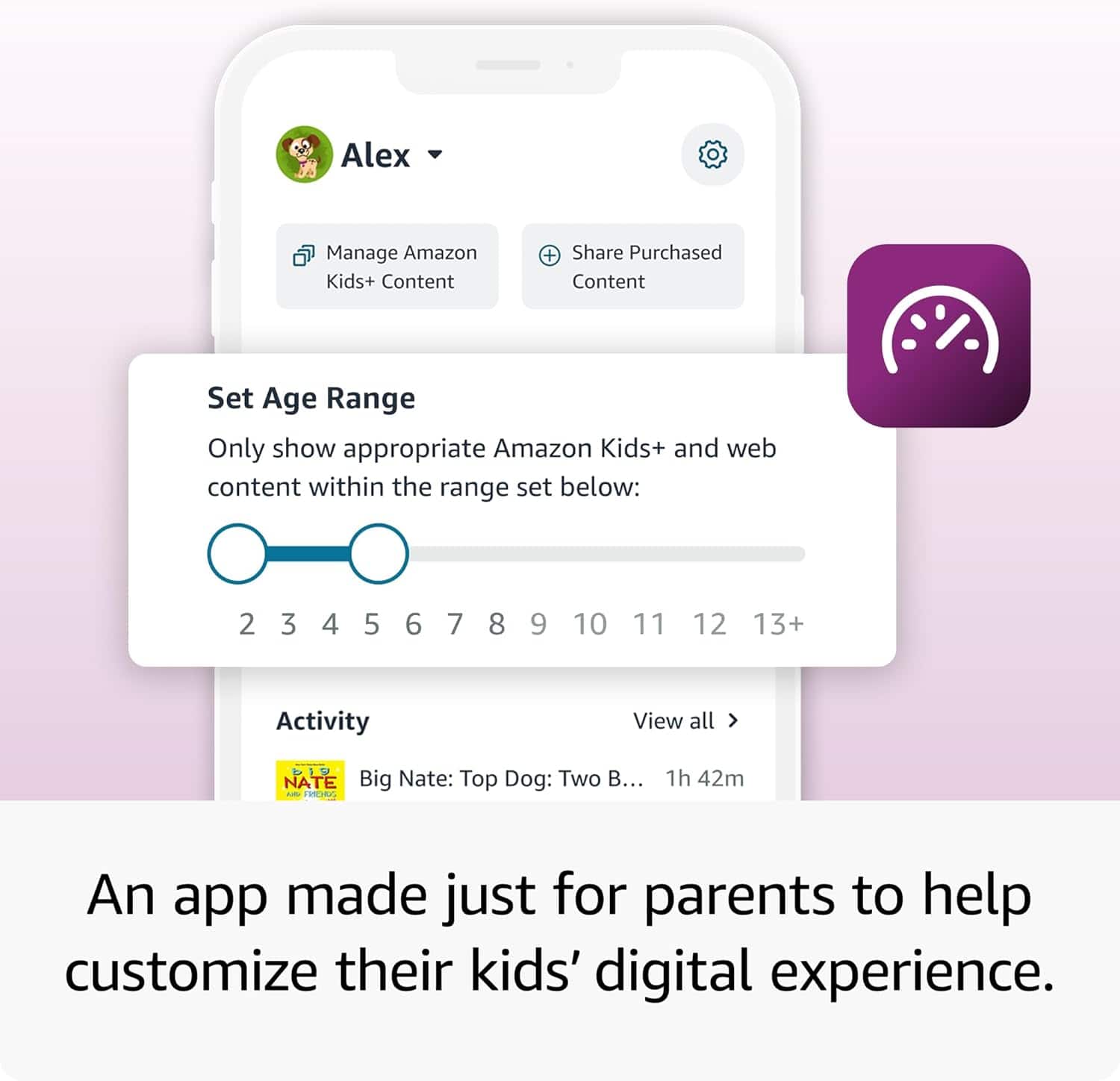
- A:Answer Hello! Parent Dashboard helps you manage your child’s Amazon Kids content on compatible devices. To add or remove content: - Visit the Parent Dashboard - Navigate to the Content tab. - Select the child profile that you wish to manage. - Choose the type of content that you want to add to the child profile. - Add or remove content by toggling the switch next to them Hope this helps, have a great day!
Answered by Amazon Devices Customer Support
Q: QuestionIt has wifi or YouTube?
Asked by Zeen.
- A:Answer Hello Zeen, the Amazon Fire Tablet does have WI-Fi which will allow you to go online. The YouTube app is not currently available on the Fire Tablets. You can however use the Silk Browser to access YouTube. Since this is a Kids tablet you will have to go into the Parental Controls and allow access to the browser. Have a great day!
Answered by Amazon Devices Customer Support
Q: QuestionAre you able to download YouTube kids on the tablet?
Asked by Niki.
- A:Answer Yes
Answered by user968153
Q: QuestionAre there a Parenting controll on it?
Asked by Suri.
- A:Answer Yes you can set up a pin
Answered by user968153
Q: QuestionWhat kind of apps come with the tablet? Does it have Netflix, Disney +, kids YouTube?
Asked by Biil.
- A:Answer Hello Bill and thank you for your question! The Amazon Fire HD 8 Kids Pro Tablet comes preinstalled with a wide variety of kid friendly content and apps. All of the Apps you asked about are available on the tablet as a preinstalled app or downloadable through the Amazon App Store. Hope this helps! Have a great day!
Answered by Amazon Devices Customer Support
Q: QuestionAm I going to need to hook up this tablet to my personal Internet to be able to get online to download games?
Asked by Anonymous.
- A:Answer Yes I hooked it to my home internet
Answered by user968153
Q: QuestionCan we download other apps on the tablet?
Asked by Anonymous.
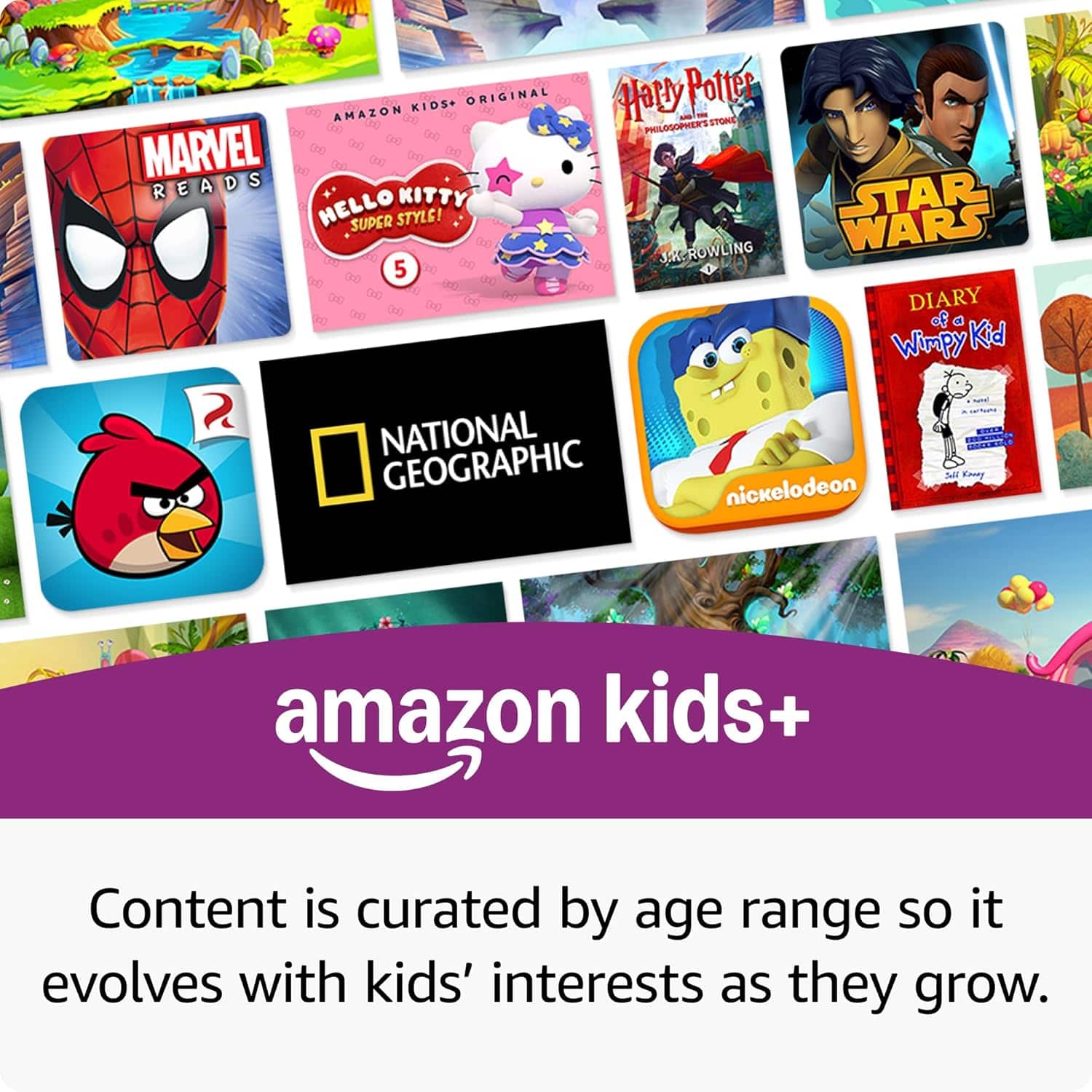
- A:Answer Hi there! You can download tons of apps from the Amazon App Store, and even add apps you've purchased to the Child Profile using the Parent Dashboard. This allows you to curate the content your child has access to, even where that content might not be available on Amazon Kids. Don't forget, you also receive a free trial of Amazon Kids+ with the Fire HD 8 Kids Pro! I hope that helps, have a great rest of your day!
Answered by Amazon Devices Customer Support
Q: QuestionCan you download apps on the tablet?
Asked by Red.
- A:Answer Hi Red! You can absolutely download apps to the Fire HD 8 Kids Pro, even if they're not included in your free trial of Amazon Kids+. Apps can be downloaded through the Amazon App store, and you can even add specific apps to the Child Profile using the Parent Dashboard on Amazon's website. This allows you to curate content exactly how you'd like for your child, mixing purchased apps and content along with the Kids+ content. I hope that helps, have a great rest of your day!
Answered by Amazon Devices Customer Support
Q: QuestionDoes this tablet hook to Wi-Fi?
Asked by Jay.
- A:Answer Hello Jay, the Amazon Fire Kids tablet does connect to WI-FI for internet. Have a great day!
Answered by Amazon Devices Customer Support
Q: QuestionIs the cover included with tablet?
Asked by Cindy.
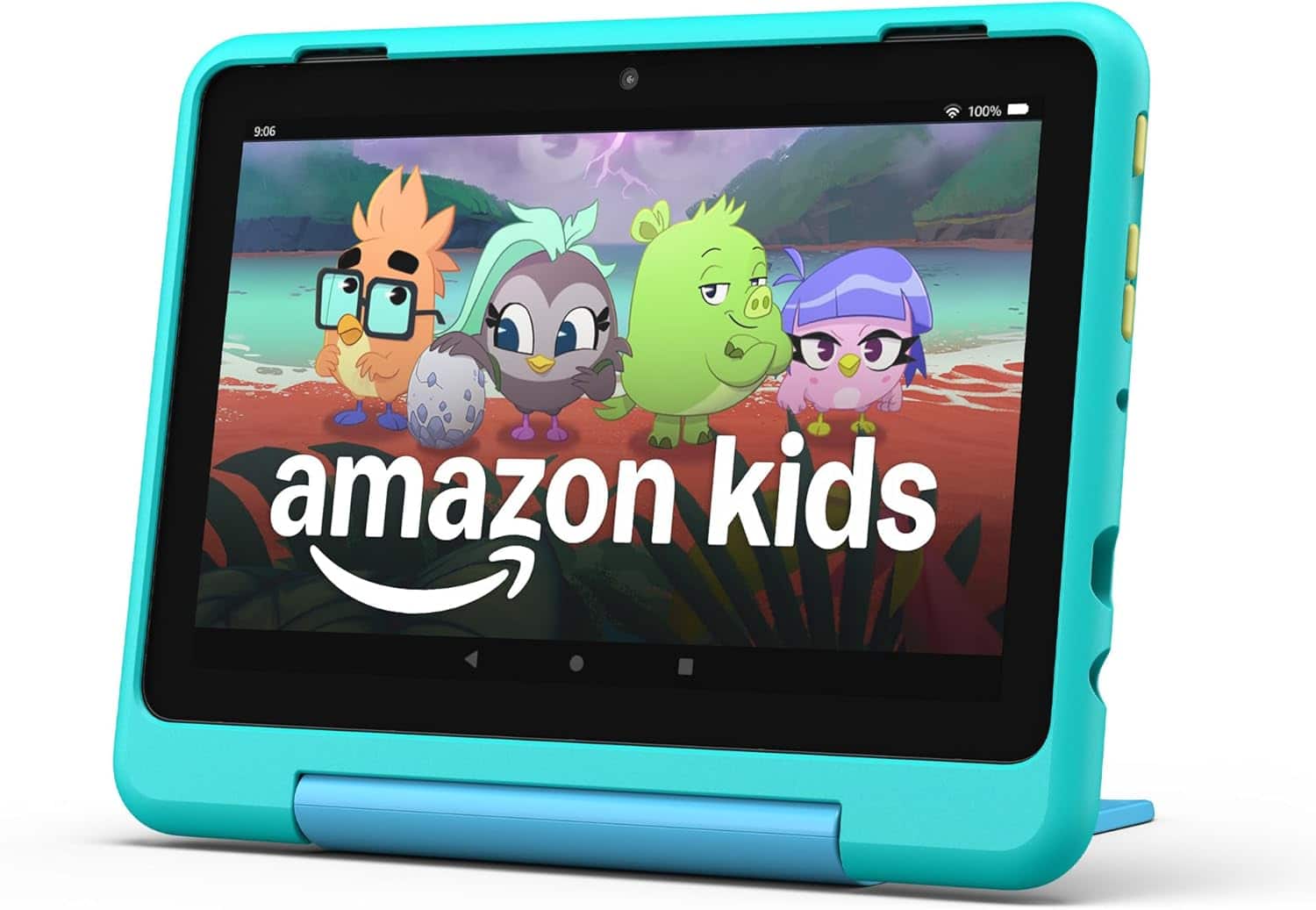
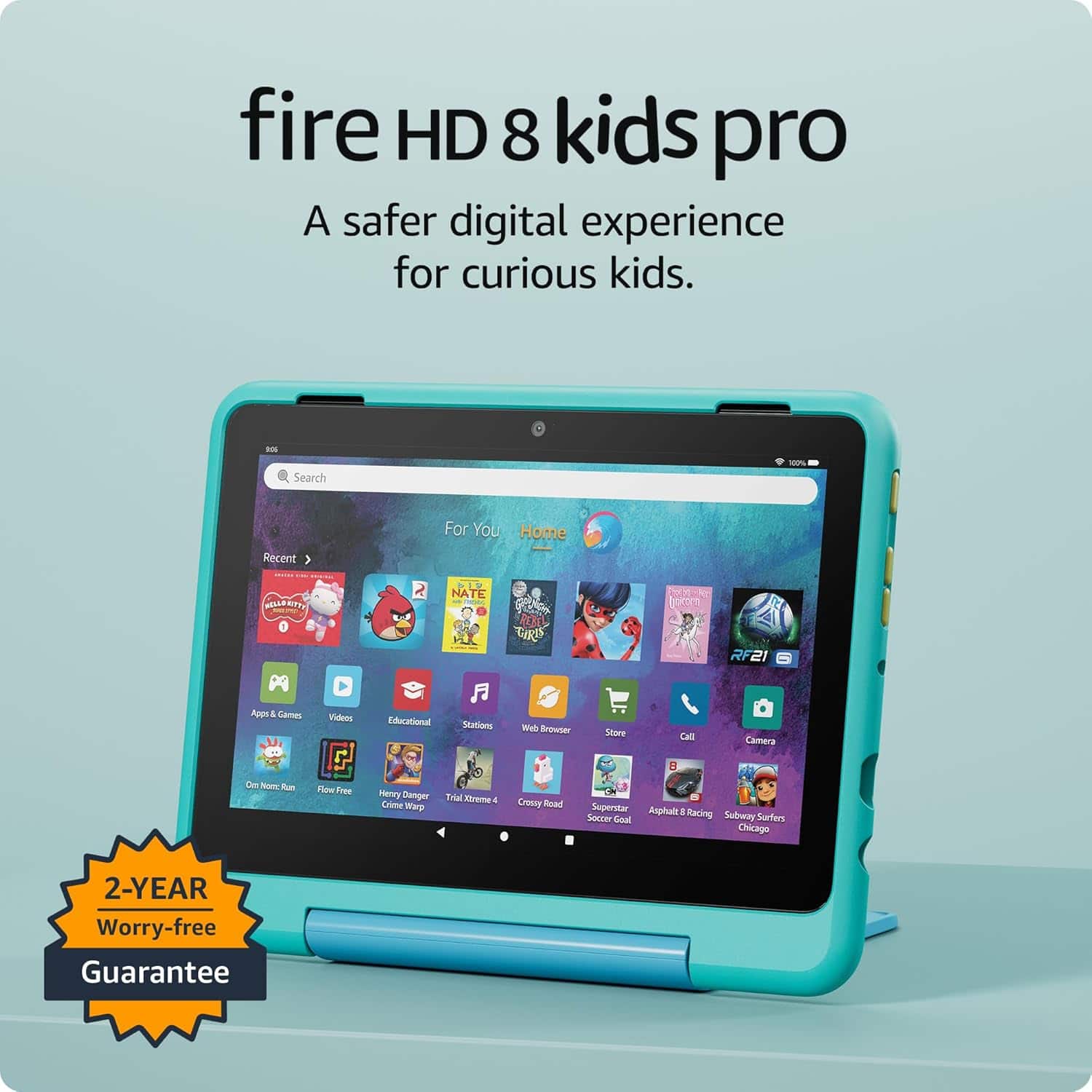
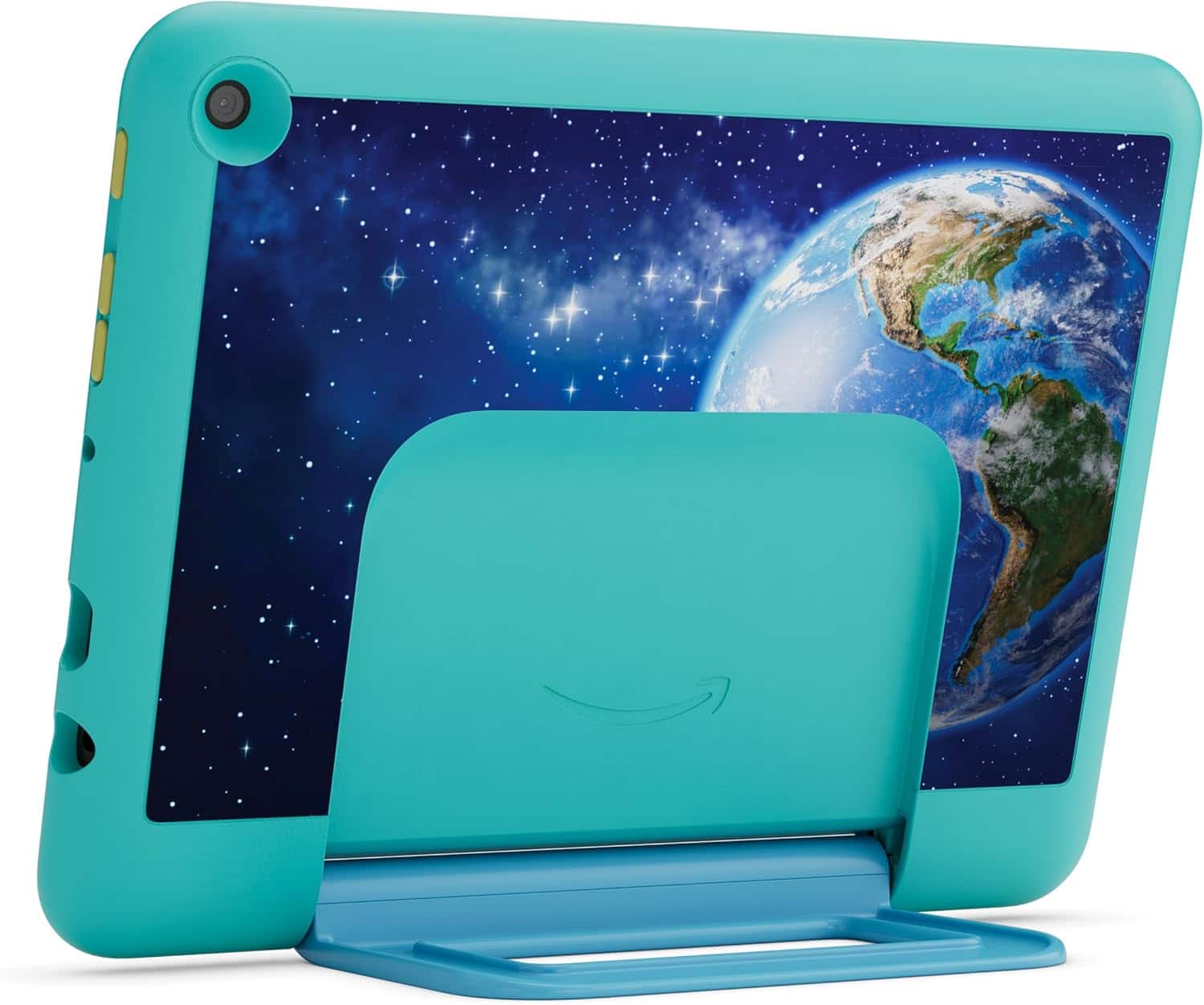
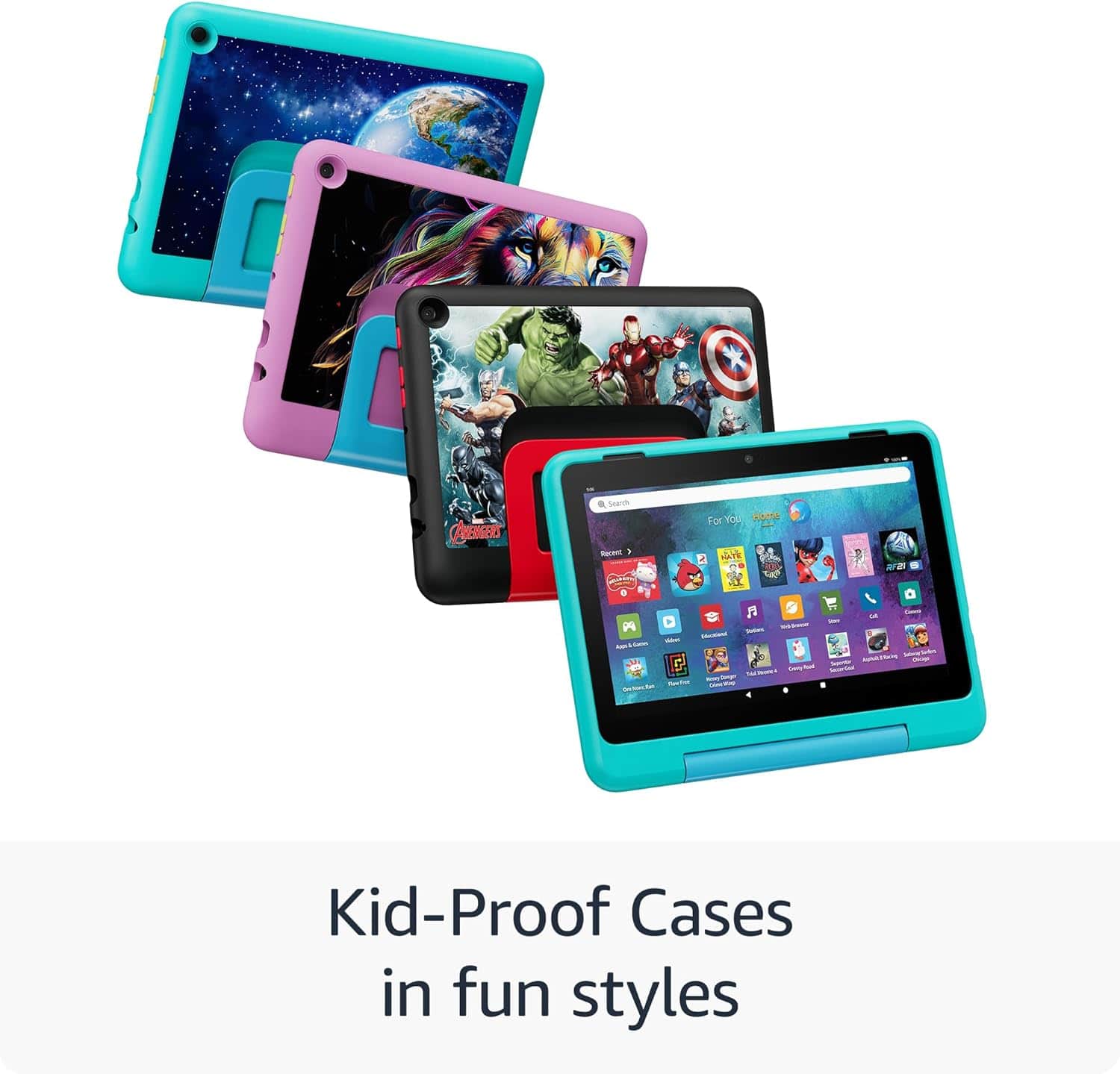
- A:Answer Hello Cindy! The Kids Pro Fire Tablet is designed specifically for kids ages 6–12 that includes 1 year of Amazon Kids+, parental controls, a slim protective case, and a 2-year worry-free guarantee. In addition to Kids+ content, Kids Pro tablets include access to a digital store. Kids can request apps, while parents approve purchases and downloads. The web browser comes with built-in controls designed to help filter out inappropriate sites and let parents add or block specific websites at any time. I hope that helps explain the Kids Pro tablet! Have a great day!
Answered by Amazon Devices Customer Support
Q: QuestionCan you download disney kids on this
Asked by Theurer.
- A:Answer Hello Theurer! The Kids Pro Fire Tablet is designed specifically for kids ages 6–12 that includes 1 year of Amazon Kids+, parental controls, a slim protective case, and a 2-year worry-free guarantee. In addition to Kids+ content, Kids Pro tablets include access to a digital store. Kids can request apps, while parents approve purchases and downloads(this includes Disney). The web browser comes with built-in controls designed to help filter out inappropriate sites and let parents add or block specific websites at any time. I hope that helps explain the Kids Pro tablet! Have a great day!
Answered by Amazon Devices Customer Support
Q: QuestionCan it play Minecraft?
Asked by Jk.
- A:Answer Hello Jk! In addition to Kids+ content, Kids Pro tablets include access to a digital store. Kids can request apps or ebooks, while parents approve purchases and downloads. Plus, parents can add access to more apps like Minecraft or Zoom. I hope this information helps, have a great day!
Answered by Amazon Devices Customer Support
Q: QuestionCan you delete some of the preloaded apps and can you add other apps such as khan academy?
Asked by Castle.
- A:Answer Hello Castle! Yes, apps can be downloaded to your Fire Tablet. You can download games and apps and use them on the go by following these steps: 1. Select Games & Apps or open the Apps or Games app. 2. Select an app from your Library to download it or search for a new app in the Store. Preinstalled apps cannot be removed from your Fire tablet, but you can organize them by selecting and holding the app, then dragging it to a new location or creating a folder. I hope this information helps, Have a great day!
Answered by Amazon Devices Customer Support
Q: QuestionCan you FaceTime?
Asked by Anonymous.
This question was asked about the related product: Amazon - Fire HD 8 Kids Pro tablet, ages 6-12 | 3GB memory, 8" HD screen, 13-hr battery, 32GB (2024 release) - Marvel Avengers
- A:Answer Hello! The Fire HD8 Tablet does have a microphone and camera! Face Time is not available as that is an IOS feature. However, the Drop In feature with Alexa works the same way for video calling. You can go to the Alexa App on your tablet and follow these steps: -Select communicate -Select the contact icon in the top right corner -Select the menu in the top right corner -Select Add contact to add individuals you want to communicate with, then hit import contacts to enable Alexa to use contacts from your devices address book. If your contacts are linked through the Alexa App already you will be able to use drop in video calling with other echo/ tablet users as long as they are in your contacts. Hope that helps, and have a great day!"
Answered by Amazon Devices Customer Support
Q: QuestionCan YouTube be downloaded onto this tablet?
Asked by Question.
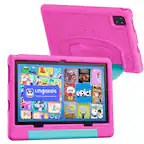
- A:Answer Hello! While the YouTube app is not available for download from the Amazon App store, you can still use the Silk browser installed on the device to access YouTube via the web browser. I hope this helps. Have a great day!
Answered by Amazon Devices Customer Support
Q: QuestionCan I download YouTube to this tablet? And games?
Asked by Mshaw17.
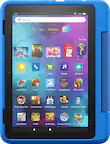
- A:Answer Hello, Mshaw17! YouTube is not available for download via the Amazon App store, but it can still be accessed through the web browser called Amazon Silk. Yes, you can download games through the Amazon App store, which comes preloaded onto the tablet. I hope this helps. Have a great day!
Answered by Amazon Devices Customer Support
Best-selling kids' tablets
- $104.99Your price for this item is $104.99$189.99The comparable value for this item is $189.99
- $49.99Your price for this item is $49.99$99.99The comparable value for this item is $99.99
- $74.99Your price for this item is $74.99$149.99The comparable value for this item is $149.99
- $279.99Your price for this item is $279.99
- $75.99Your price for this item is $75.99$119.99The comparable value for this item is $119.99
- $69.99Your price for this item is $69.99$79.99The comparable value for this item is $79.99
- $79.99Your price for this item is $79.99$159.99The comparable value for this item is $159.99
- $79.99Your price for this item is $79.99$129.99The comparable value for this item is $129.99
- $54.99Your price for this item is $54.99$64.99The comparable value for this item is $64.99
- $79.99Your price for this item is $79.99$159.99The comparable value for this item is $159.99
- $109.99Your price for this item is $109.99$189.99The comparable value for this item is $189.99
- $54.99Your price for this item is $54.99$59.99The comparable value for this item is $59.99
- $129.99Your price for this item is $129.99
- $55.99Your price for this item is $55.99$59.99The comparable value for this item is $59.99
- $124.99Your price for this item is $124.99$269.99The comparable value for this item is $269.99
- $79.99Your price for this item is $79.99$99.99The comparable value for this item is $99.99
- $69.99Your price for this item is $69.99$79.99The comparable value for this item is $79.99