Questions & Answers
- Model:
- B0D1DMSV9G
- |
- SKU:
- 6601648
Q: QuestionCan the device be kept plugged in all the time
Asked by Emicat.
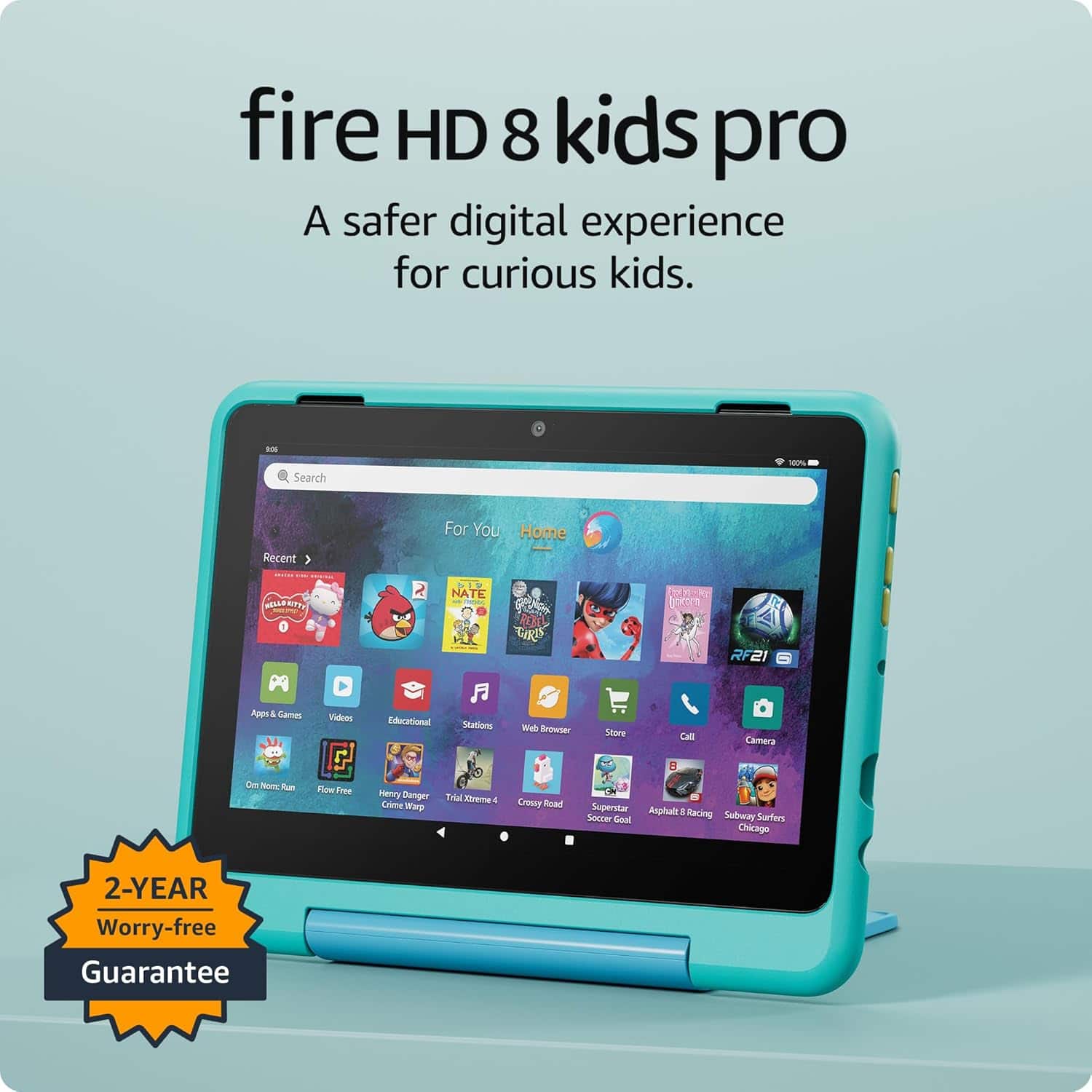
- A:Answer Hi Frances, thank you for your question. While you can keep an Amazon Fire HD 8 Kids Pro plugged in, it's not ideal and can degrade the battery over time. Lithium-ion batteries, like those in the Fire tablet, are not recommended to be kept at a full charge constantly. To prolong the battery's life, it's better to unplug the device occasionally to let the battery partially discharge before plugging it back in. I hope that helps, have a great day!
Answered by Amazon Devices Customer Support
Q: QuestionCan you watch steaming apps like Netflix’s etc?
Asked by Jesse.
- A:Answer Yes
Answered by AmberB
Q: Questioncan you download other apps/games on to it?
Asked by Tara.
- A:Answer Hi Tara! Yes, you can download apps and games on your Fire HD 8 Kids Pro tablet. You will find these downloadable apps in the Amazon Appstore. Hope this helps have a great day!
Answered by Amazon Devices Customer Support
Q: Questiondo you need a phone account for this or just wifi o a hot spot?
Asked by Anonymous.
- A:Answer Wifi
Answered by AmberB
Q: QuestionWhare can I find the IMEI number
Asked by Anonymous.
- A:Answer Hello, Amazon Kids Tablets do not have IMEI numbers as they are WI-FI only devices and don’t connect to cellular networks. If you need to identify your Fire tablet, you can find its device ID or serial number by going to "Settings" > "Device Options" > "About Fire Tablet" or "Device Model”. I hope this information helps. Have a great day.
Answered by Amazon Devices Customer Support
Q: QuestionCan the tablet down load any app like Roblox
Asked by Tablet.
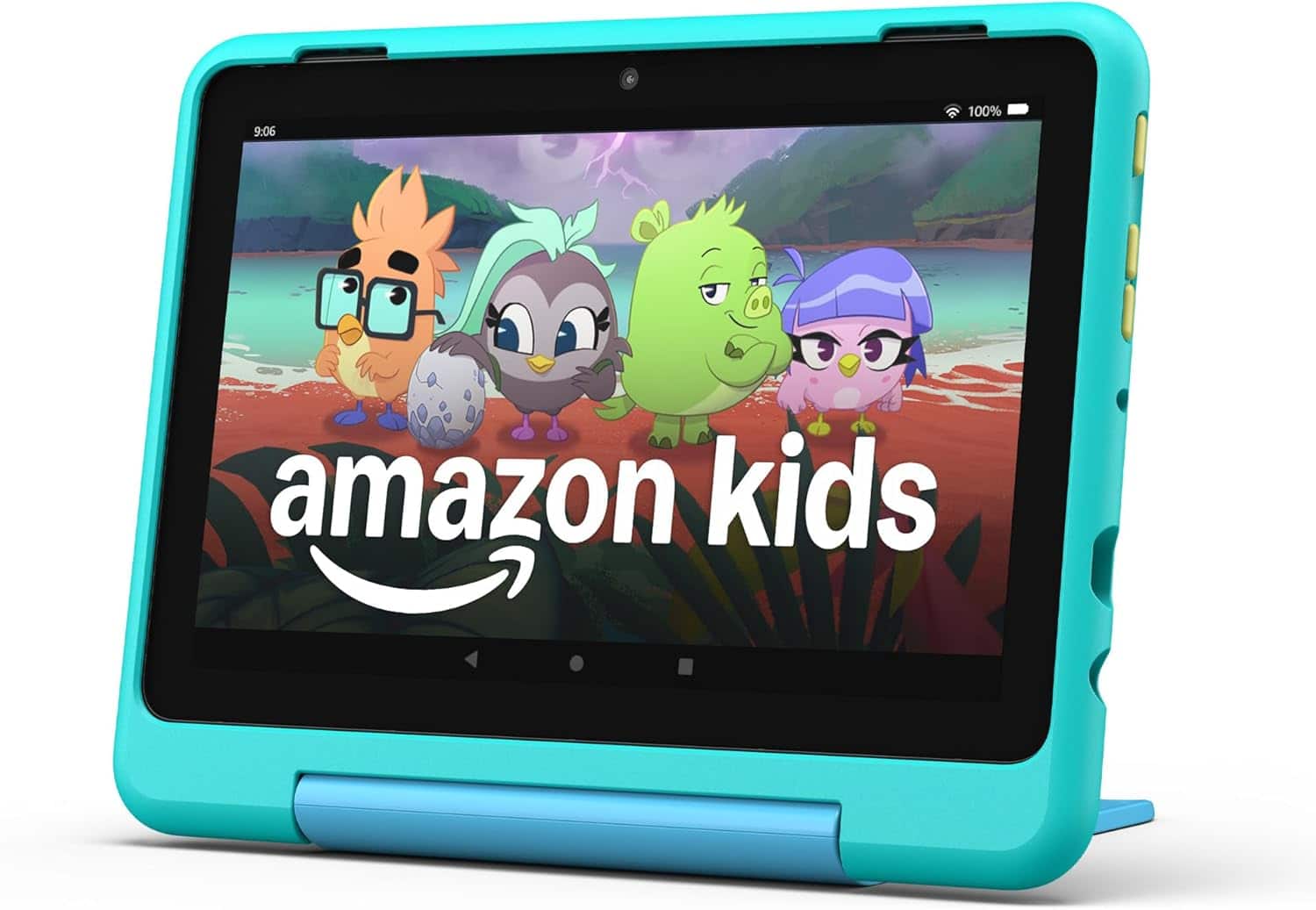
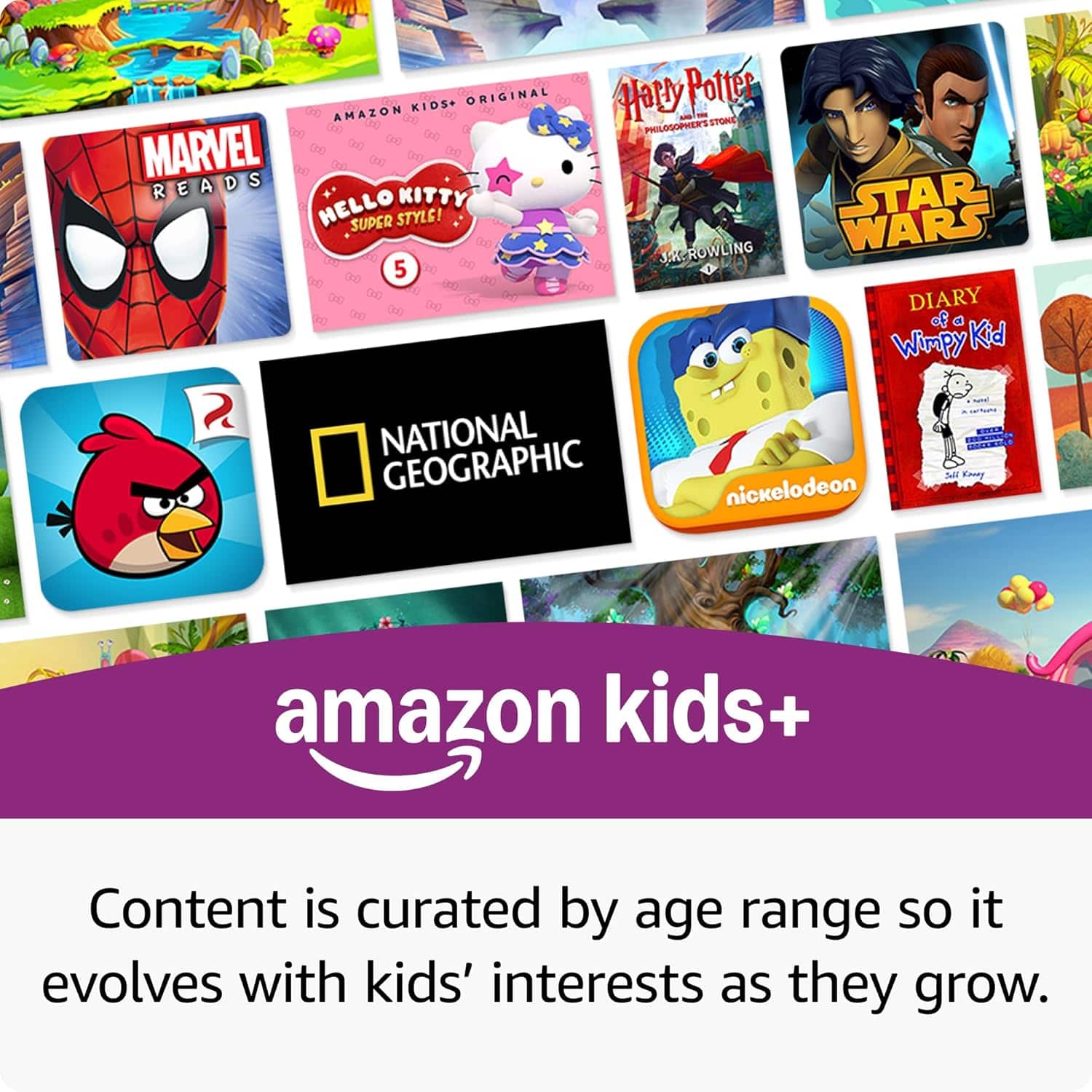
- A:Answer Hi Tablet! The Fire HD 8 Kids Pro tablet has access to tons of apps and games available in the Amazon App Store, including games like Roblox and Minecraft. You'll also get a free trial of Amazon Kids+, which includes a huge library of curated apps, games, books, TV shows and more that you can download onto the tablet for free as part of the trial. I hope that helps, have a great rest of your day!
Answered by Amazon Devices Customer Support
Q: QuestionCan you download paramount and disney
Asked by bellarose.
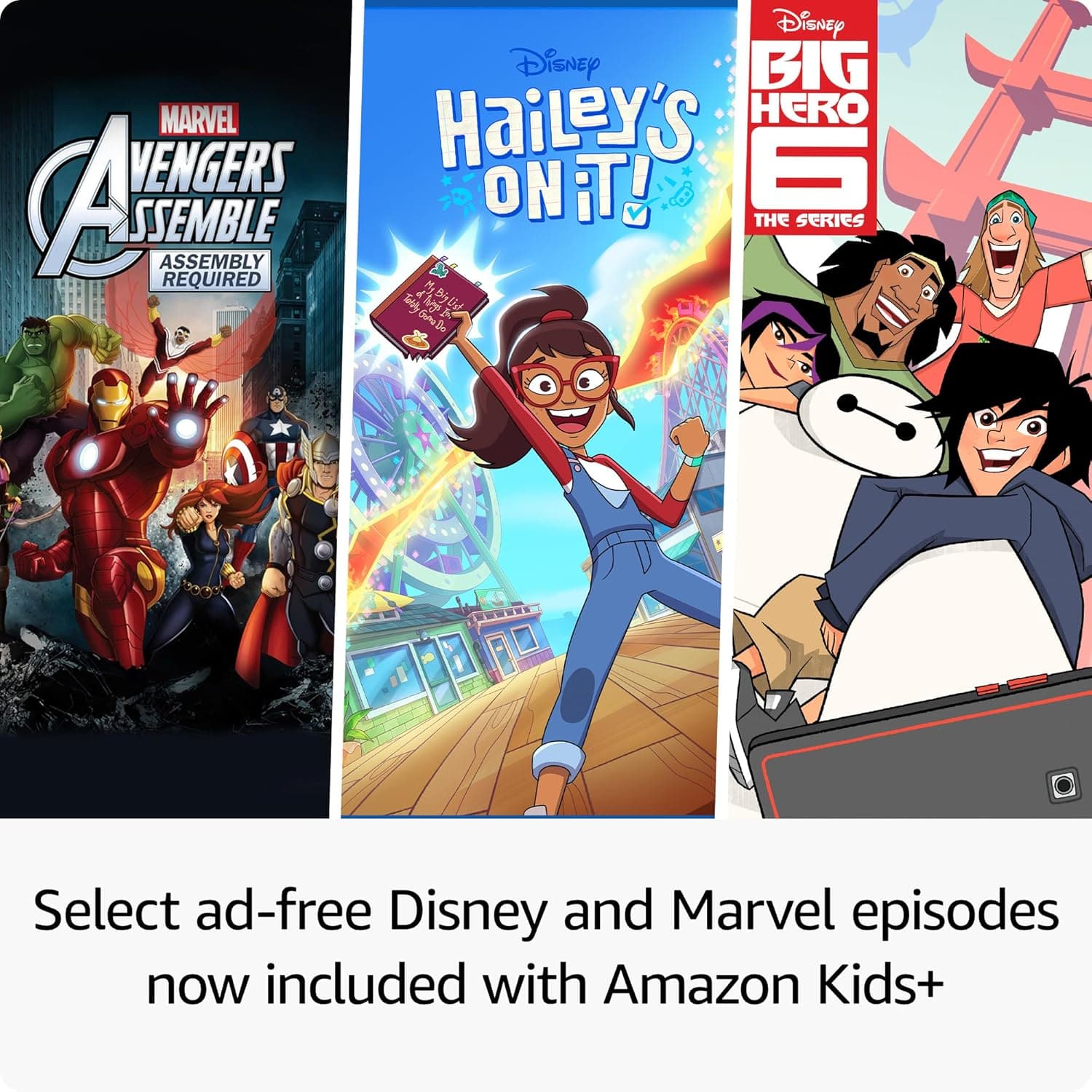
- A:Answer Hi bellarose! You can absolutely download Paramount+ and Disney+ on the FIre HD 8 Kids Pro. If you're using the tablet in the non-kids mode just search for them on the Amazon App Store. To give access to those apps in the Kids profile version, you'll need to access the Amazon Parent Dashboard and grant access to them afterwards. You'll also get a free trial of Amazon Kids+, which features tons of curated kids content for a wide range of ages. I hope that helps, have a great rest of your day!
Answered by Amazon Devices Customer Support
Q: QuestionCan you use a sim to access internet?
Asked by Anonymous.
- A:Answer Hi! Unfortunately, this device doesn't have access to cellular service through a cell phone carrier and SIM card. The only way to access the internet through this device would be through a WiFi connection. Hope this helps! Have a great day!
Answered by Amazon Devices Customer Support
Q: QuestionDoes the tablet come with a charger?
Asked by pandabeats27.
- A:Answer Hi pandabeats27, thank you for your question. The Fire HD 8 Kids Pro tablet does include a charger. I hope this information helps, have a great day!
Answered by Amazon Devices Customer Support
Q: QuestionCan you download your own apps on it?
Asked by Anonymous.
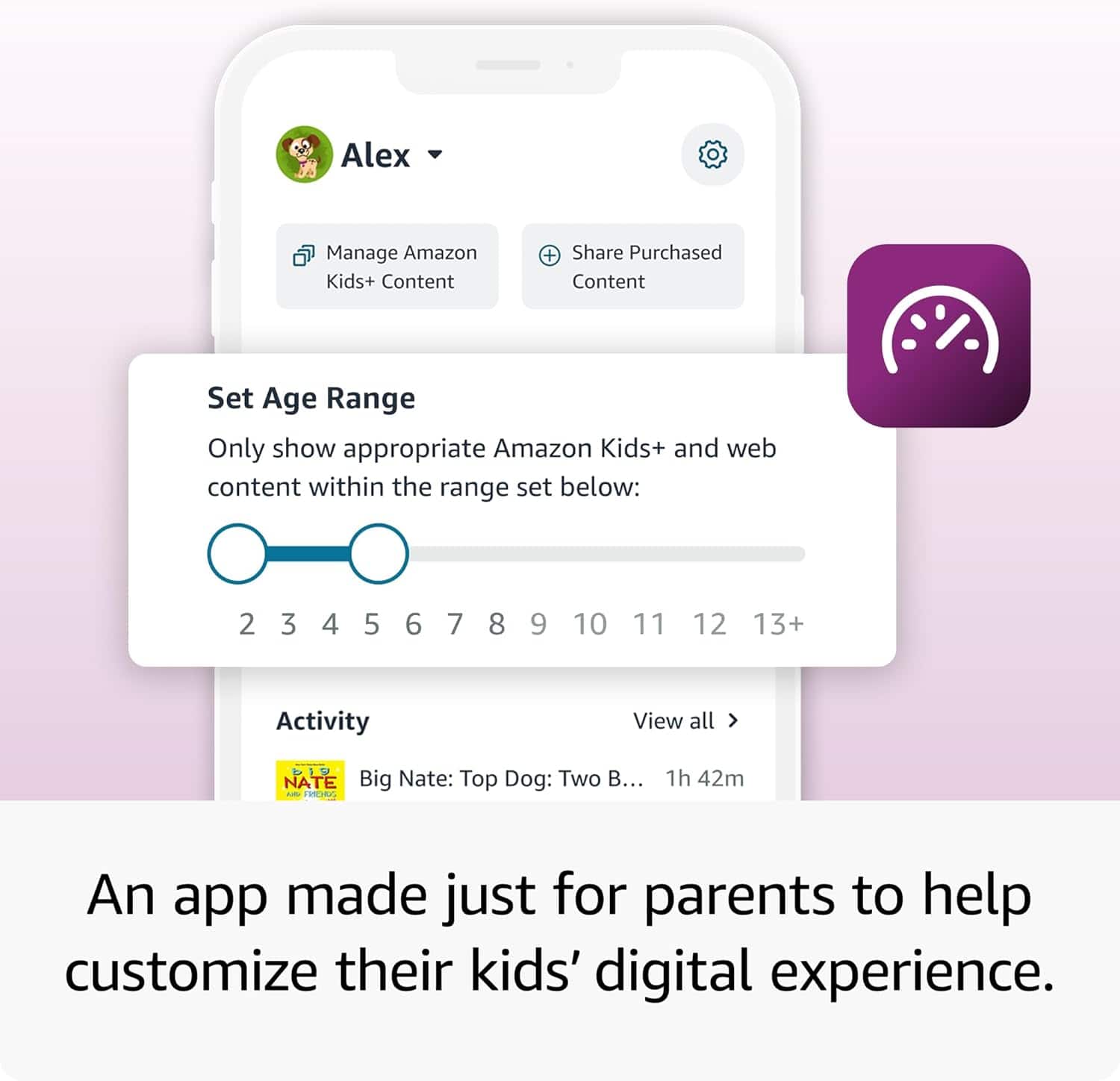
- A:Answer Hello! Parent Dashboard helps you manage your child’s Amazon Kids content on compatible devices. To add or remove content: - Visit the Parent Dashboard - Navigate to the Content tab. - Select the child profile that you wish to manage. - Choose the type of content that you want to add to the child profile. - Add or remove content by toggling the switch next to them Hope this helps, have a great day!
Answered by Amazon Devices Customer Support
Q: QuestionIt has wifi or YouTube?
Asked by Zeen.
- A:Answer Hello Zeen, the Amazon Fire Tablet does have WI-Fi which will allow you to go online. The YouTube app is not currently available on the Fire Tablets. You can however use the Silk Browser to access YouTube. Since this is a Kids tablet you will have to go into the Parental Controls and allow access to the browser. Have a great day!
Answered by Amazon Devices Customer Support
Q: QuestionAre you able to download YouTube kids on the tablet?
Asked by Niki.
This question was asked about the related product: Amazon - Fire HD 8 Kids Pro tablet, ages 6-12 | 3GB memory, 8" HD screen, 13-hr battery, 32GB, (2024 release) - Discovery
- A:Answer Yes
Answered by user968153
Q: QuestionAre there a Parenting controll on it?
Asked by Suri.
- A:Answer Yes you can set up a pin
Answered by user968153
Q: QuestionWhat kind of apps come with the tablet? Does it have Netflix, Disney +, kids YouTube?
Asked by Biil.
- A:Answer Hello Bill and thank you for your question! The Amazon Fire HD 8 Kids Pro Tablet comes preinstalled with a wide variety of kid friendly content and apps. All of the Apps you asked about are available on the tablet as a preinstalled app or downloadable through the Amazon App Store. Hope this helps! Have a great day!
Answered by Amazon Devices Customer Support
Most-viewed items
- $69.99$69.99The price was $99.99
- $49.00$49.00The price was $55.00
- $109.99$109.99The price was $189.98