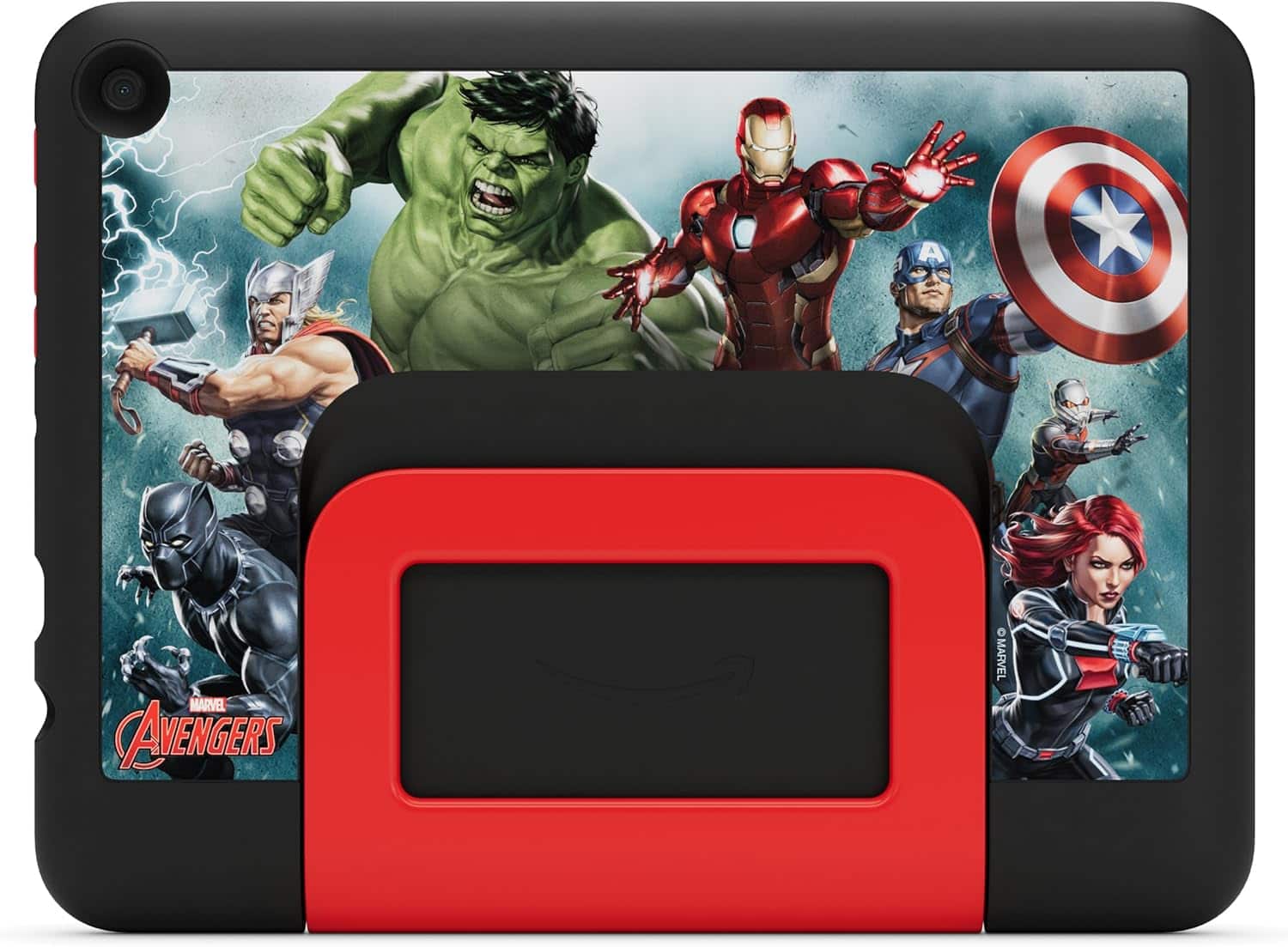
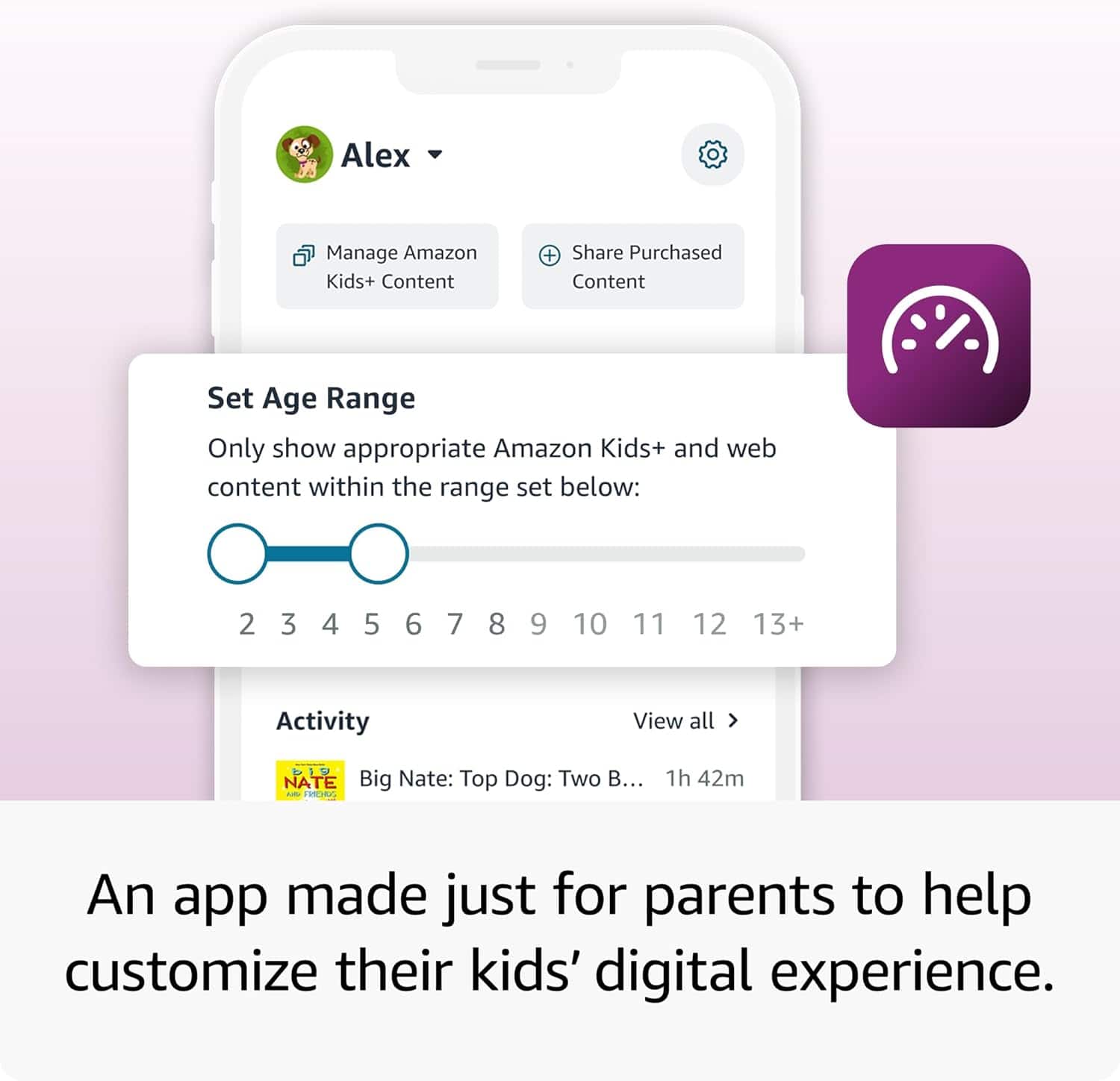
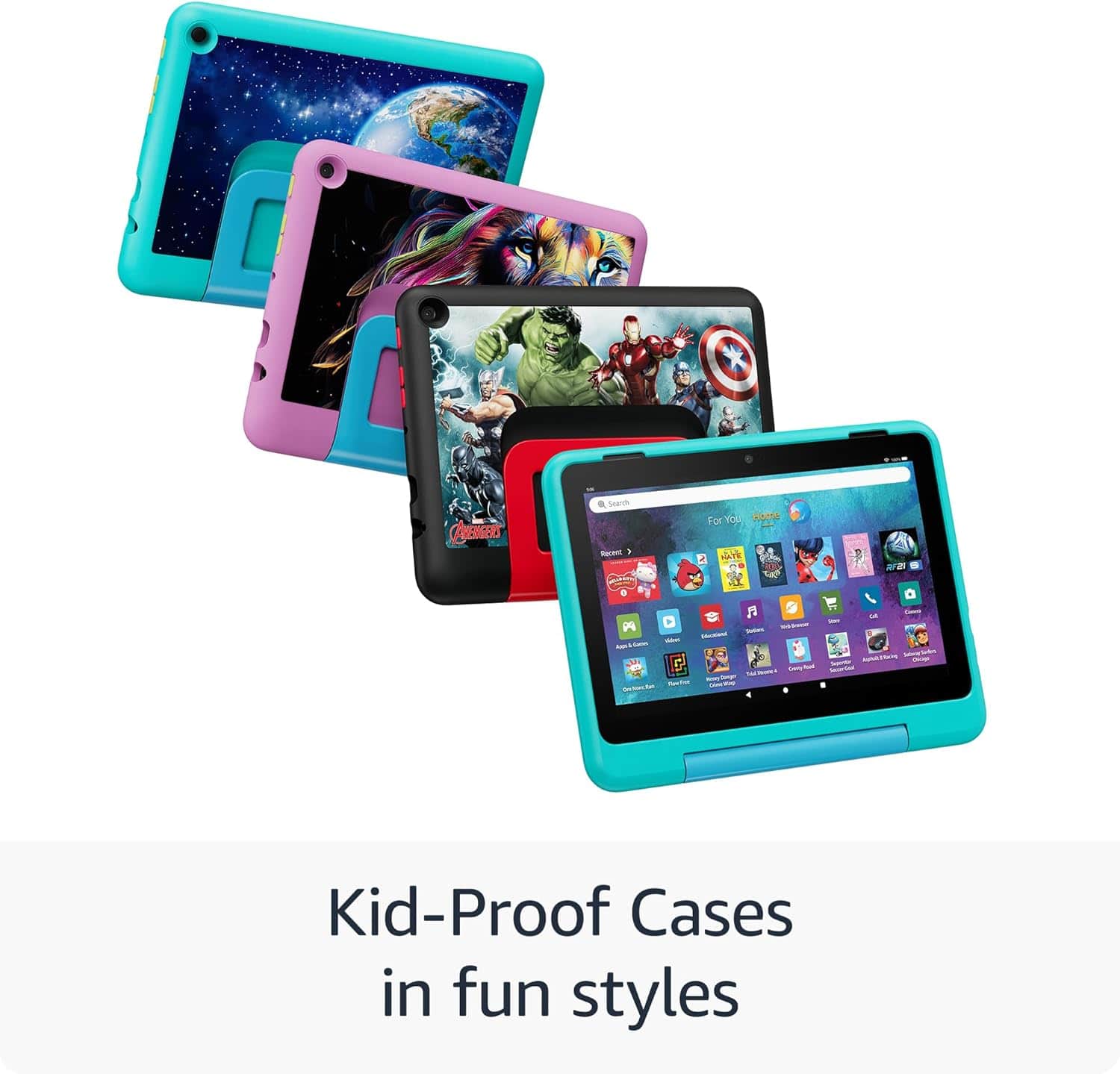
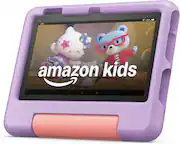
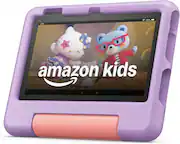
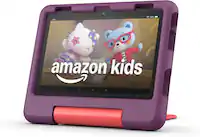
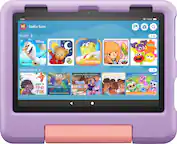
A:AnswerHello Cindy! The Kids Pro Fire Tablet is designed specifically for kids ages 6–12 that includes 1 year of Amazon Kids+, parental controls, a slim protective case, and a 2-year worry-free guarantee. In addition to Kids+ content, Kids Pro tablets include access to a digital store. Kids can request apps, while parents approve purchases and downloads. The web browser comes with built-in controls designed to help filter out inappropriate sites and let parents add or block specific websites at any time. I hope that helps explain the Kids Pro tablet! Have a great day!
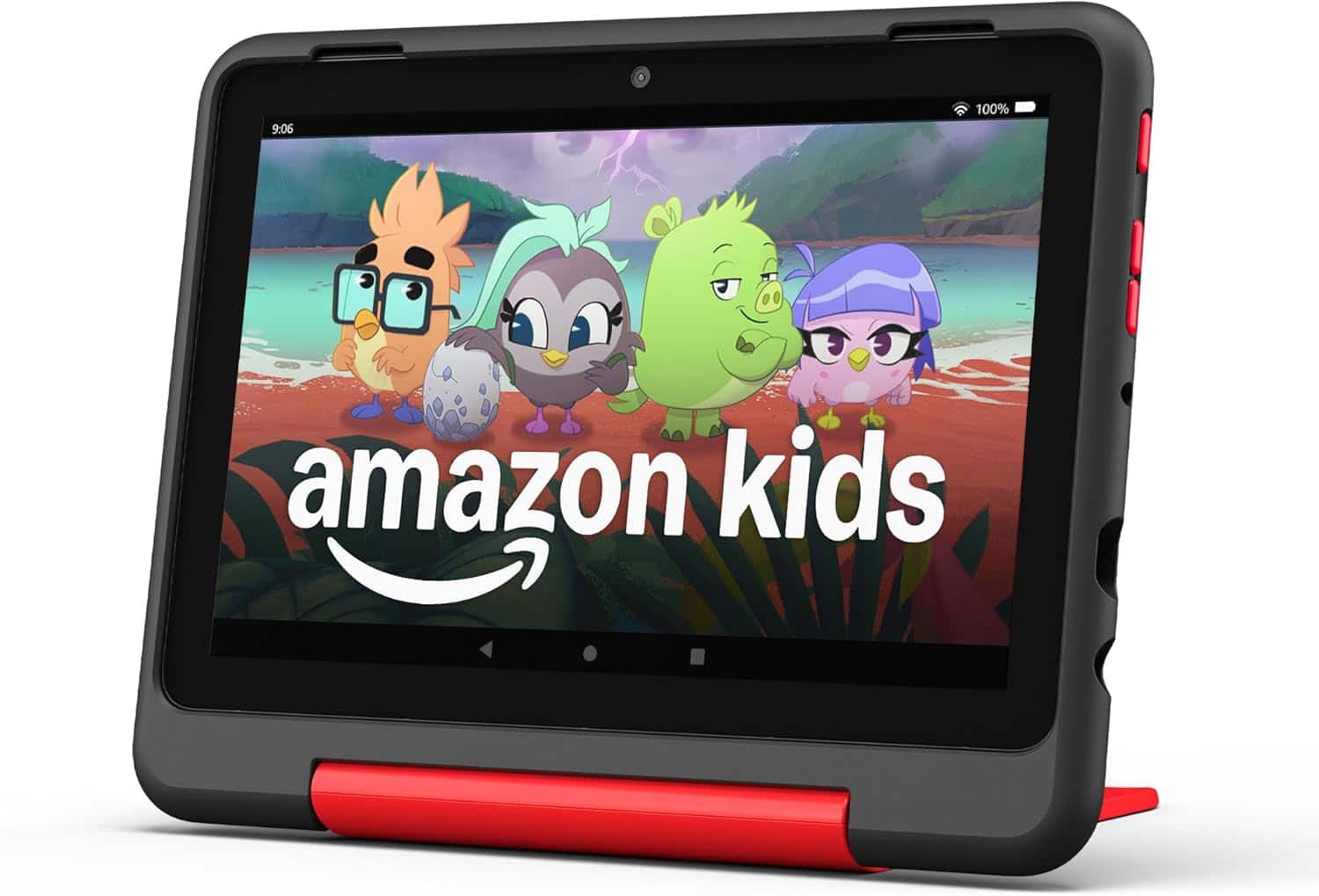
A:AnswerHello Theurer! The Kids Pro Fire Tablet is designed specifically for kids ages 6–12 that includes 1 year of Amazon Kids+, parental controls, a slim protective case, and a 2-year worry-free guarantee. In addition to Kids+ content, Kids Pro tablets include access to a digital store. Kids can request apps, while parents approve purchases and downloads(this includes Disney). The web browser comes with built-in controls designed to help filter out inappropriate sites and let parents add or block specific websites at any time. I hope that helps explain the Kids Pro tablet! Have a great day!
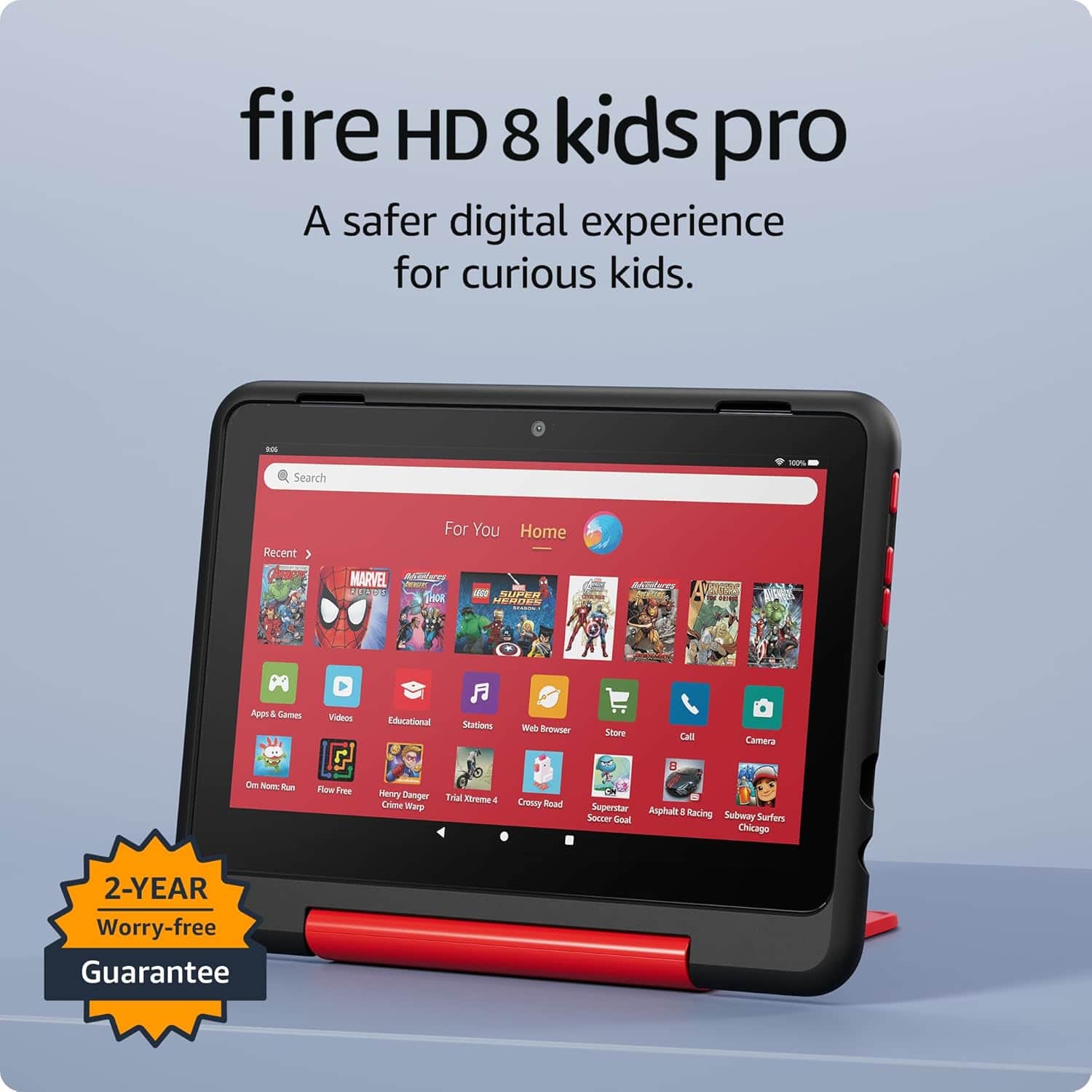
A:AnswerHello Jk! In addition to Kids+ content, Kids Pro tablets include access to a digital store. Kids can request apps or ebooks, while parents approve purchases and downloads. Plus, parents can add access to more apps like Minecraft or Zoom. I hope this information helps, have a great day!
A:AnswerHello Castle! Yes, apps can be downloaded to your Fire Tablet. You can download games and apps and use them on the go by following these steps:
1. Select Games & Apps or open the Apps or Games app.
2. Select an app from your Library to download it or search for a new app in the Store.
Preinstalled apps cannot be removed from your Fire tablet, but you can organize them by selecting and holding the app, then dragging it to a new location or creating a folder. I hope this information helps, Have a great day!
A:AnswerHello!
The Fire HD8 Tablet does have a microphone and camera! Face Time is not available as that is an IOS feature. However, the Drop In feature with Alexa works the same way for video calling.
You can go to the Alexa App on your tablet and follow these steps:
-Select communicate
-Select the contact icon in the top right corner
-Select the menu in the top right corner
-Select Add contact to add individuals you want to communicate with, then hit import contacts to enable Alexa to use contacts from your devices address book. If your contacts are linked through the Alexa App already you will be able to use drop in video calling with other echo/ tablet users as long as they are in your contacts. Hope that helps, and have a great day!"
A:AnswerHello! While the YouTube app is not available for download from the Amazon App store, you can still use the Silk browser installed on the device to access YouTube via the web browser. I hope this helps. Have a great day!
A:AnswerHello, Mshaw17! YouTube is not available for download via the Amazon App store, but it can still be accessed through the web browser called Amazon Silk. Yes, you can download games through the Amazon App store, which comes preloaded onto the tablet. I hope this helps. Have a great day!
A:AnswerHello Tara and thank you for your question! The Amazon Fire HD 8 Kids Pro allows parents to download games through the Amazon App store. There are a variety of sports apps that can be downloaded from the store. Any specific apps will have an "Amazon app Store" badge on their information page to indicate that it is downloadable from the app store. I hope that answers your question! Have a great day!
A:AnswerHello -,
Thank you for your question. The Fire HD 8 Kids pro supports public and private Wi-Fi networks or hotspots that use the dual-band. Hope this helps, have a nice day!
A:AnswerHello! Yes, the app can be downloaded to your Fire Tablet. You can download games and apps and use them on the go by following these steps:
1. Select Games & Apps or open the Apps or Games app.
2. Select an app from your Library to download it or search for a new app in the Store.
Have a great day!
A:AnswerHello, Shelby. Yes, The Fire HD 8 Kids Pro tablet has 32 GB of internal storage with the option to add Micro SD slot up to 1 TB of expandable storage. I hope this helps. Have a great day!