DoorBOOsters are hereExclusions apply. Ends 11/2/25.Shop now

Main Content

Questions & Answers

Your price for this item is $109.99
Page Showing 61-80 of 361 questions
  • QuestionDoes this come with Google Play Store app?

    Asked by Nelly.

    • Answer Nope. Nothing that is Google owned works with this thing. No youtube, no Google, no play store, no Google Earth, no Gboard voice typing, Google drive, photos etc

      Answered by Customer1

  • QuestionHow hard or easy is it to print from this device.

    Asked by 16436.

    • Answer Hello! Yes, you can print from a Fire Tablet. First, you will need to pair your compatible wireless printer to your device. Here are the steps to do that: 1. Download an office app or a PDF viewer from the Amazon App store 2. Select the menu icon (three vertical dots) or select File for the item you wish to print then select Print. 3. Select Save as PDF then select All printers.... 4. Locate the IP address for your printer (refer to your printer's product's user guide). 5. Select the Add Printer icon (plus sign) to add a printer manually using the IP address of the printer. After you have done this, you should have access to print from that printer. Be sure to follow these steps to make sure you have the correct printer: 1. Make sure that your printer is turned on and connected to Wi-Fi. 2. Select the menu icon (three vertical dots) for the item or web page that you want to print, and then select Print. 3. Select your printer from the list or select All Printers for nearby printers. 4. Select the number of copies or tap More options to choose the paper's size, color, and orientation. 5. Tap Print. Have a great day!

      Answered by Amazon Devices Customer Support

  • QuestionCan I print from this?

    Asked by Bevy.

    • Answer Good tablet, it’s only for a kid. For the price it’s worth for kids to use.

      Answered by Ohwell

  • QuestionIs this the latest version of HD 8?

    Asked by Barb.

    • Answer Hi Barb! This is the 10th gen (2020) release of the HD8. There is an 11th gen HD8 Tablet that was just released this year which is newer. Thanks for your question, have a great day!

      Answered by Amazon Devices Customer Support

  • QuestionCan it run streaming services like Netflix, Prime, Disney+ ?

    Asked by whitekenj.

    • Answer yes

      Answered by ldawg206

  • Questionis this a good tablet for a child of 5yrs old? for youtube and games? need them off my phone and

    Asked by lina711.

    • Answer Hello! The Fire Tablet Kids is for kids ages 3-7. The tablet comes with a kids proof case that helps to protect the tablet. But don't worry if it breaks! The Kids Tablet comes with a 2-year worry-free guarantee: if it breaks, return it and we'll replace it for free. The Kids Tablets also come with 1 year of Amazon Kids+ (FreeTime Unlimited) gives your kids access to over 20,000 apps, games, books, videos, audiobooks, and educational content from PBS Kids, Nickelodeon, Disney, and more. Your subscription will then automatically renew every month starting at just $2.99 per month plus applicable tax. You may cancel at any time by visiting the Amazon Parent Dashboard or contacting Customer Service. I hope that helps! Have a great day!

      Answered by Amazon Devices Customer Support

  • QuestionCan you get the cricut app on this tablet

    Asked by Tina.

    • Answer Hello Tina, the Cricut App is not yet available on the Amazon Fire Tablets. Have a great day!

      Answered by Amazon Devices Customer Support

  • QuestionDoes it have Google or Chrome where you can look something up?

    Asked by Infiniti.

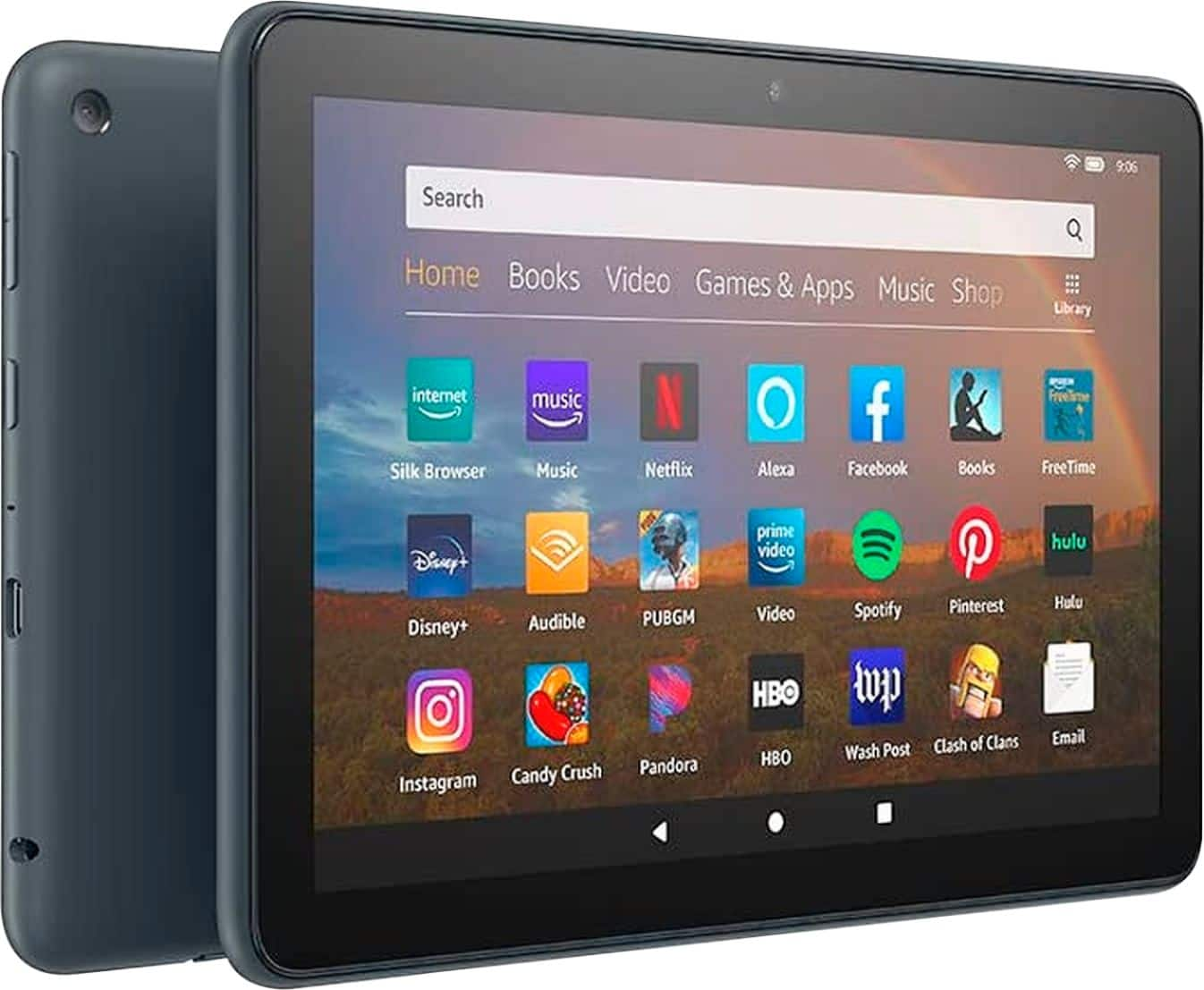
    • Answer Hi Infiniti! The Amazon Fire HD8 10th Generation Tablet comes with a browser pre downloaded. This browser called Silk and you can search for whatever you need! Hope that helps!

      Answered by Amazon Devices Customer Support

  • QuestionCan I stream apps like Netflix or discovery +

    Asked by Sherrie.

    • Answer Hello! Yes, the apps can be downloaded to your Fire Tablet. You can download games and apps and use them on the go by following these steps: 1. Select Games & Apps or open the Apps or Games app. 2. Select an app from your Library to download it or search for a new app in the Store. Have a great day!

      Answered by Amazon Devices Customer Support

  • QuestionIs the nanit pro app compatible with the fire tablet? Looking to get this as our dedicated baby "monitor" for the nanit app.

    Asked by rbm14.

    • Answer Hi rbm14! Unfortunately it looks like the Nanit app has not been made available on the Amazon App Store at this time. Hope that helps, have a great day!

      Answered by Amazon Devices Customer Support

  • Questioncan you download the SciPlay Jackpot Party v 5035.00 on this tablet ? Thanks !

    Asked by jbob.

    • Answer Hello! Yes, the SciPlay Jackpot Party v 5035.00 app can be downloaded to your Fire Tablet. You can download games and apps and use them on the go by following these steps: 1. Select Games & Apps or open the Apps or Games app. 2. Select an app from your Library to download it or search for a new app in the Store. Have a great day!

      Answered by Amazon Devices Customer Support

  • Questioncan I download you tube tv to this product

    Asked by Anonymous.

    • Answer Definitely

      Answered by Priceless

  • QuestionDoes this model have access to the new 365 app that was announced for the Fire HD 10? Or does only the Fire HD 10 get that app? Would you still have to download the google play store to get microsoft and google apps?

    Asked by Office365.

    • Answer I have no idea. I bought it because my previous Kindle was deemed out of date. It was working perfectly but somebody decided that they needed to sell more Kindles and so they slowed the book section to one at atime and they're choosing.

      Answered by ElizabethG

  • QuestionDoes the fire HD8 Plus come out of box with a perinatallled screen protector?

    Asked by Momichica.

    • Answer Does not come with a screen protector. With almost all tablets and phones, 99% of the time these are purchased separately.

      Answered by Brett27

  • QuestionHello, Is this good for doing college work and homework and possibly get the books and read? Emailing teacher? Logging into school site?

    Asked by Collegestudent.

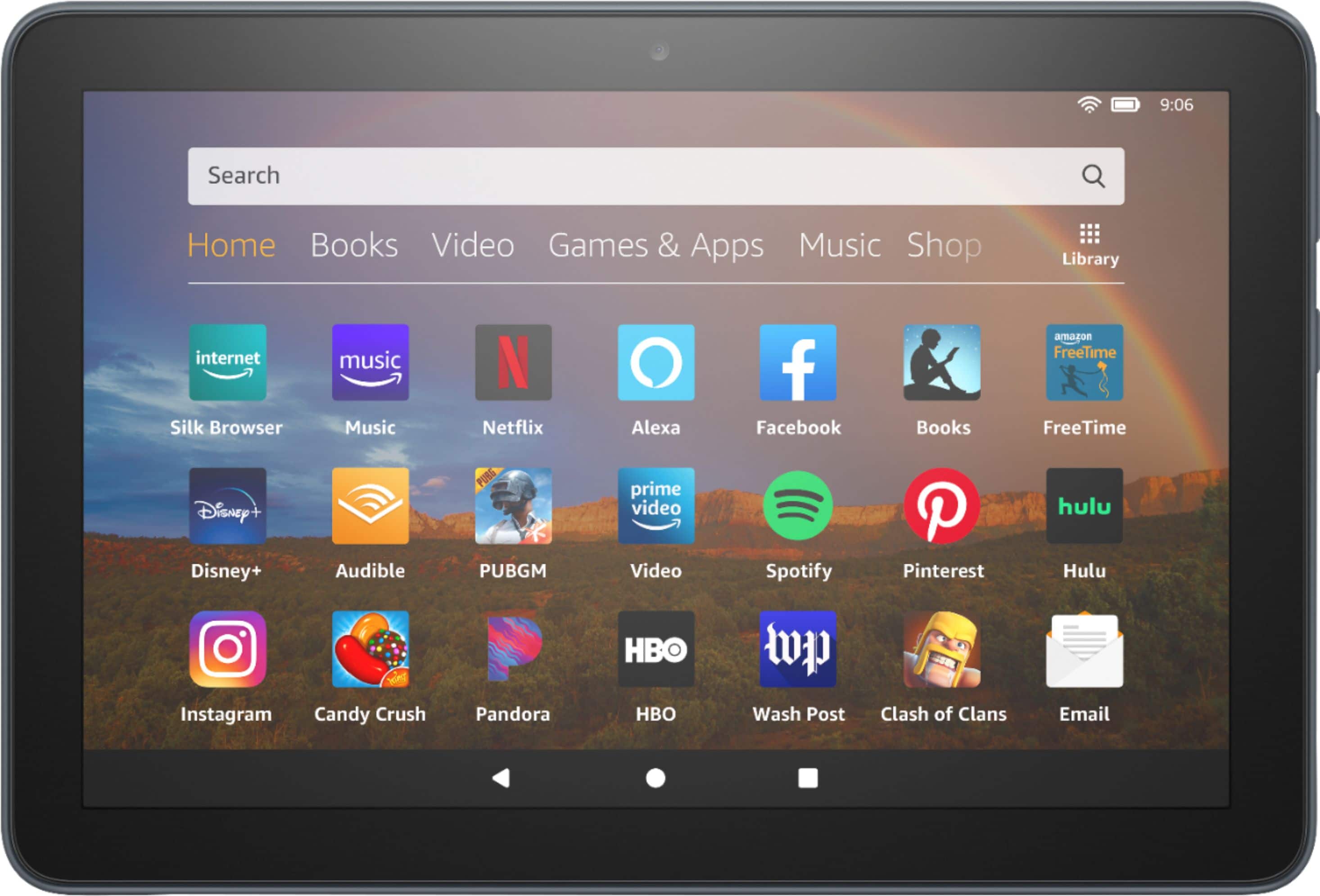
    • Answer Hi Collegestudent, Yes! The Fire HD8 10th tablet is great for all of the above! It is 30% faster thanks to the new 2.0 GHz quad-core processor. You can use your favorite apps like Netflix, Facebook, Hulu, Instagram, TikTok, and more through Amazon’s Appstore (Google Play not supported). Along with that, check email, make video calls, update shopping lists, and set reminders. Zoom, Outlook, and OneNote are also available and you can go hands-free with Alexa, including on/off toggle. Hope that helps!
      Answered by Amazon Devices Customer Support

  • QuestionIs this tablet a touchscreen? Does it have pinch and zoom?

    Asked by Bilbee.

    • Answer Touchscreen

      Answered by Mitch

  • QuestionWilll the Kindle app on an Amazon Fire tablet sync with the Kindle app books on my Android tablet?

    Asked by Anonymous.

    • Answer Hello! Yes, the Kindle app can be downloaded to your Fire Tablet and it will sync with the books you have on your Kindle app on your Android tablet.. You can download games and apps and use them on the go by following these steps: 1. Select Games & Apps or open the Apps or Games app. 2. Select an app from your Library to download it or search for a new app in the Store. Have a great day!

      Answered by Amazon Devices Customer Support

  • QuestionDoes this support screen mirroring

    Asked by screenmirroring.

    • Answer Yes it does

      Answered by Brian

  • Questioncan I use whatsup on this tablet?

    Asked by maha.

    • Answer Hello Maha, you want to know if you are able use WhatsApp on the Amazon Fire HD 8 10th Generation 8" Tablet. At this time WhatsApp is not available on in the Amazon Appstore within the Amazon Fire HD 8 10th Generation 8" Tablet, but you are able to access WhatsApp via their webapp using your Silk Browser in you Amazon Fire HD 8 10th Generation 8" Tablet. Hope this has answered your question. Have an amazing day!

      Answered by Amazon Devices Customer Support

  • QuestionDoes this tablet have text to speech feature

    Asked by Pru.

    • Answer Hello Pru! Yes, this device does support both dictation (speech to text) and VoiceView. Dictation can be done in anything that you use that brings up the keyboard by tapping the microphone icon either on the bottom right of the keyboard or sometimes in the text field itself. VoiceView can be enabled through the Accessibility features on the device. In there you will find features for Typing Style, Speech, Braille, and a tutorial for how to use VoiceView. You can also have your books read to you in the Kindle app by using Audible Narration. I hope this helps answer your question and that you have a fantastic day!

      Answered by Amazon Devices Customer Support