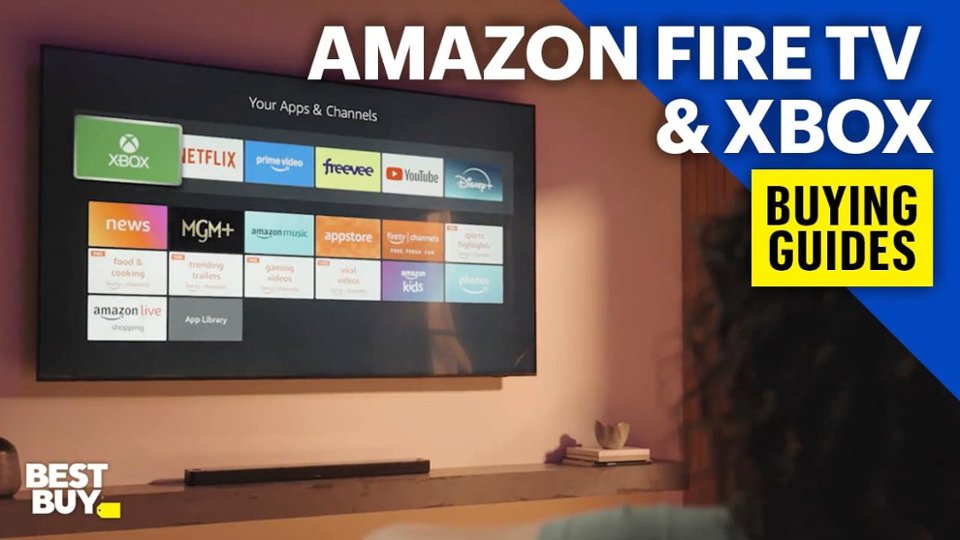
A:AnswerThere is no savings on any paid streaming apps. The fire stick is a convenient means of providing a simple graphical user interface consolidating all apps in one place. It also gives a voice command to search these apps.
I note that the newest gui is poor vs the original format.
A:AnswerYes the firestick works with Roku tvs but you have to access the fire stick by selecting it as an app. It won't load automatically as with any smart tv.
A:AnswerHad a hard time figuring out how to put the zip code in to bring up the local channels still haven't figured it out but Alexa took me to the local station and once I started to put shows on the DVR that local station comes up in the guide and I can change to that channel to watch live and weather
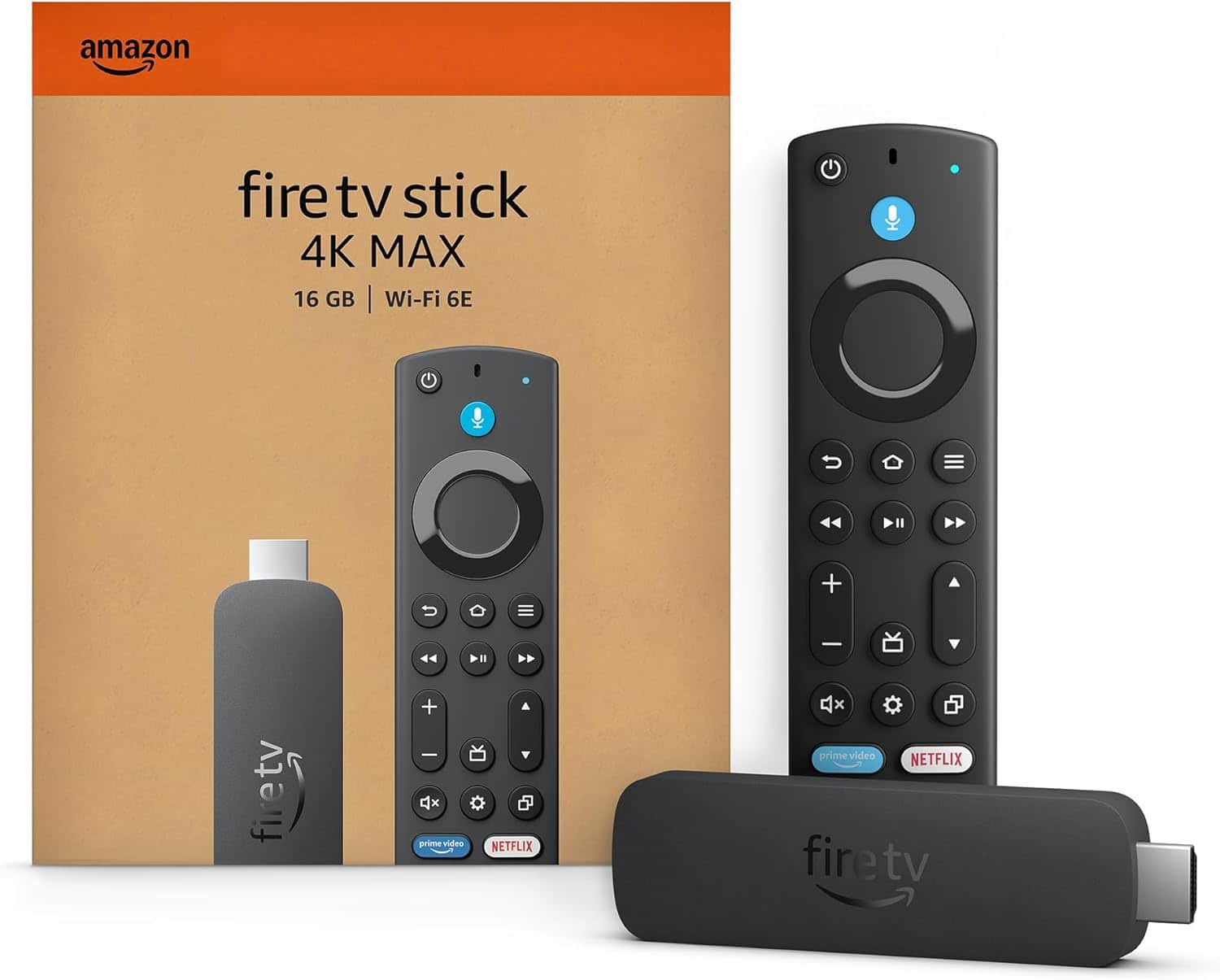
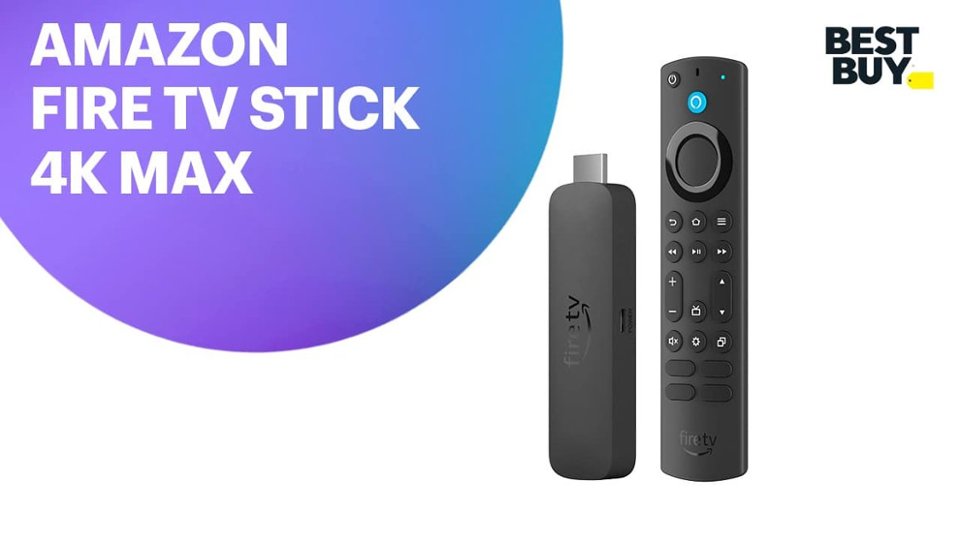
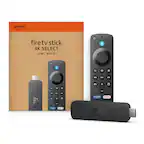
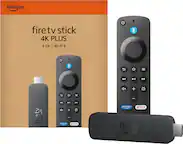
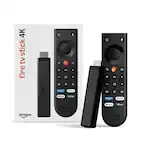
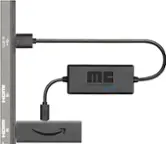
A:AnswerHello Terry! Great question. The Amazon Fire TV Stick 4K Max is compatible with any television that supports a standard HDMI connection. The device will also need to be powered by a micro USB that can be plugged into a USB A power adapter or common plugged into powered USB ports on televisions. Hope this helps!
A:AnswerDon't know but when I went to download something I asked Alexa the fire stick will pull it up and tell you how to acquire it and download it and if there is a fee once you downloaded it will come up in your home menu and each time you turn on the TV the home menu will come up and you can select the app you downloaded
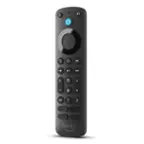
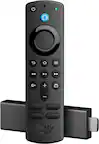
A:AnswerHello De! This Fire Stick does not have a light up remote. However, the Fire TV Remote Pro (available separately) does feature button lights. I hope this answers your question and I hope you have a great day!
A:AnswerHi Tam, No, the Amazon Fire TV Stick 4K Max does not require a 4K TV to work. It is fully compatible with non-4K TVs (like 1080p HD or even 720p models), as long as the TV has an available HDMI port. Hope you have a great day.
A:AnswerYes once you pick a streaming plan all the channels come up in the guide when you start selecting favorites it's a separate menu you can DVR right from the guide and you can do unlimited DVRs I do on an average of 12 different shows a day but keep in mind that the more data on the fire stick the slower it will run as my fire stick got older it would overheat and buffer I would have to keep turning it off to cool down and in my building I don't have real high stream internet it was annoying I had to buy all new equipment to solve the problem