A:AnswerYes you will have to get more gig. It's a streaming system that uses internet bandwidth. Ask your internet provider to assist you in allocating bandwidth based on your usage to get the amount you'd need and price point. Good luck.
A:AnswerThe fire stick only works on the tv it is hooked up on. You can get some local channels through apps but some stations require a login with your internet service provider.
A:Answerthe difference is the price, the amount of storage and lack of expandable storage. If this will be for family use, then you may be downloading multiple movie and tv streaming apps or playing games, opt for the amazon fire tv with more storage and option to add an sd card. the low storage messages will drive you up the wall in the middle of a movie and having to clear cache. its a good idea to clear cache at least weekly regardless of the one you choose.
A:AnswerI subscribe to Sling TV and stream live tv. I have the middle-tier package with is $25 and pay an extra $5 for news channels which include MSNBC. So, yes, you can watch MSNBC live through this method, but, I'm sure there are other ways to get it as well.
A:AnswerYes, the Amazon TV stick has the feature to mirror any capable device like the Samsung Galaxy S7 and others devices with mirror capabilities. You can mirror any context from your phone screen.
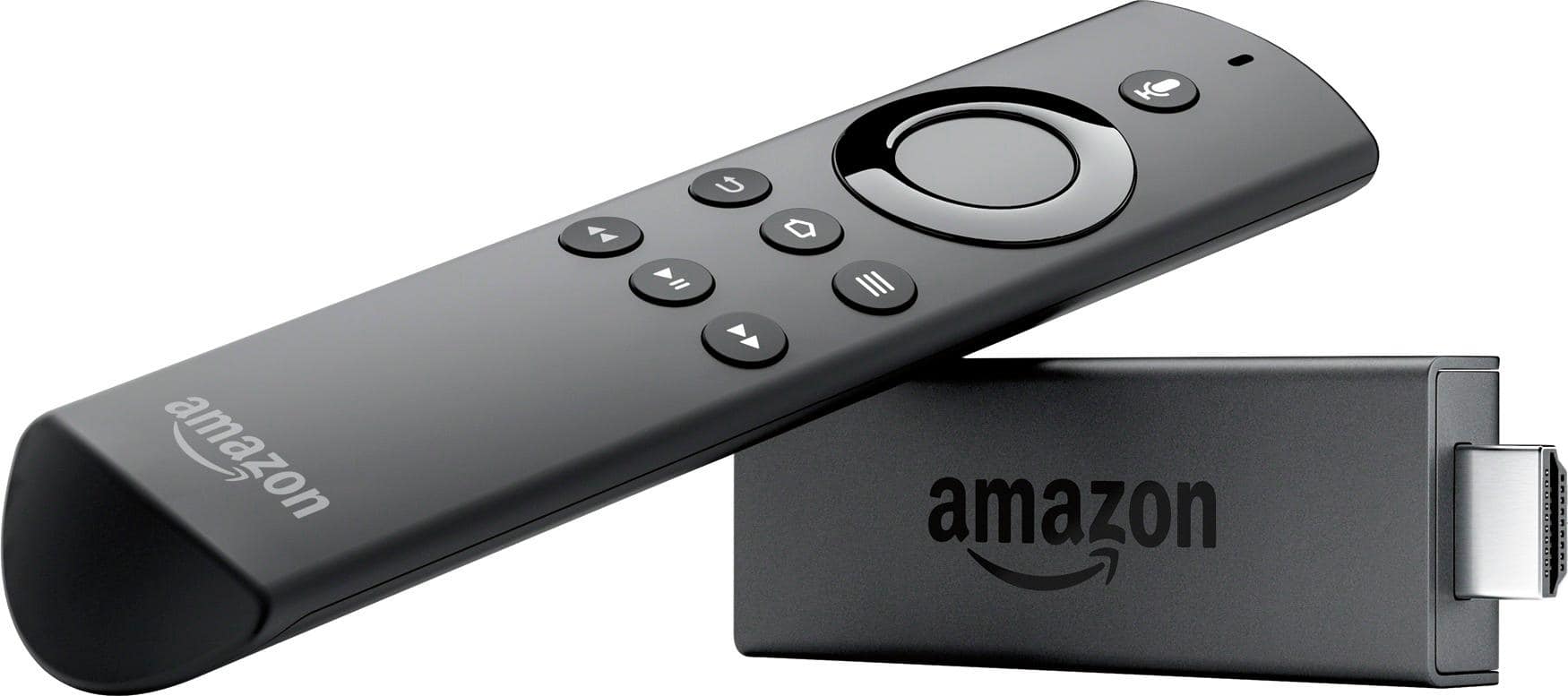
A:AnswerWhen watching something click the button on the remote to the right of home button with the 3 lines. Once timer pops up scroll to the right and select subtitles and select download. It will take you to a page to download subtitles.