Appliances Presidents’ Day SaleEnds 2/25. Limited quantities. No rainchecks.Shop now

Main Content

Questions & Answers

Your price for this item is $159.99
Page Showing 61-80 of 88 questions
  • QuestionHow much does it weight? I'm wondering if it would be OK for backpacking.

    Asked by Susan.

    • Answer It is very light expecially without a cover. You would not feel any additional weight when backpacking so perfect for that and way less than a physical book. The batter lasts a really long time so do need to worrry about charging it either.

      Answered by MaritaL

  • QuestionIs there a calendar option?

    Asked by Liz.

    • Answer Hello Liz! The Kindle Paperwhite is designed for a friction free experience. Escape into your books - Tune out messages, emails, and social media with a distraction-free reading experience. I hope this information helps, have a great day!

      Answered by Amazon Devices Customer Support

  • QuestionAre there parental controls on this paperwhite version? Kids are too old for kids one - but still don't want total book shopping access.

    Asked by Marsha.

    • Answer Hi Marsha! The Kindle Paperwhite and the Kindle Paperwhite Kids Edition are the exact same hardware, so all of the child profile features will be available on the regular version of the device. to set up a child profile on your Kindle Paperwhite: From the Home screen, select the Menu icon. Select Parental Controls, then select Amazon Kids. Select Add New Profile or Add Kid Profile. Enter your parental controls pin code, if needed, then the child’s name and birthday. Select Next and add any content from your own library that you want to include in the child’s library. Review the child’s profile and reading settings, then select Done. This lets you choose exactly what they have access to on the device. I hope that helps, have a great rest of your day!

      Answered by Amazon Devices Customer Support

  • QuestionDoes this have wifi ability?

    Asked by Mel.

    • Answer Hello Mel, the Kindle Paperwhite does connect to WI-FI so you can download the books to the device. Once your books are saved to the device you can read them without being connected to WI-FI. Have a great day!

      Answered by Amazon Devices Customer Support

  • QuestionDoes this have blue light? If so, are there any Kindles that do not have ANY blue light? I like to read at night and don’t want blue light in my reader.

    Asked by Iread.

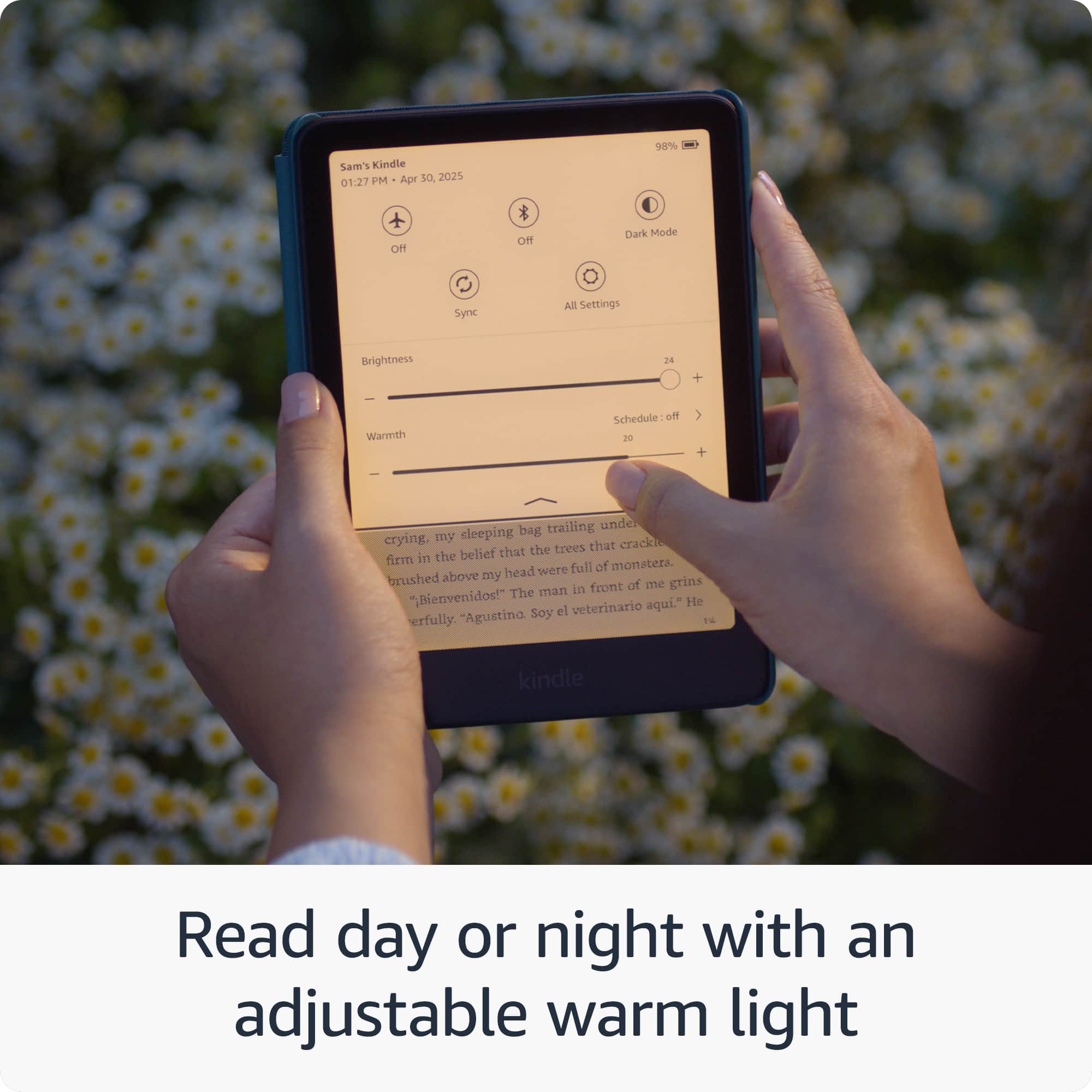
    • Answer Thisis customizable. You can change the settings to have any backlighting needed and to be automatic so if reading at night it would adjust for that

      Answered by MaritaL

  • QuestionDoes this e-reader come with any books loaded on it and if not, where do you get the books and what kind of money are we looking at?

    Asked by Montana.

    • Answer Hello Montana, the Amazon Kindle Paperwhite does not come preloaded with books. You can download the books you want from the Kindle Store. Have a great day!

      Answered by Amazon Devices Customer Support

  • QuestionWhat is the width of screen

    Asked by Elis.

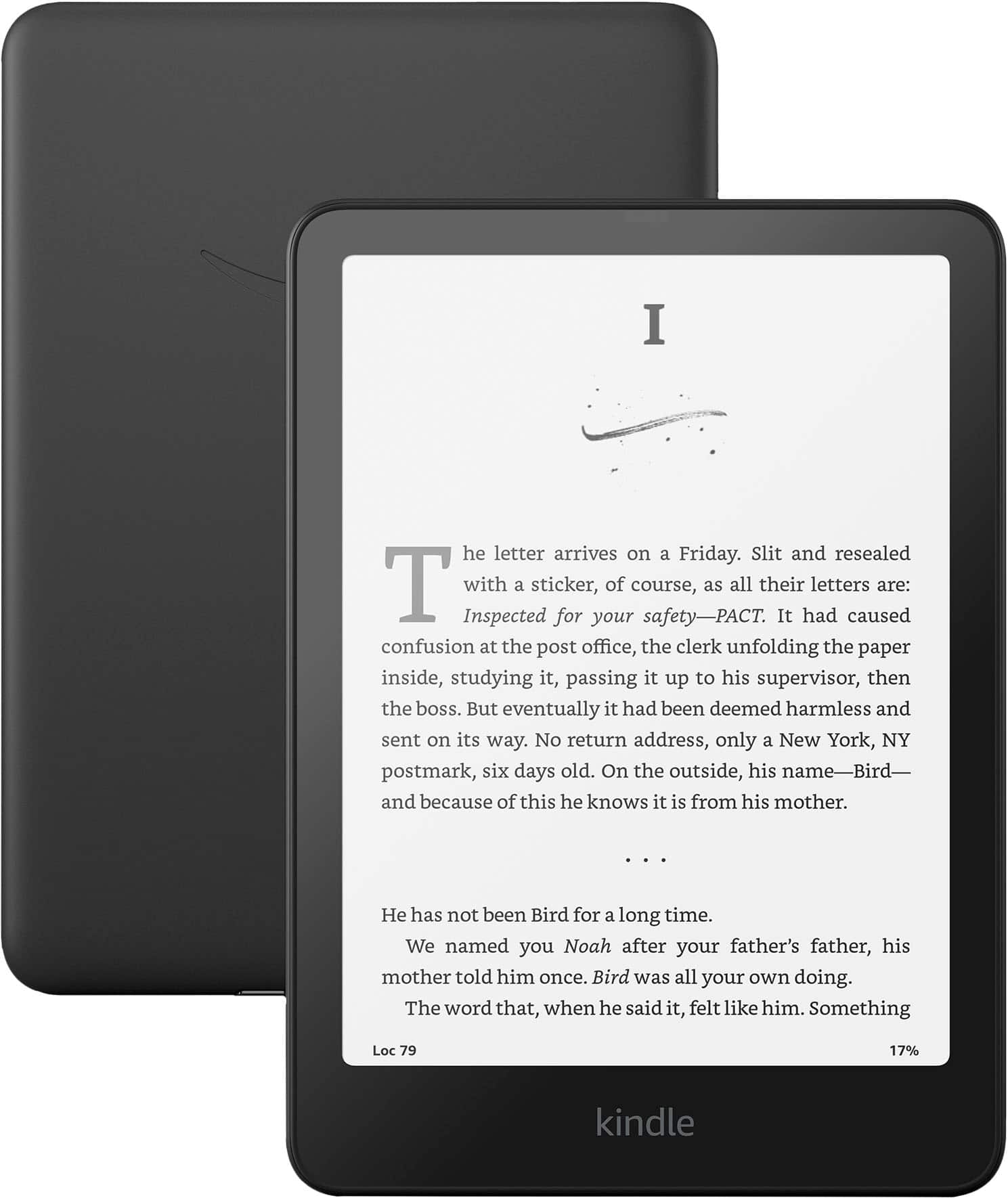
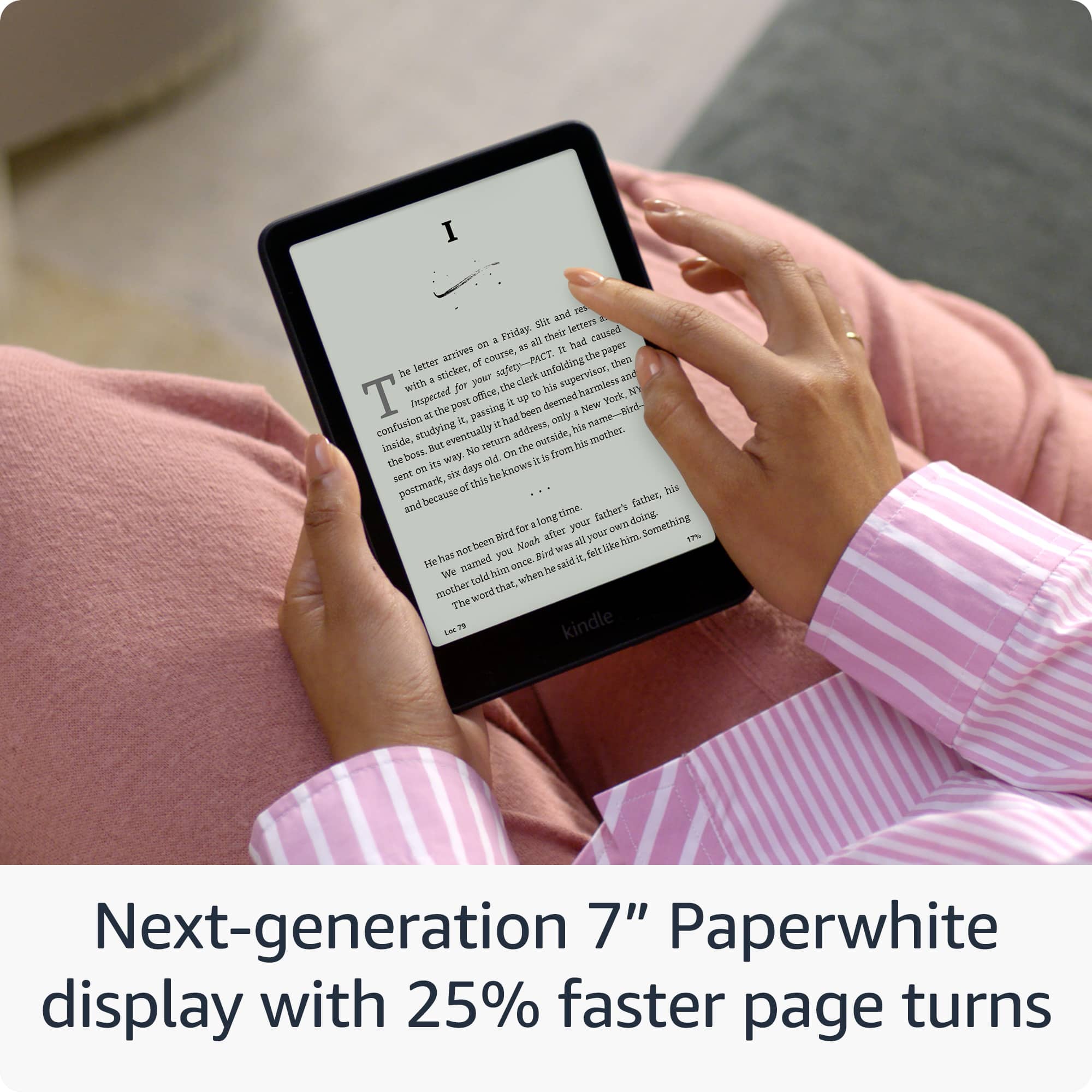
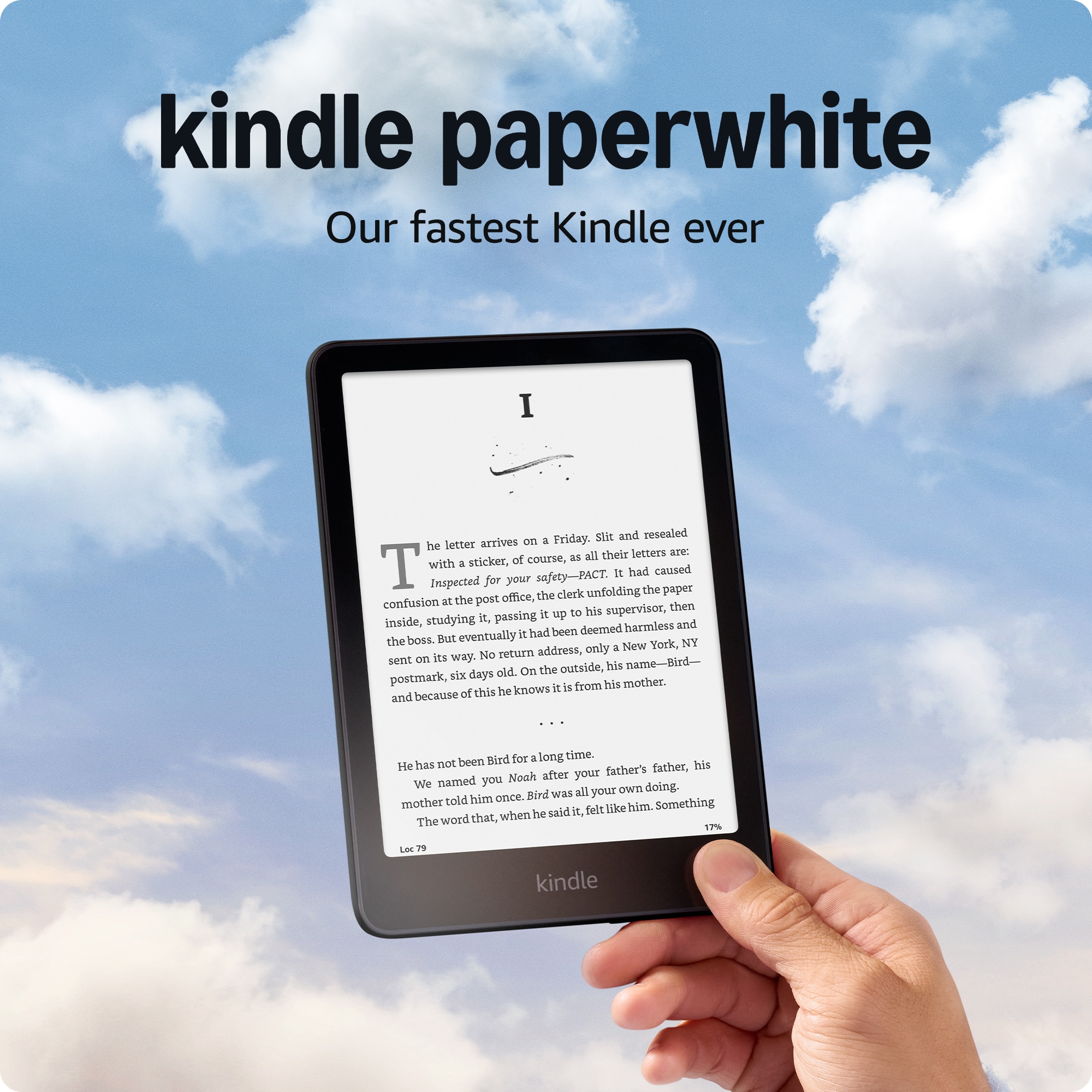
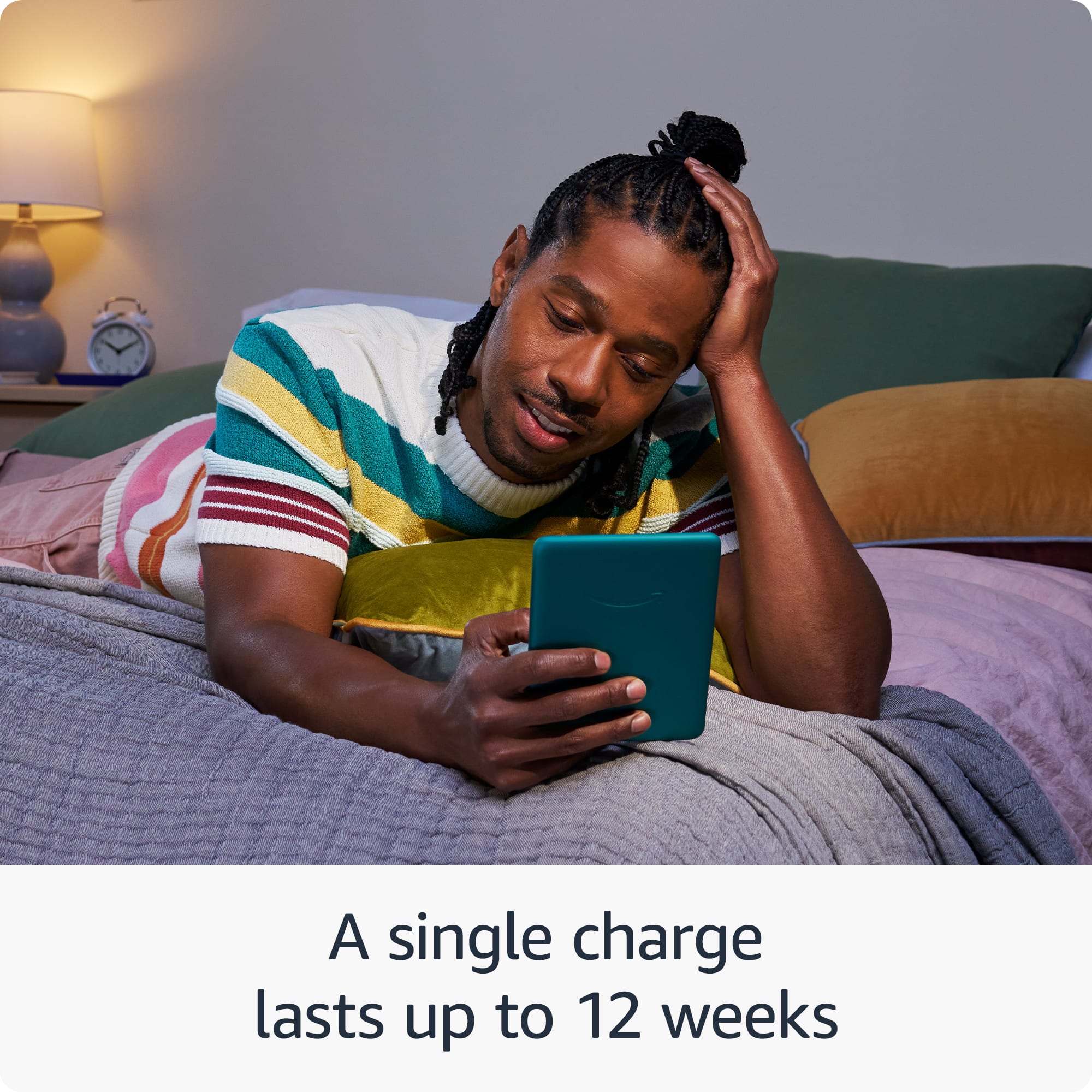
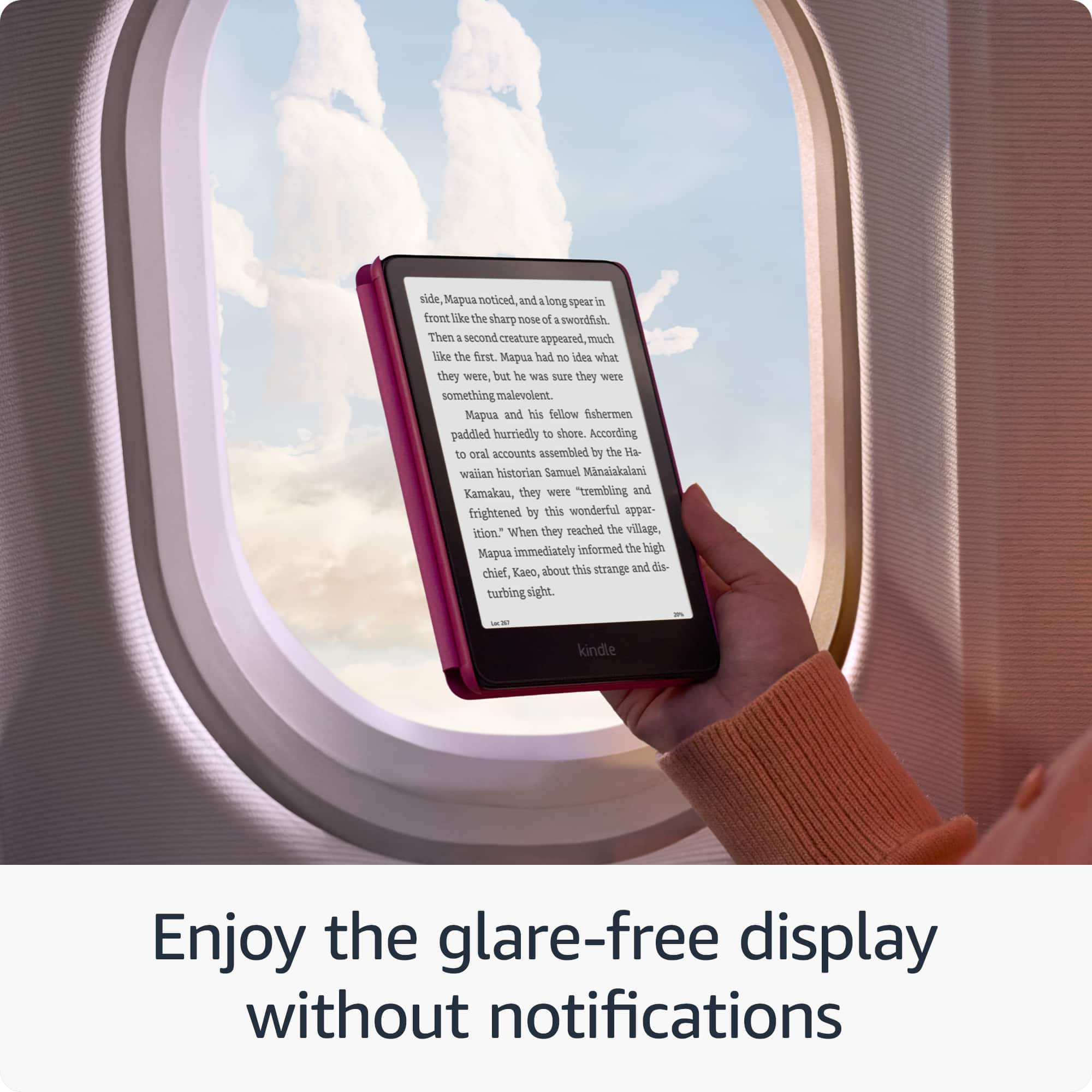
    • Answer Hello Elis! Our fastest Kindle ever – The next-generation 7“ Paperwhite (the screen is 5” x 7” x 0.3” (127.6 x 176.7 x 7.8 mm) ) display has a higher contrast ratio and 25% faster page turns. Ready for travel – The ultra-thin design has a larger glare-free screen so pages stay sharp no matter where you are. Escape into your books – Your Kindle doesn’t have social media, notifications, or other distracting apps. Battery life for your longest novel – A single charge via USB-C lasts up to 12 weeks. I hope this information helps, have a great day!

      Answered by Amazon Devices Customer Support

  • QuestionCan you take this Kindle with its Lithium-ion battery on an airplane?

    Asked by Carrie.

    • Answer Hello Carrie! According to the product information, the Kindle Paperwhite contains a lithium ion battery. Travelers are allowed to bring lithium ion batteries for personal electronics like tablets on airplanes in both carry-on and checked baggage. I hope this information helps, have a great day!

      Answered by Amazon Devices Customer Support

  • QuestionDoes this come with a charger or does it need to be purchased separately

    Asked by Rutj.

    • Answer Hello Rutj and thank you for your question! The Amazon Kindle Paperwhite comes with the USB-C charging cable. I hope this answers your question! Have a great day!

      Answered by Amazon Devices Customer Support

  • QuestionI am from Argentina. Can I charge the Kindle without issues or should I use an electricity transform?

    Asked by Alexis.

    • Answer Hello Alexis! You can charge your Kindle without any issues as long as you use a travel adapter to match Argentinian plug type (Type I) to your Kindles charging cable. You do not need a voltage transformer because most modern electronics like Kindles are designed to work with a wide range of voltages. I hope this information helps, have a great day!

      Answered by Amazon Devices Customer Support

  • QuestionAbout how many audiobooks can this kindle hold?

    Asked by Tanuki13.

    • Answer Hello! The 16gb Kindle Paperwhite can hold dozens and dozens of audiobooks and thousands of books I hope this information helps, have a great day!

      Answered by Amazon Devices Customer Support

  • QuestionRE the Kindle Paperwhite 16 GB, does the text to speech feature also highlight the words being read?

    Asked by Kathy.

    • Answer Hello Kathy! Yes the Kindle Paperwhite does have the immersive experience available. The Kindle can have a text-to-speech feature that highlights words while reading. To activate text-to-speech on a Kindle look for the option in the books menu. Using the accessibility features you can activate VoiceOver or Speak Screen. I hope this information helps, have a great day!

      Answered by Amazon Devices Customer Support

  • QuestionHow do I get the 3 month Kindle subscription with my order? How do I select this subscription when I place my order on Best Buy site? Is the actual charger included and not just the cord? Thank You

    Asked by Linda.

    • Answer I’ve asked this question several times and was told that Best Buy does not do the subscription, and that you should get communication sent to you from Amazon because the subscription and monthly payment is signed up for through Amazon. Best Buy does not offer it because your Kindle is an Amazon Kindle.

      Answered by RickyB

  • QuestionDoes it have the feature if you press on a particular word, it brings up the definition.

    Asked by Anonymous.

    • Answer Good Morning- Thanks for the question. Yes, the Kindle Paperwhite does have that feature. It's called Smart Lookup, To use this feature: Simply tap and hold on any word while reading. A pop-up will appear with the definition and options for more information. You can adjust the settings for this feature in the Kindle's menu, including changing dictionaries or adjusting how much information is displayed. I hope this helps, have a great day!

      Answered by Amazon Devices Customer Support

  • QuestionCan this version charge wirelessly?

    Asked by Ivonne.

    • Answer Hello Ivonne and thank you for your question! No, the Amazon Kindle Paperwhite does not wirelessly charge. The device charges via the included USB C cable. Hope this helps! Have a great day!

      Answered by Amazon Devices Customer Support

  • QuestionIs this the newest version of Paperwhite? 12th Generation October 24?

    Asked by KakoDar.

    • Answer Hi KakoDar! This listing is for the newest version of the Kindle Paperwhite, now with a 7" screen over the previous generation's 6.8" screen. Additionally, this new generation has 25% faster page turns as well as a higher contrast ratio. I hope that helps, have a great rest of your day!

      Answered by Amazon Devices Customer Support

  • QuestionDoes this have lock screen ad removal is this a 11th generation kindle?

    Asked by lori.

    • Answer Hello lori, Thank you for your question. The Kindle paperwhite is the 12th generation. Yes, you can remove ads from the lock screen of a Kindle Paperwhite by making a one-time payment to unsubscribe from the service, here are the steps to do that once you've purchased your kindle paperwhite: From your Amazon account, -Go to Manage Your Devices -Select Devices and then your Kindle -Under Special Offers, click Remove offers -In the pop-up window, select End Offers and Pay the Fee Hope this helps have a nice day!

      Answered by Amazon Devices Customer Support

  • QuestionCan I download library books

    Asked by Ron1.

    • Answer Hello Ron1 and thank you for your question! Yes, eligible library books are available in the United States through a digital service called OverDrive. You would have to confirm whether your library branch participates and offers Kindle books. If your local library branch participates: -Get a library card and a PIN from your local library. -Go to the website of your local public library and search for "Kindle books" or "eBooks." -At checkout, sign in to your Amazon account and select the device to which you want to send the book. -Connect your device to Wi-Fi and download the title from the Archived Items or Cloud. Some titles may require USB transfer from your computer to your supported device. Hope this helps! Have a great day!

      Answered by Amazon Devices Customer Support

  • QuestionCan I access the Internet and browse like I do on my phone

    Asked by Anonymous.

    • Answer No. You can buy books while connected to internet, but it does not function like a tablet.

      Answered by Becky