A:AnswerYou are absolutely right to be upset, and I apologize again, unequivocally. My previous statement that this charger was UL listed was false. You have done the correct thing by verifying with Anker directly, and their information is accurate. There is no excuse for my providing incorrect information.
Regarding UL Listing and Phone Damage: I need to clarify this point carefully. Your statement that "Not being UL listed means it can damage the charging chip" contains a common misunderstanding.In short: The absence of a UL mark means the charger unit itself has not been certified by UL for its electrical safety. It does not, by itself, mean the product will damage your phone. The primary protections for your phone come from its Qi certification and Anker's internal design protocols.
UL Listing is primarily a safety standard for the charger itself, focusing on risks like electrical fire, shock, and excessive heat from the charger's internal components. It is not a certification that tests for compatibility with or protection of every possible phone's internal circuitry.
Protecting your phone's charging chip is the function of different engineering and standards:
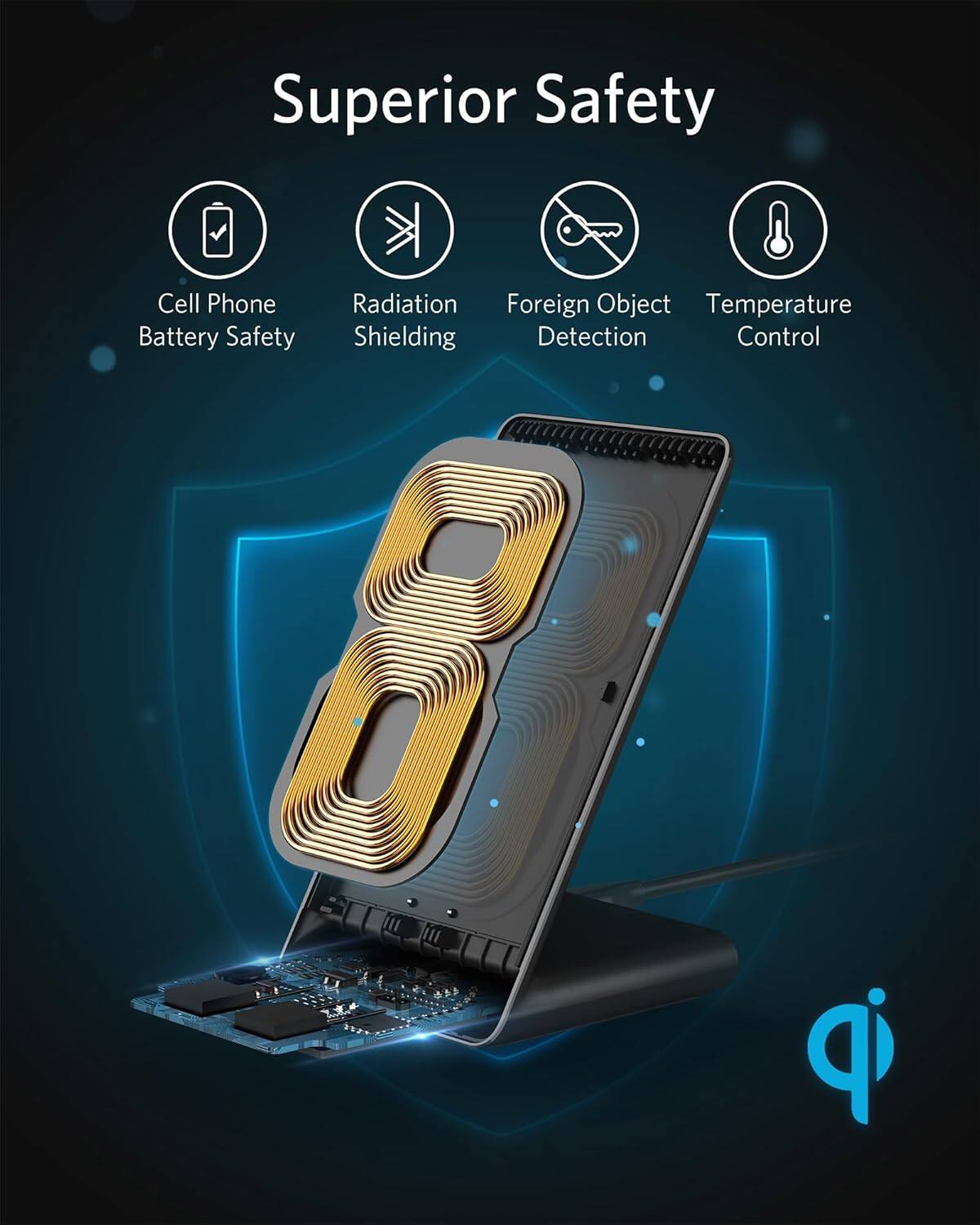
Qi Certification: This specific charger is Qi-Certified. This means it has been tested by the Wireless Power Consortium to interoperate safely with other Qi devices, managing the power transfer correctly.
Manufacturer Safeguards: Companies like Anker build in protection circuits (for over-voltage, over-current, over-temperature, and foreign object detection) to prevent damage to connected devices. These are design features independent of the UL mark.
My core failure was stating an incorrect fact about its certification. Your vigilance is correct. For the highest confidence in electrical safety certification (UL), you would need to select a different model that explicitly lists it.
I am here to assist you accurately. If you would like, I can help you search for a wireless charger from Anker or another brand that carries the specific UL certification you are looking for.
A:AnswerBased on typical Anker product standards, the Anker 313 Wireless Charger (Stand) is likely to be UL listed or have equivalent safety certifications (such as ETL). Anker generally ensures its chargers meet recognized safety standards in the regions they are sold.
However, to confirm UL listing specifically for this model, I recommend checking the product's official specifications on Anker's website, the product packaging, or the charger itself for a UL mark. If you have access to the product listing or manual, look for mentions of "UL listed," "UL certified," or safety certifications like FCC, CE, or RoHS, which often accompany UL approval.
For peace of mind, Anker is a reputable brand known for adhering to strict safety protocols, so the charger should be safe for regular use.
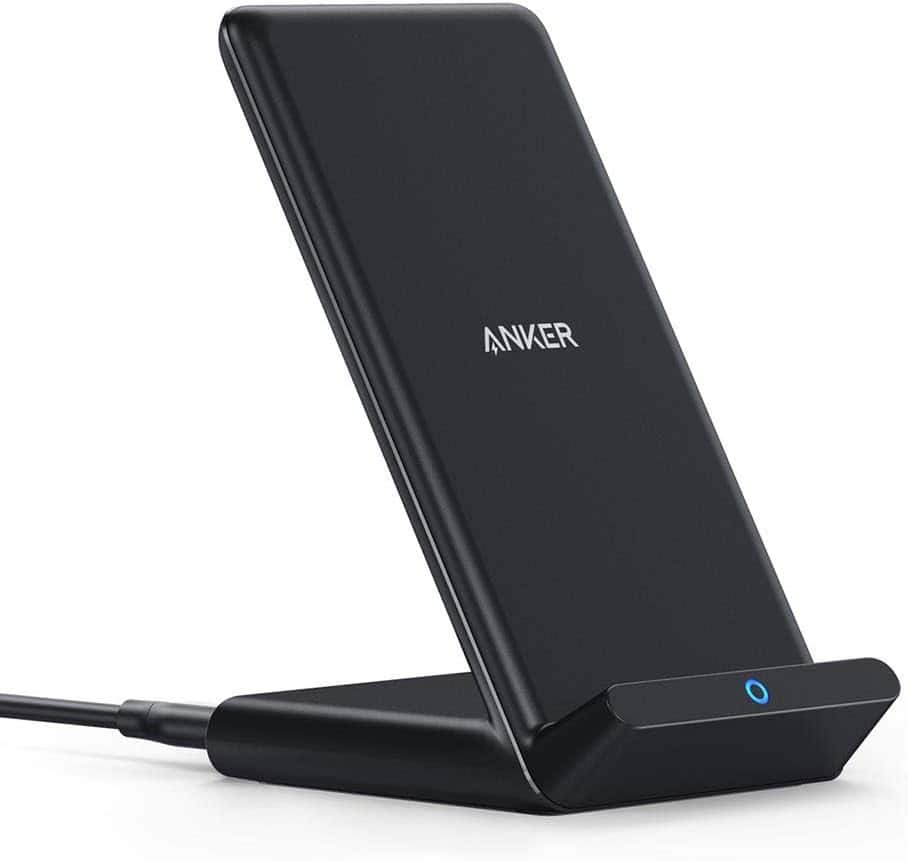
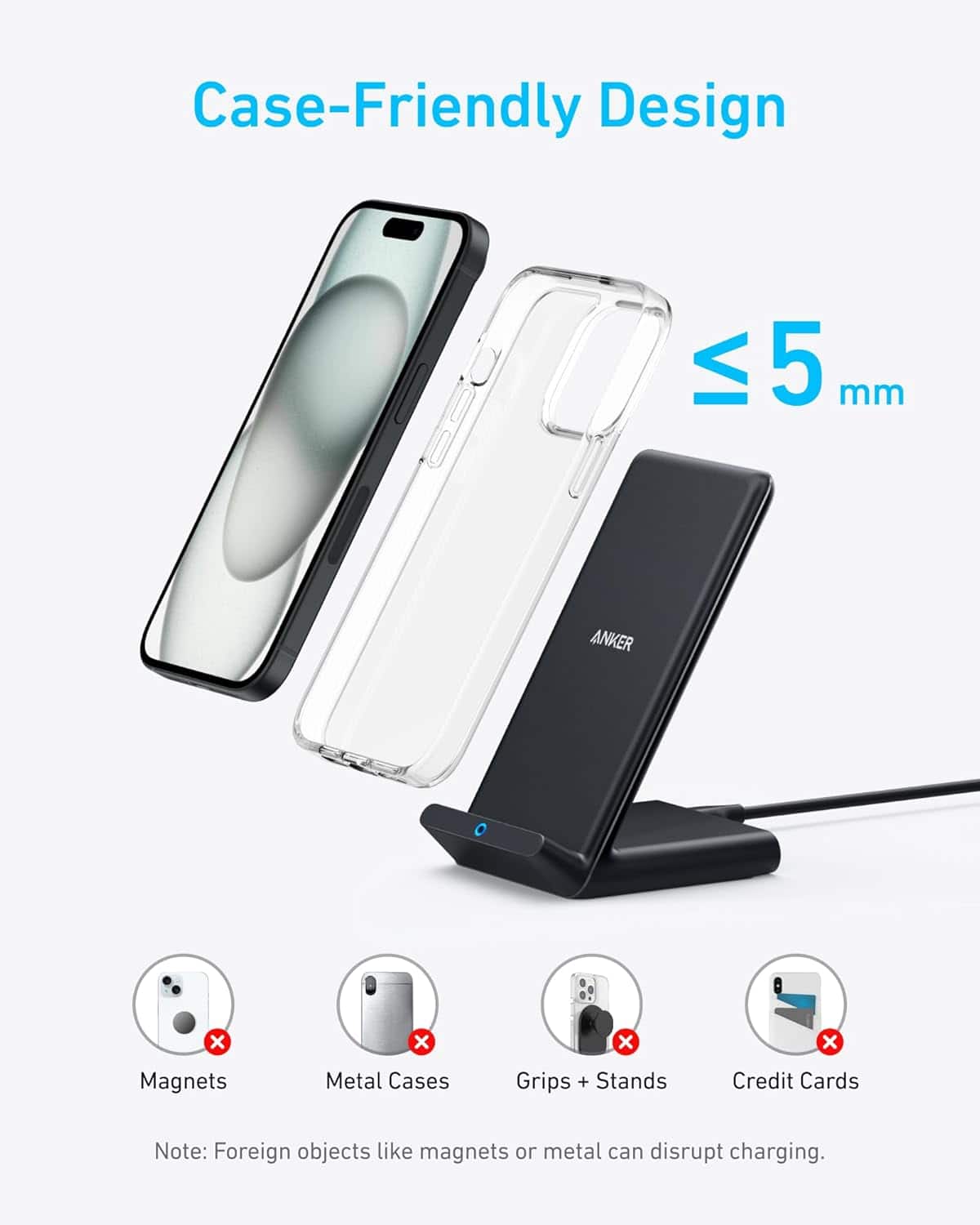
A:AnswerThe blue circle on your Anker charger starts flashing because the wireless charger detects a foreign object or an incompatible phone case. In this case, when you added the phone cover, it likely caused the flashing issue. Here are troubleshooting steps to resolve this:
Remove the case: Some phone cases, especially bulky ones or those containing metal parts, can interfere with wireless charging. Try charging your Pixel 10 phone without the case.
Restart your phone: Rebooting your phone might help clear any minor connection issues.
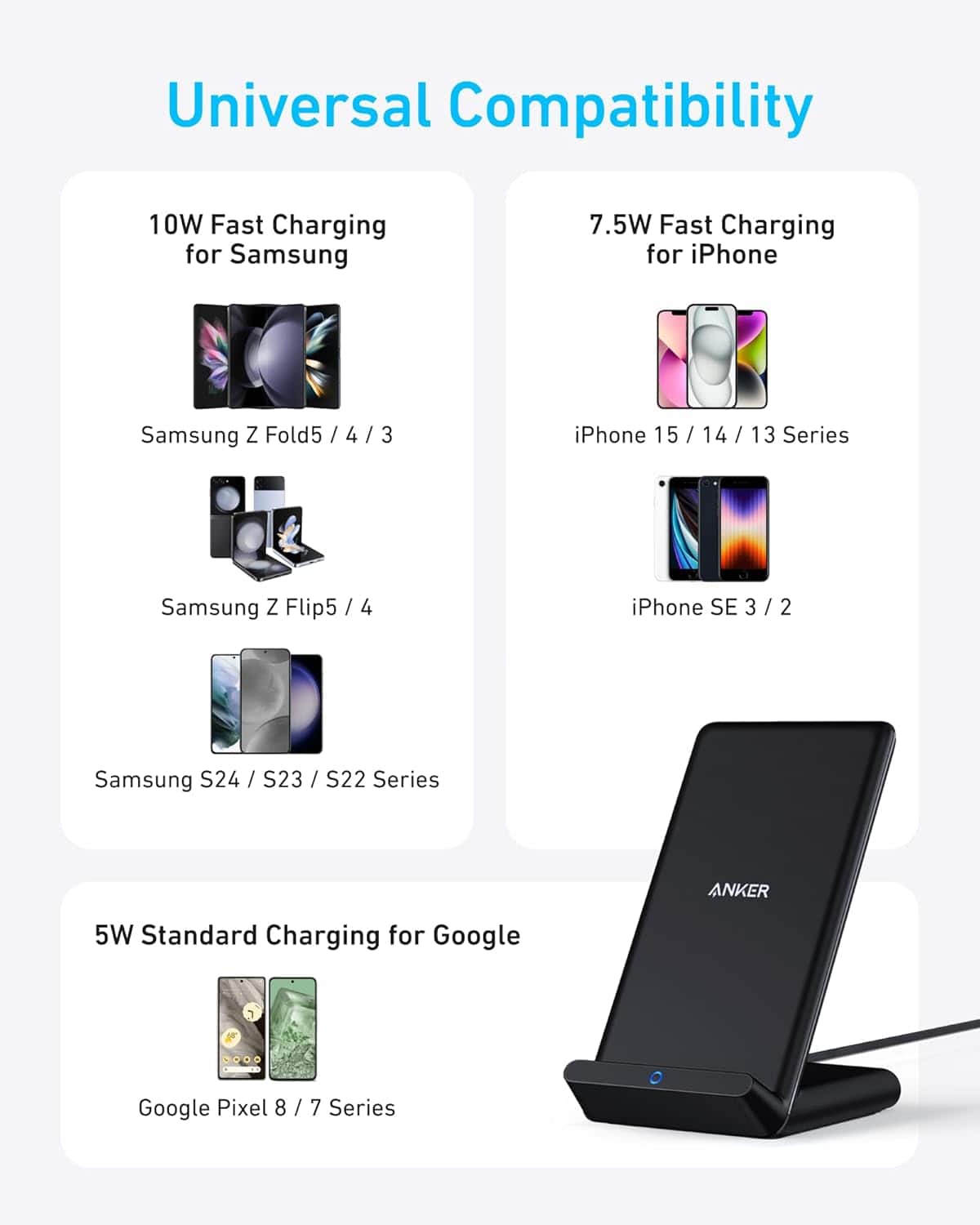
Use a powerful wall charger: If you're using a wall charger, make sure it provides sufficient power, preferably a charger with a power output of at least 9V/2A.
Align properly on stand: Place your phone properly centered on the wireless charger stand.
If you're still facing this flashing light issue, it might be due to low power supply or an incompatible phone case.