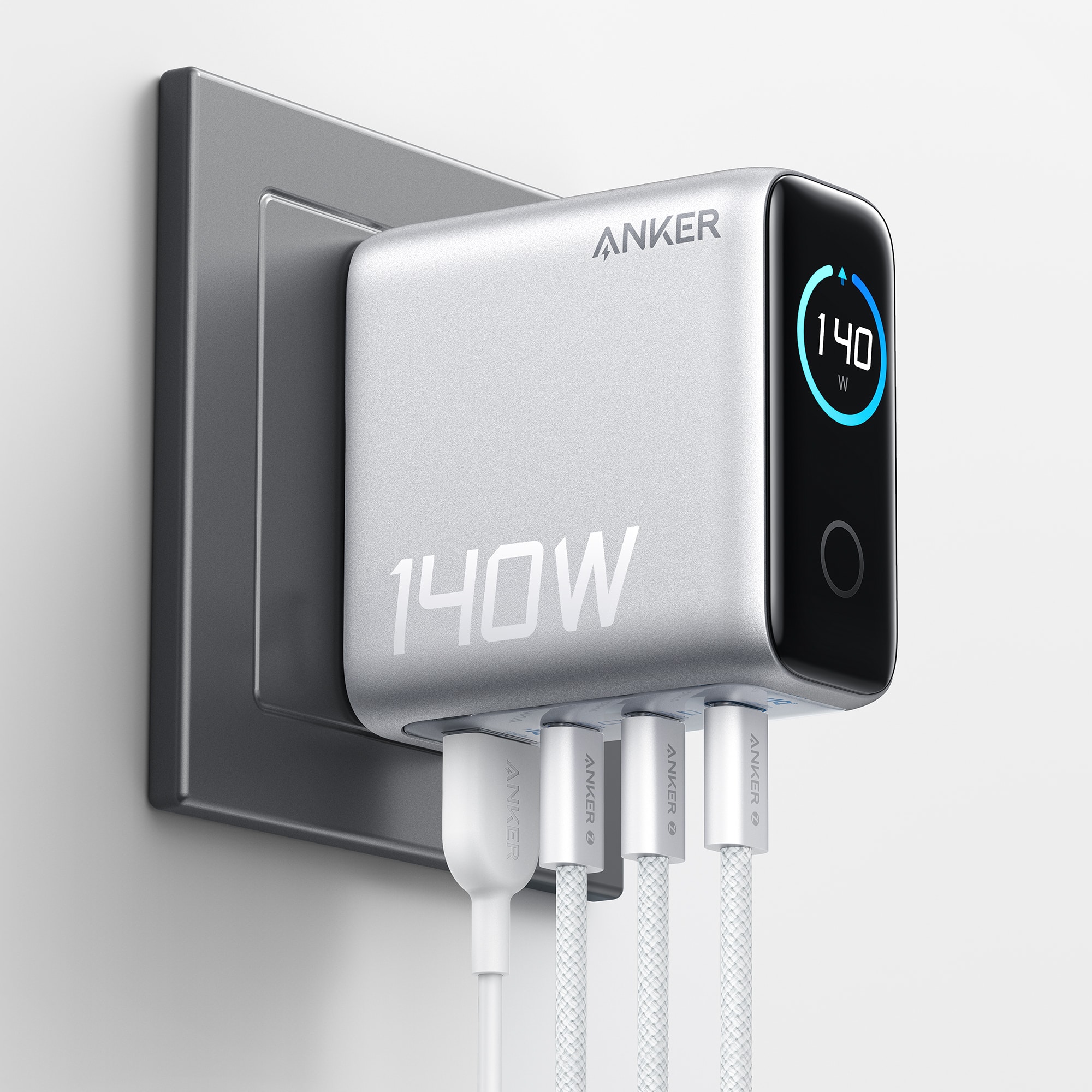

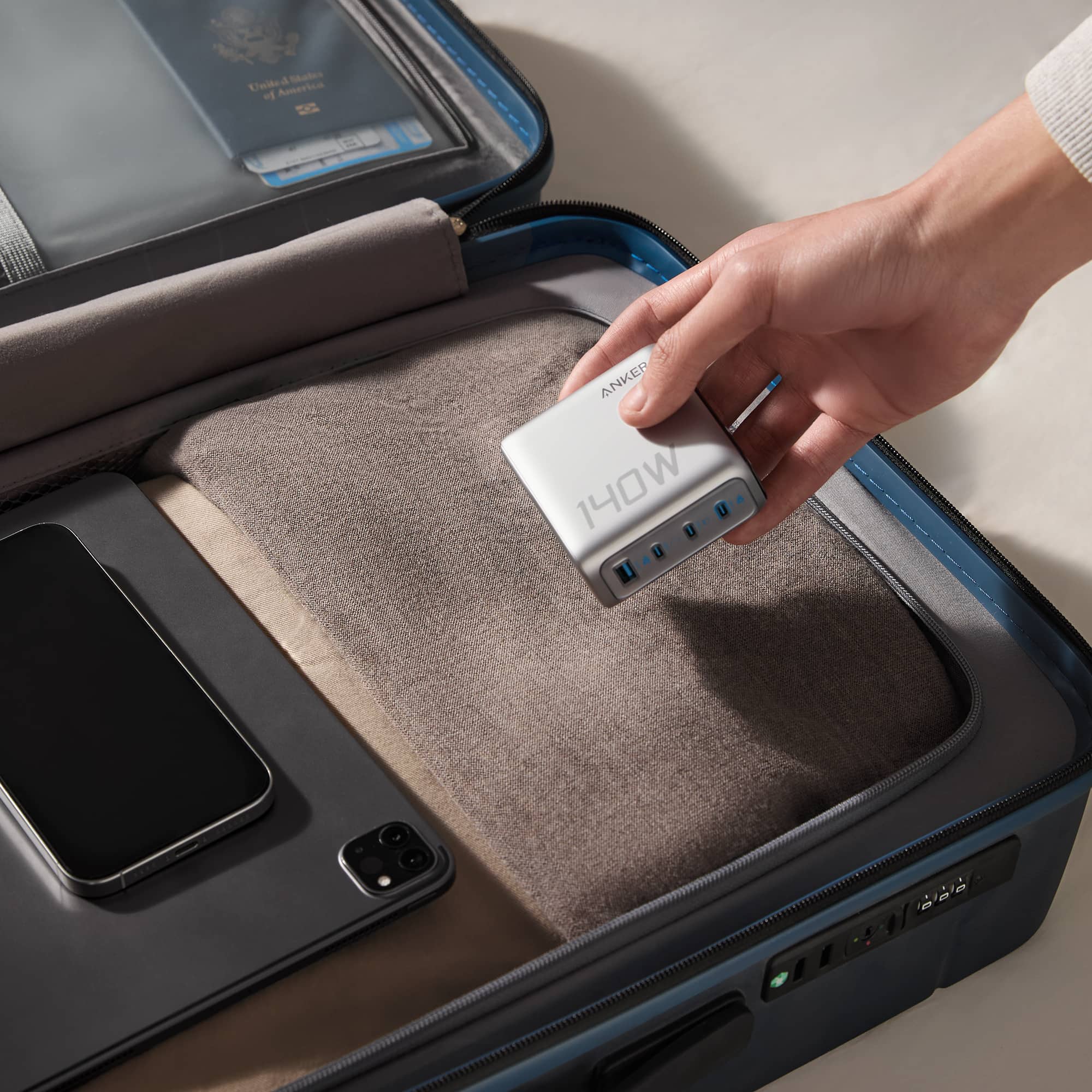

Main Content

Questions & Answers

$79.99
Page Showing 1-13 of 13 questions
  • QuestionDoes this charger have any safety features?

    • Answer Yes, this charger has the ActiveShield 2.0 system for enhanced safety.
    This question and answer was generated by AI based on customer and product data.

  • QuestionHow many devices can be charged at once using this charger?

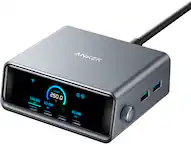
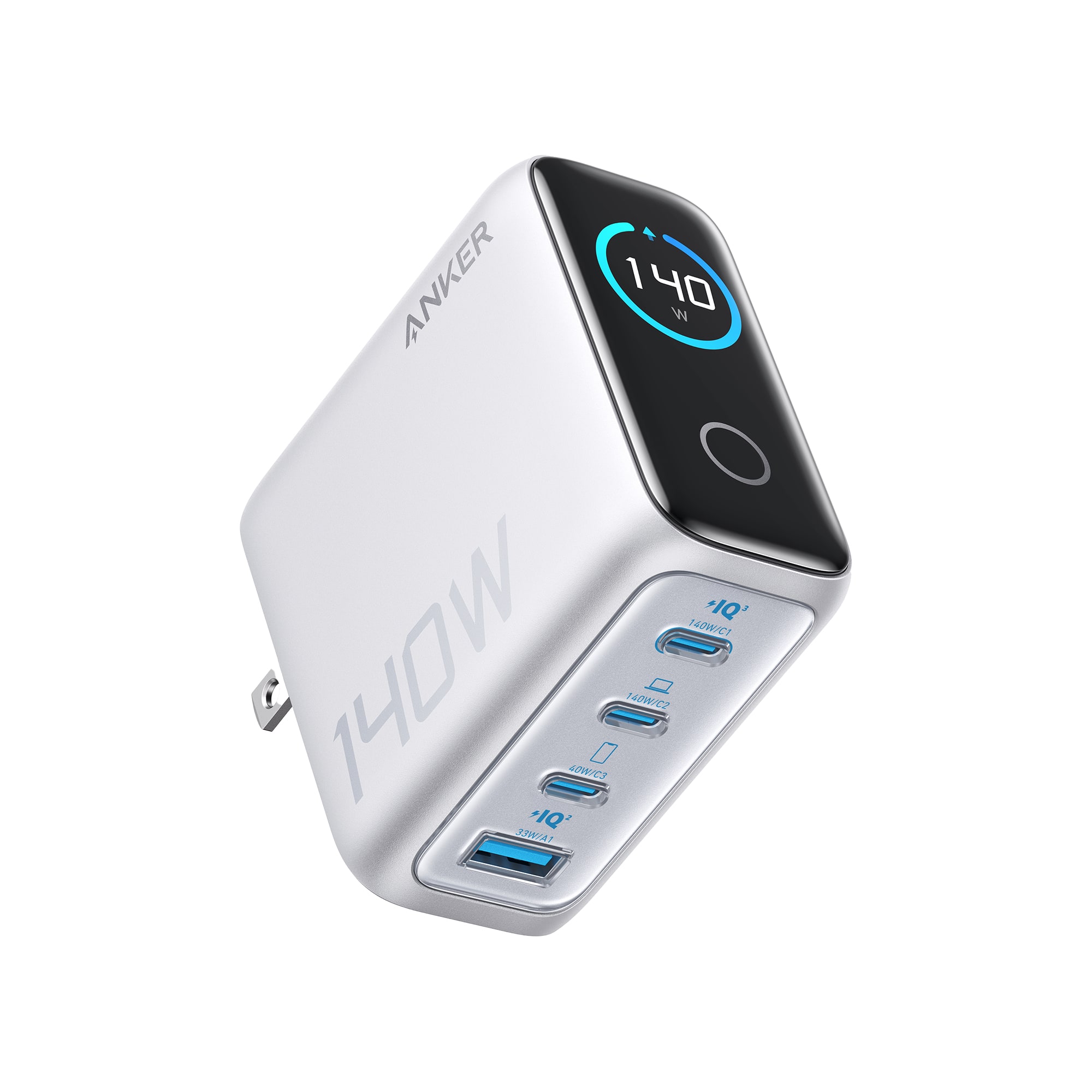
    • Answer This charger can power up four devices simultaneously.
    This question and answer was generated by AI based on customer and product data.
  • QuestionWhat is the maximum output offered by each USB-C port?

    • Answer Each of the two USB-C ports offers a maximum output of 140W.
    This question and answer was generated by AI based on customer and product data.
  • QuestionWhat kind of warranty does this laptop charger have?

    • Answer This laptop charger comes with an 18-month warranty.
    This question and answer was generated by AI based on customer and product data.
  • QuestionCan I monitor the charging status using this charger?

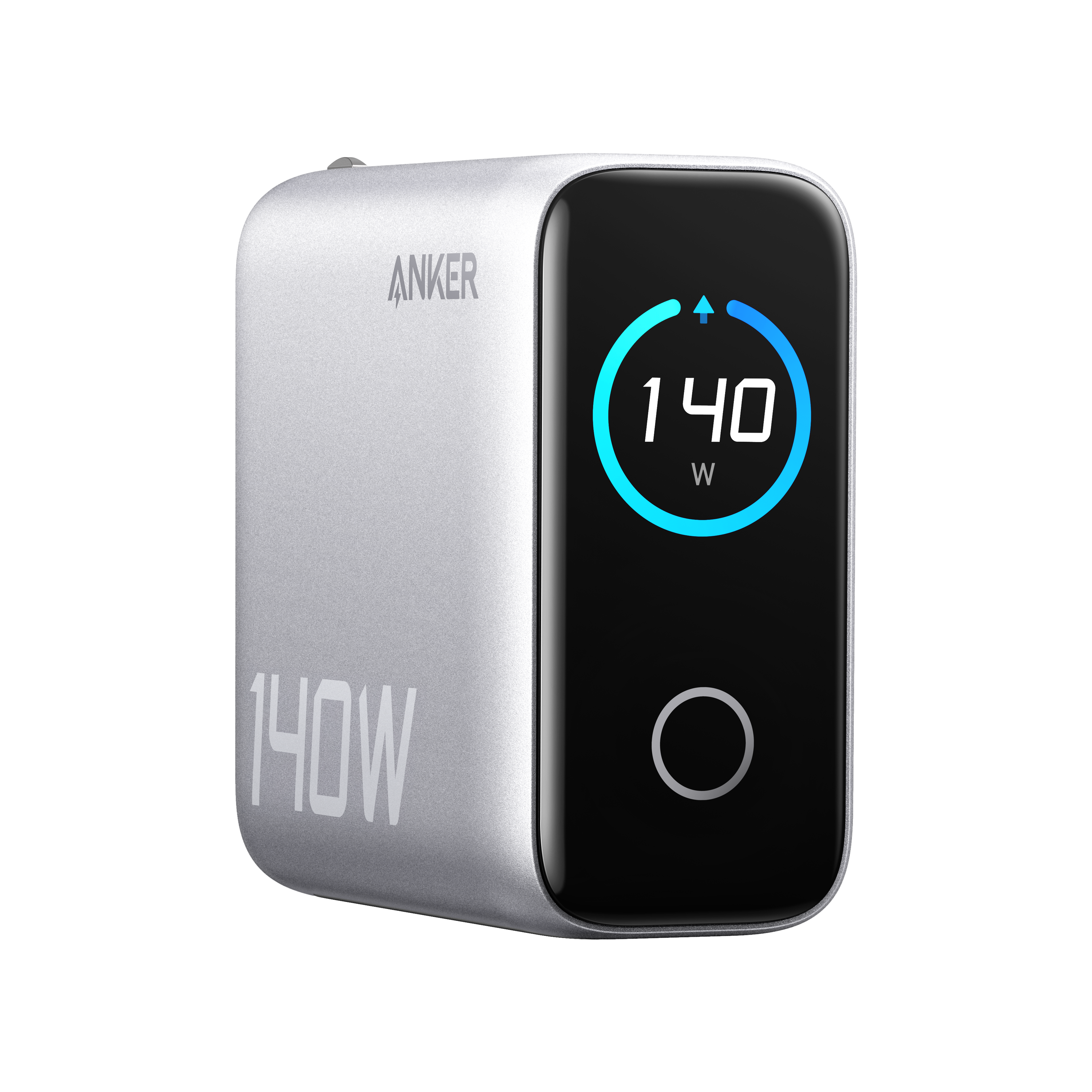
    • Answer Yes, you can monitor the charging status with the high-definition color display.
    This question and answer was generated by AI based on customer and product data.

  • QuestionDoes this charger use GaN technology?

    • Answer Yes, this charger features cutting-edge GaN technology for maximum efficiency.
    This question and answer was generated by AI based on customer and product data.
  • QuestionWhat are the charges and voltage per USB port??

    Asked by LongDay.

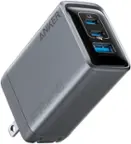
    • Answer The Anker - Laptop Charger (140W, 4-Port, PD 3.1) distributes power per USB port as follows: When One Port is in Use: USB-C1/USB-C2: 9V⎓3A, 15V⎓3A, 20V⎓5A, or 28V⎓5A (140W Max) USB-C3: 5V⎓3A, 9V⎓3A, 15V⎓2.65A, or 20V⎓2A (40W Max) USB-A1: 5V⎓3A, 9V⎓2A, 12V⎓1.5A, 10V⎓2.25A, or 11V⎓3A (33W Max) For additional usage of multiple ports, dynamic power allocation occurs: Two Ports: USB-C1 + USB-C2: 70W + 70W USB-C1 or C2 + USB-C3: 100W + 40W USB-C1 or C2 + USB-A1: 100W + 33W USB-C3 + USB-A1: Aggregate of 24W, distributed as 12W each port Three Ports: USB-C1 + USB-C2 + USB-C3: 65W + 45W + 30W USB-C1 + USB-C2 + USB-A1: Same as above USB-C1 or C2 + (USB-C3 + USB-A1): 100W + 24W (USB-C3 and USB-A1 share 24W) USB-C1+C2 + (USB-C3 + USB-A1): 65W + 45W + 24W Four Ports: USB-C1 + USB-C2 + USB-C3 + A: 65W + 45W + 12W + 12W Keep in mind the port priority for highest performance: USB-C1 > USB-C2 > USB-C3 > USB-A Make sure to connect high-power devices (e.g., laptops) to USB-C1 or USB-C2 for optimal performance.

      Answered by Anker Team

  • QuestionWill this charger charge a Dell Precision 5560 laptop?

    Asked by Anonymous.

    • Answer The Anker Laptop Charger (140W, 4-Port, PD 3.1) theoretically supports charging laptops with up to 140W. While it is compatible with many laptops, Dell laptops, such as the Dell Precision 5560, may not charge at full speed due to Dell's proprietary charging protocol. This may result in your Dell laptop displaying a "slow charger/underpowered" message, even when using this Anker charger.

      Answered by Anker Team

  • QuestionAre the USB C ports Thunderbolt 5 or Thunderbolt 4?

    Asked by Nico.

    • Answer The USB-C ports in the Anker Laptop Charger (140W, 4-Port, PD 3.1) do not utilize Thunderbolt 4 or Thunderbolt 5 technology. This charger is designed primarily for power delivery functionality rather than Thunderbolt connectivity. If you are looking for Thunderbolt compatibility, Anker offers products such as Thunderbolt Docking Stations and Mini Docks that implement Thunderbolt 4 technology.

      Answered by Anker Team

  • QuestionWhat is the input voltage, 100-240V? Does it have the earth prong?

    Asked by treasurehunt.

    • Answer Yes. The input voltage is 100-240V AC (global standard). No. The included US plug is two-prong (ungrounded). It is designed to meet safety standards without a ground pin.

      Answered by Anker Team

  • QuestionDoes this have to be plug up all the time to charge up tablets

    Asked by JeffL.

    • Answer Based on the information I have, it seems you are asking about whether the Anker Laptop Charger (140W, 4-Port, PD 3.1) needs to be plugged in all the time to charge devices like tablets. The charger itself does not store power, so it must be plugged into a power source in order to charge connected devices such as tablets. If you're looking for a device that can charge without being plugged into a power source (like a power bank), this product does not serve that purpose—it acts as a direct power supply.

      Answered by Anker Team

  • QuestionWill this charger charge an Asus vivobook s15/16 without damaging the battery?

    Asked by Youngwoo.

    • Answer The Anker 140W charger (4-Port, PD 3.1) is designed to charge devices at up to 140W power, assuming the devices and cables are compatible with that rate. For your Asus VivoBook S15/16, which likely doesn't require the full 140W input, this charger will safely provide the appropriate power output as determined by your laptop's charging requirements and power delivery protocol (PD 3.1). Charger protocols like PD ensure that the charging power is correctly adjusted to prevent overcharging or damaging the device's battery. Thus, this Anker charger should not damage your Asus VivoBook S15/16's battery when used properly. To ensure safe and efficient charging: Use a high-quality cable that matches the required specifications for your laptop. If applicable, verify the entire charging process to confirm compatibility and ensure the laptop is receiving the right power. Also, note that protective features in the charger, such as over-temperature protection, prevent any potential battery damage during usage.

      Answered by Anker Team

  • QuestionIs there a charging cable included?

    Asked by Nivek.

    • Answer No

      Answered by Jorge