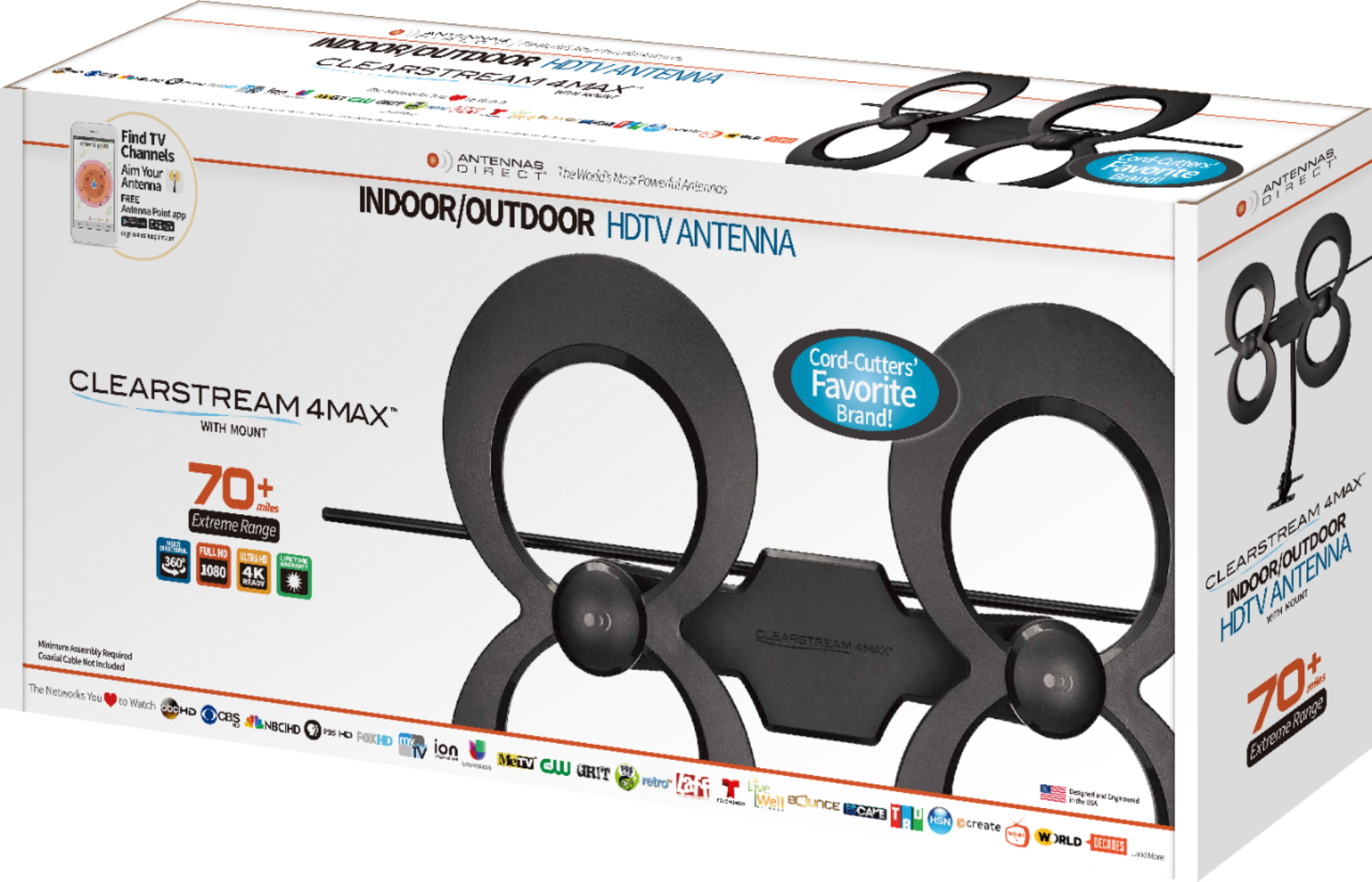
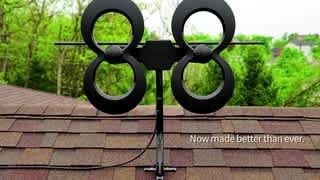
A:AnswerI will add - the package states, "An Outdoor Antenna Will Service Many TVs. If your residence ever had satellite or cable TV service, the coaxial cable needed to distribute an antenna's signal throughout the home is already installed."
So, the answer is yes - which is straight from the package and has a picture of a multi-level house with several devices inside.
A:AnswerThis antenna when used indoors is usually placed in the attic.
It is very easy to put together and all you have to do is attach the tv cable wire to your antenna and than the tv.
A:AnswerI haven't tried this myself, and so I can't really recommend a product, but I know there are devices like the homerun that should do the trick. Not sure if they make these wireless versions or you have to connect them into an access point/router via ethernet, but I would opt to run an ethernet cable or ethernet over power anyway to take out one leg of the wireless connection.
Antenna -> HomeRun <-> wifibridge <-> wifi -> AccessPoint/Router <-> Streaming device/Smart TV
vs
Antenna -> HomeRun <-> ethernet <-> AccessPoint/Router <-> Streaming device/smartTV
The second one saves some wifi bandwidth and you wouldn't need a wifi bridge which basically makes a hard wired device into wifi.
A:AnswerGreetings - Yes! Typically, a satellite dish has 2 coaxial cable lines going from the dish to the receiver. You’ll want to check that the correct line is connected. Also if the dish signal was going to more than one location, you likely need to replace the splitter in the conjunction box, usually located outside your home, with a full-range splitter. Oftentimes, satellite companies install a splitter that have filters built-in to eliminate unwanted frequencies. After you check the coax line connection, be sure the antenna is facing the correct direction towards the towers. You can download our FREE Antenna Point app to see the towers and help you aim the antenna, and then do a channel scan on the TV. If you need any assistance, we are here for you 7 days a week. Call us toll-free at 877-825-5572 Mon - Fri 9am to 9pm or weekends 10am to 6pm CST.
A:AnswerYes, the clear stream tv 4 can be used byitself only thing u need is a coaxial a/v cable and connect to tv a/v coaxial input works great clear hdtv i was impressed
A:AnswerIt is recommended to use a distribution amplifier if you are planning to connect the antenna to multiple TV’s to compensate for signal loss, visit the vendor website (antennasdirect.com) to get an idea of which channels you would be able to receive in a “best case scenario”.