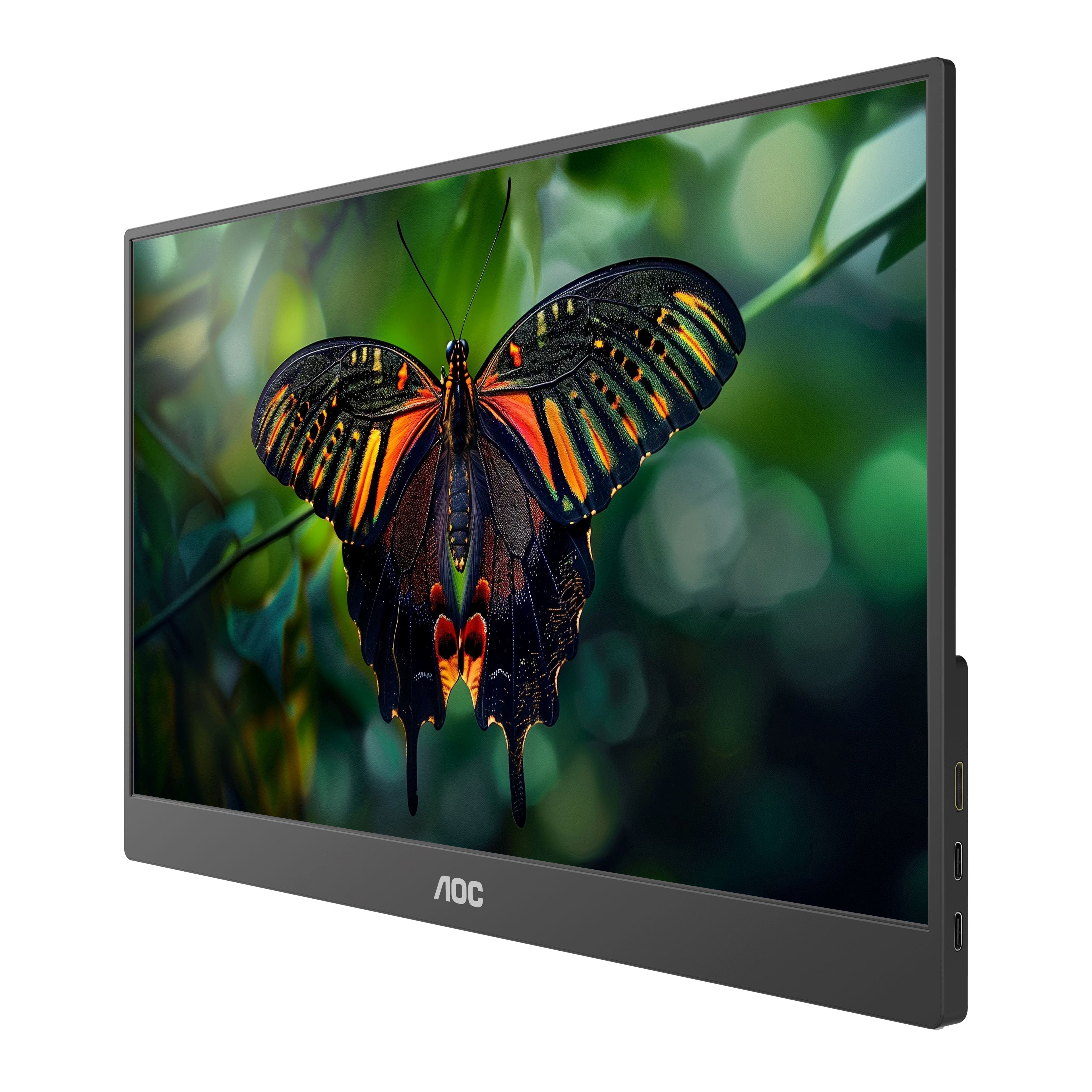
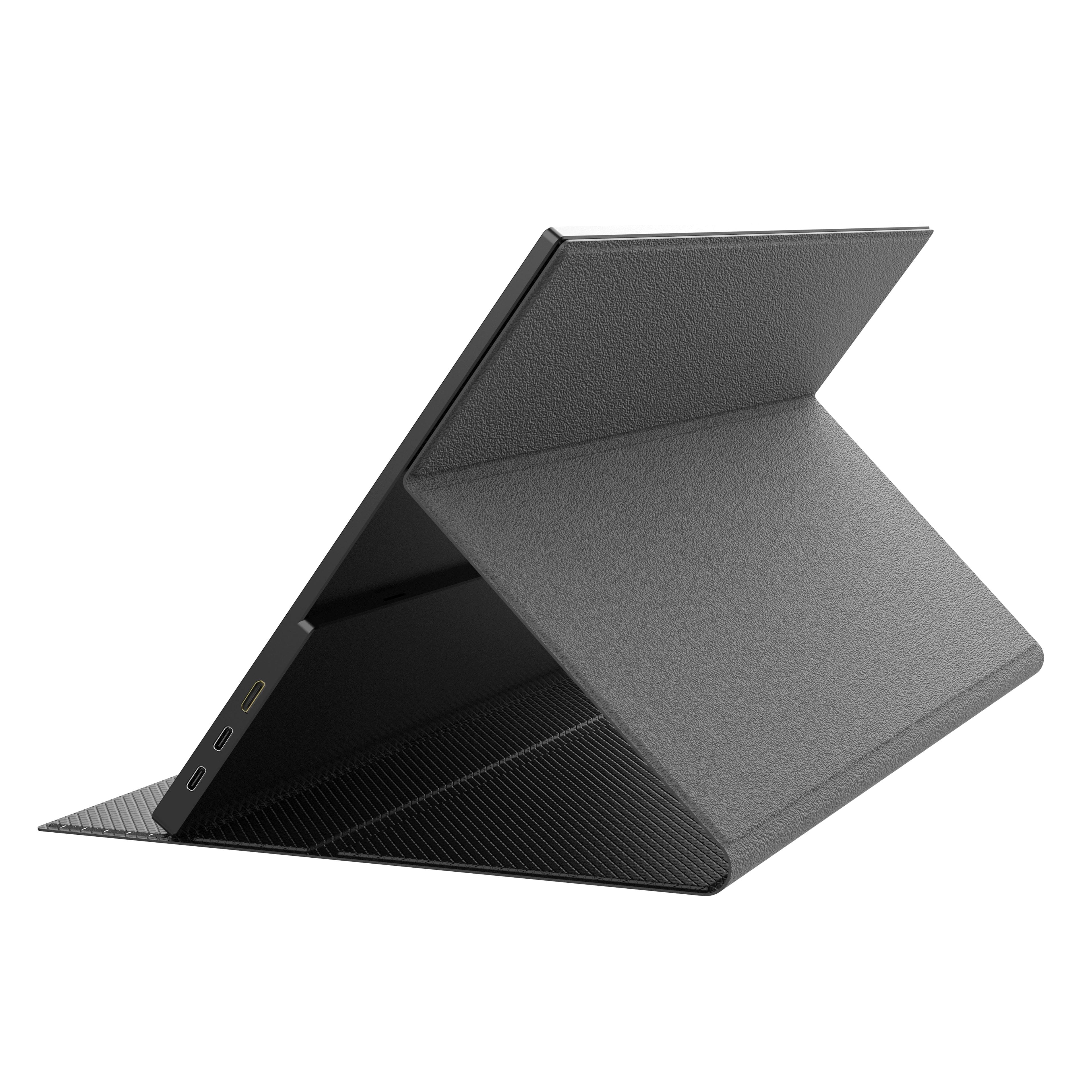
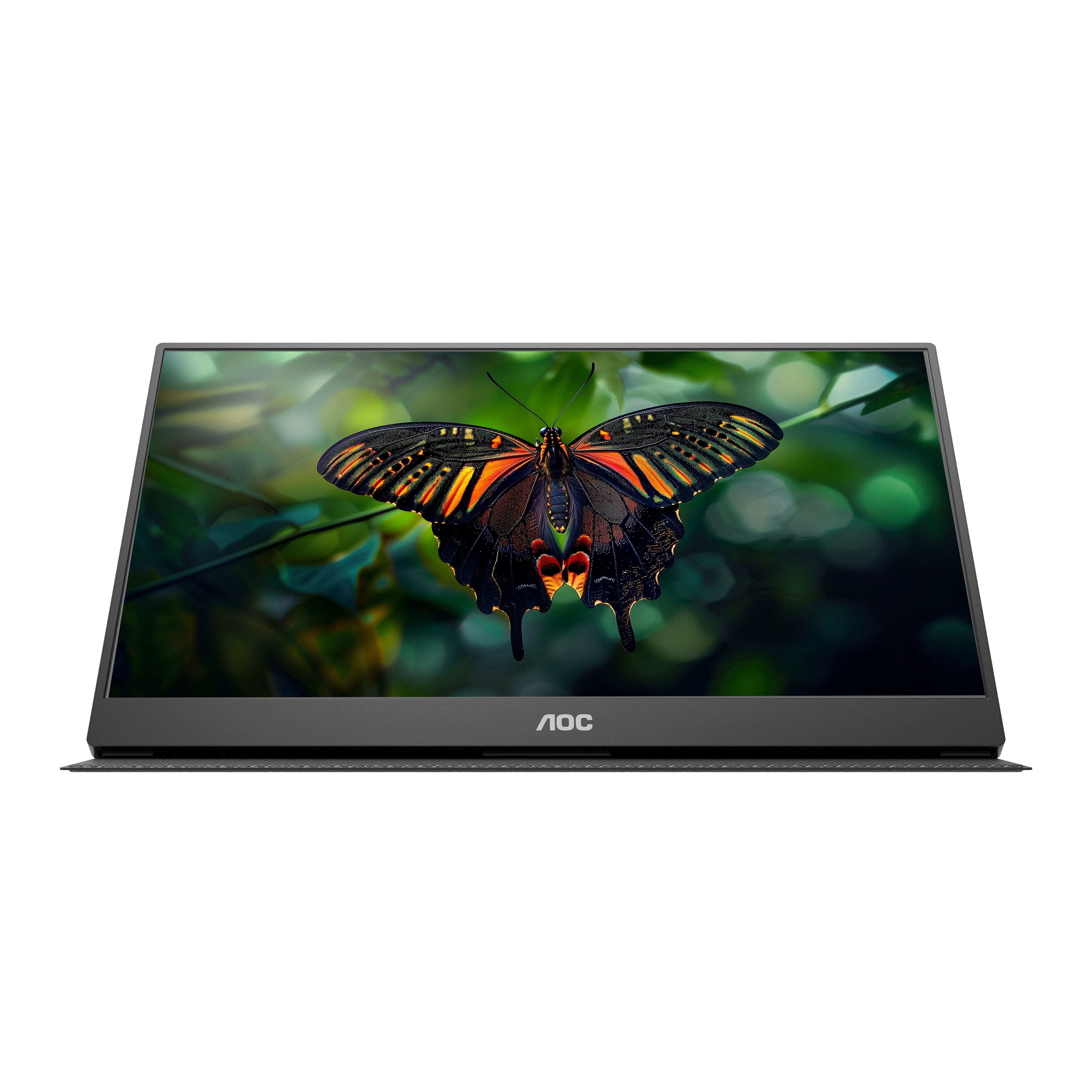
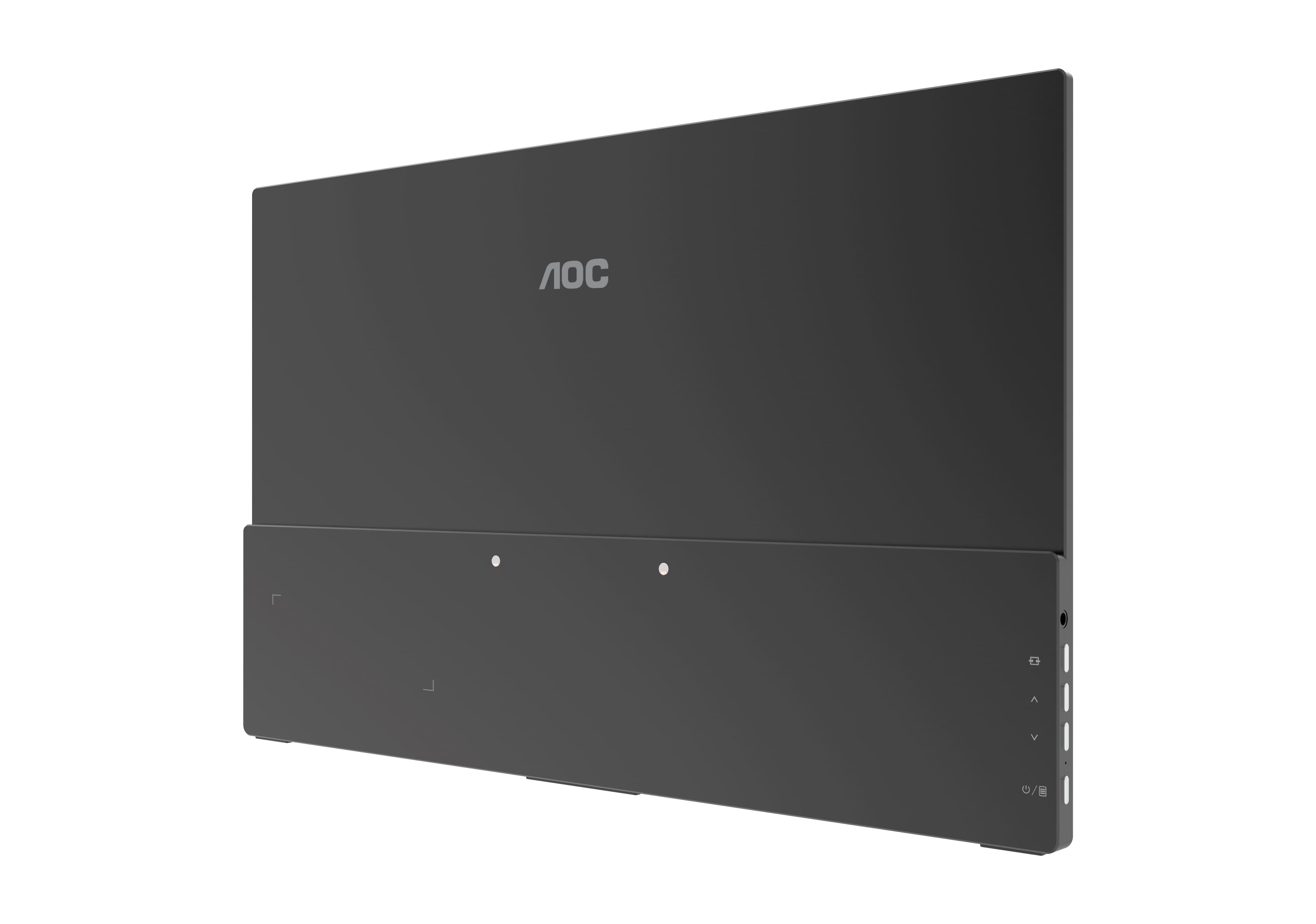
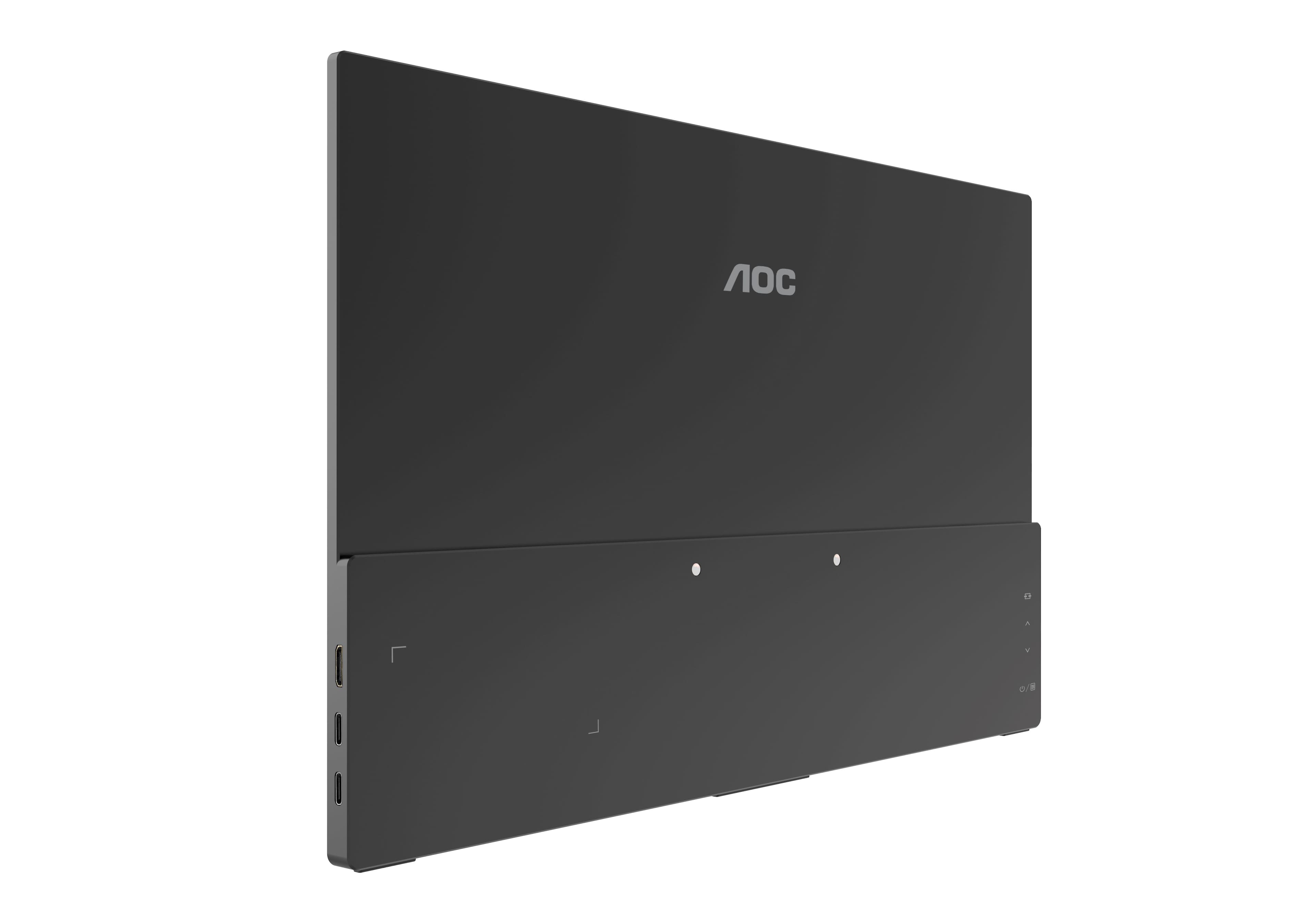
A:AnswerAOC 16T15 supports USB-C (DP ALT mode) port or Mini HDMI port for video connectivity to a compatible computer system. A compatible USB-C cable is the only one provided in the box. Please check your device system specifications for compatibility to this model.
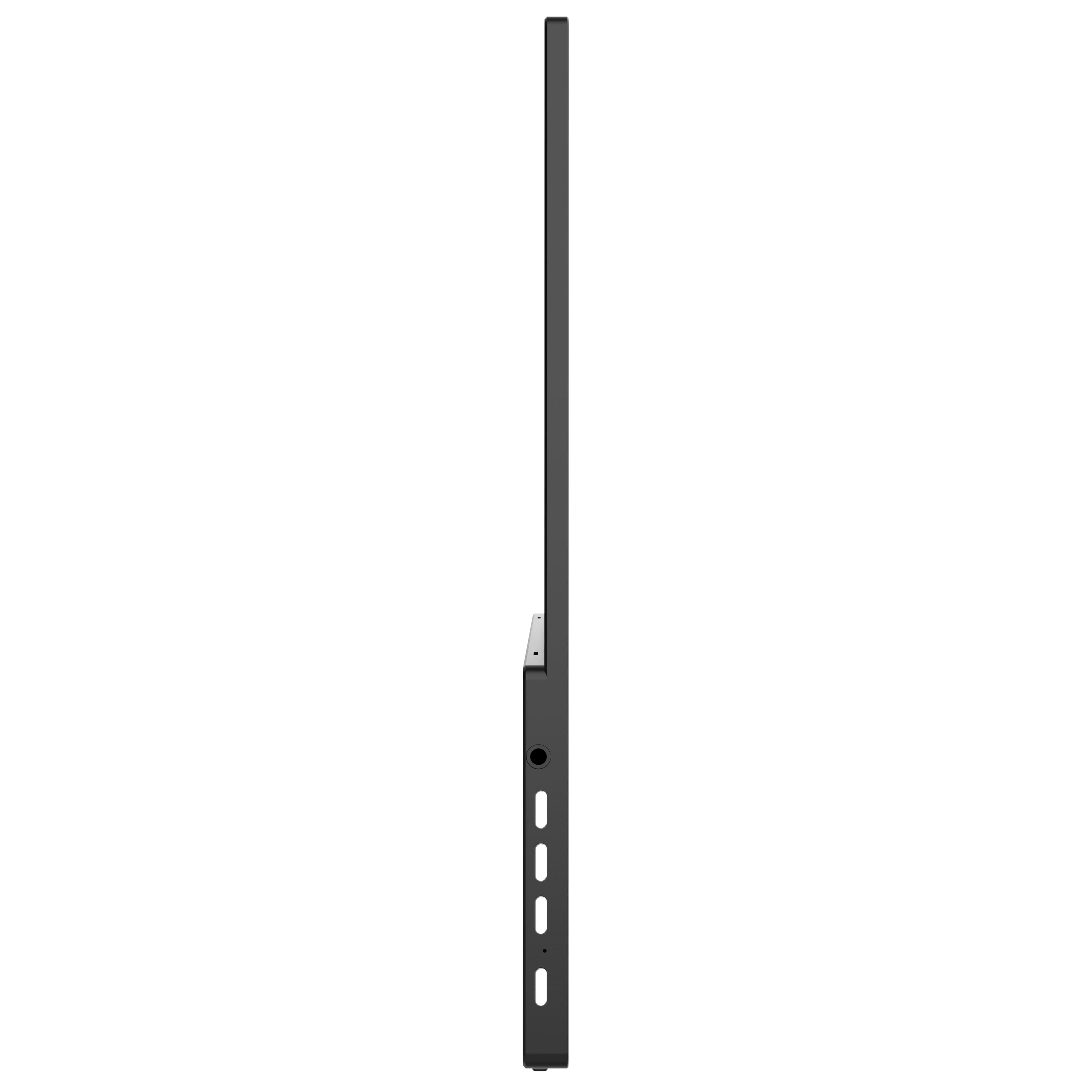
A:AnswerAOC 16T15 has a earphone port via 3.5mm jack port for audio with a compatible headset. The other connector ports (USB-C or mini-HDMI) are used for video display.
A:AnswerAOC 16T15 supports USB-C (DP ALT mode) port for video connectivity. This USB-C cable is provided in the box. Please check your computer system specifications, USB-C spec for compatibility to this model.
A:AnswerAOC 16T15 supports USB-C (DP Alt mode) and mini HDMI for video display connectivity. The proper USB-C cable for signal and power delivery to use is included in the box. Mini HDMI cable is not included in the box. Please ensure that your device supports these features for compatibility.
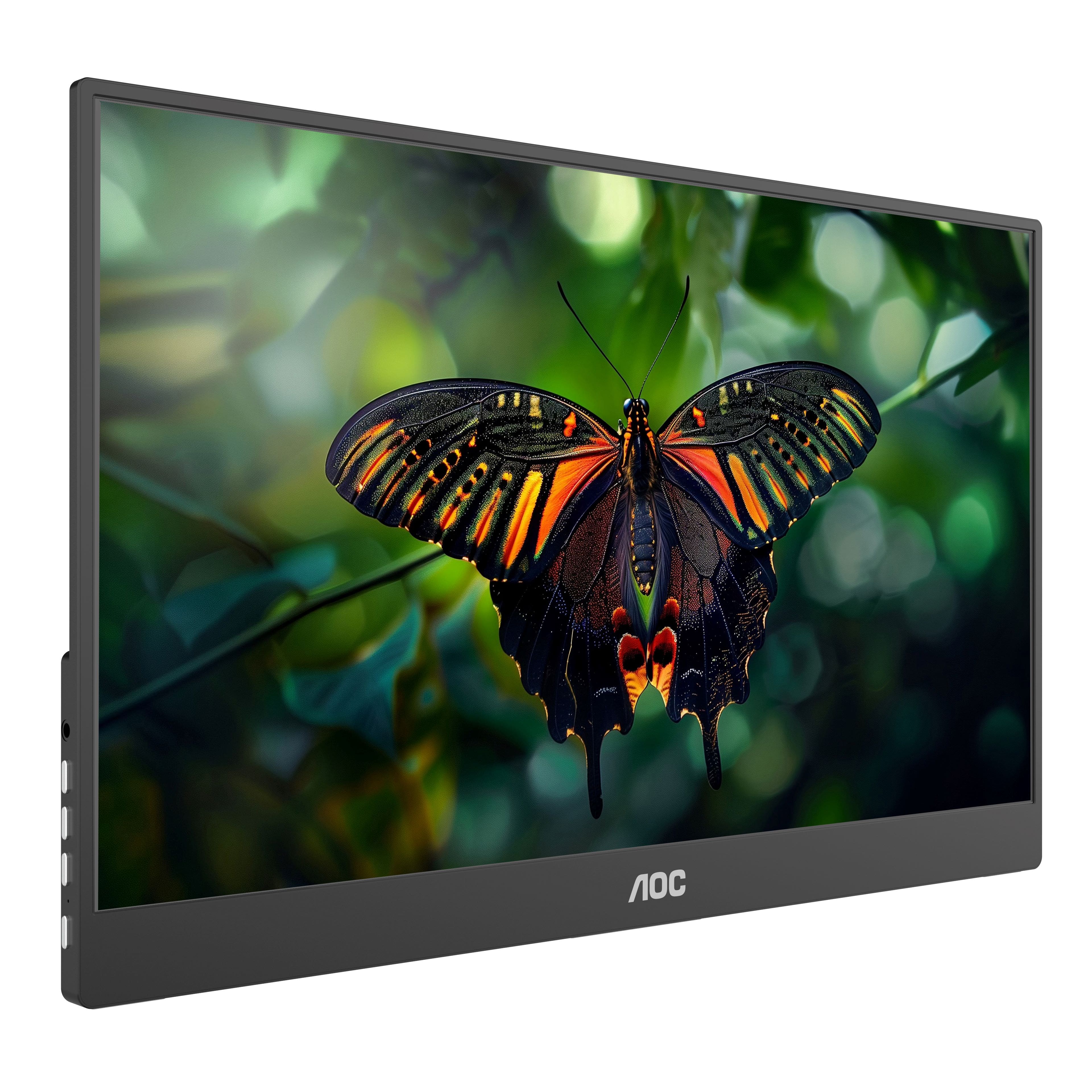
A:AnswerAOC 16T15 when connected to a compatible computer, press the up or down arrow looking icon buttons (on the side of the unit) to adjust volume levels. You may also refer to your computer audio volume settings to adjust levels as well.
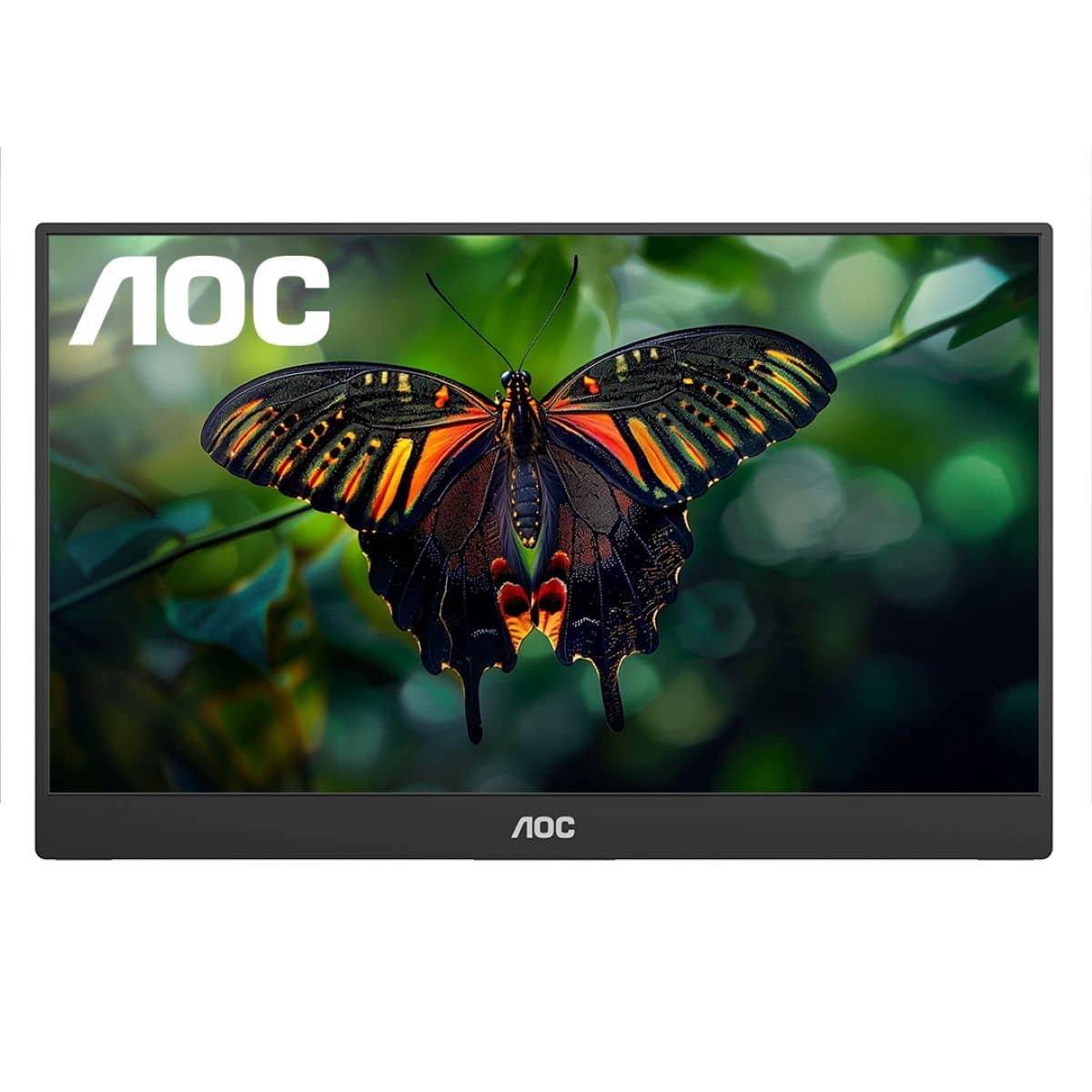
A:AnswerThe 16T15 supports USB-Type C cable (DP Alt mode) for video display compatibility. Once connected, please check your Mac display for any option settings for extended display. Please reach out to our support dept. at: https://aoc.com/us/support if you need further assistance and we'll be pleased to see what we can do to help!
A:AnswerAOC 16T15 comes with a USB-Type C cable and a computer must support DP ALT mode for video display connectivity. Please check your computer settings for compatibility.
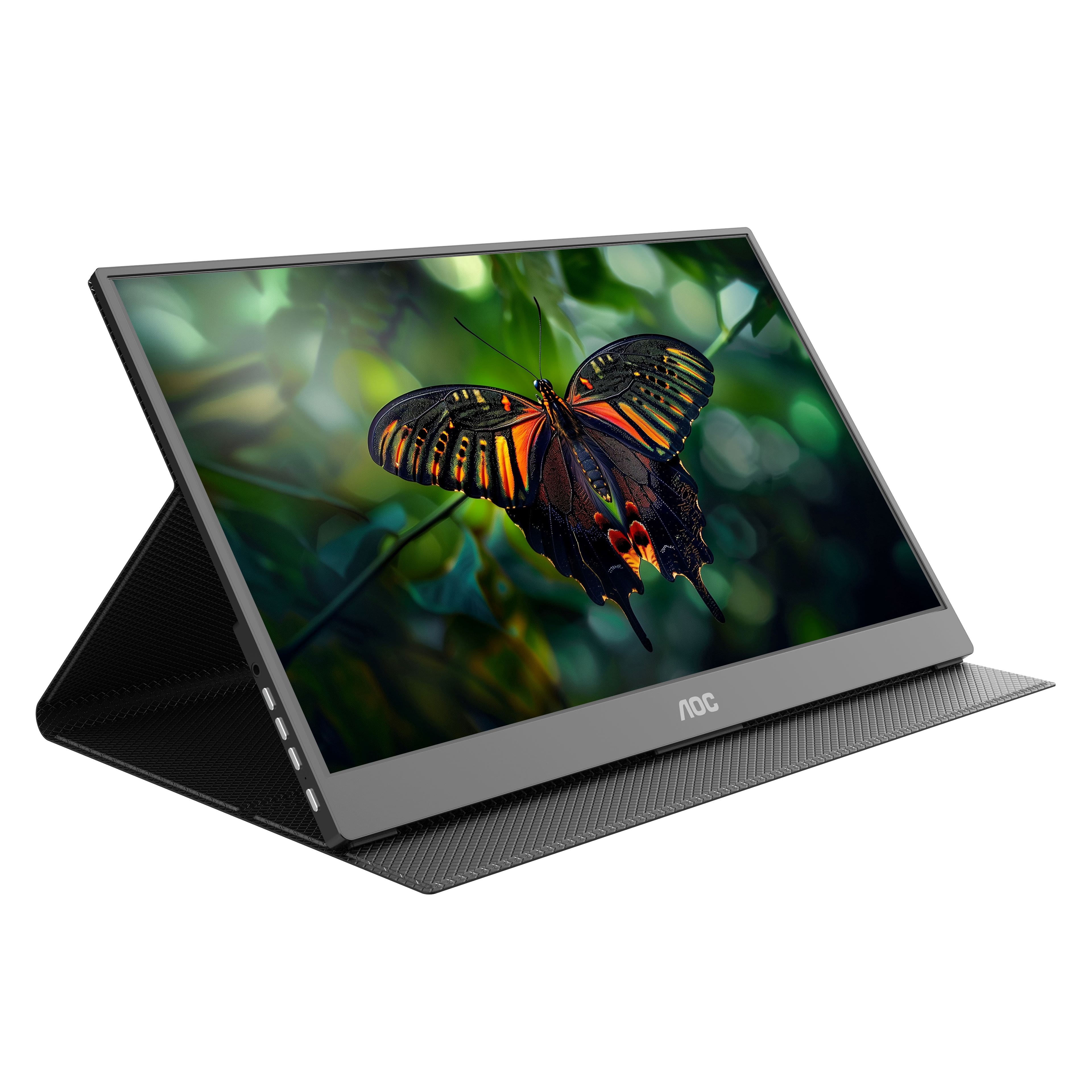
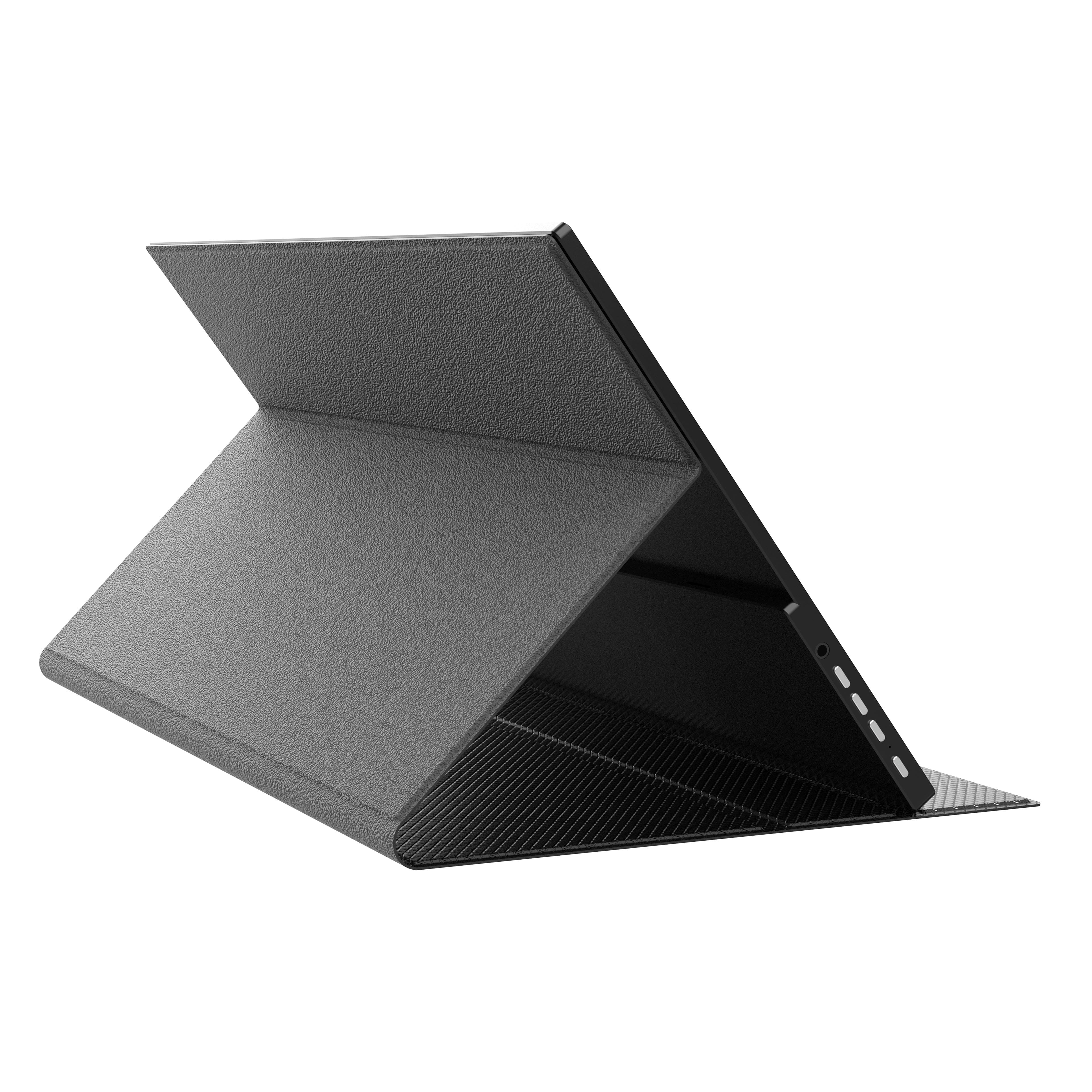
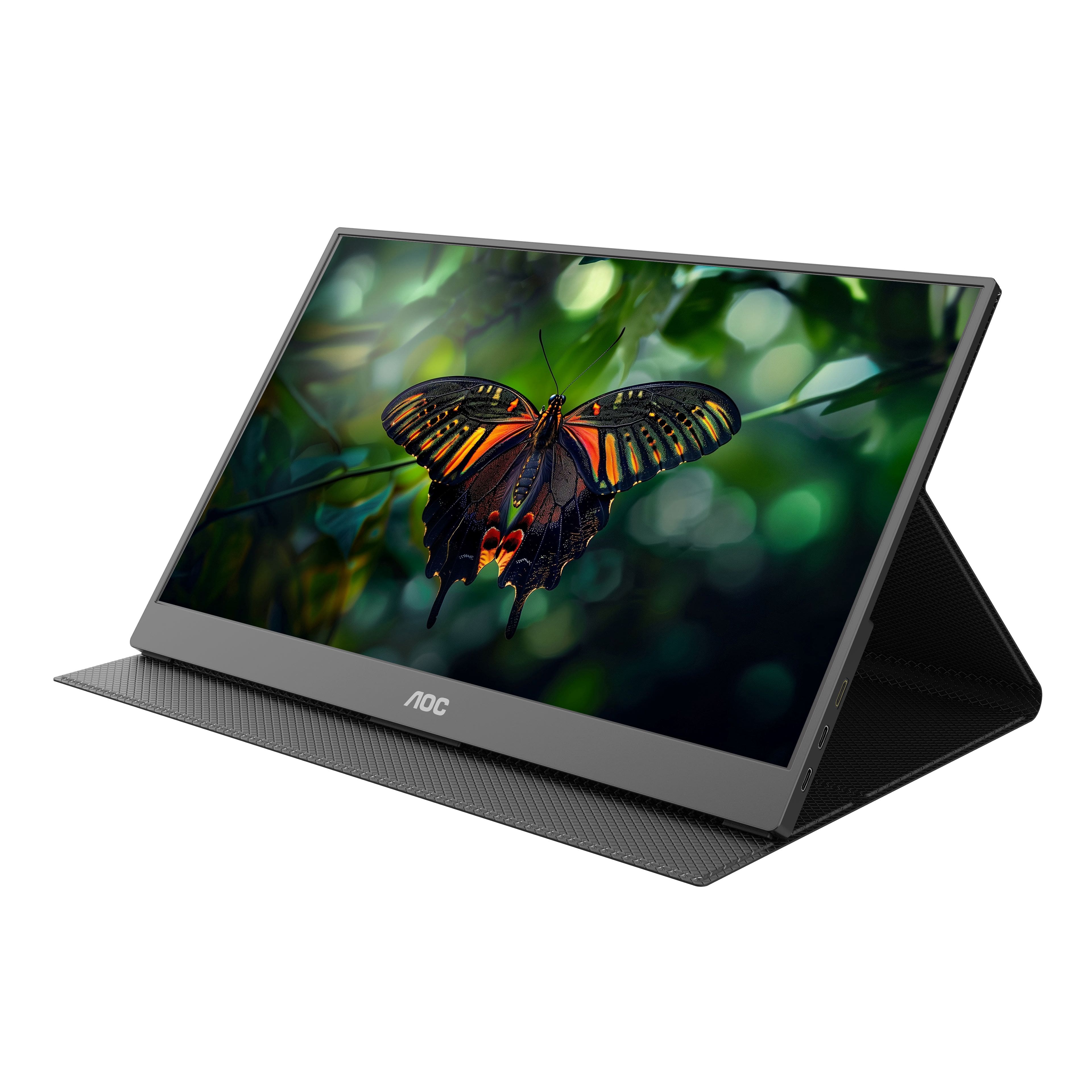
A:AnswerThe smart cover is designed to hold this portable monitor for a viewable angle via landscape mode. Refer to the photos on the product page for reference. Please reach out to our support dept. at: https://aoc.com/us/support for any further questions and we'll be pleased to see what we can do to help!
A:AnswerYes, the power comes from your laptop. If you don’t have usb-c port you can get a usb to usbc cable to power it. Brightness is controlled via your PC.