
60th Anniversary SaleEnds Sunday. Exclusions, terms and conditions apply.Shop now

Main Content

Questions & Answers

Page Showing 1-20 of 63 questions
  • QuestionWhat is the load capacity of this APC Back-UPS?

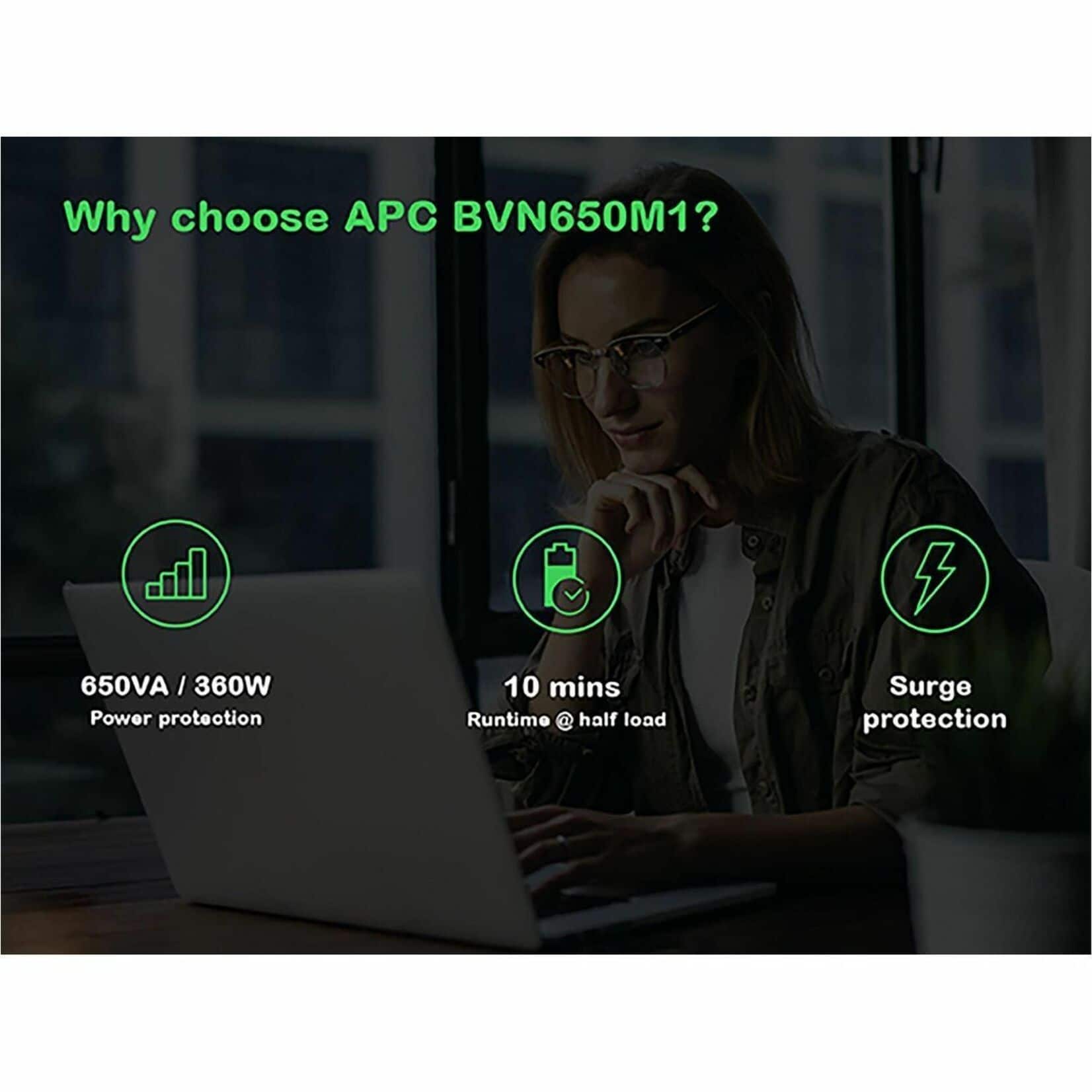
    • Answer This APC Back-UPS has a load capacity of up to 650 VA/360 W.
    This question and answer was generated by AI based on customer and product data.
  • QuestionIs this APC Back-UPS ENERGY STAR certified?

    • Answer Yes, this Back-UPS is ENERGY STAR certified for energy efficiency.
    This question and answer was generated by AI based on customer and product data.
  • QuestionWhat is the joule rating of the surge protection on this Back-UPS?

    • Answer This Back-UPS has a 490-joule rating for surge protection.
    This question and answer was generated by AI based on customer and product data.
  • QuestionDoes this Back-UPS have a USB charging port?

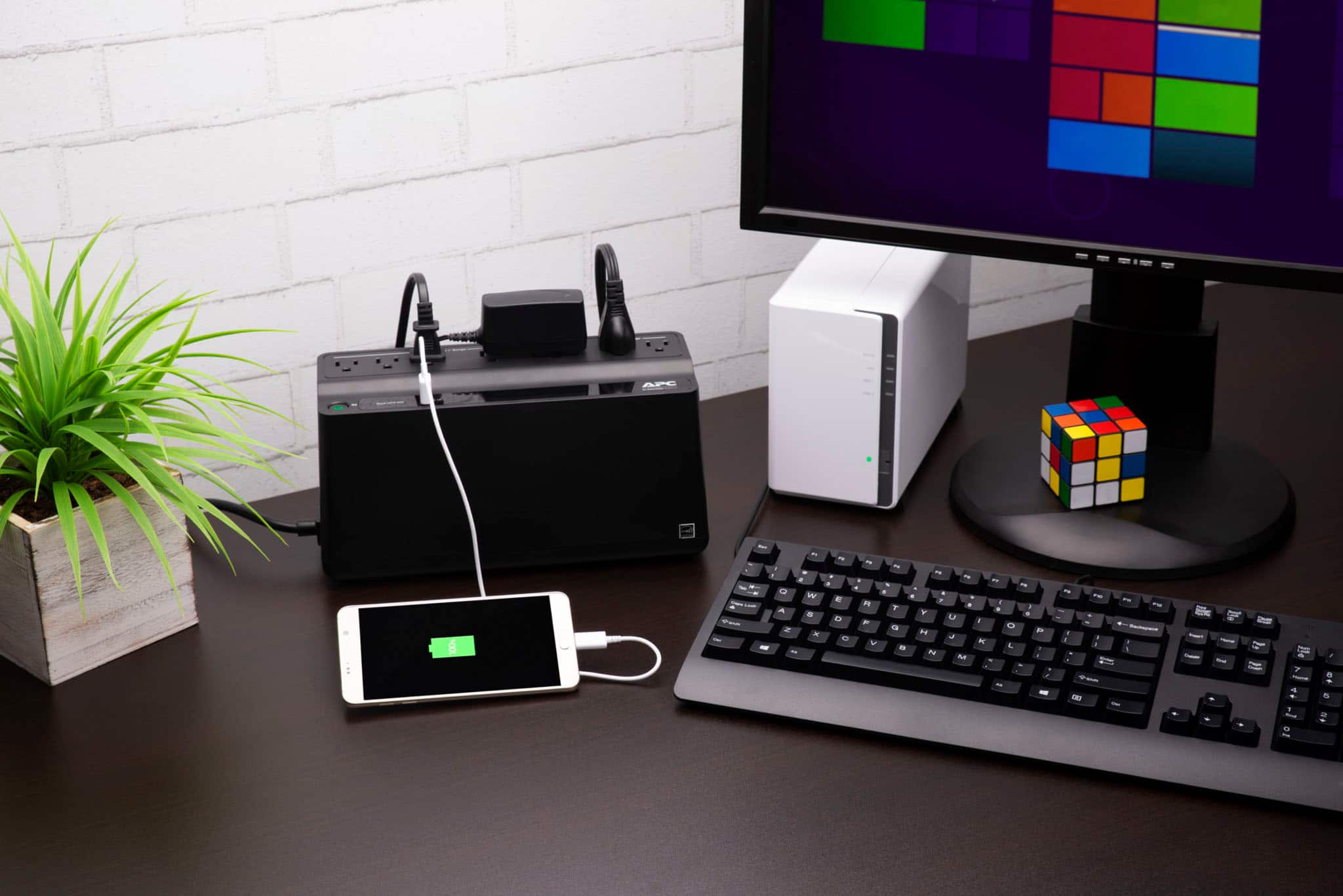
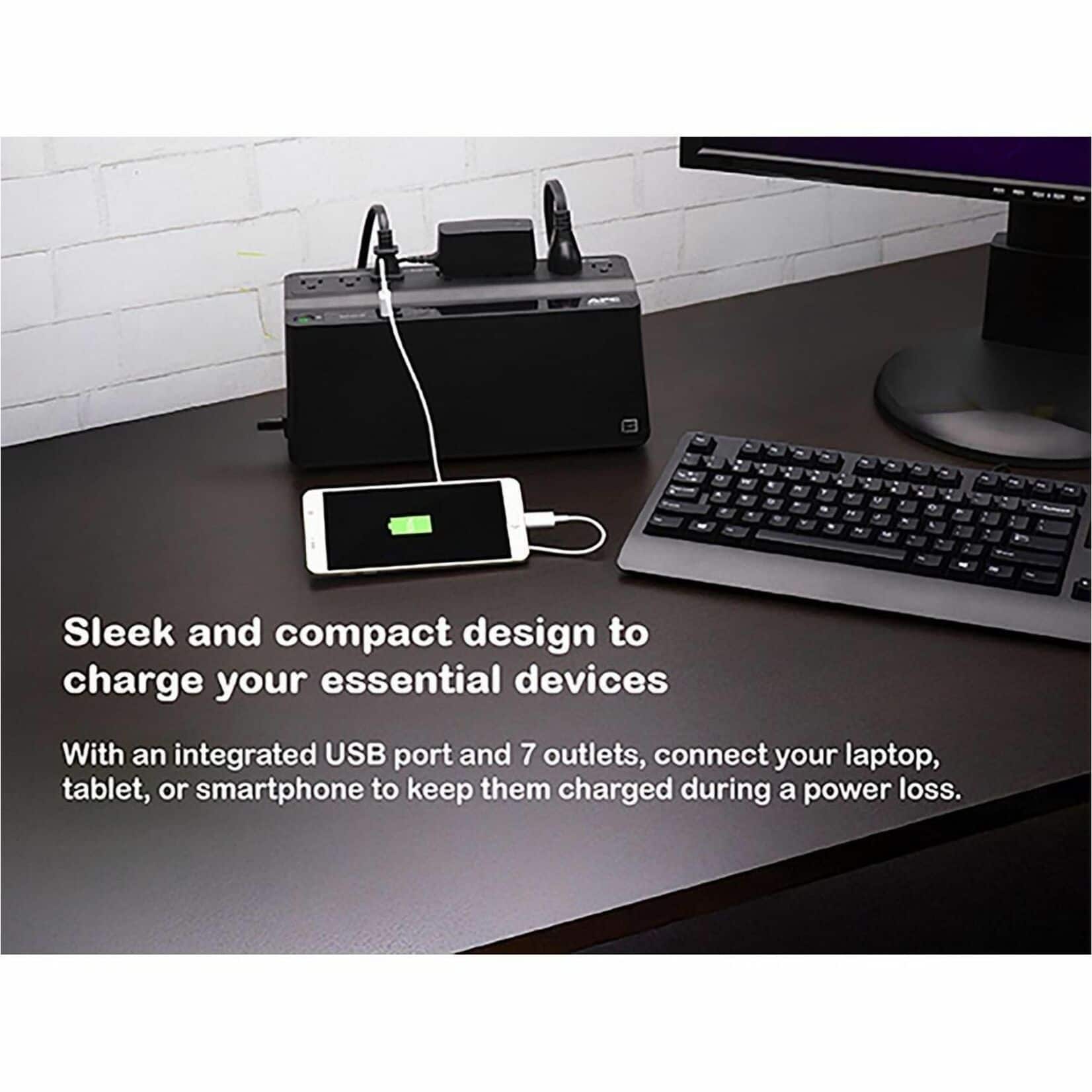
    • Answer Yes, this Back-UPS features a 1.5A USB port for charging mobile devices.
    This question and answer was generated by AI based on customer and product data.
  • QuestionHow long will this Back-UPS keep my devices powered during an outage?

    • Answer This Back-UPS can provide power for up to 1.90 minutes at full load.
    This question and answer was generated by AI based on customer and product data.
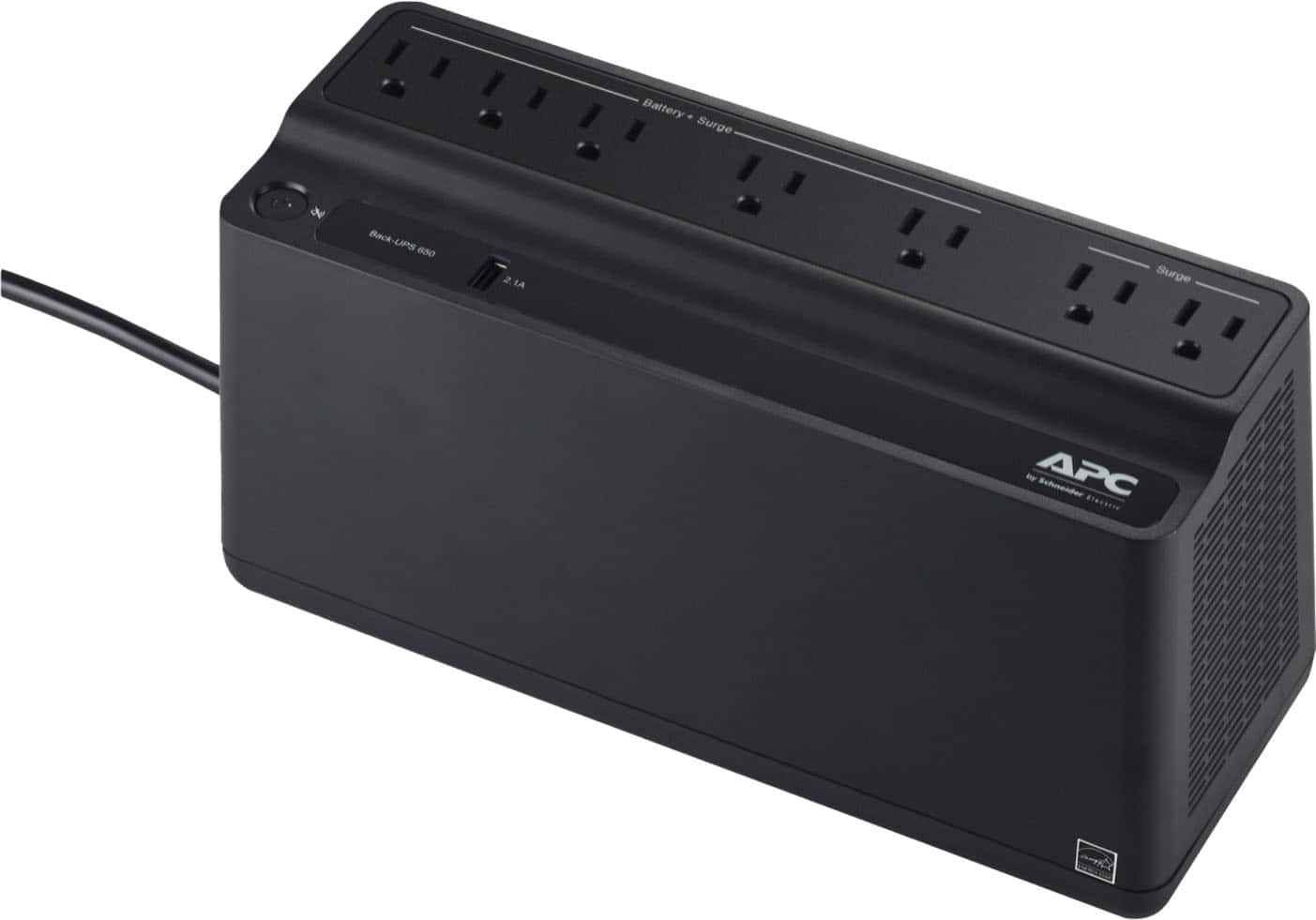
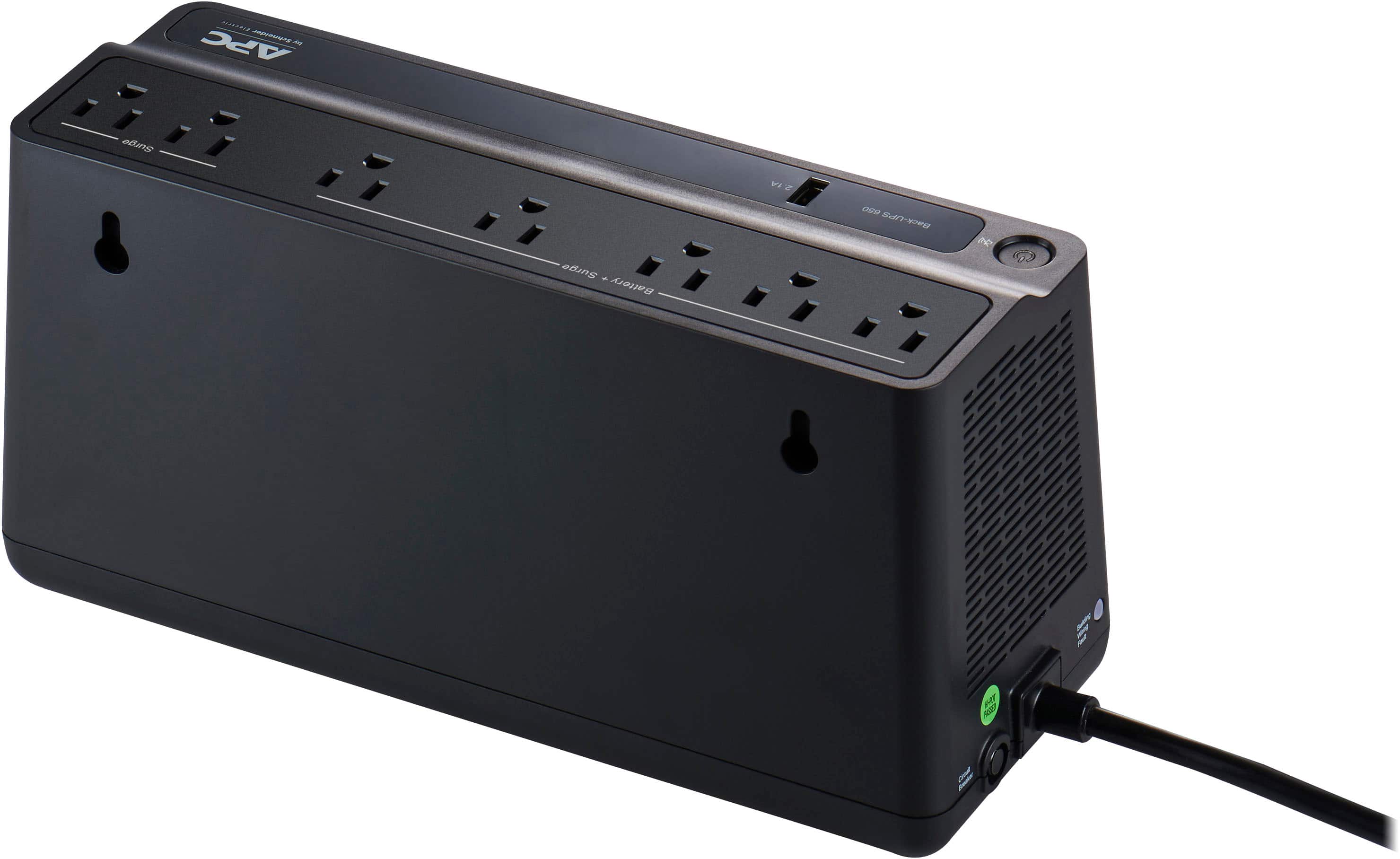
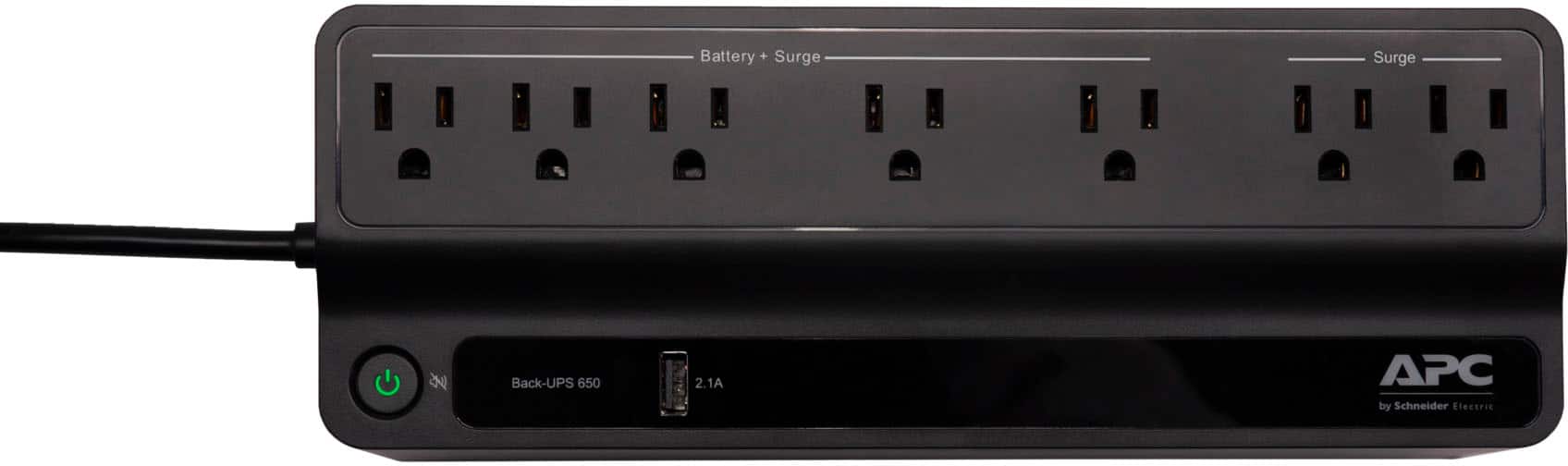
  • QuestionHow many outlets does this Back-UPS have?

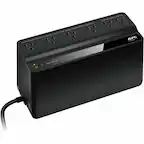
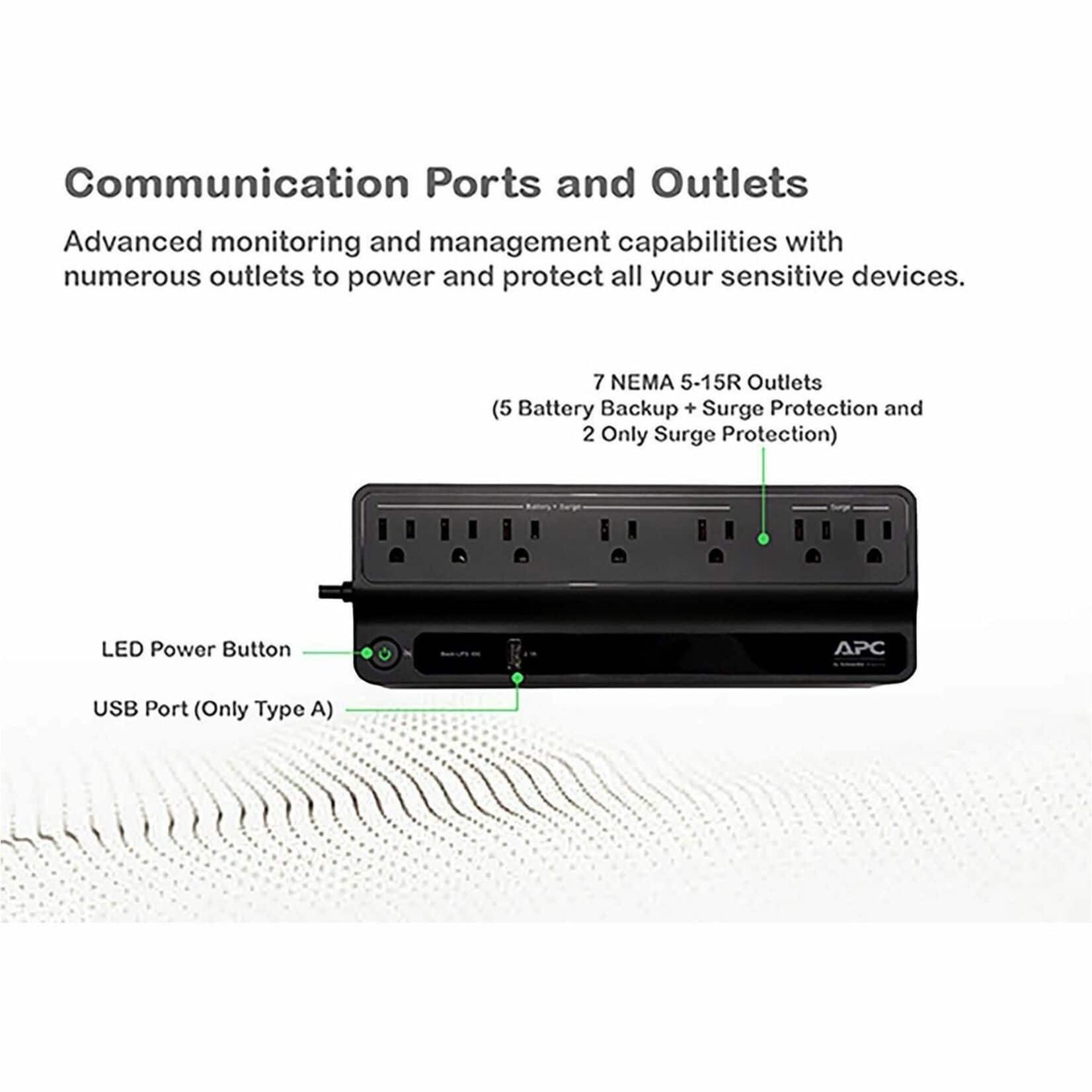
    • Answer This Back-UPS has a total of 7 NEMA 5-15 outlets: 5 with battery backup and 2 surge-only.
    This question and answer was generated by AI based on customer and product data.
  • QuestionCan the battery be replaced?

    Asked by RodI.

    • Answer Softof but not really. It is possible to open the unit and replace the battery BUT the manufacturer does NOT intend for the average end-user to do that. There is no pop-open battery door

      Answered by Kevin

  • Questionlooking at the APC-Back-UPS 650VA 7 for my DVR/NVR security camera back up. if power is out what is the actual back up time with this system Thank you Don

    Asked by txasboy79.

    • Answer Your power draw would control how long the UPS runs your DVR/NVR. On Average, a 8-camera DVR would use about 60W, so theortically you should be able to get about 1-1.5 hours or so. This is assuming a 50% power factor / utilization. APC has a calculator on their website to help you decide how large a unit you need.

      Answered by TheStigenator

  • QuestionCan I use this with my electric recliner to keep from running cord across the floor?

    Asked by Fisherboy.

    • Answer Probably not a good idea to run only on the battery. Some Power Lift Recliners have battery backups to allow you to get the chair out of the reclined position if the power goes out. If that were you intention then a UPS would work but, you would want to be sure it is the right size. It would be interesting to hear how many cycles you could get before the battery is depleted. You are going to be using a lot of power since chair like has a DC motor so, you will be converting DC to AC (UPS) and then back AC to DC (recliner).

      Answered by JimS

  • QuestionIs it alright to leave it on full time? I just bought 3 and they're all currently on. Solid green light on the power button. Is that safe to do or do I have to turn it off and only use it during an outage?

    Asked by Haley.

    • Answer Absolutely. That’s really what they’re for, to backup when you have those brief power outages and to keep your power level even when you have dips and spikes from the power company. They’re meant to cover you for brief periods. They aren’t really meant to keep running in the event of a long outage. If your power goes out and stays out, it gives you a chance to shut it down in a controlled fashion. Some UPS units have software that will actually shut your computer down for you if the power goes out. As a direct answer to your question, yes, leave it on all the time. That’s how they’re intended to be used.

      Answered by Trmptr64

  • QuestionCan this be used with a high THD portable generator for sensitive equipment such as refrigerator, laptop and tv?

    Asked by jr70895.

    • Answer No. We had this at work for our server. The battery backup needs to be a special one if using with a generator. We had to buy one that was around $2500 to make it work and protect the components of the server.

      Answered by lovemytech

  • QuestionDoes this need to be charged prior to using it?

    Asked by Jessi.

    • Answer Thank you for your interest in our products. Yes we do recommend our BackUPS are charged for 24 hours before using them.

      Answered by APCProductSupport

  • QuestionA beeping sound and red light continues to go off. What does that mean

    Asked by Beeeep.

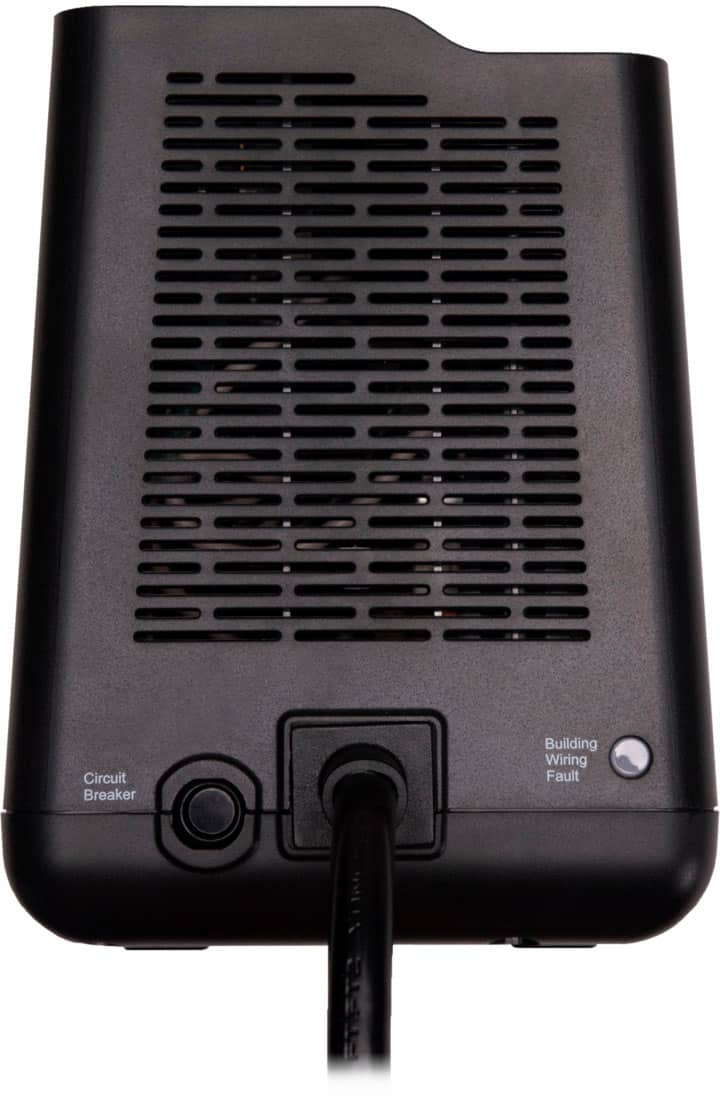
    • Answer This is an indication that the UPS has an internal fault. You need to contact APC for further details on what to do. The UPS is not working right.

      Answered by JimS

  • QuestionIs this a Line-Interactive UPS?

    Asked by Customer1220.

    • Answer Thank you for your inquiry. The BVN650M1 uses a Stand-By topology. https://download.schneider-electric.com/files?p_Doc_Ref=SPD_SADE-5TNM3Y_EN

      Answered by APCProductSupport

  • QuestionWhere do you plug into and where without it turning off outlets?

    Asked by Anonymous.

    • Answer Thanks for your inquiry about our BVN650M1 UPS. The five outlets that are labeled as "Battery + Surge" are ideally used for critical loads like computer or internet router in able to get back up power in case of outages. These five outlets will provide power as long as the UPS is powered on. The other 2 outlets labeled as "Surge" can provide power even the UPS is off, as long as the UPS is plugged on a working outlet.

      Answered by APCProductSupport

  • QuestionCan this be used with a cpap machine

    Asked by Trip.

    • Answer Yes, I got one for my Dad’s. :)

      Answered by Kari

  • QuestionWhy does the button go red and makes noise if it is a lifetime battery APC 650

    Asked by Sal.

    • Answer The BVN650M1 battery is not a lifetime battery. The expected battery service life is typically 3-5 years, depending on environmental conditions, usage, and the number of battery discharge cycles. If the power button/LED turns red and the unit starts making an audible alarm, it is usually indicating a fault condition such as: A disconnected or failed battery A battery that has reached the end of its service life An overload condition Another UPS fault that requires attention For us to determine the exact cause you may contact our Technical Support Agents at 1-800-800-4272 or chat with us directly at APC by Schneider Electric.

      Answered by APCProductSupport

  • QuestionIs it safe to set on deskstop

    Asked by gwens.

    • Answer Thank you for taking time to provide feedback about our BVN650M1 unit. Yes it is but make sure that the power supply of the Desktop PC does not exceed watt capacity of 360 watts to avoid overloading UPS. If you have other questions We offer email and chat services through our support site. You may also contact us directly at 800-800-4272 option 4 or visit https://www.se.com/us/en/work/support/ and look for the chat icon available from 8AM-8PM EST.

      Answered by APCProductSupport

  • QuestionIs this active pure stoneware or simulated

    Asked by Bigmans.

    • Answer Hello, BVN650M1 UPS unit outputs a stepped approximated sine wave when on battery. Please let us know if you still need any additional assistance. Contact our Technical Support Hotline at 1-800-800-800-4272 or chat with us at APC by Schneider Electric. Callback at Phone - 800-555-2725 and follow the prompts. For immediate assistance, contact our chat support agents at https://www.apc.com/us/en/tools/chat/ or visit www.apc.com for product specifics and basic troubleshooting. APC Technical Support

      Answered by APCProductSupport

  • QuestionWhy is when i plug in my printer to app-ups battery, then it starts beeping with red light on and go back to green light back and forth?

    Asked by Dan.

    • Answer Hello, The APC BVN650M1 is likely detecting a high power draw from the printer. This can cause the UPS to beep and switch between red and green status lights. APC does not recommend using Back-UPS units with laser printers because they can draw a large amount of power during startup and printing. Please try disconnecting the printer from the UPS and connect it directly to a wall outlet. If the UPS operates normally afterward, the printer is the likely cause of the issue. For more information, please refer to APC/Schneider Electric's recommendation: https://www.se.com/us/en/faqs/FA158812/ If you need further assistance, please contact APC/Schneider Electric Support: https://www.se.com/us/en/work/support/ for additional troubleshooting. Thank you!

      Answered by APCProductSupport