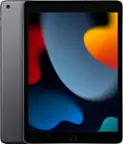
A:Answerlast year‘s model 10 inch screen, I think it was the most wonderful thing ever however I just bout this year‘s model 12 inch screen and it holds a charge a lot longer then last year model and the processor ears a lot faster it’s a great device the iPad Pro 2020 4th generation
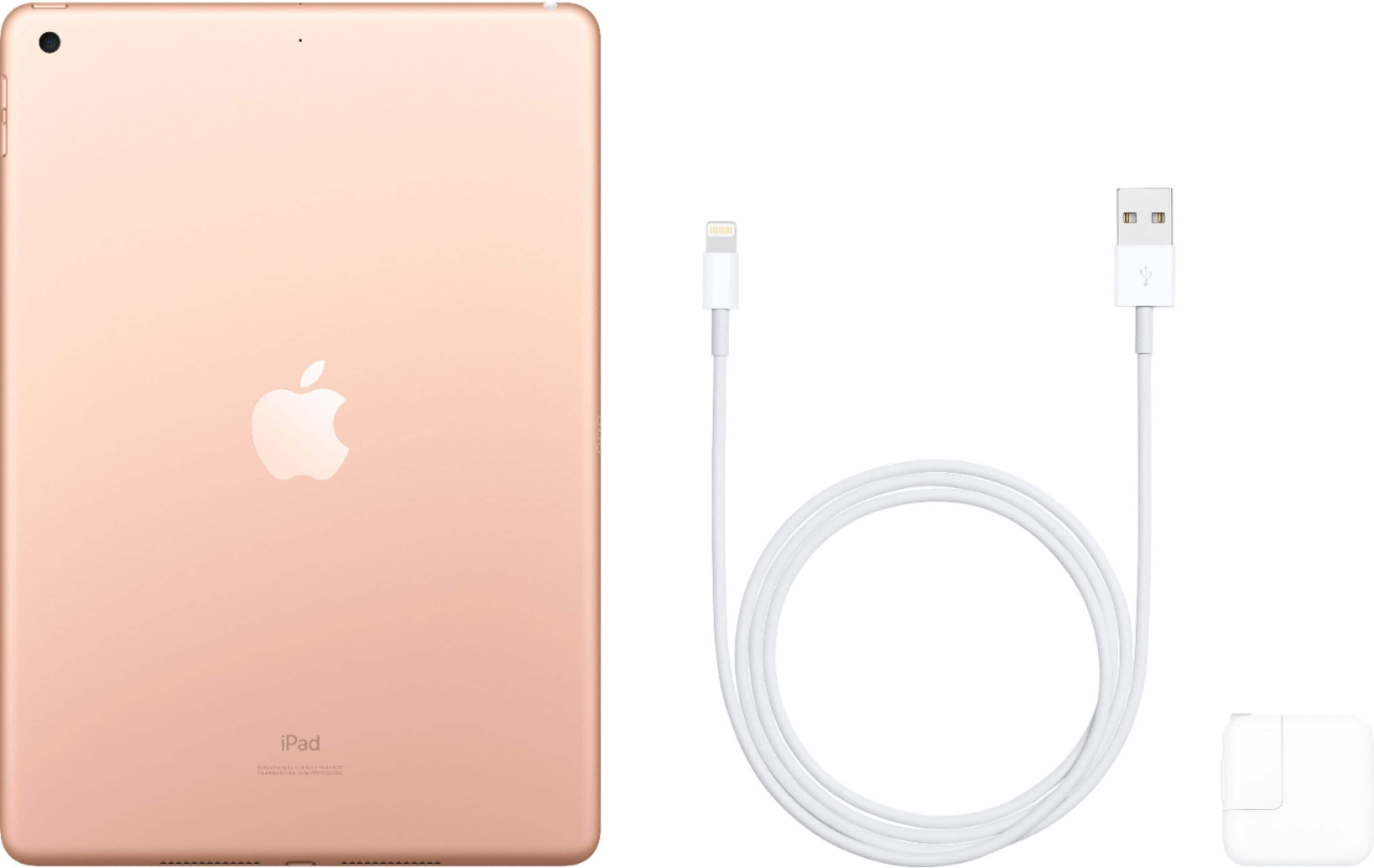
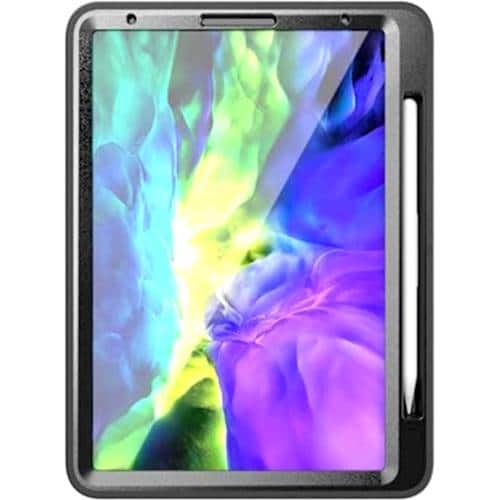
A:AnswerMy ipad came with a power supply a cord for power and the ipad. No case, but a neat box that it came in. finding a case for it is easy.
The ipad is easy to operate, if you have difficulties go to youtube and enter ipad and you will find a lot of help.
Just a note, when you get your ipad you will be asked to set up your information in settings it is no problem but remember to wright down your answers, they will come in handy lots of times.
Yes it has some games but it has an icon that links to Apple Apps. .IN the search field enter Free Games. you will find many of them..
The apple pin would be handy but it is a little expensive.
I went for more memory rather than less. and certainly don't regret it
A:AnswerWhatever backup you have in your iCloud account when you set up the new iPad on the apps and data screen you're going to choose restore from iCloud backup put in your same Apple ID and password and whatever backup you have available you can select it and restore that way.
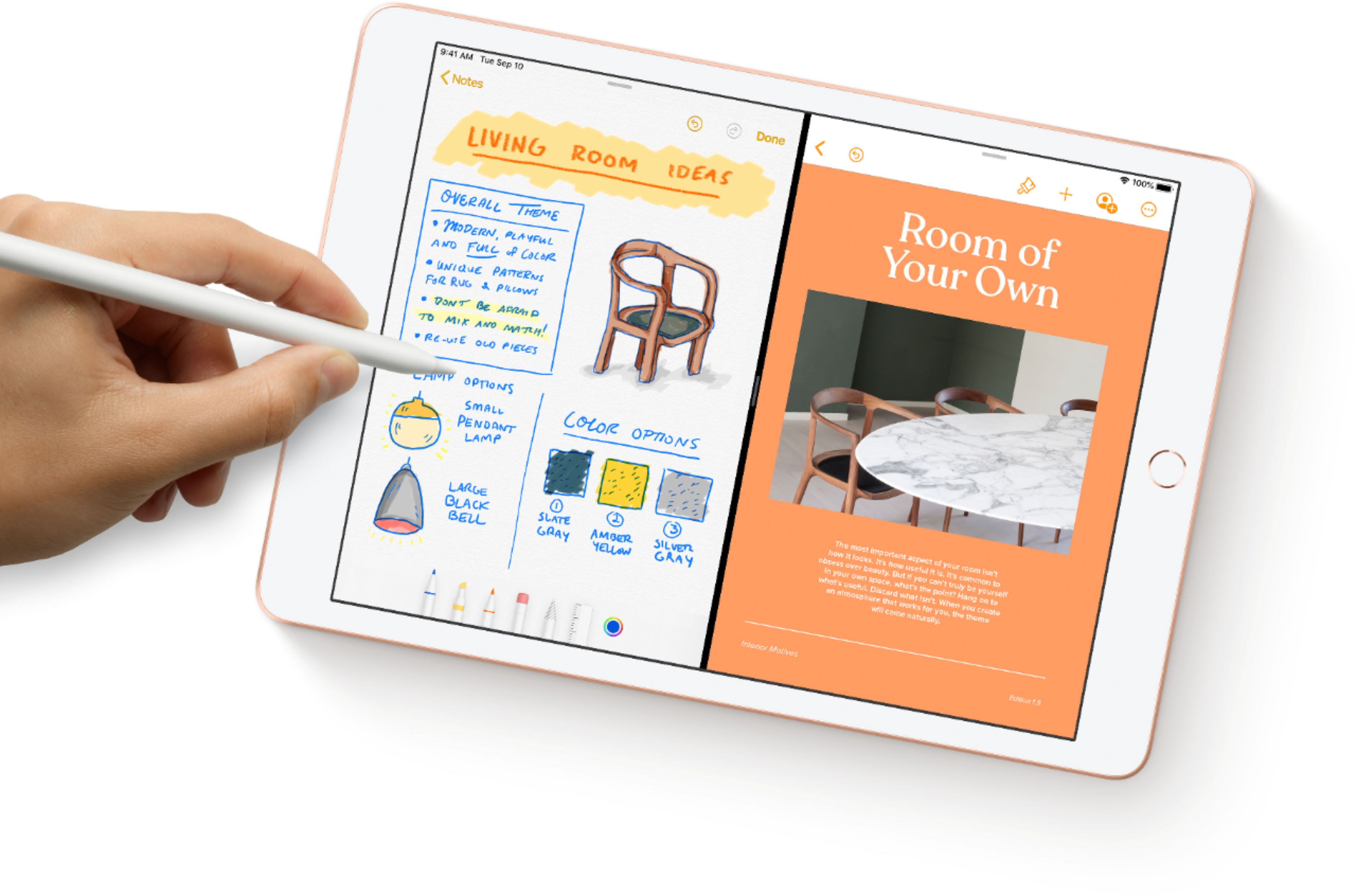
A:AnswerApple pencil is useful for mainly writing or drawing, but it can also be used for scrolling through pages. It doesn’t have a way to click or tap to select, and the functionality of pencil also depends on the application you are working with. What I have seen is appa like notepad, etc have specific support to work with pencil but other apps I didn’t notice any in which case you cannot use pencil to cut, copy, paste or move objects.