A:AnswerYes, but don't confuse this for a true art board for art. If the student is serious, invest in a digital art board/graphic drawing tablet. They are cheaper than this, but obviously they only do one thing. However, they do it much much better.
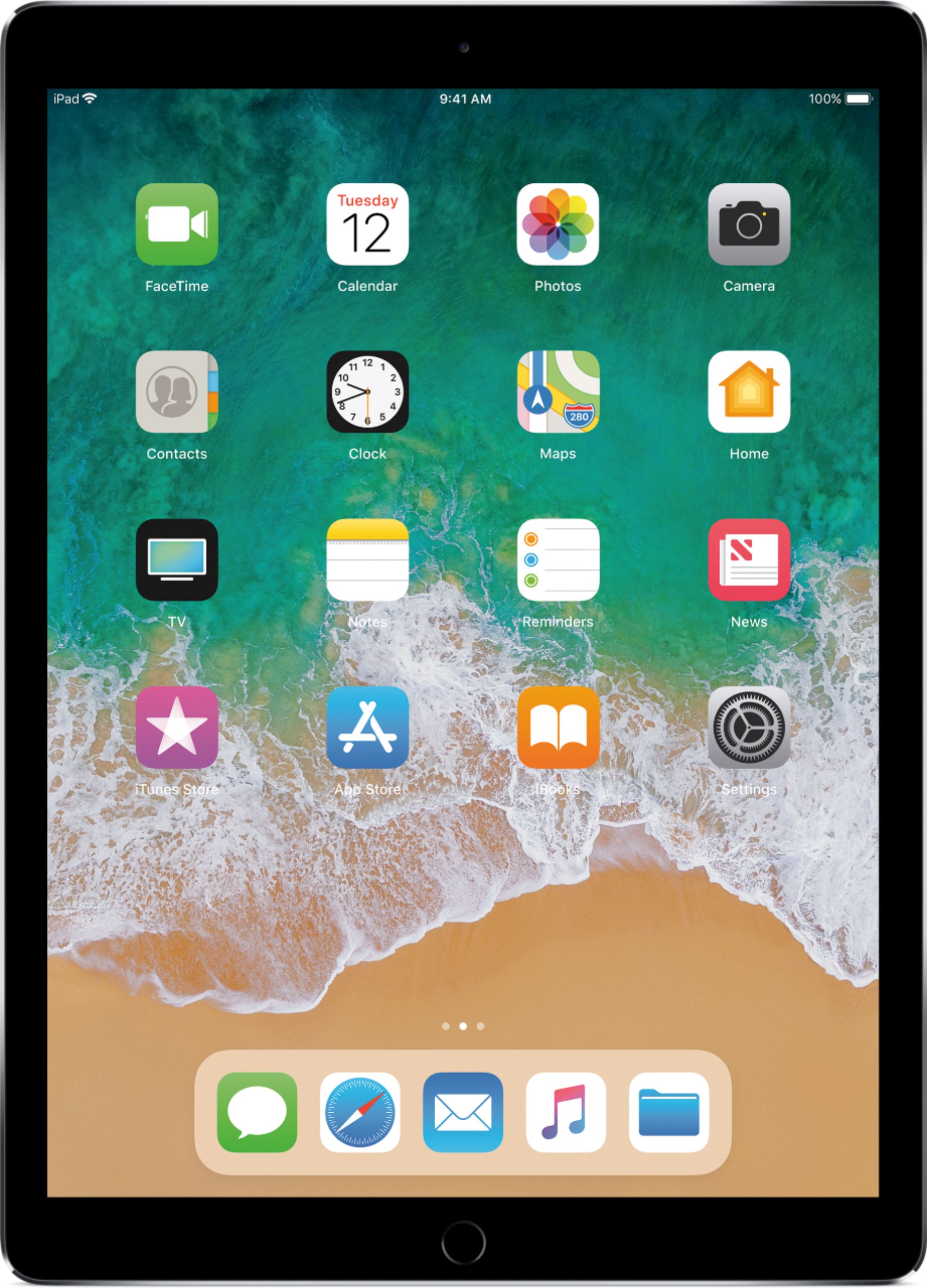
A:AnswerI believe so, as a retired professor myself, i would think that this Apple IPad Pro would be convenient in the classroom Anne library... just maybe get the keyboard and screen protector if you are going to carry it all around (mine stays mostly at home).
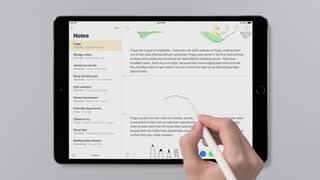
A:AnswerDownload Pages and Numbers from the online App store. They are free apps and they work. Also notes, a basic word processor is standard and included.
A:AnswerSounds like a software issue with iOS, not likely a problem with the hardware. Unfortunately Safari isn't an app you can remove and reinstall, so your only option is if it still won't work to wipe it and start fresh.
Or, download Chrome and have it save your passwords
A:AnswerThe actual model will dictate whether cellular and wifi are both available. It is your choice to get a wifi only or get one with wifi and cellular. if you go with the latter, you will need to choose your carrier to get the cellular working.
A:AnswerThe speed makes the older one look slow, the graphics are great (no blur with sports and action video), and the batter life is noticeably longer.