A:AnswerIf you buy it in person just ask a salesperson they should help you, if you get it delivered to you then set it up yourself. Go to settings, and apple coverage should be the first thing you see, click on it and it should say you are covered. If you still have questions contact apple support
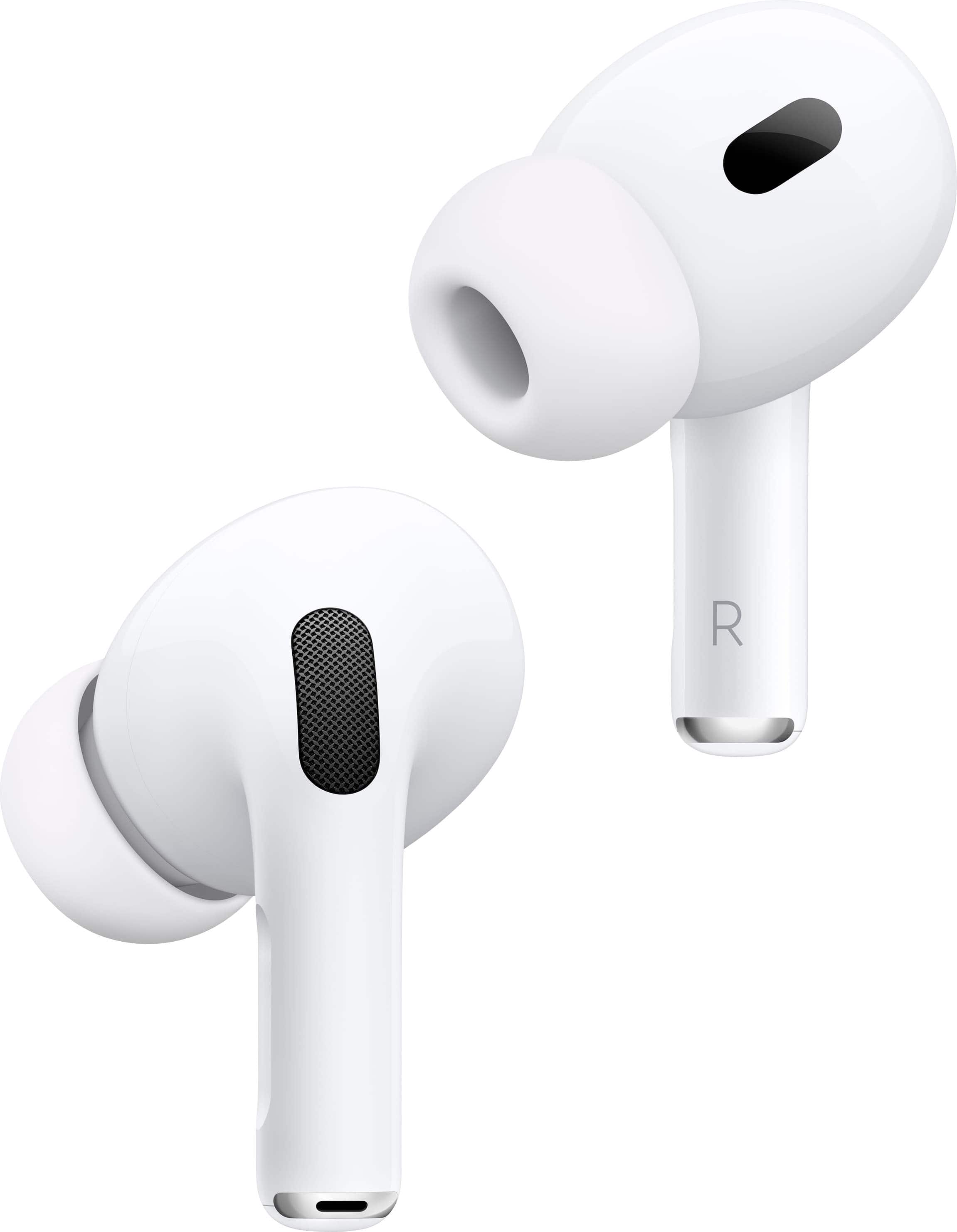
A:AnswerYes, Select Settings, select Bluetooth settings then choose Add device. After setting up it is just a case of picking the AirPods icon from the list when needed. This allows late-night use without disturbing others and is ideal for those rare YouTube videos that suggest using headphones for the best effect.
A:AnswerYes and no, they're pretty good at transparency but still don't compare to dedicated Hearing aids. If you need something that adds a bit more volume to the conversation and block out unwanted noise then these work more than fine.
A:AnswerYou can buy either if you want brand new you purchase brand new if you want refurbished, you buy refurbished, but there will be a price difference!! But it’s not a crazy price difference so I’d recommend buying brand new! Also it says in the description if they are refurbished that’s the first thing you’ll see refurbished AirPod Pros 2, brand new will say Apple AirPod pros 2 plus every set I’ve purchased only showed new had to search refurbished or open box. They are a little cheaper but not much that’s why I say just get the brand new ones if they are refurbished, it will say it in the description!! Hope that helps
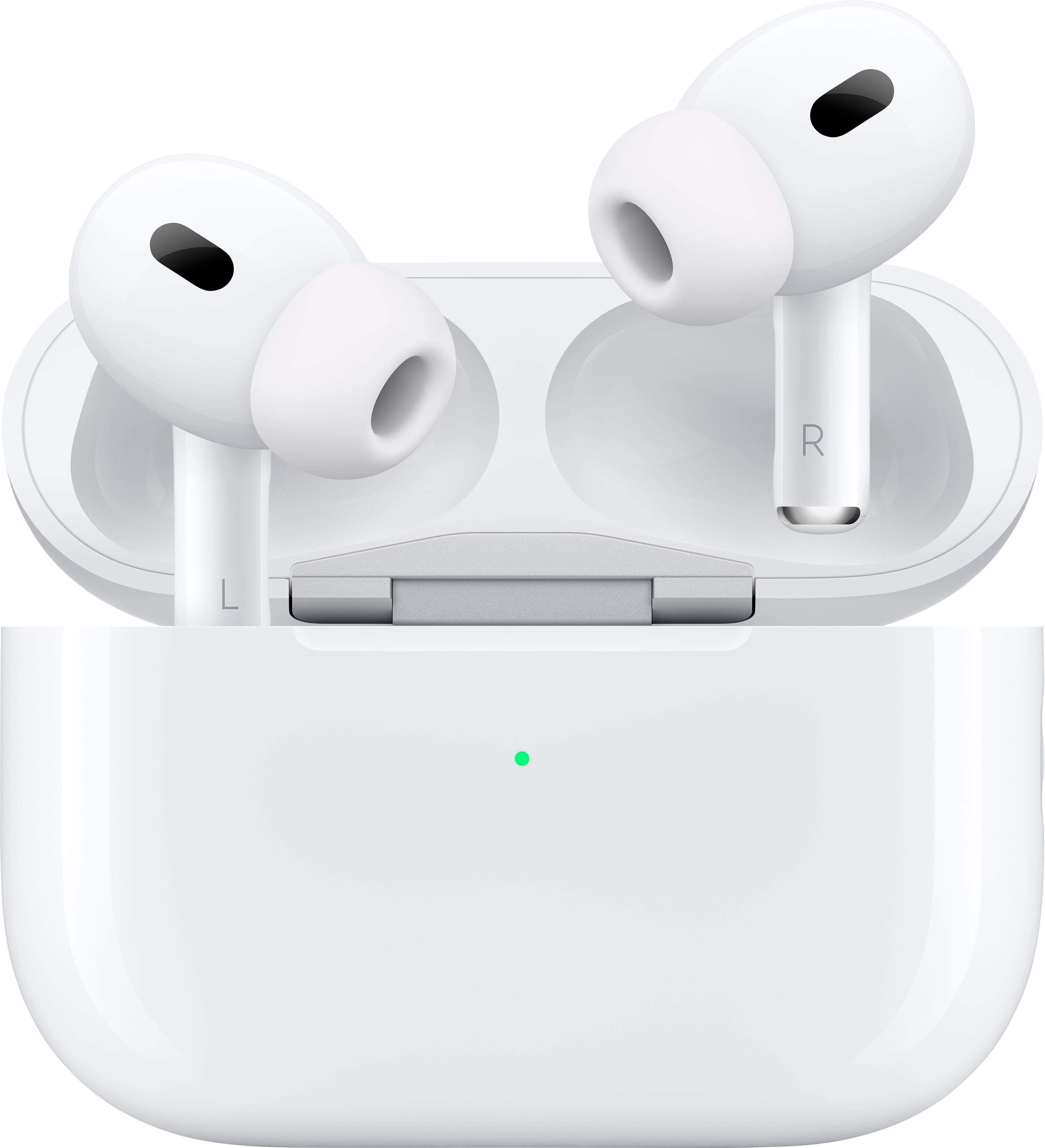
A:AnswerPlease be warned in response to the other comments now they’res a different way to tell now because even with the serial number a fake can be sold as a real set of AirPods. I recently bought “real” AirPods from someone local, and I’ve debunked fake AirPods before with the 2nd gen’s and 1sts but these things looked so real and felt good sounded good and they even got the noise cancelation to work which the older gen’s if they were fake couldn’t do, I then had a issue with one of the pods which led me to go to the Apple Store in altamonte springs and when I sat down with someone they took my AirPods and box with the serial number on it to the back to check them, when she came back she brought a real pair out for proof and show and showed me that the true AirPods are a lot lighter in weight than the ones, and overall had a subtle but different feel to it and they were less transparent to light the color in the light in the middle of the case when u open it should be white not green. She said the reason why I was able to check my serial number earlier and it had valid warranty on the pods is because it’s fake pods and they’re starting to swap the serial numbers. Beware.
A:AnswerYes all Apple AirPods come with a charging case and charging cable they don’t just send the ear pieces cuz how would you charge them!?!? lol so yes they all come with the charging case and charging cable you can also purchase a wireless charger dock that’s only if you want wireless charging tho otherwise everything comes with them that you’ll need to use them daily hope this helps!!