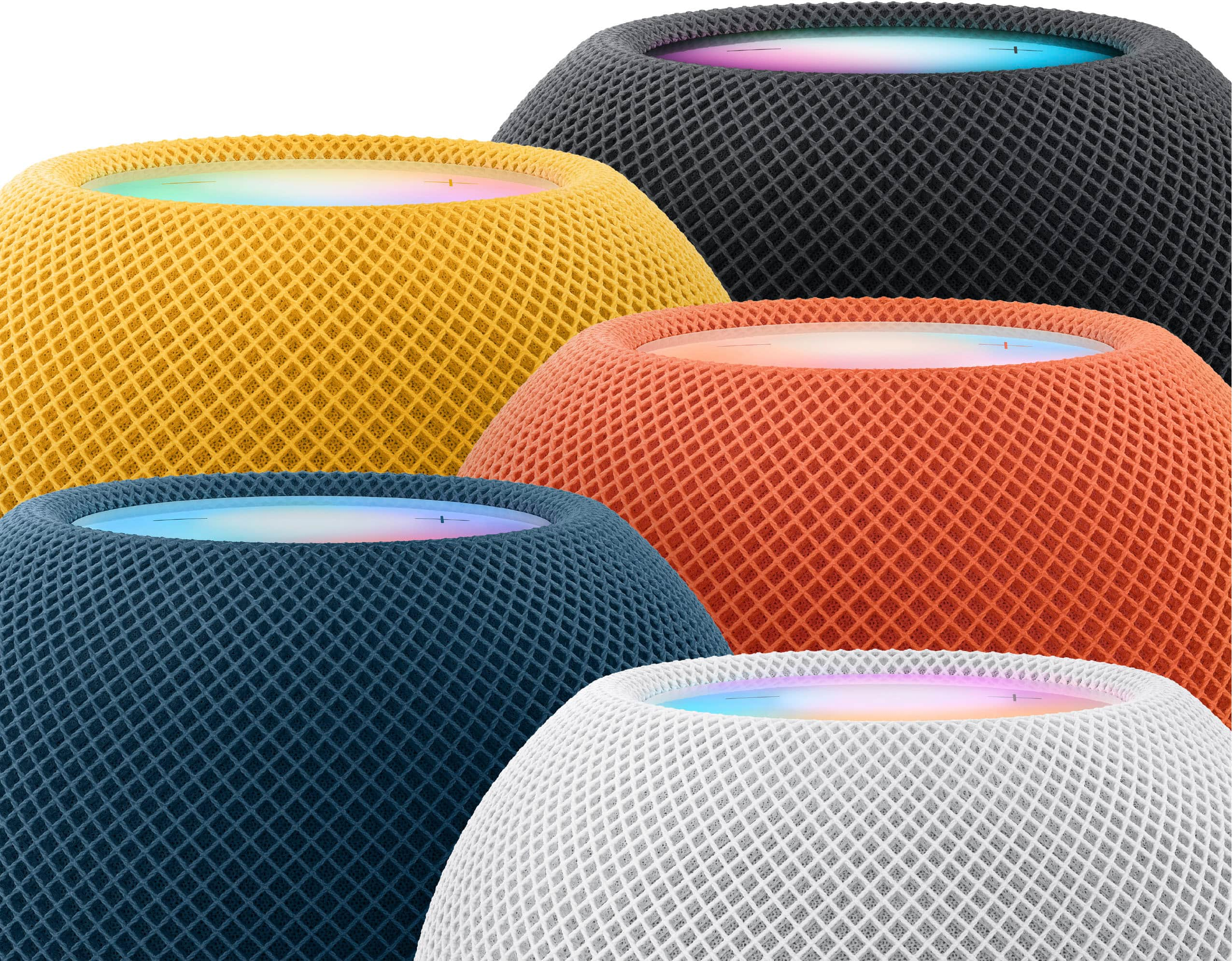
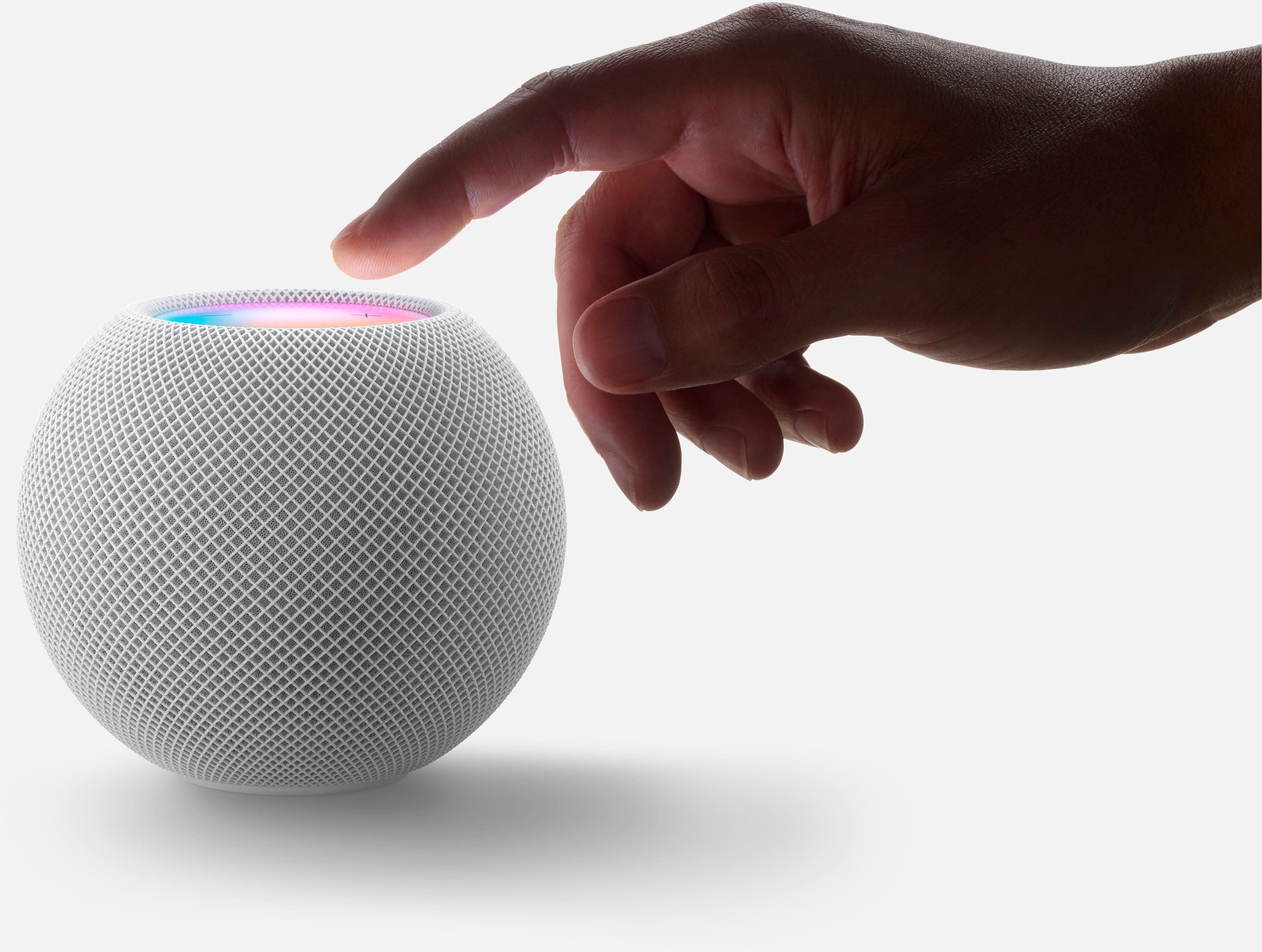
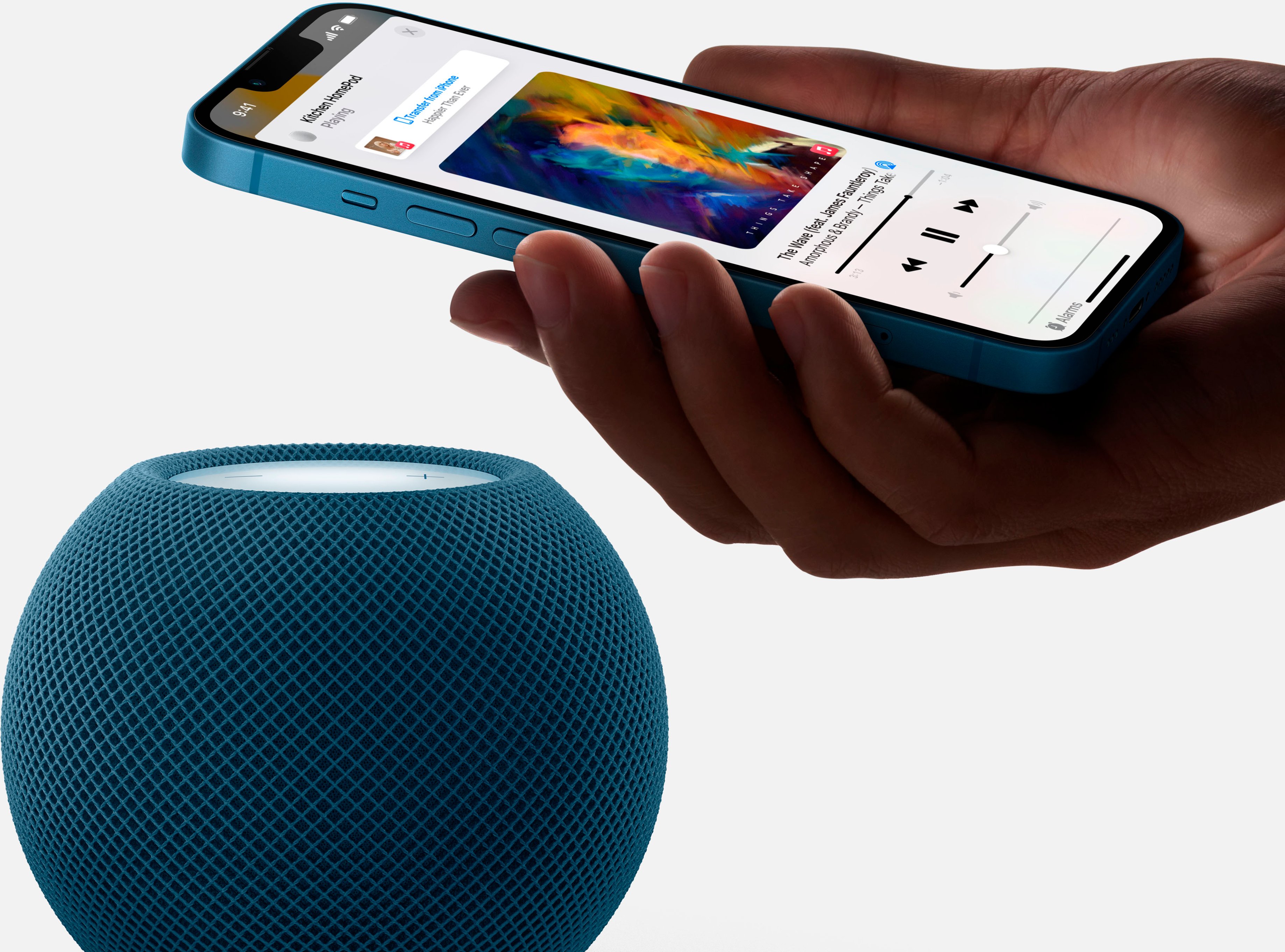
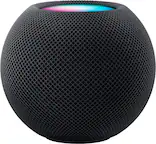
A:Answer The device is free to use. But you must have an internet connection available to it through wi-fi to use it. The internet connection will almost never be free. But if you have an internet connection, it will almost always provide a wi-fi connection to it. That connection may not reach throughout your home, so you may have to place the HomePod fairly close to your internet modem/router to use it reliably. But if you have a good wi-fi signal throughout your home, you will not have to worry about that; you may place the HomePod anywhere a good wi-fi signal is available. Once connected to the internet, the HomePod uses free internet services to provide news and weather and to answer any general information questions you may ask it (e.g., what is the capital of Nebraska?). It will also play music through internet music services, such as Pandora and Spotify. You’d have to subscribe to Pandora or Spotify for that to work. But free versions of Pandora and Spotify are available, and free trial periods for Apple Music are usually available. Whether free or paid, you may generally listen to your subscribed music services through the HomePod without any extra charge.