A:Answeras long as you have a WiFi enabled printer, a certified AirPrint wireless printer works best, you can print from any current iPad. Open the share menu, a square with an upwards pointing arrow, and tap print. You might need to scroll left or right to get to the print button.
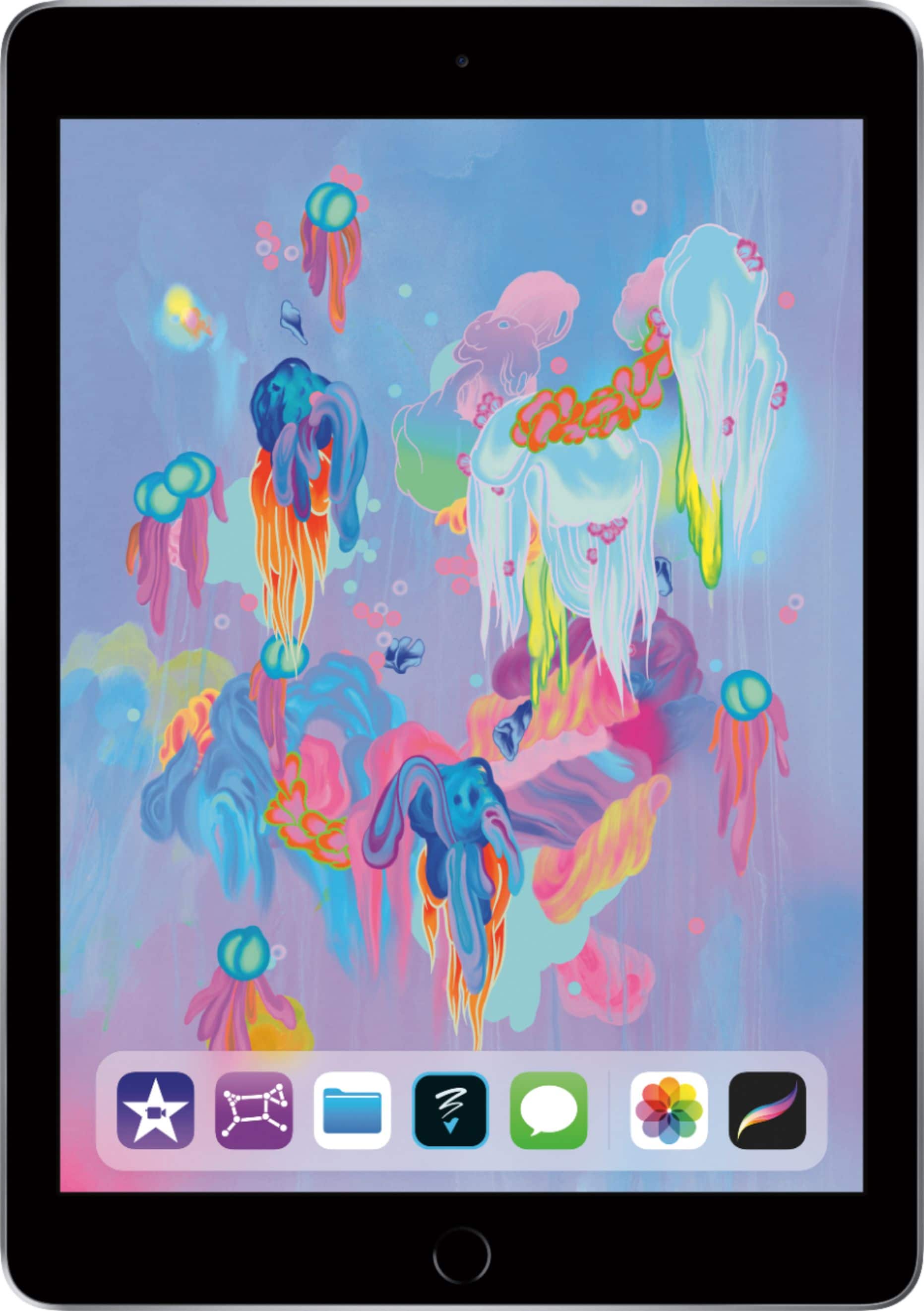
A:AnswerNO, no GPS. You need the cellular for built in GPS. To get GPS with this tablet, you can use a smartphone as a hotspot or get an add-on unit to plug in. Dealing with this issue myself trying to make it work for drone use. Android tablets have gps.
A:AnswerDue to the limited memory, I suggest storing files in the cloud
Files can be retrieved quickly
We use OneDrive and it does a great job , files can be accessed anywhere
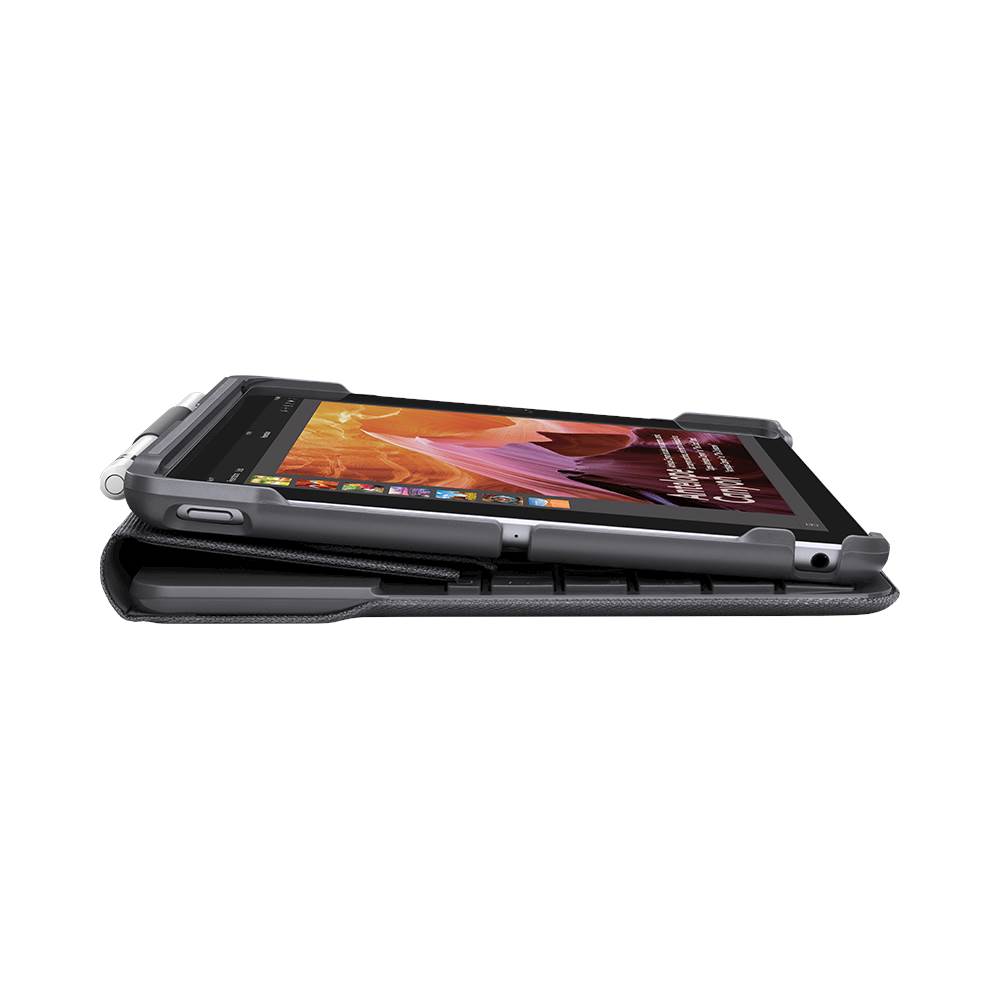
A:AnswerDon't get Zagg keyboard! I bought one for my son's i-pad and it broke at the hinge. Got replacement from company and that one broke. Got another on and that one broke (all the same way, at the hinge). Finally got a credit, but only good for Zagg items (no interest). Don't waste your time & money. Get the Logitech...
A:AnswerThe only data you will use is the WiFi internet that you are attached too. There would be no cell data used unless you tether it to your cell phone
A:AnswerCheck the small text on the power adaptor, it should say “110-240V 50-60Hz” which means it will work on most different power systems globally. You will just need a wall adaptor.