User rating, 4.9 out of 5 stars with 1346 reviews.
Show only Answered Questions
Include AI Generated Q&A
Asked 1 year ago by FingerPrint.
Answered 1 year ago by JohnVerified Purchase
Asked 1 year ago by Anonymous.
Answered 1 year ago by John
Asked 1 year ago by Mahru.
Asked 1 year ago by Jim.
Asked 1 year ago by yaswanth.
Asked 1 year ago by Ant.
Answered 1 year ago by user693086
Asked 1 year ago by Norm.
Answered 1 year ago by MediumPC
Asked 1 year ago by Sherry.
Answered 1 year ago by nonechosenpleaseVerified Purchase
Asked 1 year ago by Monitor.
Answered 1 year ago by BarryB
Asked 1 year ago by Ray.
User rating, 4.9 out of 5 stars with 691 reviews.
User rating, 4.9 out of 5 stars with 1495 reviews.
User rating, 4.9 out of 5 stars with 384 reviews.
User rating, 4.9 out of 5 stars with 1204 reviews.
User rating, 4.9 out of 5 stars with 533 reviews.
User rating, 5 out of 5 stars with 95 reviews.
User rating, 4.9 out of 5 stars with 286 reviews.
User rating, 4.9 out of 5 stars with 283 reviews.
User rating, 4.9 out of 5 stars with 174 reviews.
User rating, 4.8 out of 5 stars with 43 reviews.
User rating, 4.9 out of 5 stars with 296 reviews.
User rating, 4.8 out of 5 stars with 12211 reviews.
User rating, 4.6 out of 5 stars with 62 reviews.
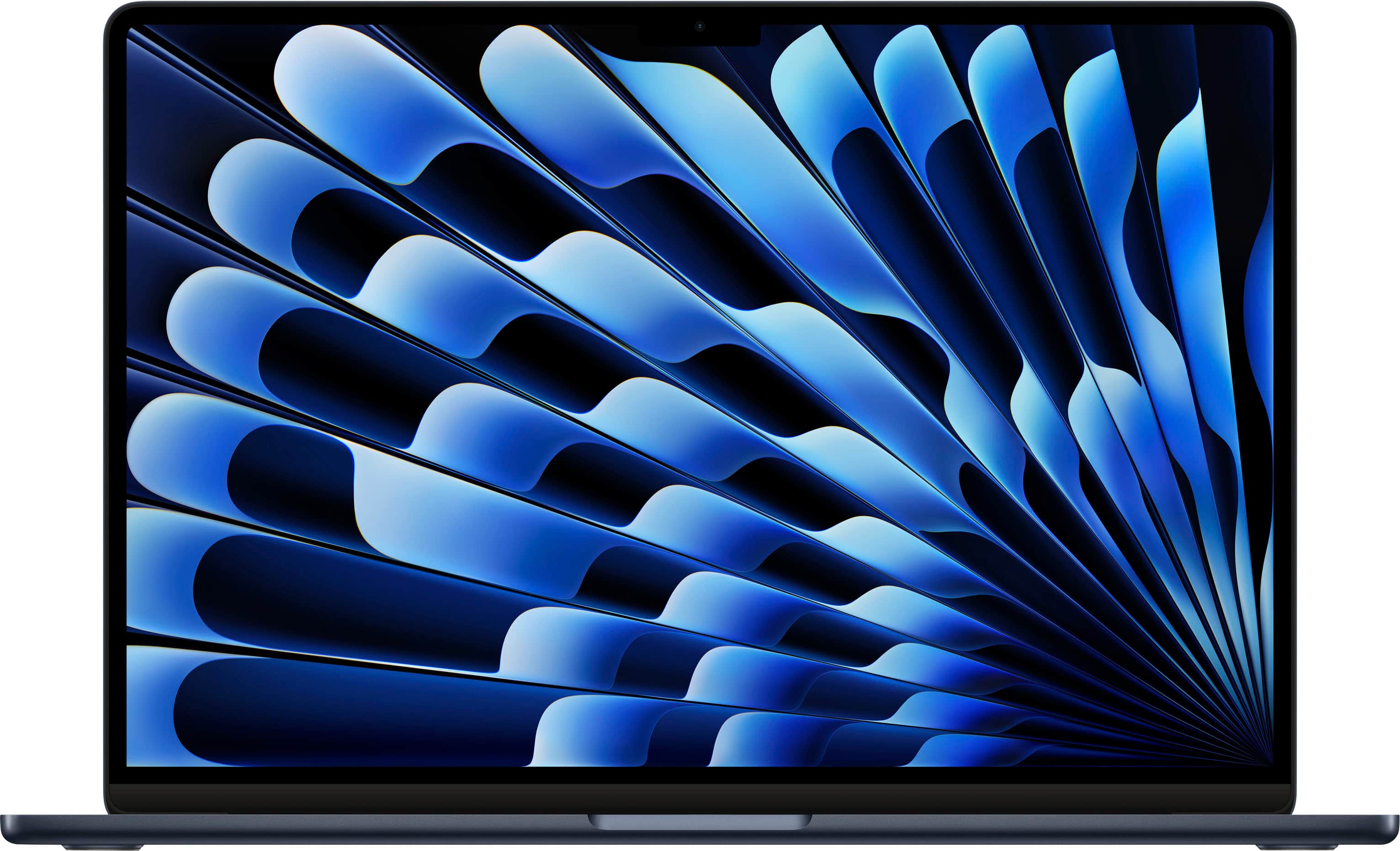
![The text on the image is a close-up of a laptop keyboard. The keys are grouped as follows:
1. Alphanumeric keys:
- A, S, D, F, G, H, J, K, L
- Q, W, E, R, T, Y, U, I, O, P
- [, ], |, /, caps lock
- 1, 2, 3, $
- 4, 5, 6, 7, 8, 9, 0
- +, -, =, delete, tab, Q, W, E, R, T, Y, U, I, O, P, {, }
- shift, fn, control, option, command, shift, fn, control, option, command
These keys are arranged in rows, with some keys having multiple functions depending on their position and the shift key being pressed. The image provides a clear view of the keyboard layout, which is essential for understanding the keyboard's structure and usage.](https://pisces.bbystatic.com/image2/BestBuy_US/images/products/cb141638-8a16-4967-a61f-73e8e5a6e042.jpg)