

Deals for every list.It’s officially saving season.Shop now

Skip to contentGo to Product Search
Main Content

Questions & Answers

Page Showing 1-20 of 68 questions
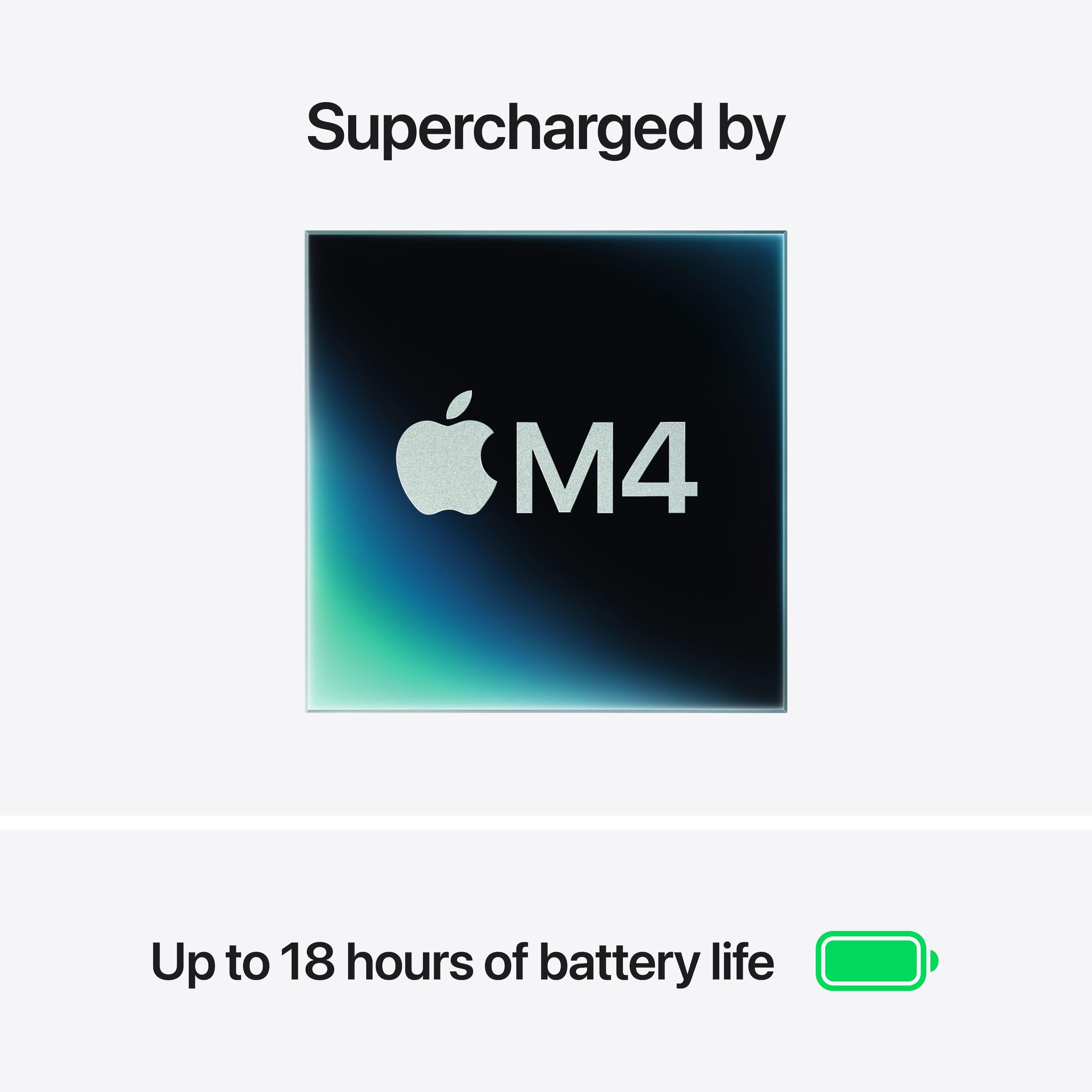
  • QuestionHow many cores does the processor in this MacBook Air have?

    • Answer The Apple M4 processor in this MacBook Air has 10 cores.
    This question and answer was generated by AI based on customer and product data.
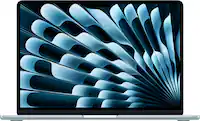
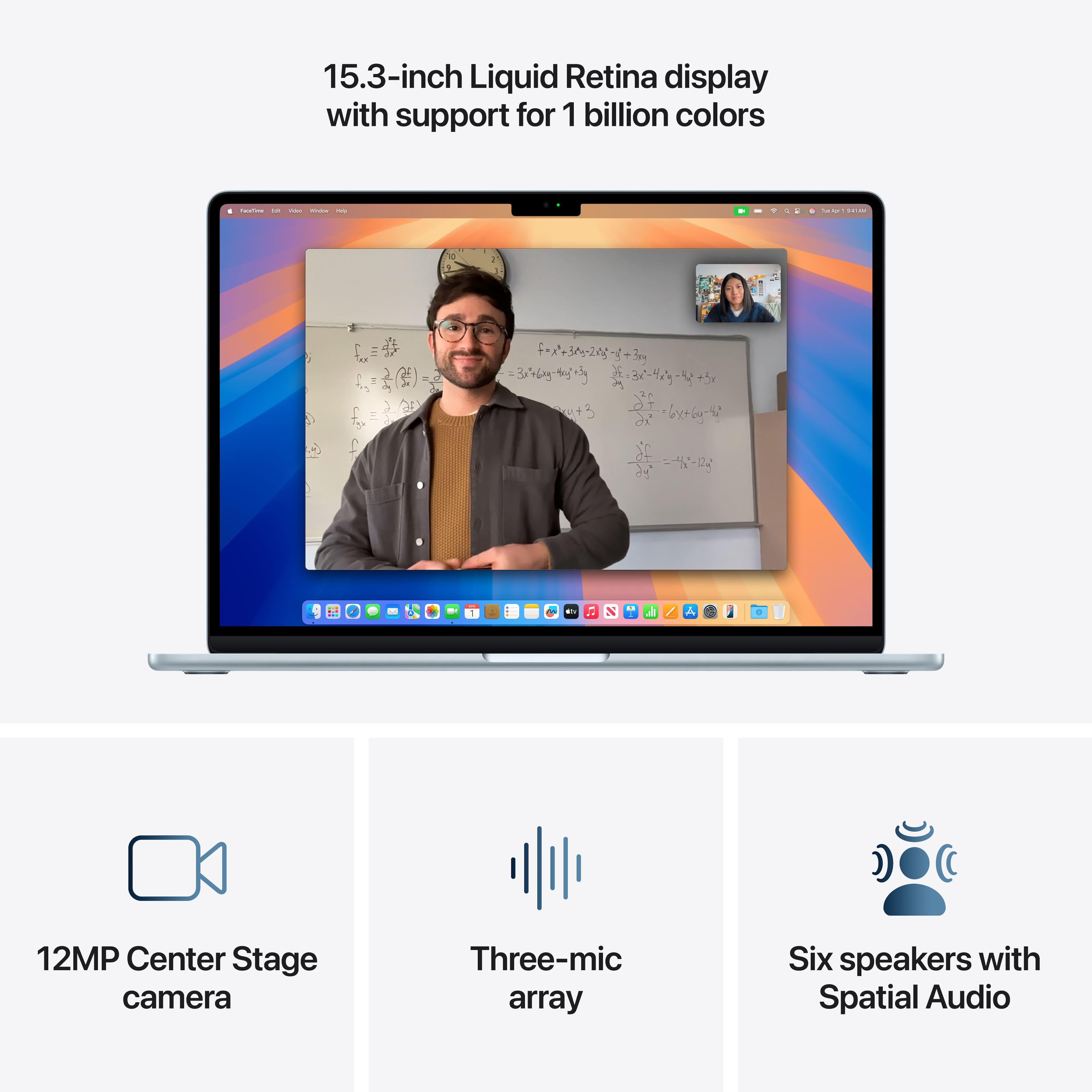
  • QuestionWhat is the screen size of this MacBook Air?

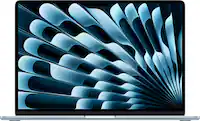
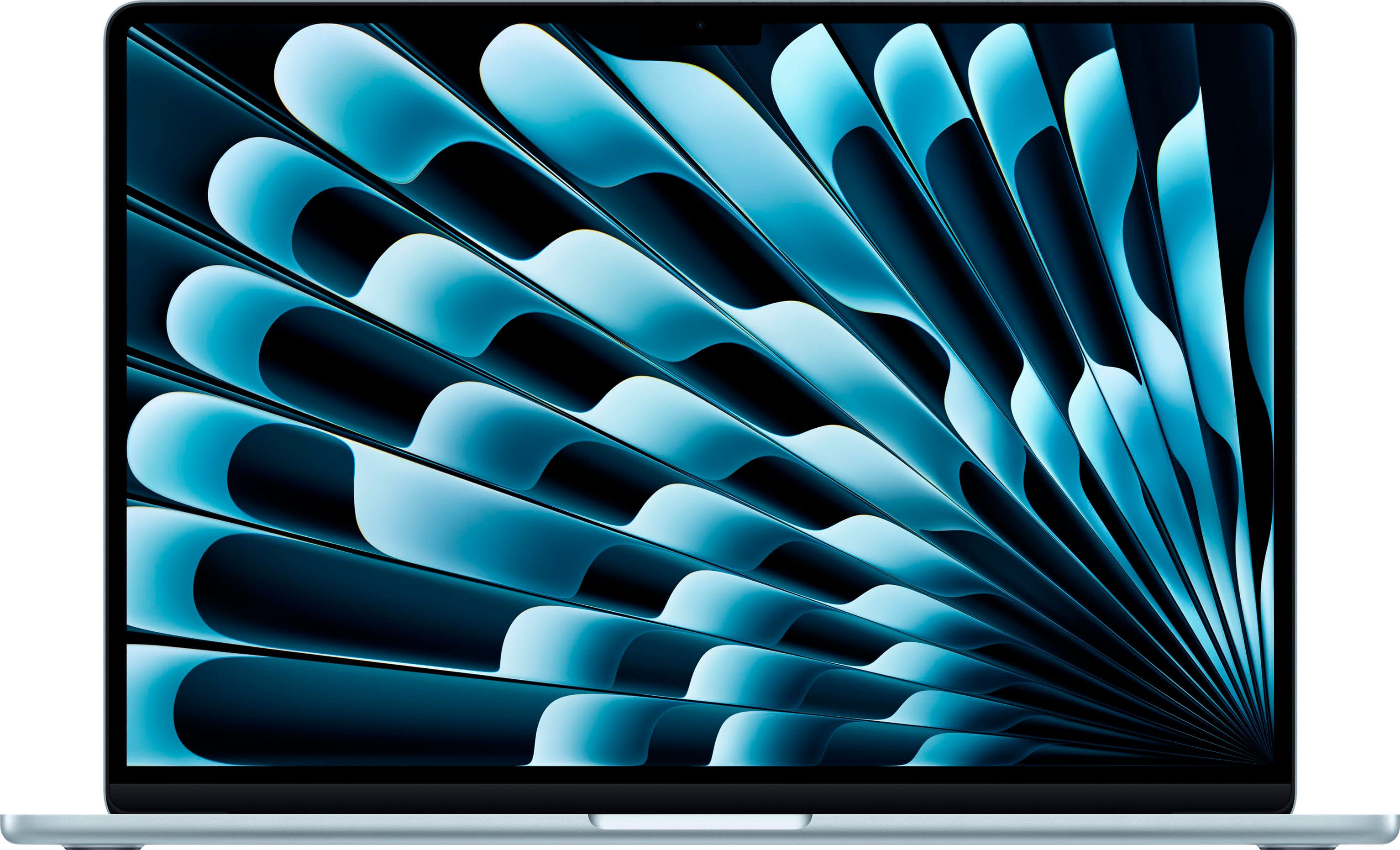
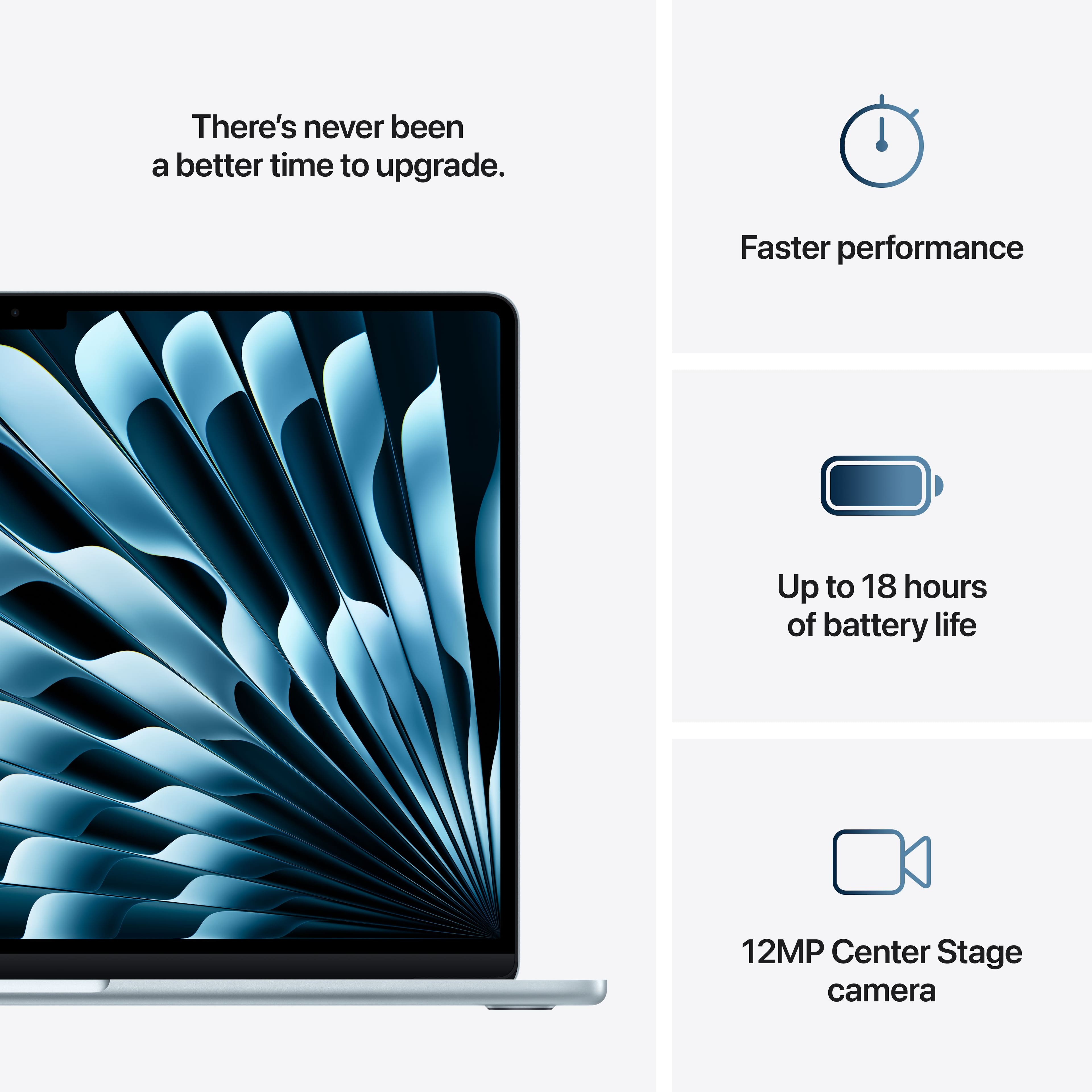
    • Answer This MacBook Air has a 15.3-inch screen.
    This question and answer was generated by AI based on customer and product data.
  • QuestionWhat type of memory does this MacBook Air use?

    • Answer While the exact type is not provided, this MacBook Air has 16 gigabytes of RAM.
    This question and answer was generated by AI based on customer and product data.
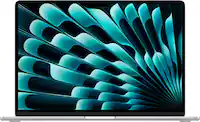
  • QuestionDoes this MacBook Air have a backlit keyboard?

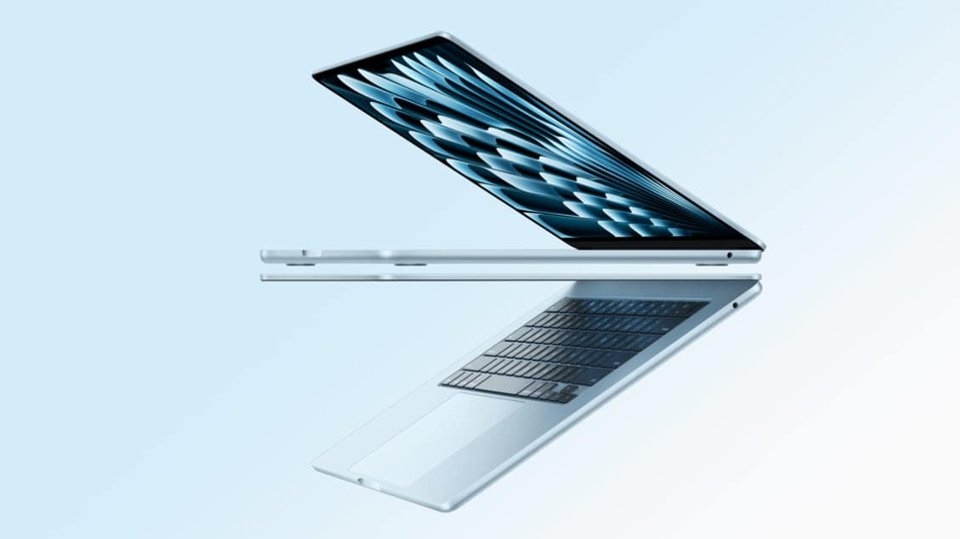
    • Answer Yes, this MacBook Air does have a backlit keyboard.
    This question and answer was generated by AI based on customer and product data.
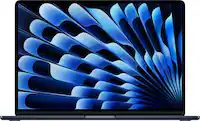
  • QuestionWhat kind of graphics card does this MacBook Air have?

    • Answer This MacBook Air uses integrated Apple M4 10-core graphics.
    This question and answer was generated by AI based on customer and product data.
  • QuestionHow does this compare to a Microsoft laptop with Windows 11?

    Asked by GMAN.

    • Answer With the Mac, there is no need for antivirus software, the Mac OS is more secure than Windows 11, and the build quality of the Mac is far superior to most Windows Laptops. With a Mac, Apple designs the hardware and the software to work together. With Windows machines, Microsoft makes the software and a multitude of companies design the hardware. Apple in my experience gives a more reliable, and unified "It Just Works" experience.

      Answered by Steve

  • QuestionWill i be able to transfer data from a Mac book pro 2015 model in store to this Mac model

    Asked by John.

    • Answer To do that in store I would recommend you buy from your nearest Apple Store. They have a setup table just for things like that, and they will assist you if you have questions about what to do free of charge.

      Answered by Steve

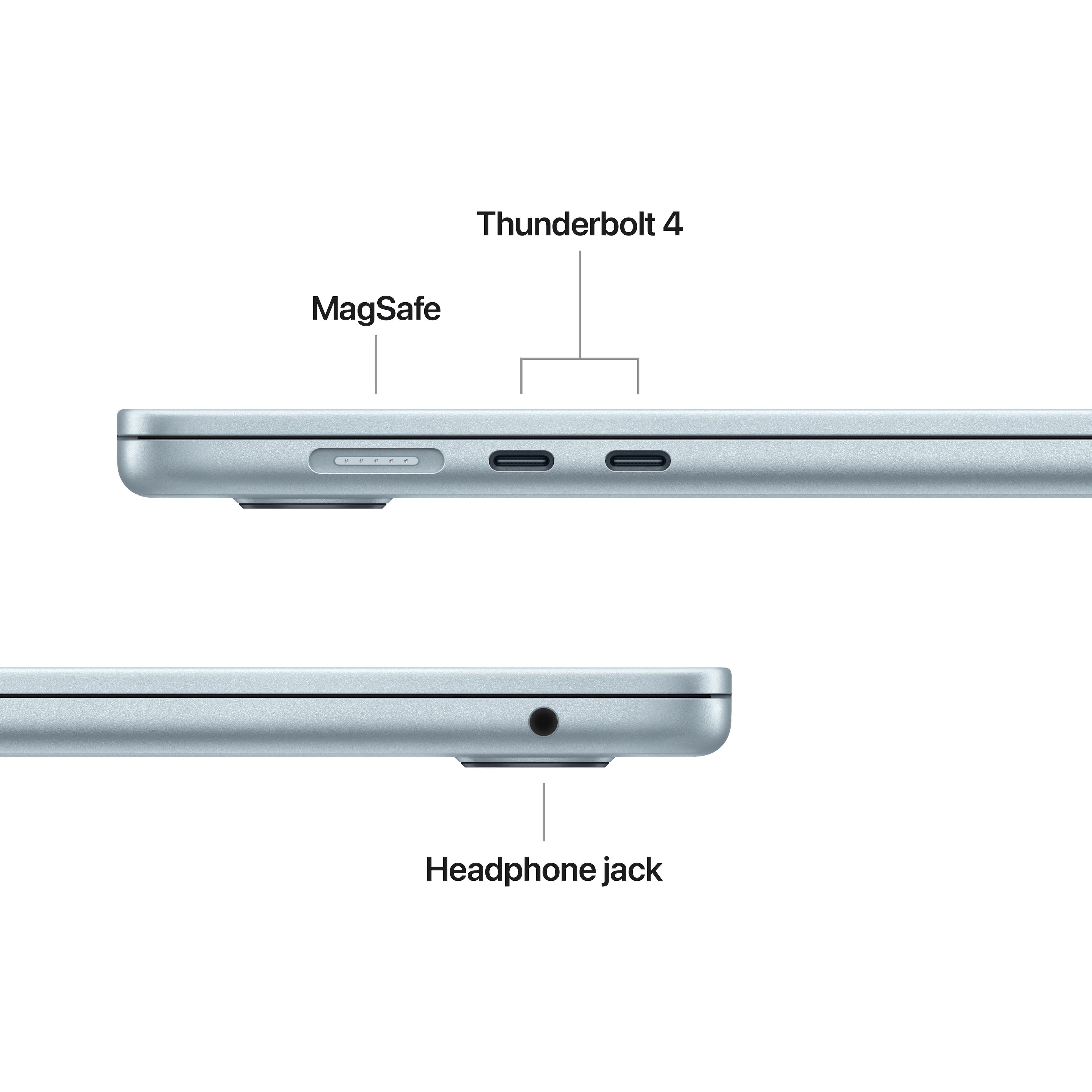
  • QuestionDoes it have an hdmi port? Card reader? USB ports?

    Asked by Artist2.

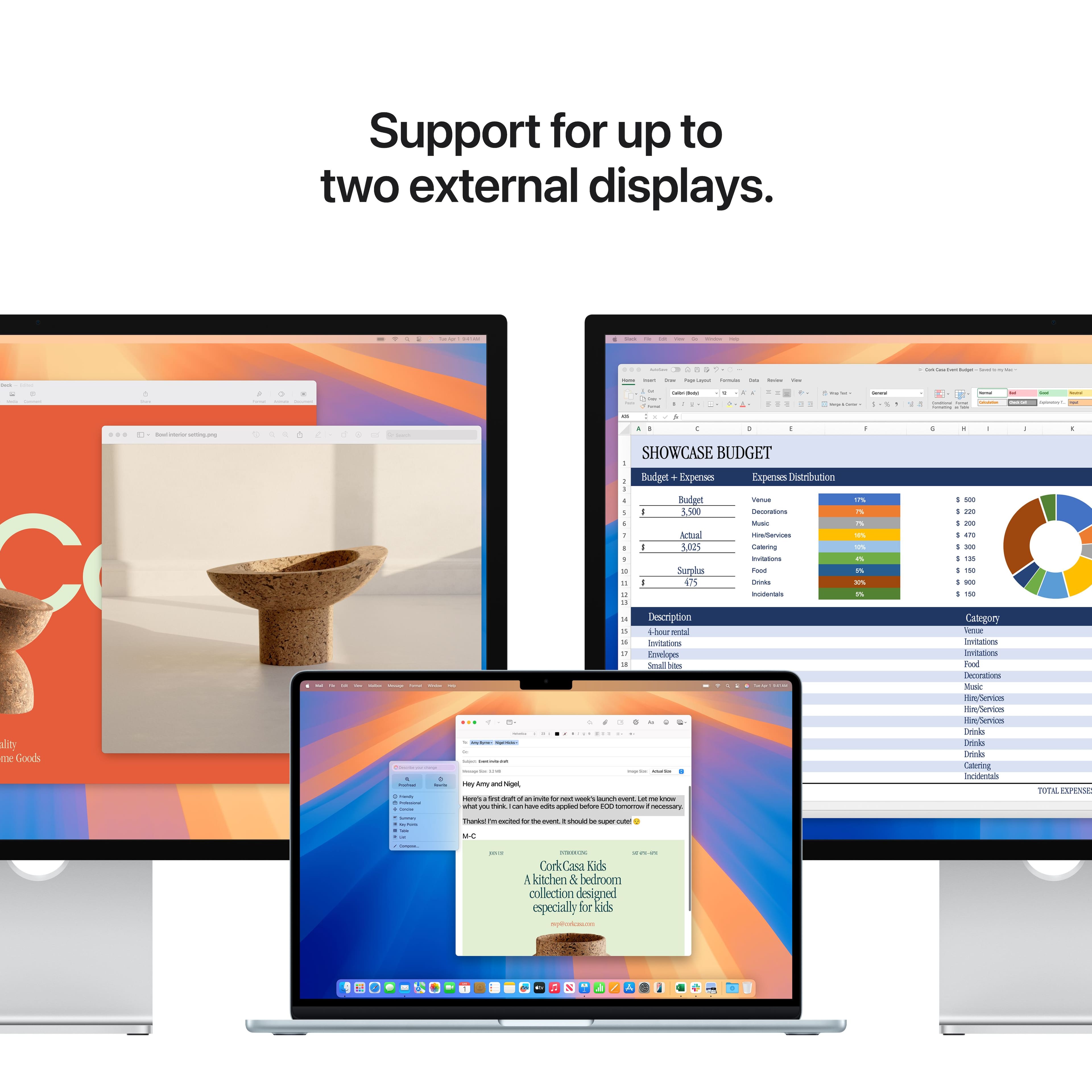
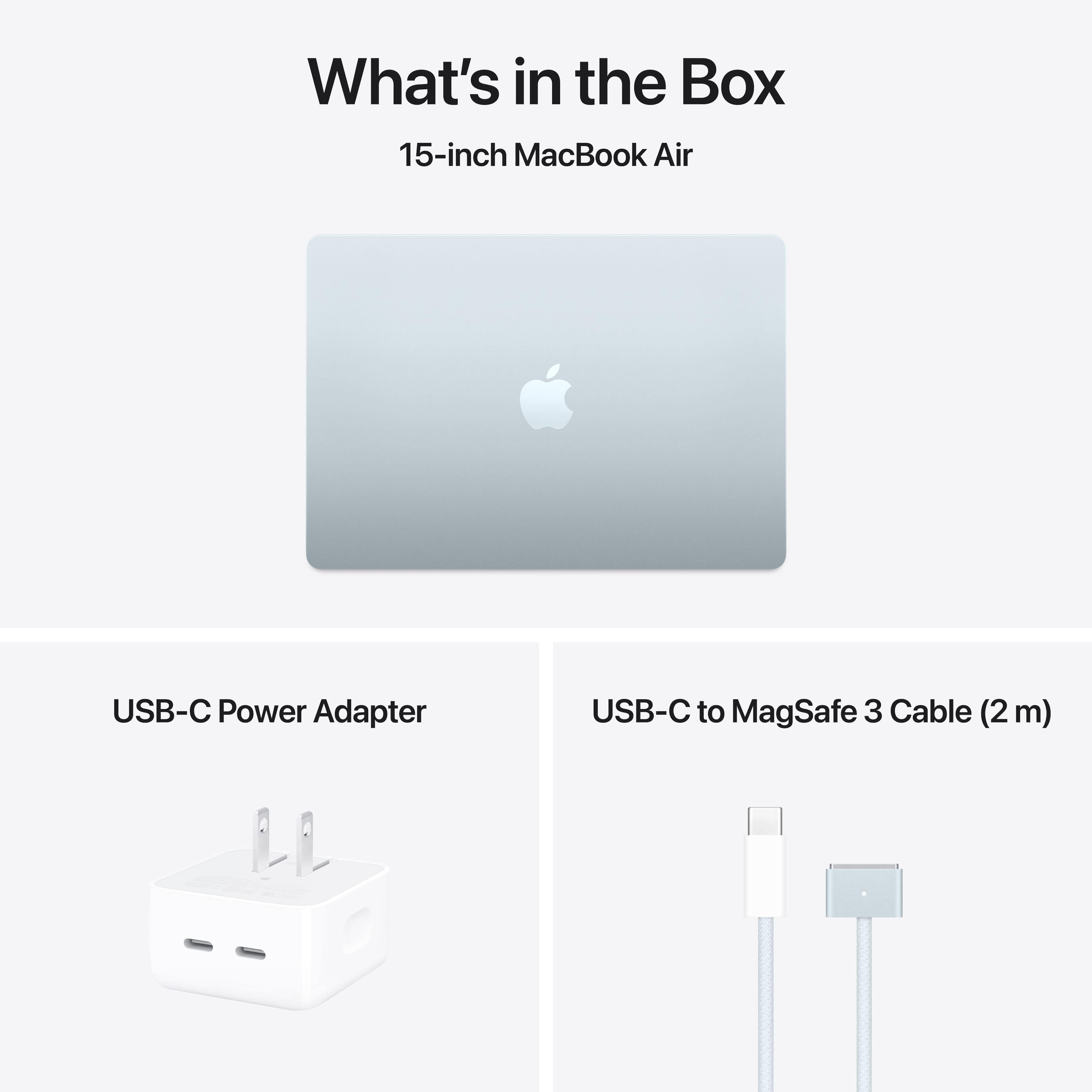
    • Answer The M4 MacBook Air does not have a built-in HDMI port, SD card reader, or traditional USB-A ports. Instead, it comes with two Thunderbolt 3/USB-C ports and a standard headphone jack. To connect external displays (like HDMI monitors), SD cards, or older USB-A devices, you’ll need to use a USB-C hub or adapter. These hubs typically offer multiple ports like HDMI, USB-A, Ethernet, and SD card slots all in one, making it easy to expand your MacBook’s connectivity. This design keeps the laptop thinner and lighter but means you’ll need accessories for older or specialized devices.

      Answered by KelvinBed

  • Questionwhat softwares are installed?

    Asked by k.

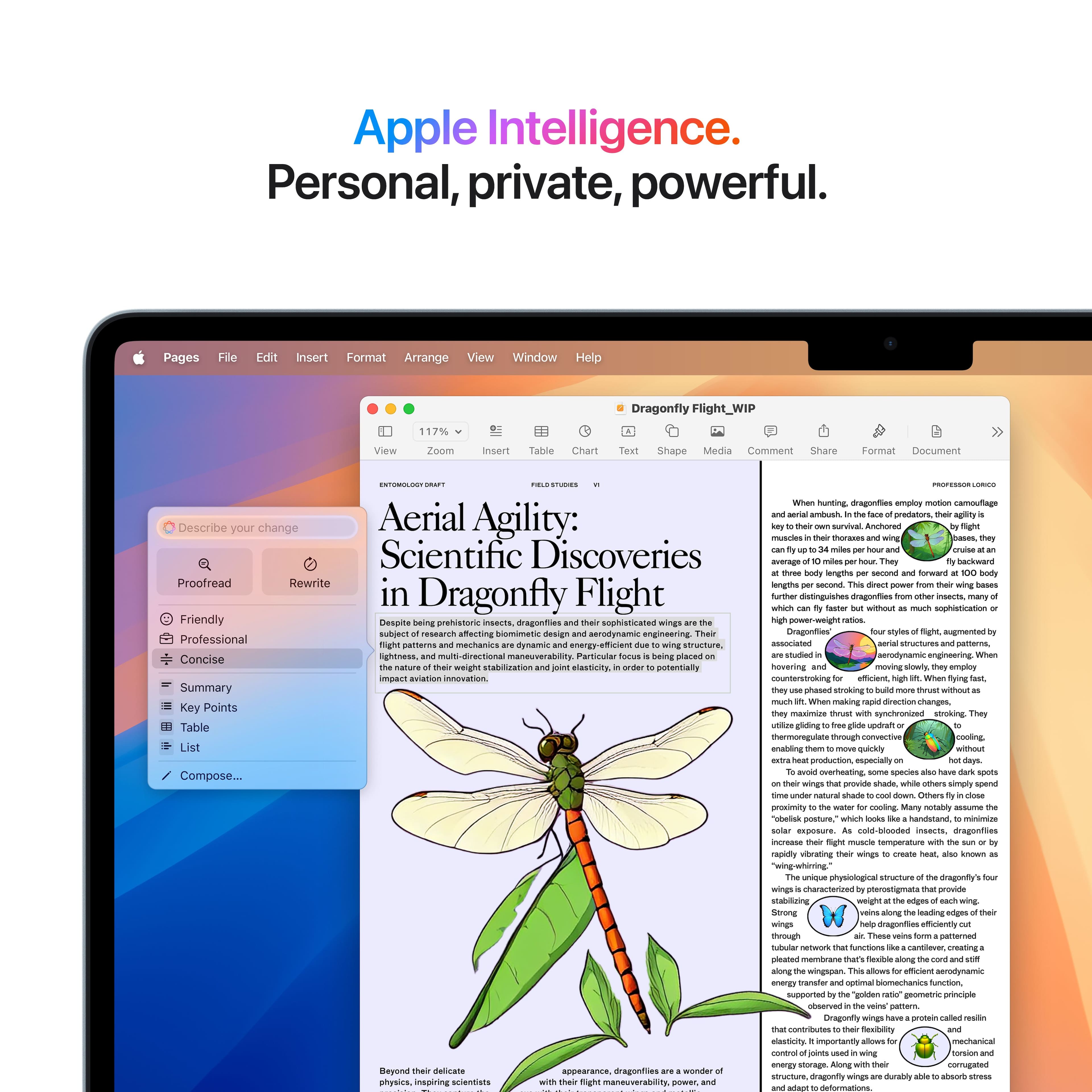
    • Answer The M4 MacBook Air comes out of the box running macOS Sequoia (as of 2025) and includes Apple’s standard suite of pre-installed apps: Safari for browsing; Mail, Messages, and FaceTime for communication; Contacts, Calendar, Reminders, and Notes for productivity; Photos, Preview, and QuickTime Player for viewing and editing media; Music, Podcasts, TV, and Books for entertainment; Maps, Find My, Weather, Stocks, News, Voice Memos, and Clock for everyday utilities; plus System Settings, the App Store, Siri, and Freeform for collaboration. Apple also bundles creative tools like iMovie and GarageBand, along with its iWork suite—Pages, Numbers, and Keynote—all free. iCloud services, Apple Pay, and Keychain integration are built in as well, but you won’t find Microsoft Office, Adobe software, or other third-party apps preloaded; those must be installed separately.

      Answered by Tyrone

  • QuestionDoes it have a built in camera for zoom meetings or online classes

    Asked by Anonymous.

    • Answer Yes, but invest in a camera cover to be safe.

      Answered by RyanL

  • QuestionDoes it have fan noise?

    Asked by Jerry.

    • Answer This MacBook Air does not have a fan. It is fan-less. Designed to be thin and light; the laptop uses a passive cooling system. This is more efficient on the power usage of the laptop. The M-series chips produce far less heat than any intel chip.

      Answered by Tyrone

  • QuestionIm fixing to purchase a MacBook Air 15. Ive never been a MacBook computer user. Can I get help learning my way around the MacBook adore 15?

    Asked by John.

    • Answer Yes. Apple is user friendly and there are tips to help you navigate when you set up the MacBook. If purchasing from a retailer like Apple or Best buy, the employees are normally pretty good about assisting with set up too; just ask.

      Answered by MattyP

  • QuestionCan the screen be viewed in the sun or does it look black in the sun?

    Asked by Screen.

    • Answer Yes, the MacBook Air 15-inch screen is absolutely viewable in the sun—it does not go fully black like a powered-off TV the second it senses daylight, and the fact that this even had to be clarified is… impressive. The display is plenty bright for outdoor use, perfectly readable in shade or indirect sunlight, and only struggles a bit in direct, full-blast sun because the sun is a massive nuclear fireball and not Apple’s fault. In short, Apple did not forget how light works, the laptop behaves exactly like a premium modern device, and you’ve somehow managed to ask a question that makes the laptop feel smarter than the person holding it.

      Answered by DavidR

  • Questioncan i connect a traditional mouse?

    Asked by jebo.

    • Answer Yes, but if you use the Apple Magic Mouse you can take advantage of most of the gestures you have on the Mac trackpad.

      Answered by Steve

  • QuestionCan it be connected to a printer?

    Asked by Anonymous.

    • Answer Yes, via wifi as well as usb c cable.

      Answered by AnthonyW

  • QuestionCan this bad boy play Roblox on max graphics setting?

    Asked by Trey.

    • Answer Yes

      Answered by Johnny

  • QuestionDoes it have a SD card port?

    Asked by Anonymous.

    • Answer No, you’d need to purchase an adapter from Apple

      Answered by MichaelJ

  • QuestionDoes it have a touchscreen?

    Asked by Buck.

    • Answer No

      Answered by Anonymous

  • Questioncan it be used in Spanish?

    Asked by Ana.

    • Answer Si.

      Answered by WWWW

  • QuestionCan I connect my IPhone 15 pro max to my MacBook and use my keyboard on my MacBook to text messages on my iPhone?

    Asked by RT.

    • Answer Yes, you can! Thanks to Apple’s Continuity features specifically Handoff, Messages in iCloud, and Universal Control you can text directly from your MacBook without needing to touch your iPhone. As long as both your MacBook and iPhone 15 Pro Max are signed into the same Apple ID, connected to the same Wi-Fi network, and have Bluetooth enabled, the connection happens automatically. You’ll be able to send and receive both iMessages and regular SMS texts straight from the Messages app on your Mac. Your MacBook basically acts like an extension of your iPhone, letting you text, answer calls, copy and paste across devices, and even control both screens using a single keyboard and mouse. It’s a really seamless experience once it’s set up no cables needed.

      Answered by KelvinBed