Deals Worth GiftingShop now

Skip to content
Gift Ideas
Main Content

Questions & Answers

Your price for this item is $1,499.00
Page Showing 41-54 of 54 questions
  • QuestionWhats the processing speed?

    Asked by michealjackson.

    • Answer Third-party software —Geekbench 5.51, for example— clocks this M4 processor: 4.4Ghz.

      Answered by Anonymous

  • QuestionIs one (at least) of the USB C capable of outputting video?

    Asked by Hyd.

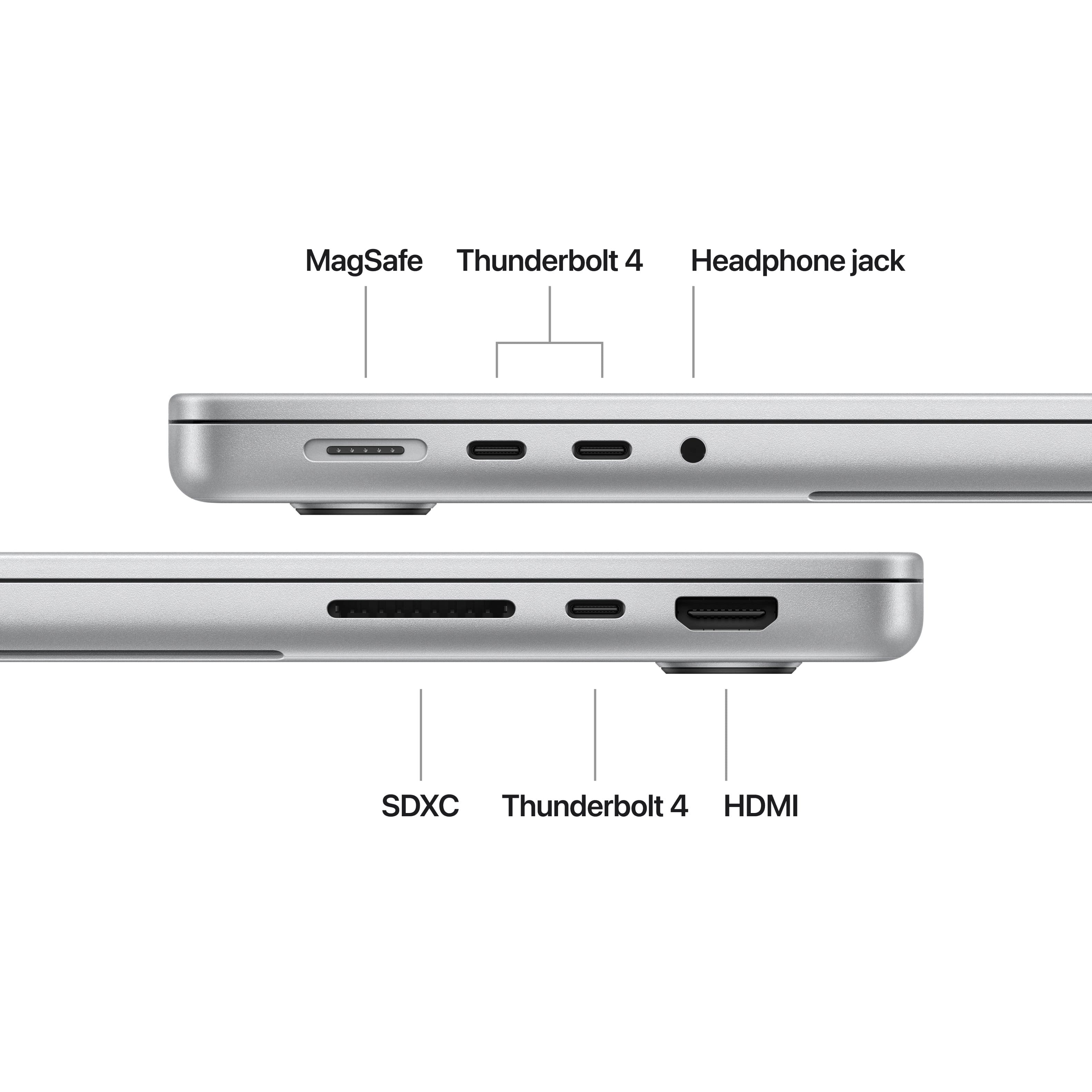
    • Answer Yes, All Thunderbolt cables can output to a 6k display but you are limited to max of 2

      Answered by geeksquad

  • Questiondoes this laptop support external monitors

    Asked by jeff.

    • Answer I'm sure it does, it has a HDMI output jack on the right side

      Answered by user903277

  • QuestionIs a mouse required to navigate the screen?

    Asked by GloryBee.

    • Answer No, it’s an optional add on. The trac pad works great, just up to your preference.

      Answered by Stealth360

  • Questioncan I connect my Samsung 23 cell phone to this laptop?

    Asked by Peg.

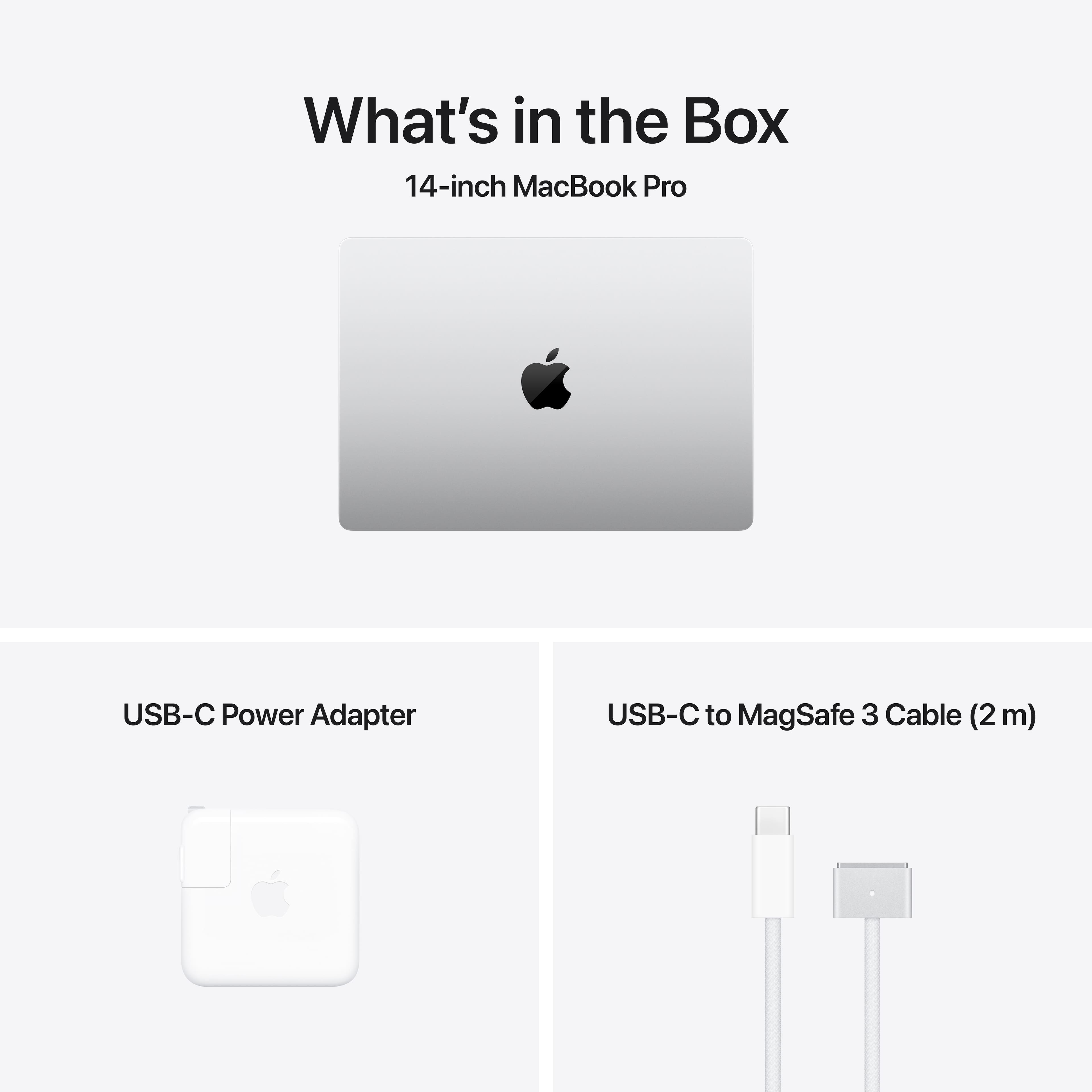
    • Answer Yes--but you will need a USB to C connection

      Answered by EsmeNS

  • QuestionI clicked on a 1TB SSD but you took me to a 512 Gig SSD.

    Asked by Dave.

    • Answer Find your choice here: https://www.bestbuy.com/site/apple-macbook-pro-14-inch-apple-m4-chip-built-for-apple-intelligence-16gb-memory-512gb-ssd-space-black/6602741.p?skuId=6602741

      Answered by geeksquad

  • QuestionWill this computer run Pro Tools Artist Studio software

    Asked by Barb.

    • Answer This new computer is not listed yet on ProTools website that I seen, I would be shocked if it wouldn't. Mac has always been the leader in audio and video. I have an older version of ProTools on an old Mac Pro, I would think that the newer version of ProTools would probably be amazing on a new Mac! I would call them and ask, but I am sure they are working to optimize it with the new MacBook Pro as I type! From my understanding its always best to have a computer dedicated for ONLY ProTools, and use it for nothing else besides that program, and do not upgrade the OS operation system, or have it on auto update, changes in system can cause problems. Good luck!
      Answered by user903277

  • QuestionDoes this have the nano-texture display?

    Asked by Atyanna.

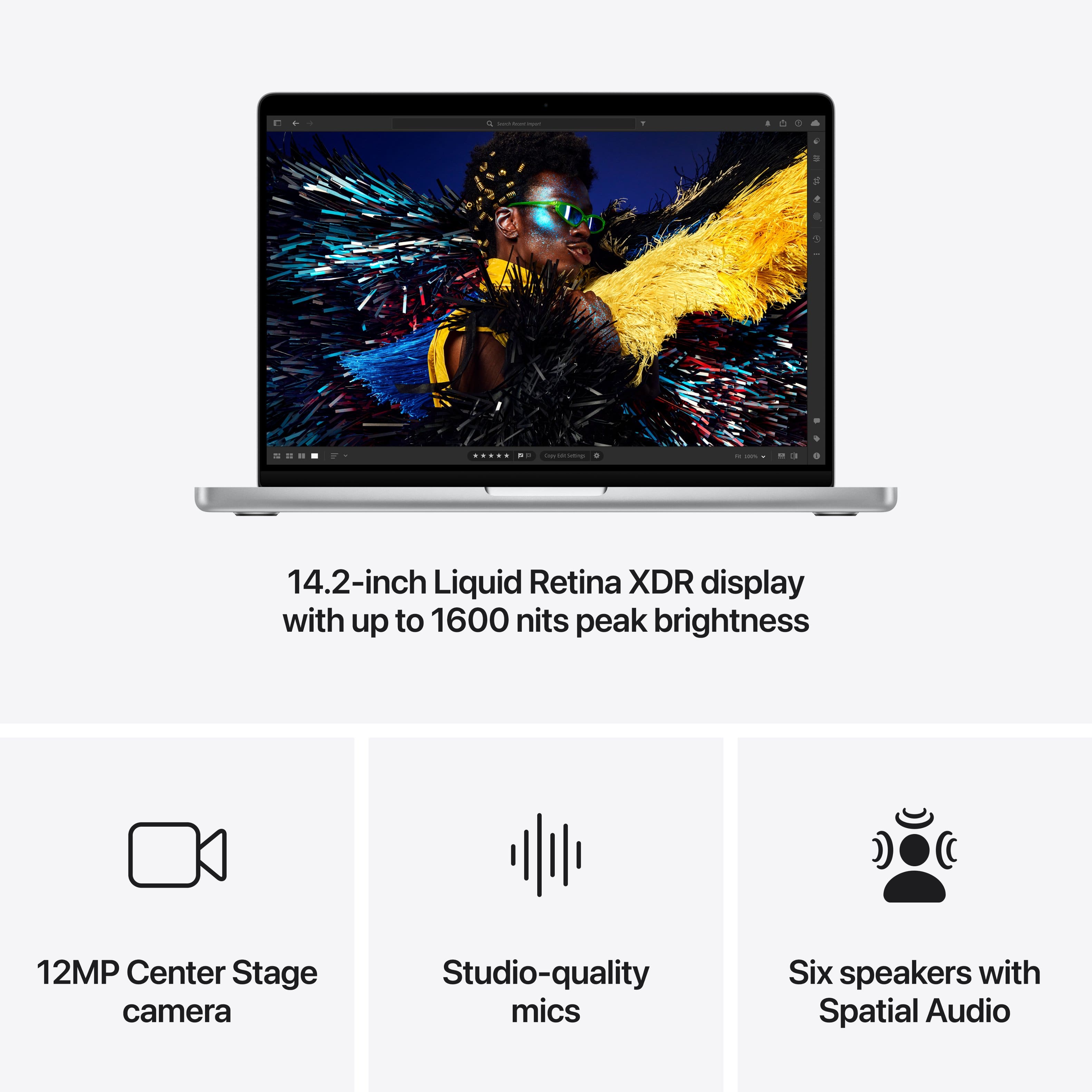
    • Answer Not, this model. Nano texture display is an extra option for 150 dollars and it's available only on apple website for now and apple stores.

      Answered by Akhill

  • QuestionIs it possible to choose the keyboard layout for this laptop?

    Asked by Alex.

    • Answer You can change it in-OS but there is no way to order with a custom keyed legend on apple.com or anywhere else. But if you are doing it because you need to see what keys to press than my suggestion would be to learn how to type without it. If it is an absolute must than order some keyboard stickers off amazon.

      Answered by Anonymous

  • QuestionWhich MacBooks have nano texture?

    Asked by RobbM.

    • Answer This model can be ordered from Apple with nano-texture. Others, same. Best to check Apple’s website for those

      Answered by Anonymous

  • QuestionWhat OS system does this come with

    Asked by Shazza.

    • Answer macOS sequoia 15.1

      Answered by PaulM

  • QuestionWhat software is coming with

    Asked by Anonymous.

    • Answer This device comes with new MacOS Sequoia, you can learn more about it at https://www.apple.com/macos/macos-sequoia/

      Answered by geeksquad

  • QuestionGood morning, does the Mac already have a nano texture screen? Or is it a separate model?

    Asked by lucciano.

    • Answer The nano-texture screen is an upgrade on the apple store - it doesn’t come standard with this model.

      Answered by Anonymous

  • QuestionIs this a 2024?

    Asked by Some1no1.

    • Answer Yes

      Answered by Greattrlevionsperson