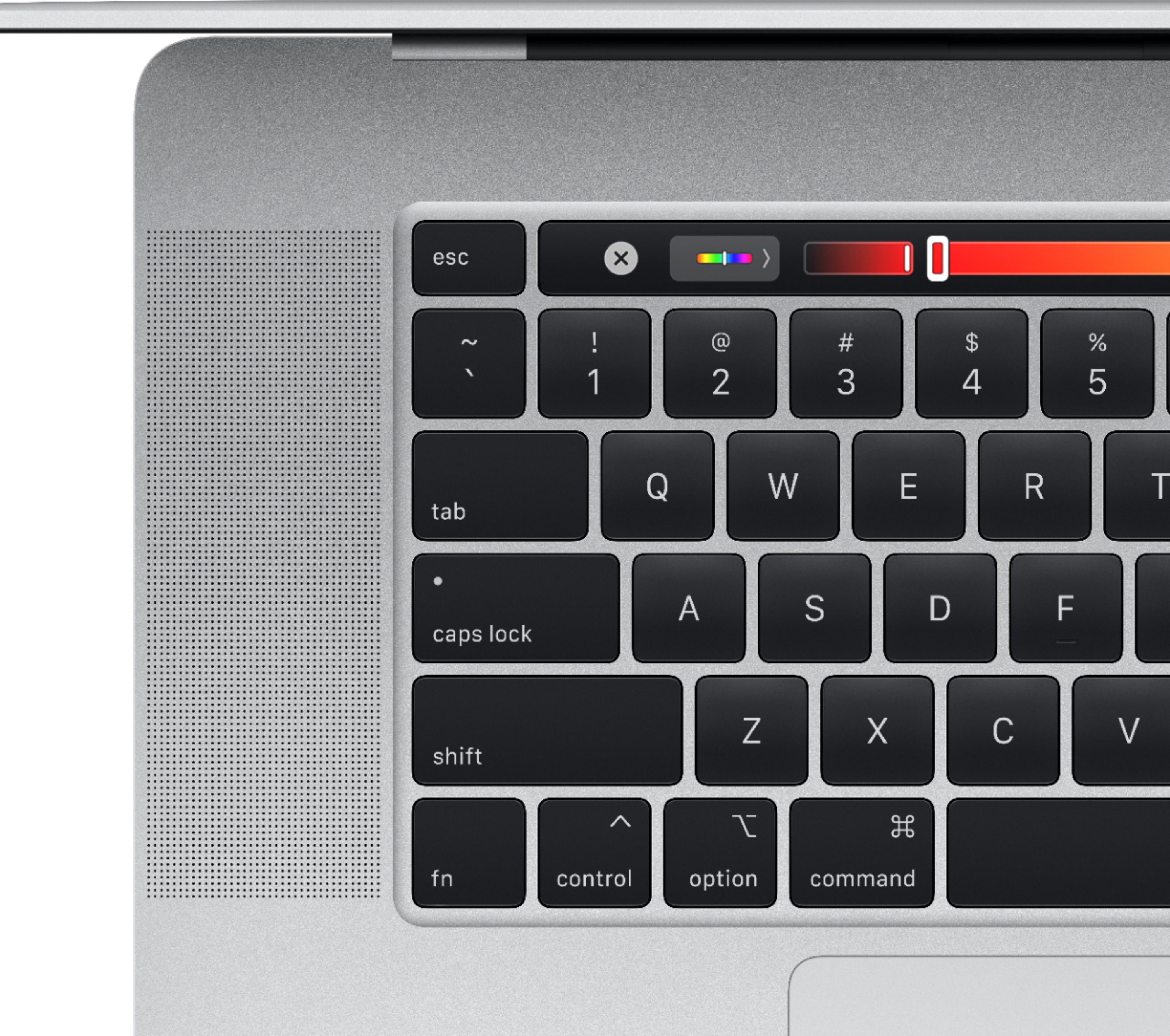
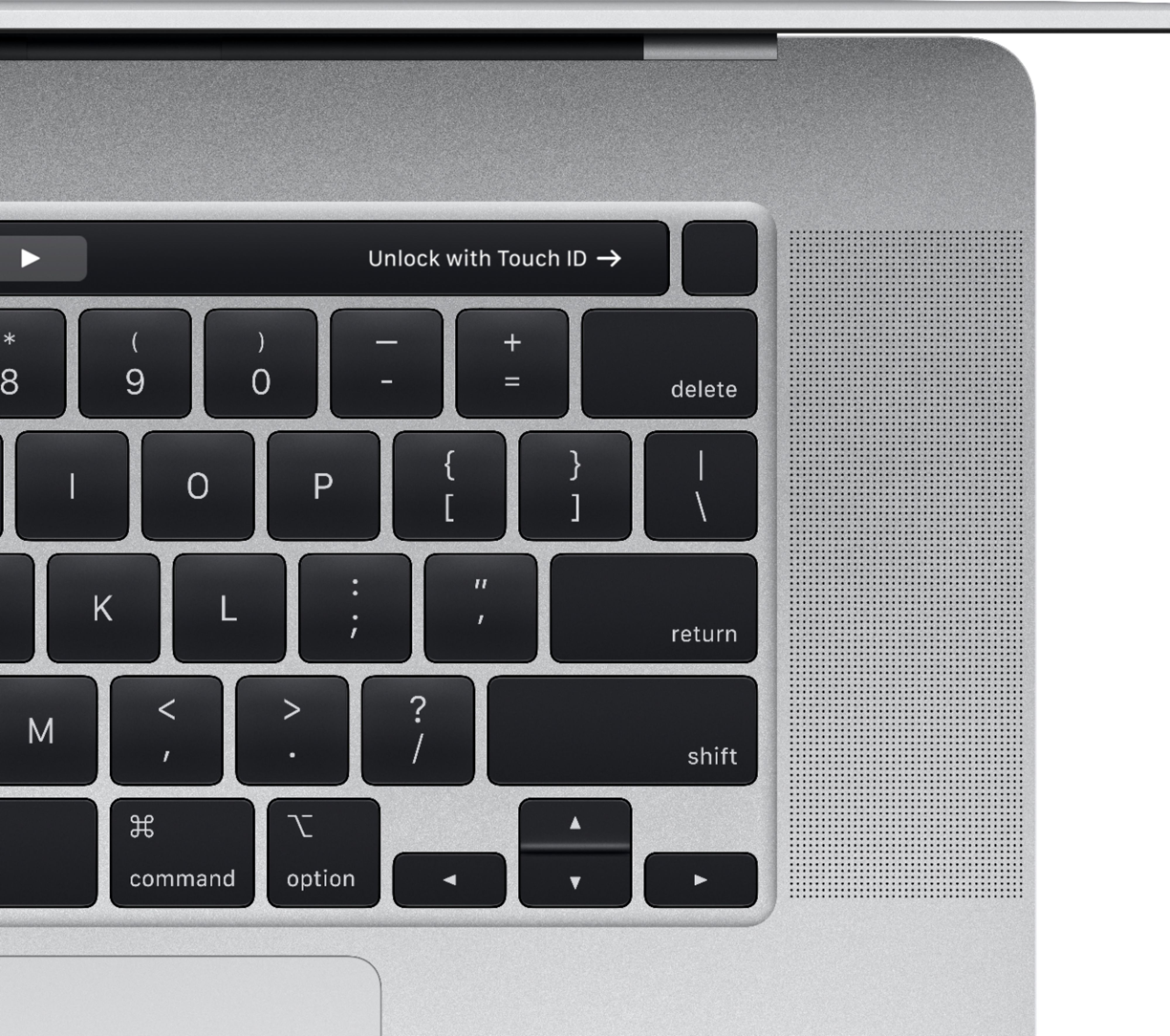
A:AnswerYes, you're able to customize the keyboard layout to which you prefer! The first thing you'd first do is go to Settings>Search>Keyboard Layout. If you're trying to customize your control strip it'll be under <Keyboard> "Customize Control Strip" and it's yours to decide! :))
A:AnswerFor me the no questions asked Best Buy return policy was 14 days and the Mac Applecare is 90 days full phone support and one year limited support, but Apple Care can of course be purchased to extend that coverage.
A:AnswerI chose the laptop to run Lightroom and Photoshop as well as pulling images off of the camera. I looked into a tablet to use when out in the wild but I, personally, would not use a tablet as a sole device.
I looked into Apple products and Microsoft products. My criteria were processor and RAM. I prefer Intel processors and was much RAM as I can afford.
Oh, I also went for a new 4TB external drive, just because I needed to extra storage.
Sorry for the long winded answer - I would go for for the iPad pro with as much memory as you can afford.
- Pete
A:AnswerThe easiest way is to make sure they are synced in the iCloud settings. Theater way you can do so is by using the migration assistant either during the setup of your new computer or at anytime after simply by opening the program In the program group named "Other."
A:AnswerAlthough this Mac is an i7, it's graphics are 2GB I believe and that should be more than enough. The performance on my i9 4gb graphics MacBook Pro 16" is amazing. The sound system is a bomb and nothing comes near its performance. The graphics blow my mind. So far, I have played WofTanks Blitz on this laptop and that is very graphics intensive, while also being a game that takes time to play. I spend hours on it and I never even hear the sound of a fan. Although the fans do come on t control the heat, I always keep my laptop plugged into an outlet when playing to prevent battery throttling and I also have the sound on for the game. In general, the fans on this laptop are very quiet. I have seen Windows laptops with normal fans, but these fans make those seem like they are plugged into another sound system, they are so loud. Gaming = no problem. ;)
A:AnswerIf you would like to utilize those two programs, you will have to purchase them separately. I know that the Apple website gives you the option to add those programs at the end of checkout, but I don't know how Best Buy has programmed that option into its website. Both programs are not free and both are not included with the laptop unless you pay a little more.