
A:Answermy arlo cameras have been running for about 1 month and are around 50-70% battery remaining. 2 months would be reasonable before needing a recharge.
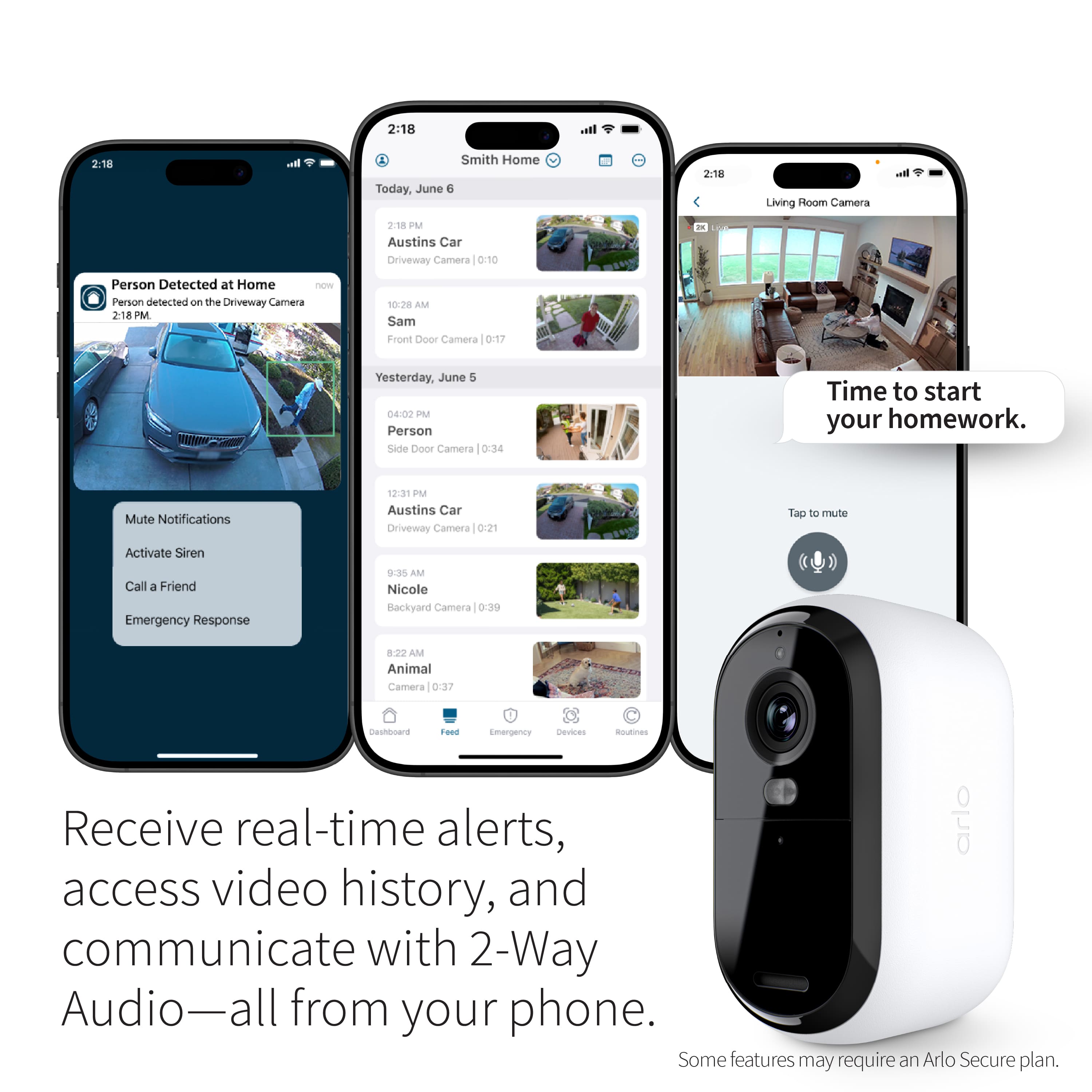
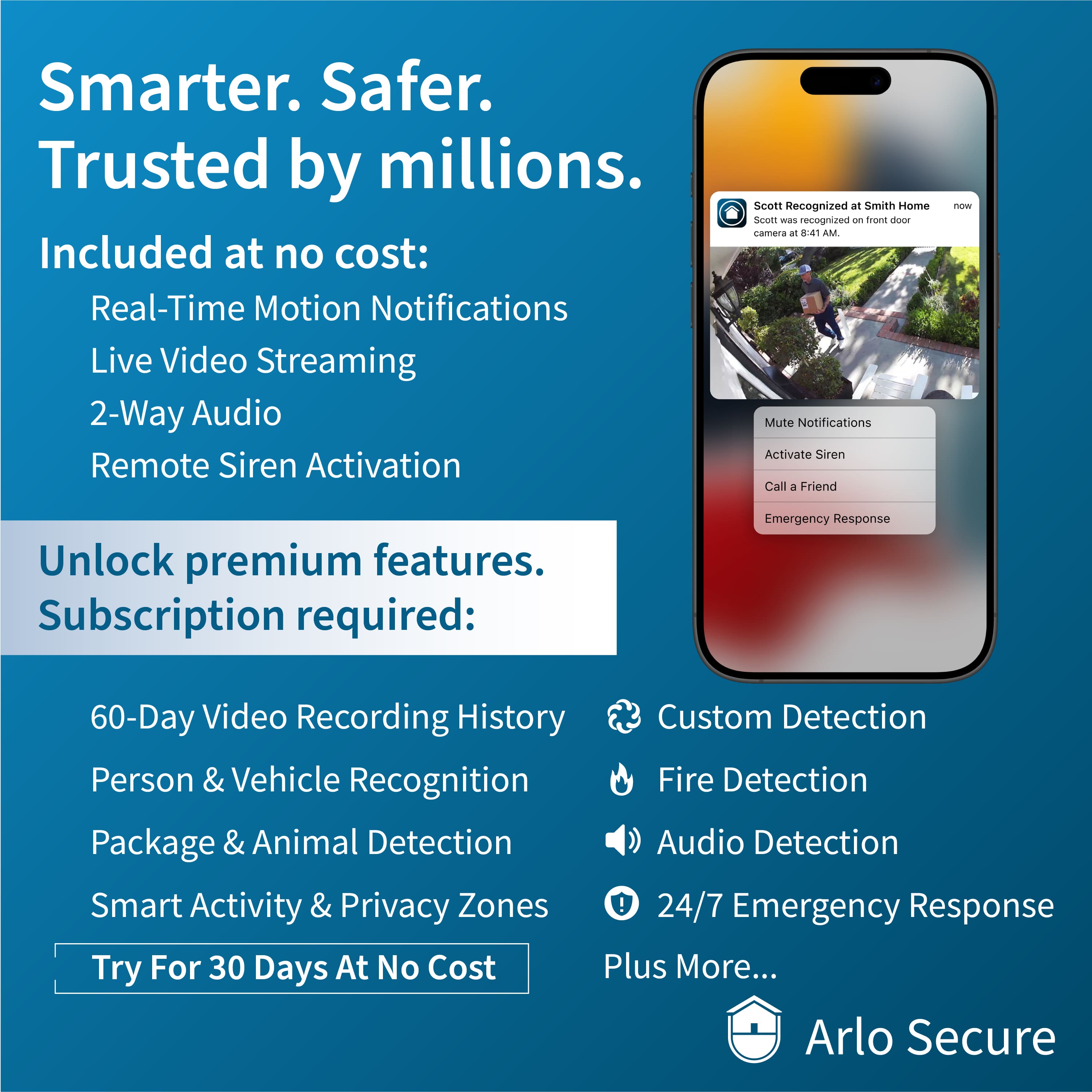
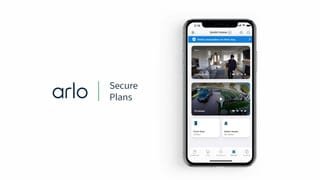
FYI you need a paid monthly subscription to view any recorded videos. without it you can only play live video w/o saving.
A:AnswerThis camera only allows live video without a paid subscription. Older cameras still offer old video footage for up to 7 days for free. I have 2 Arlo Pros and 2 Arlo Pro 2s that I have used for over 5 years. They still offer the short term free storage. The Essential and Ess 2 do not and the Subx is about $15/month. I installed the set of 4 Essential cameras and found out after. I reinstalled the older Pros.
A:AnswerThere is no subscription needed to monitor the cameras but you need a subscription in order to cloud save and review past recorded moments. These cameras do NOT have an SD card slot so there is NO way to save recorded moments yourself without the cloud storage. Hope this helps!
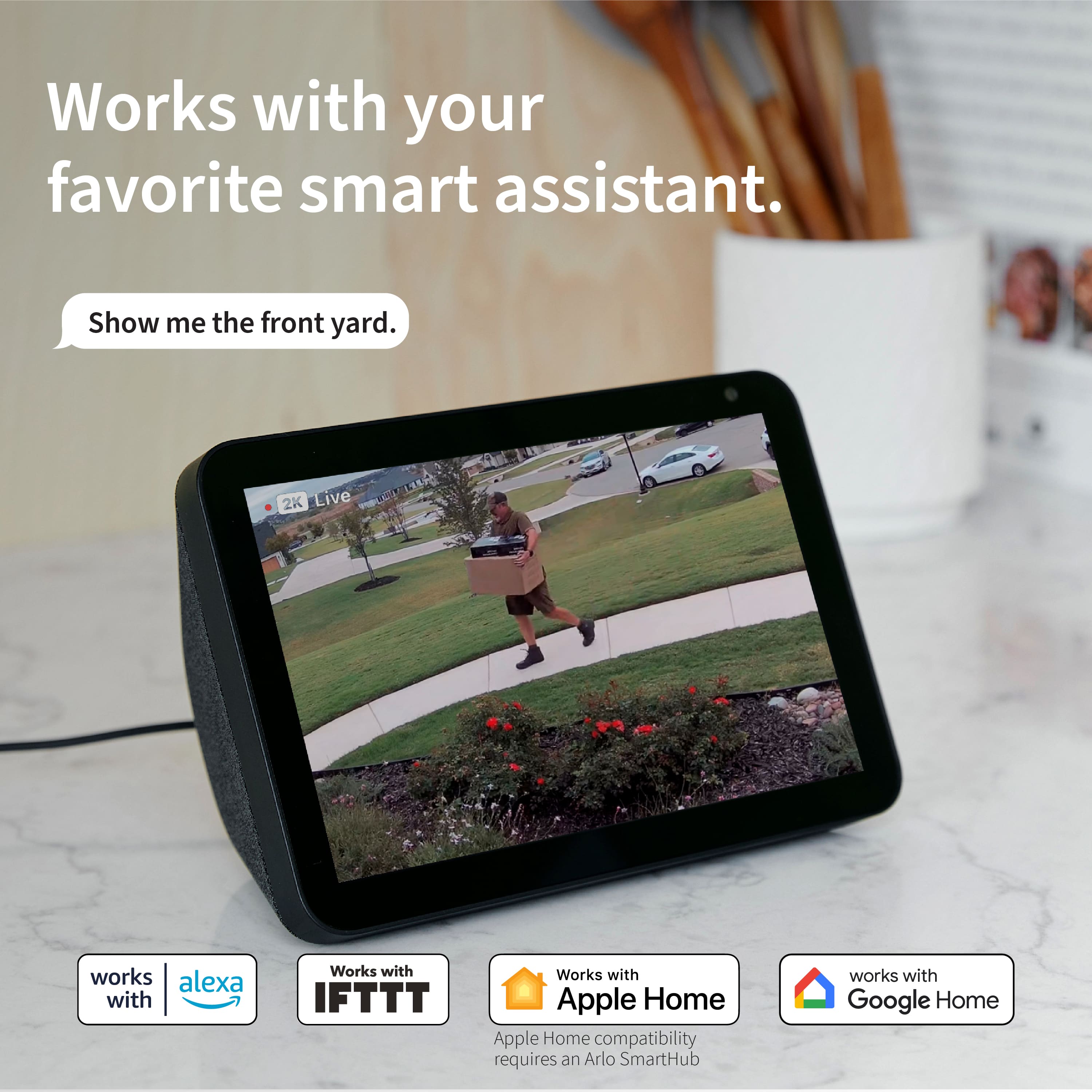
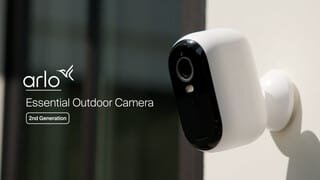
A:AnswerArlo SmartHubs/Base Stations, and Apple HomeKit are not currently compatible with the Arlo Essential Outdoor Camera (2nd Generation) at launch. We expect Base Station/SmartHub and Apple HomeKit support to be made available in a future firmware release.
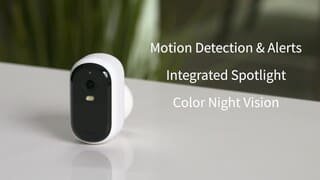
A:Answeryou can change the settings to match what you want for duration and trigger for recording. Generally they are set to record or notify when motion triggered.
But in order to view recorded videos you must have a monthly paid subscription
older models still offer a subscription free plan that saves recorded videos for up to 7 days
****
Most notably, not using a subscription will limit you to a total of five security cameras on one account, depending on which type you’re using. This limit applies to the Arlo Wire-Free, Arlo Pro and Pro 2, Arlo Q and Q+, Arlo Go, and Arlo Baby. These devices also have a limit for cloud recording, with recordings up to 1080P being stored on a rolling seven days system (this means they are written over every seven days)
****
https://www.androidpolice.com/do-you-need-a-subscription-to-use-an-arlo-security-camera/
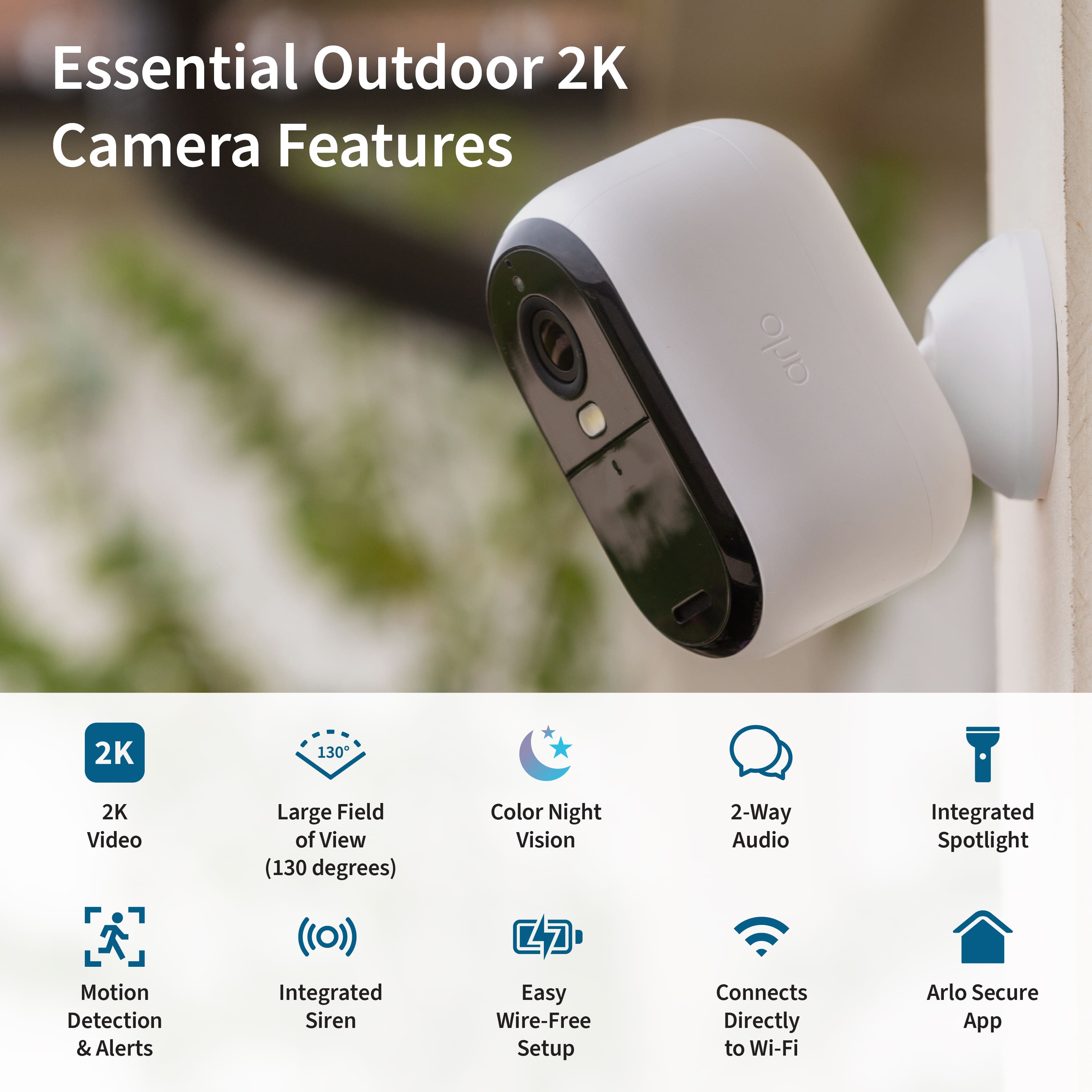
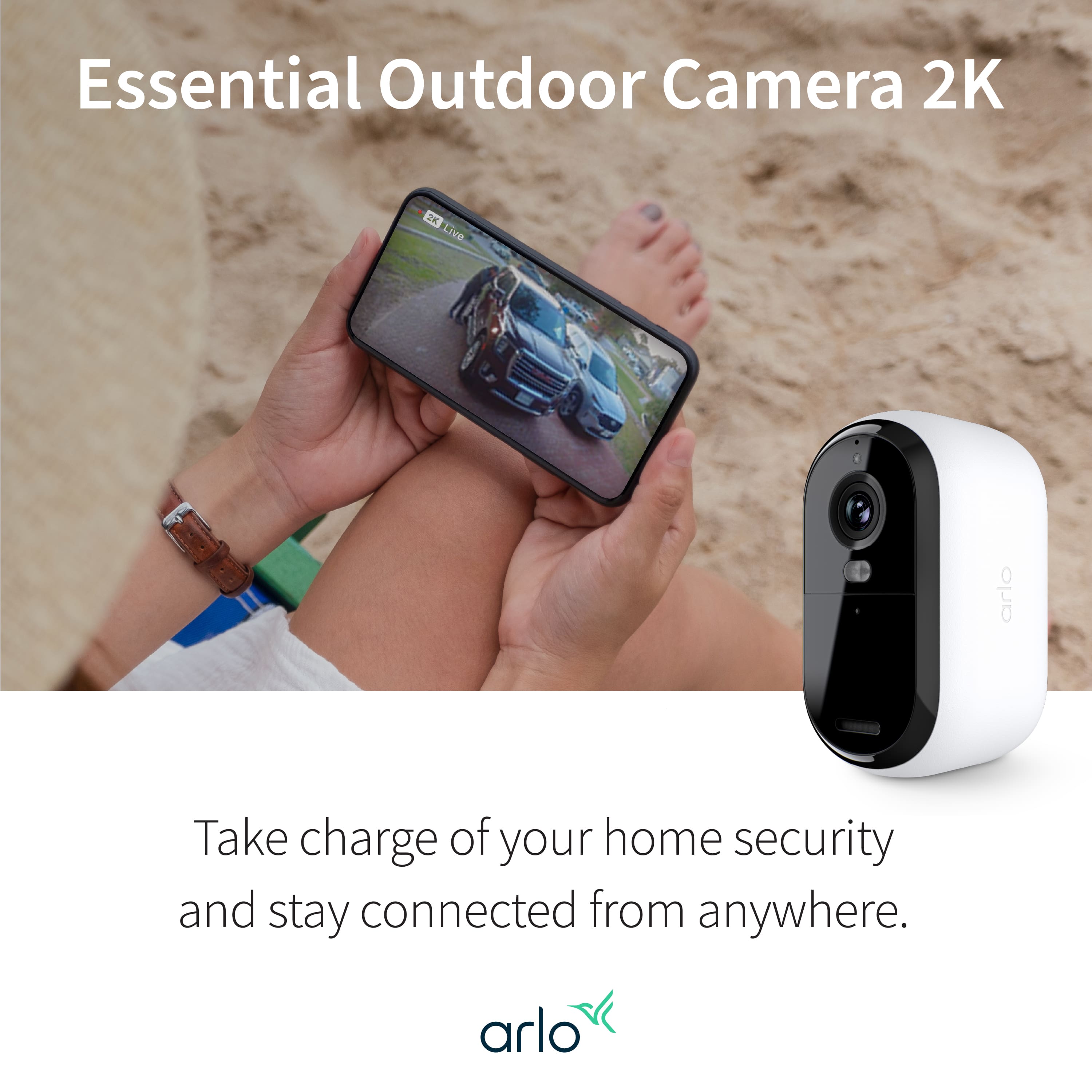
A:AnswerNo, nothing else is required as everything needed for installation is included in the box. The Arlo Essential Outdoor Camera (2nd Generation) connects directly to your WiFi through the Arlo Secure App which you can download from any smart-enabled device.
A:AnswerYes, you can leave Arlo cameras plugged in, as they have safety mechanisms to prevent overcharging, and some users find it convenient for continuous power and charging.
A:AnswerMotion detection does not work through windows reliably. Arlo cameras use two different kinds of motion detection, and both types are inhibited by glass, especially windows.
A:Answerthe essential 2 has a separate sliding mount and do not work with the magnetic mounts from earlier models. You screw in a small plastic plate and slide the camera mount into it.
fyi these cameras require a separate base station connected to your router/wifi and a paid monthly subscription for recording video.