Black Friday is hereShop new DoorbustersShop now

Main Content

Questions & Answers

Your price for this item is $49.99
Clearance
The comparable value price is $99.99
Page Showing 1-20 of 59 questions
  • QuestionDo I have to buy a subscription to view cameras on my Android phone?

    Asked by Bear.

    • Answer Only if you want continuous recording to cloud storage and the other features included with Arlo Smart, to my understanding. This camera comes with a free trial of it, but I’ve been using an older Arlo Q camera for years without a paid subscription. Without a subscription, you can pull up a live stream of your camera and keep up to 7 days of recorded events, like audio or motion alerts, which are typically about 15 seconds of video when detected.
      Answered by Thomas

  • QuestionDoes the Arlo Indoor essential camera need to be plugged into an electrical outlet permanently or until fully charged? if so how long will it stay charged for Example if there is a black out?

    Asked by Roland.

    • Answer Its permanently pluged in unless you get the battery operated and battery life depends on how much activity you capture my dog always gets filmed. Trucks from other driveway turns it on also any motion. So battery life depend on that. Once I had to replace the battery in 2 days and other times like now I caught my roommate having men come steal from my garage so activity all night and caught them in action stealing well now she's gone and now my cameras with batteries are going to last a lot longer. Probably a week or more.

      Answered by Bespectacled

  • QuestionIs there a way to completely turn off either the whole camera or just the infrared (night) light remotely? For example, does engaging the privacy shield only block the lense from receiving light OR does it also prevent infrared light from being emitted?

    Asked by Mikaela.

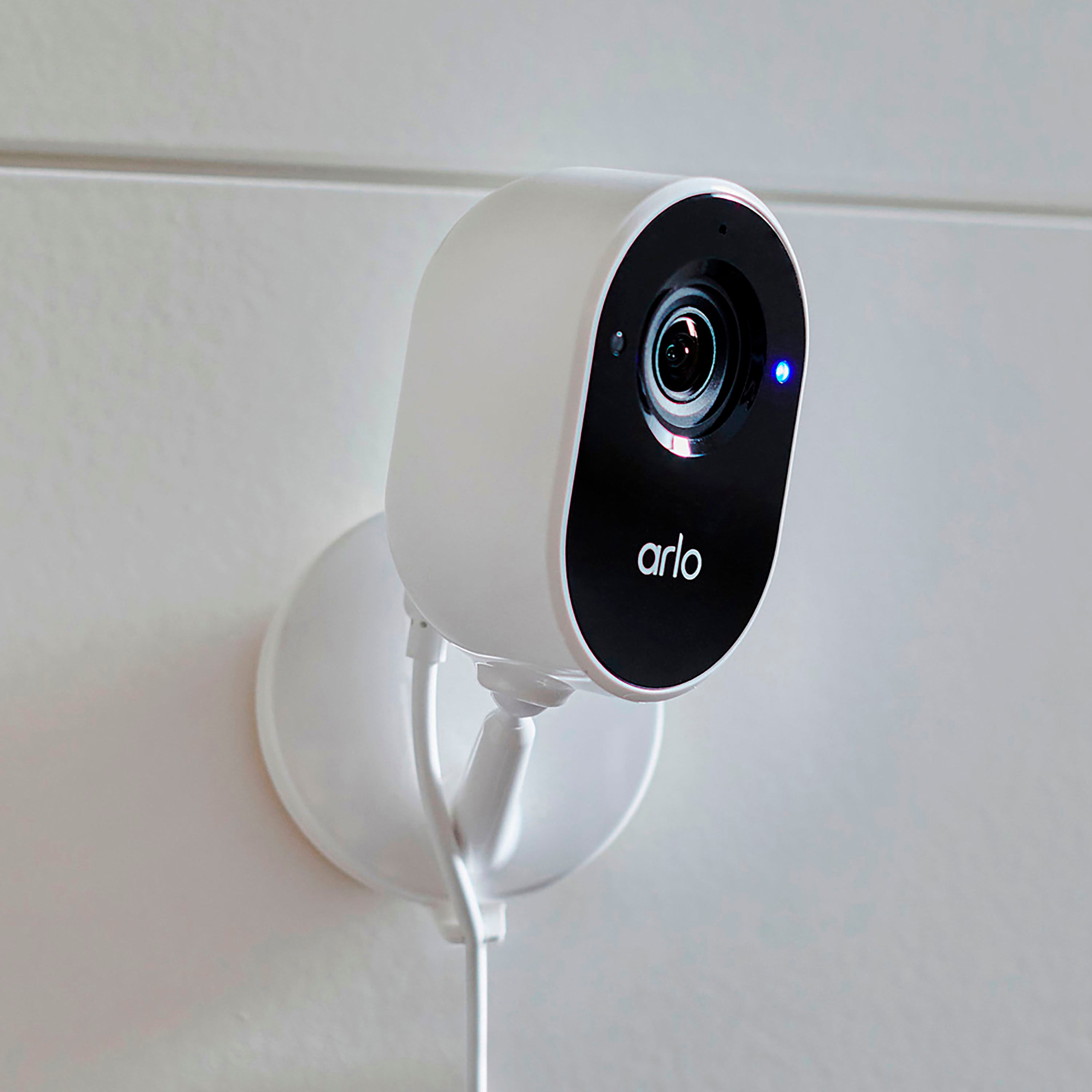
    • Answer Yes you can turn the device off in the app. For the red lights only, you will need to turn off night vision. For the blue status light there is a function in the app to turn it off.

      Answered by Anonymous

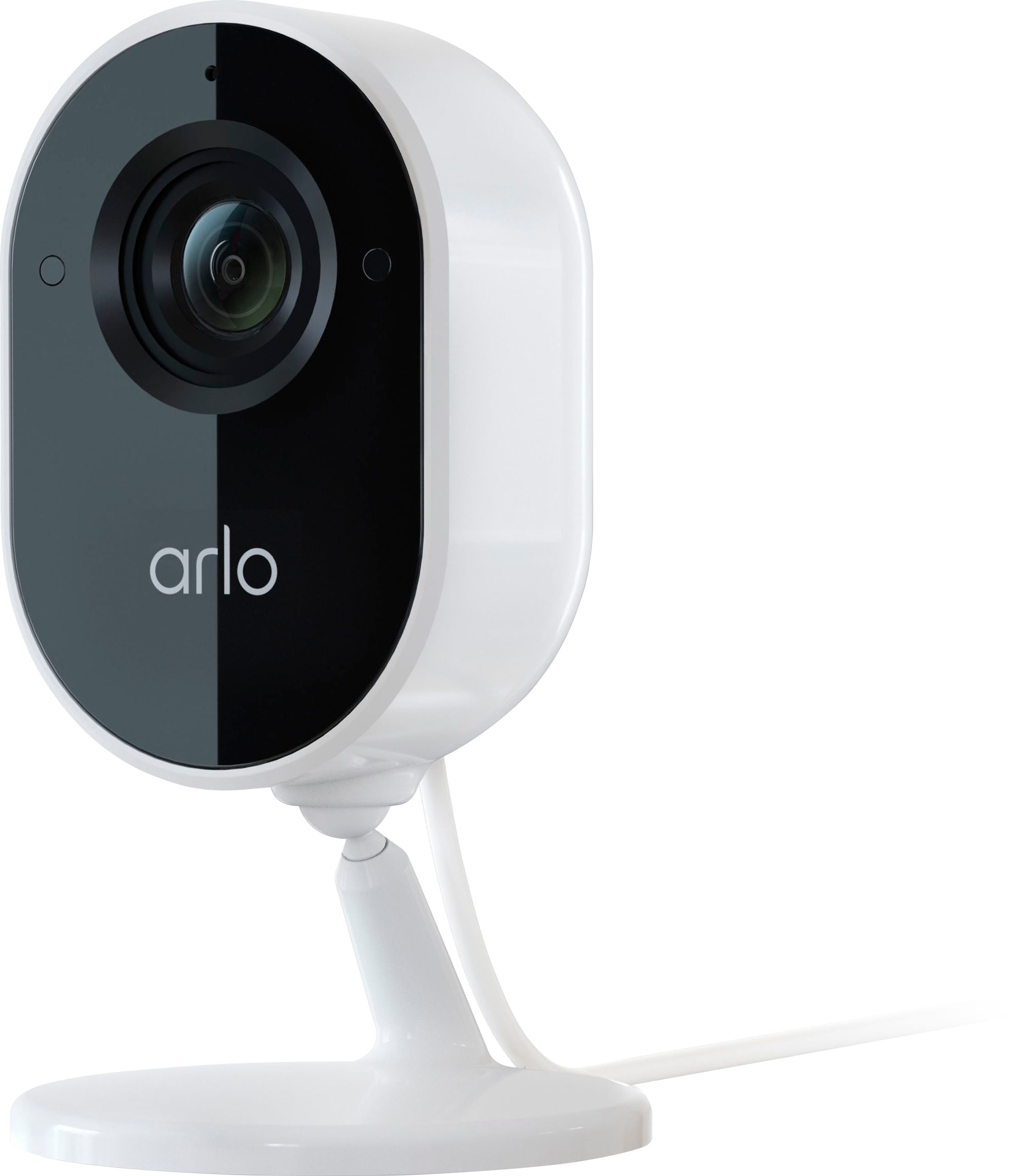
  • QuestionHow long is the included micro usb cord?

    Asked by Keith.

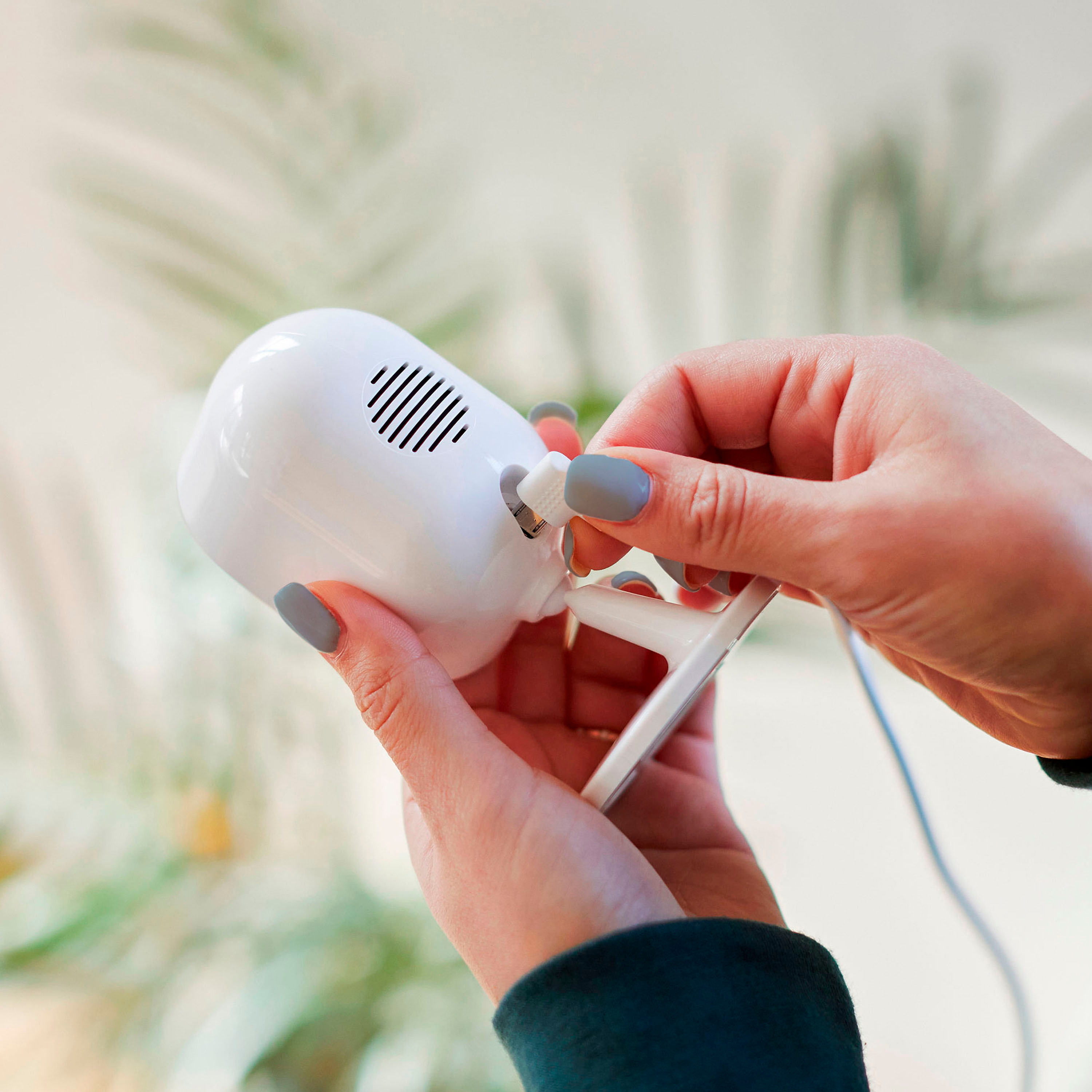
    • Answer The camera comes with 2 meters cable. ^RM

      Answered by Arlo Team

  • QuestionCan this camera be used inside a window

    Asked by Anonymous.

    • Answer Motion detection does not work through windows reliably. Arlo cameras use two different kinds of motion detection, and both types are inhibited by glass, especially windows.

      Answered by Arlo Team

  • QuestionThe Wyze cameras require 2.4 gHz wifi for the app connection. My building only gives me access to 5 GHz. Will the Arlo cameras connect?

    Asked by Pete.

    • Answer The Arlo Essential Indoor Camera is only compatible with a 2.4 GHz network. Please refer to the Arlo Ultra 2 Camera for compatibility with 5 GHz.

      Answered by Arlo Team

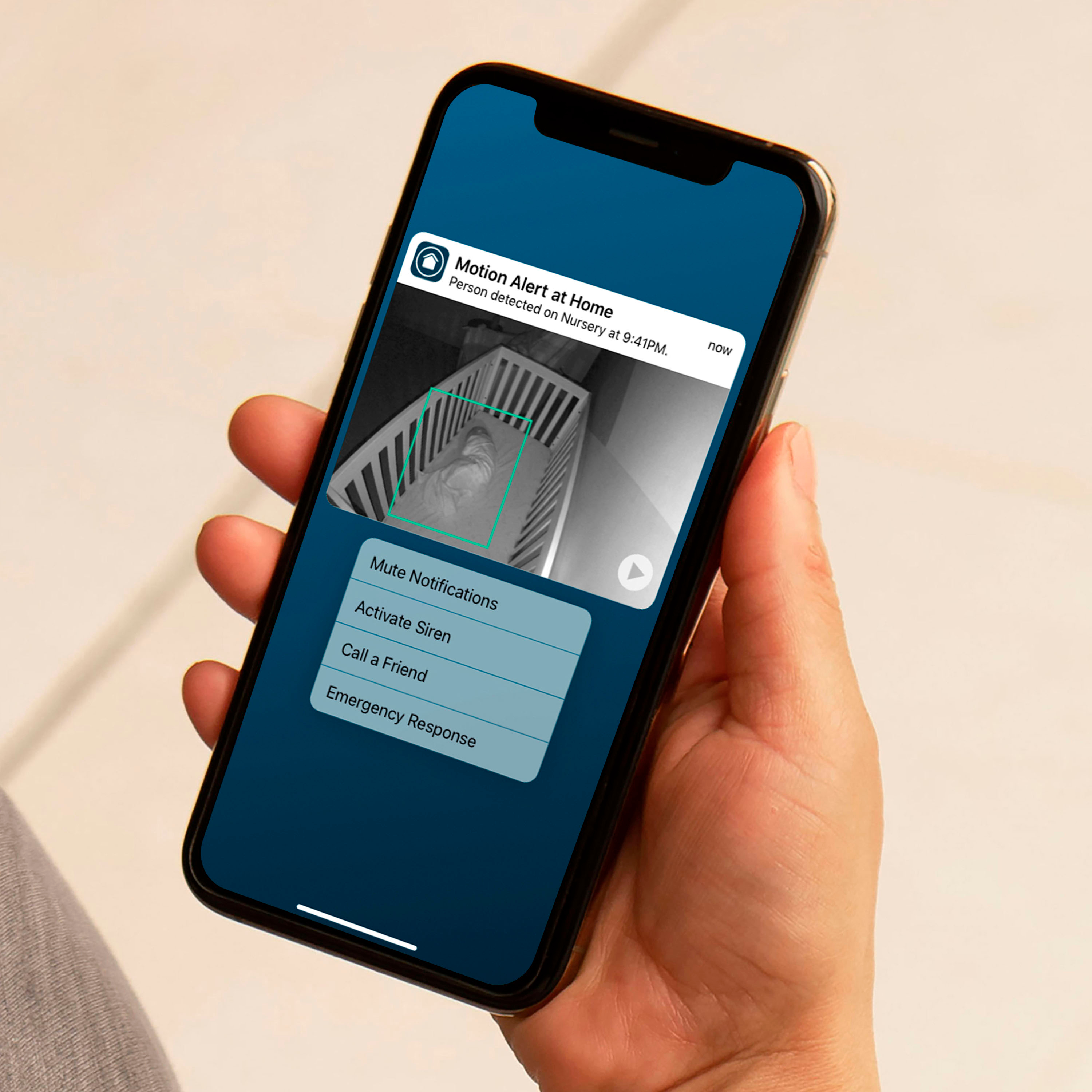
  • QuestionDo I get notifications on my iphone if any movement of a person

    Asked by Ben.

    • Answer Yes, you will receive notifications via the Arlo Secure app which is available for download from the Apple Store.

      Answered by Arlo Team

  • QuestionWe have an older Arlo system and it works great! We do not subscribe to the cloud storage feature, but can view up to 7 days history from our iPhone. Will this product still allow us to view past 7 days without subscribing to cloud storage?

    Asked by Zeyda.

    • Answer No, any new Arlo Essential Indoor Camera will no longer be compatible with the 7 day cloud storage.

      Answered by Arlo Team

  • QuestionWill this camera work indoor looking outside through a window?

    Asked by Rcc.

    • Answer Yes; this camera works indoors pointed out just play with the settings accordingly such as the night vision mode may cause reflections on your window but can up the brightness if there’s enough light where you’ll be filming

      Answered by Eddie

  • QuestionCan this device record me while I am sleeping?

    Asked by Sleepy.

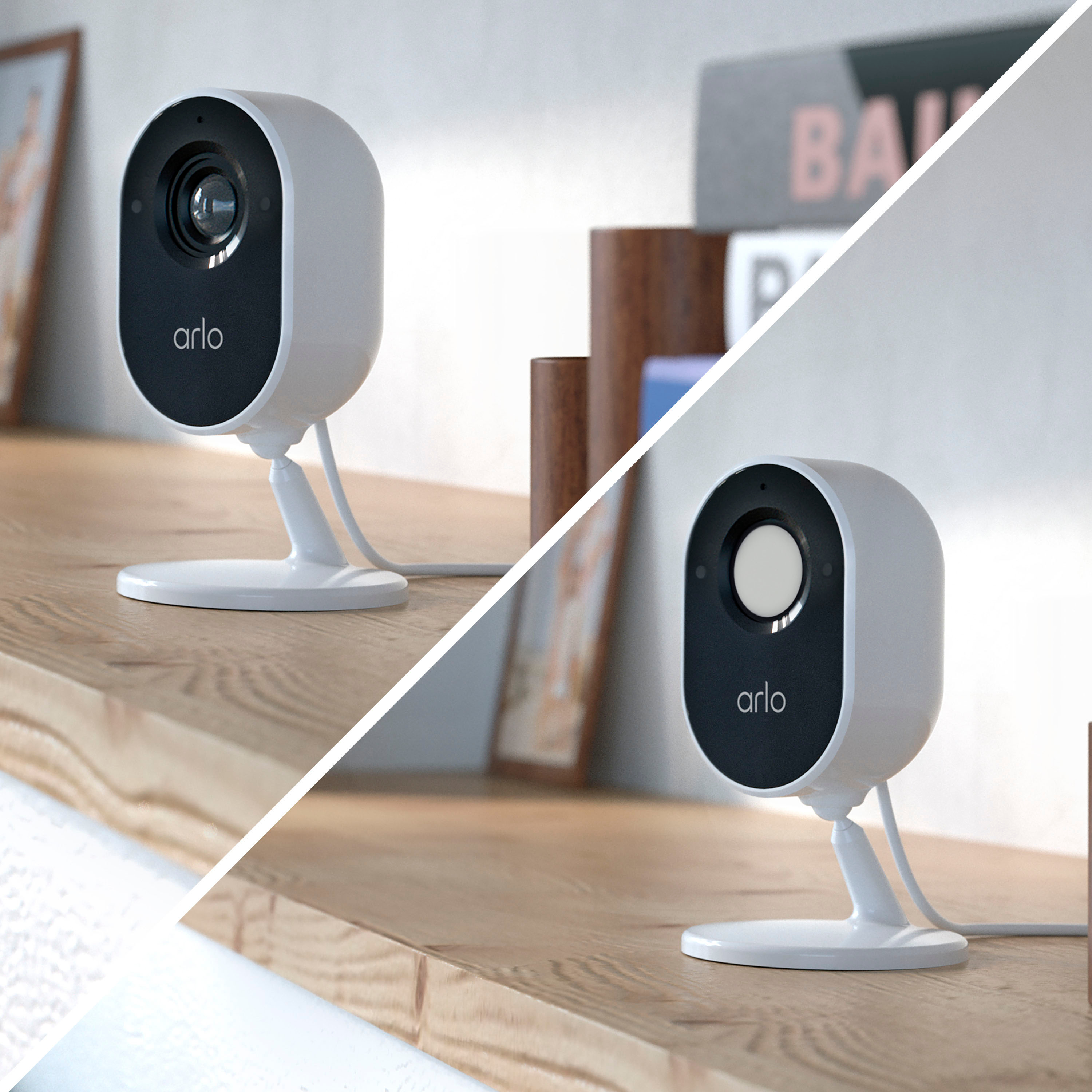
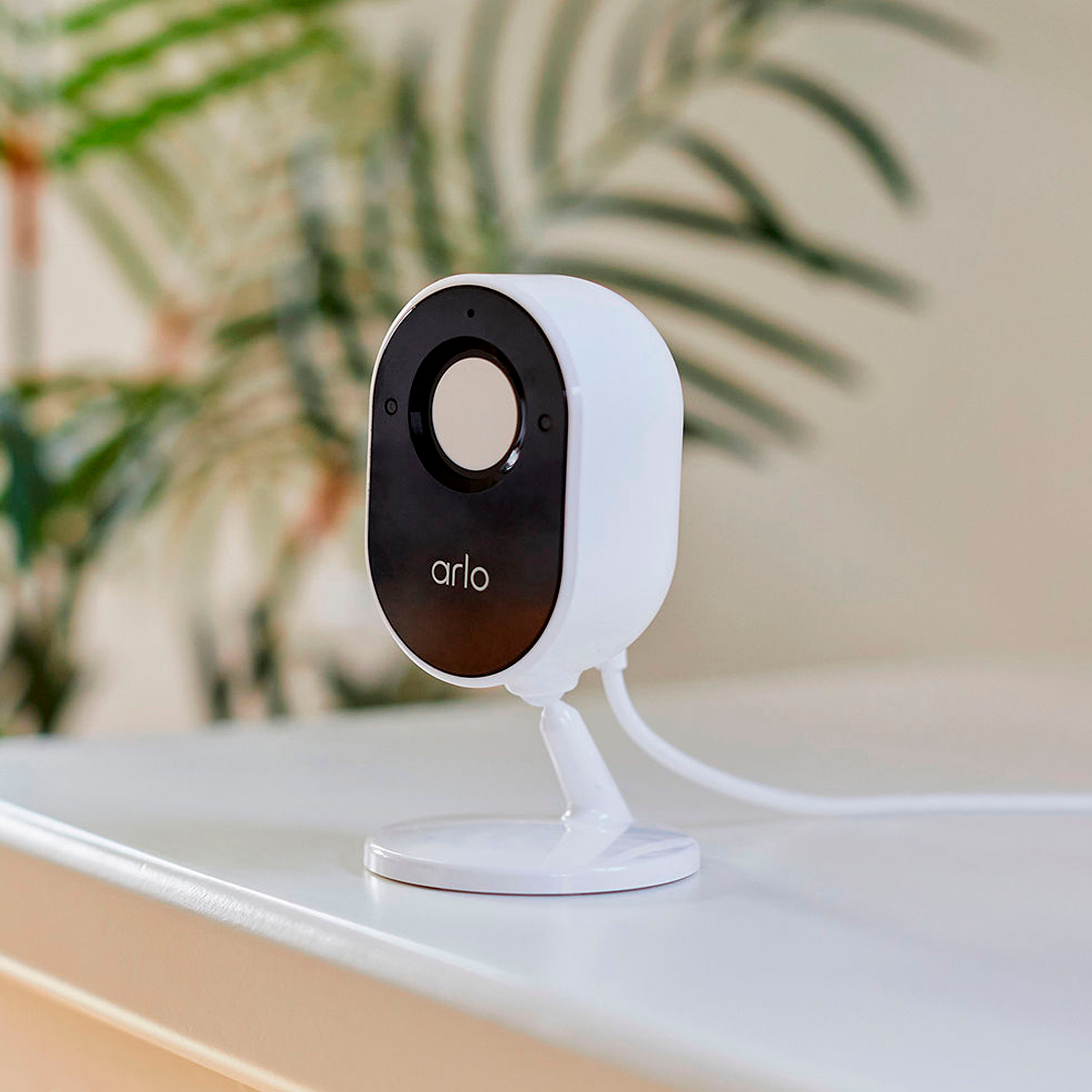
    • Answer Your Arlo Essential Indoor Camera comes with an integrated Privacy Shield to give you an extra level of privacy. The Privacy Shield automatically covers the camera lens when the camera is disarmed, and opens when the camera is armed. ^RM

      Answered by Arlo Team

  • QuestionDoes it need Wi-Fi

    Asked by Nate.

    • Answer Yes, the Essential Indoor Camera requires to be connected to WiFi.

      Answered by Arlo Team

  • QuestionCan I set this up remotely if someone else installs physical product?

    Asked by Valerie.

    • Answer You have to first locally connect the camera to your WIFI and setup the email to enable the camera setup. After that its all via WIFI.

      Answered by GaryE

  • QuestionCan I connect Arlo Esstential indoor camera to Arlo SmartHub that comes with Arlo pro 4 XL?

    Asked by Nayyer.

    • Answer Yes, the Arlo Essential Indoor Camera is compatible with the Arlo Pro 4 XL SmartHub

      Answered by Arlo Team

  • QuestionWill this work with Android 7 OS?

    Asked by Sunny.

    • Answer Yes, you can download the Arlo Secure app from the play store.

      Answered by Arlo Team

  • QuestionWho is the OEM for Arlo cameras and where is the cloud storage maintained? Is this Hikvision, or other Chinese derived or affiliated hardware and software? ? Best Buy, you need to start informing customers of the OEM provider.

    Asked by ArloOEM.

    • Answer I cannot answer that question. I know we have a base station and cloud safe. You can email Arlo support and make sure you give your phone number and they will call you to help. Arlo support does responds. Good luck and sorry I could not answer your question.

      Answered by Security

  • QuestionWhile out of town, I want to check on my brother who has seizure. Can the camera be turned off when I return?

    Asked by Freddiemd.

    • Answer Yes, you can turn the camera off any time through the app.

      Answered by YarisleidiS

  • QuestionIs there an audible signal on the phone?

    Asked by Anonymous.

    • Answer Yes, you will get sound notifications on the Arlo Secure App.

      Answered by Arlo Team

  • QuestionDoes this camera work without wifi?

    Asked by Valeria.

    • Answer No, it requires wifi to connect with your router and the internet.

      Answered by Carl

  • QuestionDoes it work with Verizon Cellular?

    Asked by Dobemom.

    • Answer The cameras work off of your home Wi-Fi. You can access it through your phone using their app, which does work with Verizon.

      Answered by Claire

  • QuestionHow many cameras can I have connected to my phone? If no is the answer, send me a link to the product that I have to purchase.

    Asked by Me.

    • Answer Multiple of them

      Answered by MrOso678