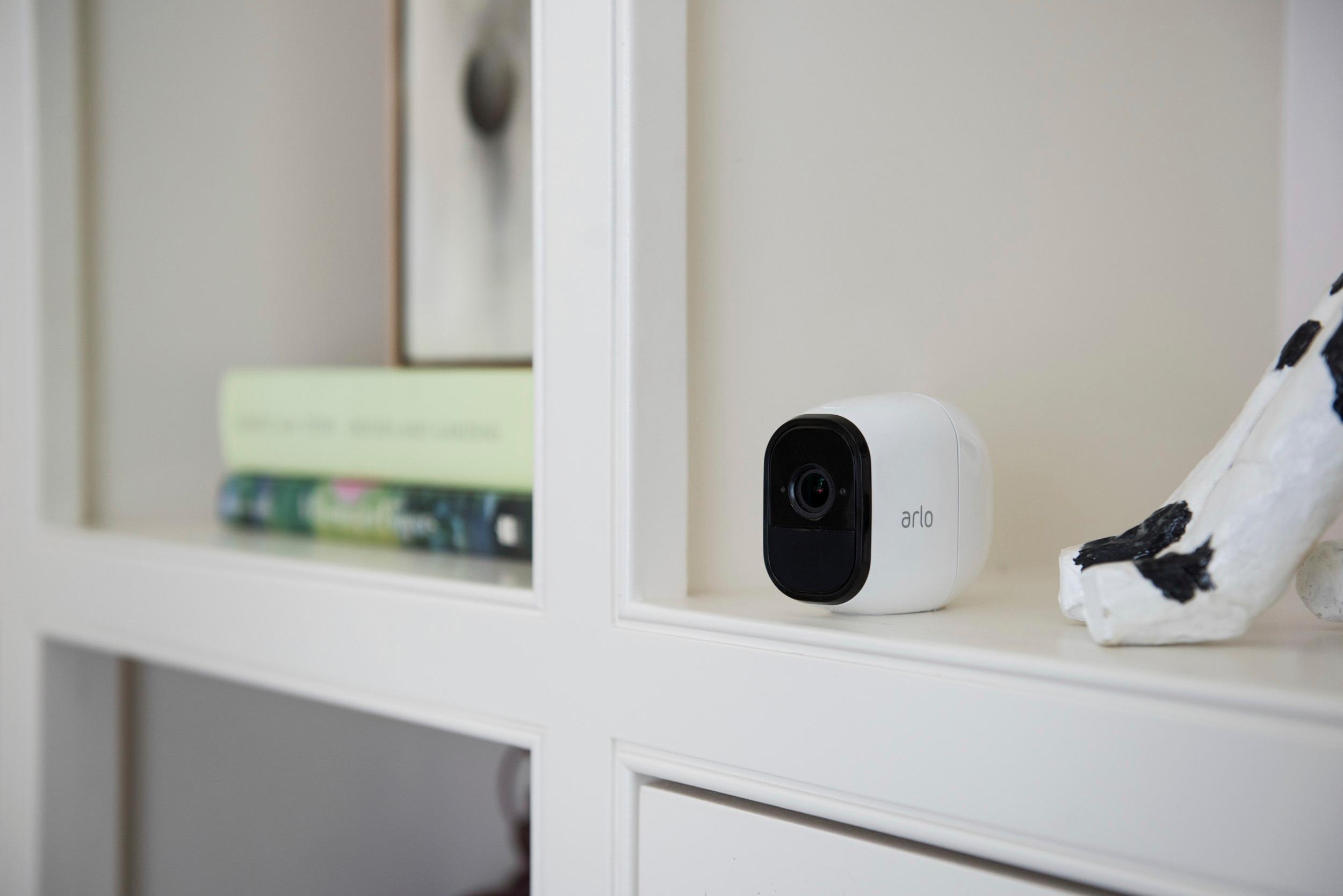
A:AnswerHey, donøt get the ARLO - You see the videos, but in reality it does not work like that. You should expect huge delays when wanting to see previews and recordings - And those are not related to your phone or internet, its the cloud and APP.
A:AnswerYou can read here how far you can place your Arlo Wire-Free camera from your Base Station: https://kb.arlo.com/35. You can also read about our Continuous Video Recording subscription here: https://kb.arlo.com/1018425.
A:AnswerYou pay monthly for 30. Days of storage or you could plug a jump drive or portable hard river onto the base station for longer history. You get 9 days of storage without the monthly subscription
A:AnswerDepends on how often the camera is activated, The more it records the less battery life it has. In most cases my cameras have held a charge for a month or two.
A:AnswerIf you are logged into arlo.com and have signed into your MY Arlo account then you can go into the settings of the camera(s) and you can go into video settings and you will see the zoom button. Click on it and then grab the corner and move it where you want it and save it. If you are doing it from your account on a cell phone, then it allows you to move the perimeter by touching and squeezing your fingers together.