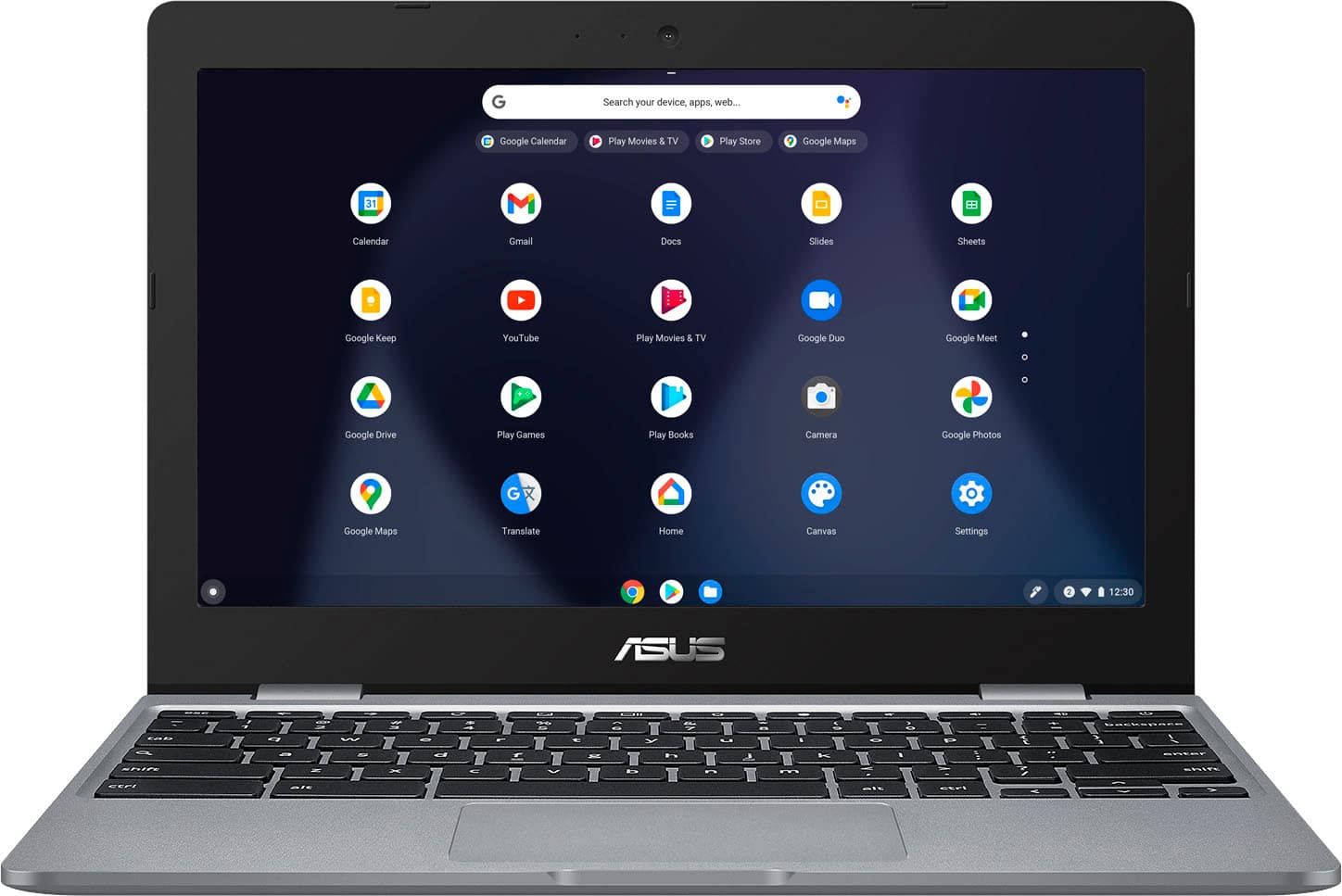
A:Answer To configure or connect a printer, from the bottom right, select “Settings”, at the bottom, select “Advanced”, under "Print and scan," select Printers, under "Available printers to save," next to your printer, select Save. Check that your printer appears at the top, under "Saved printers."