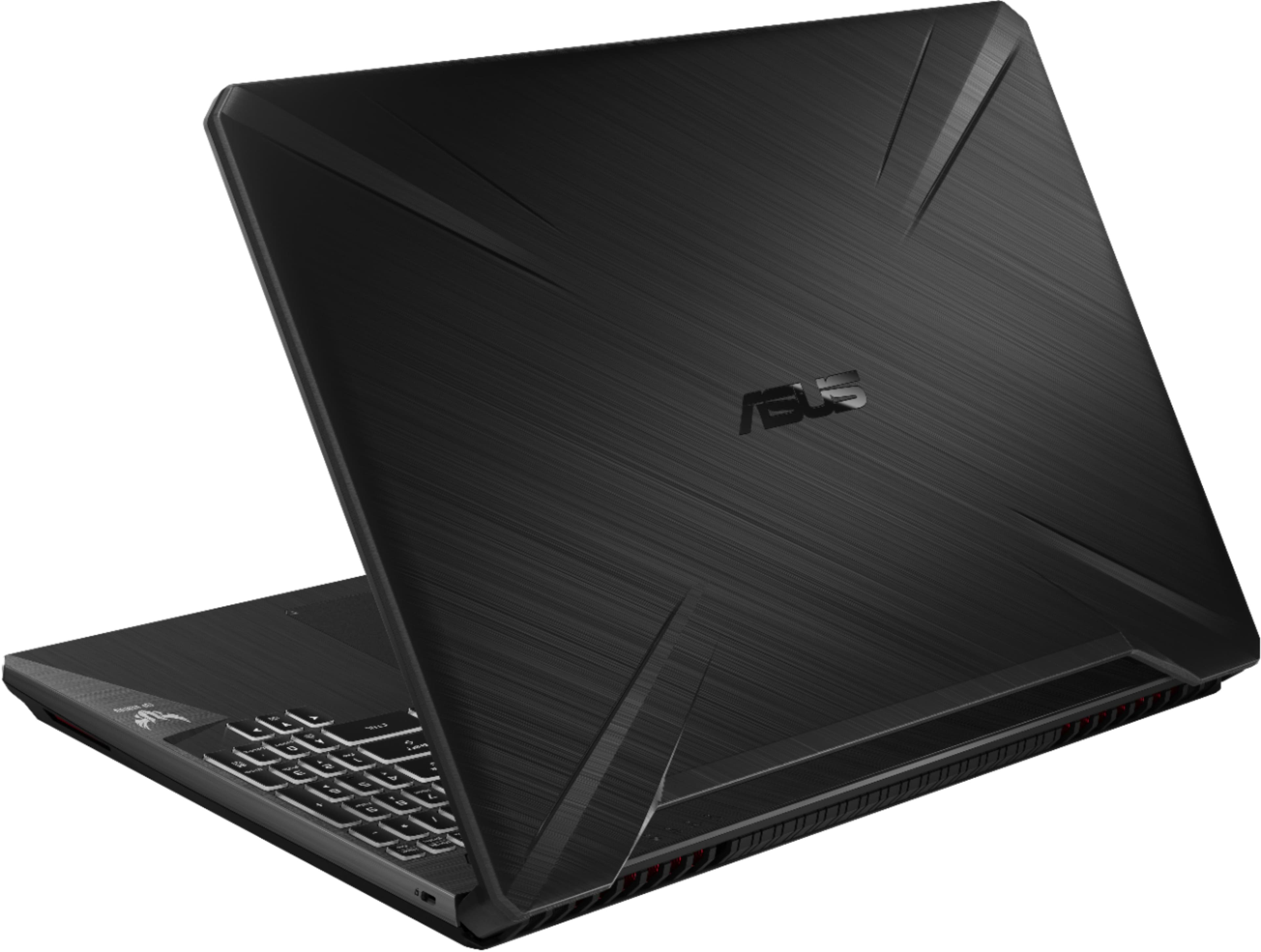
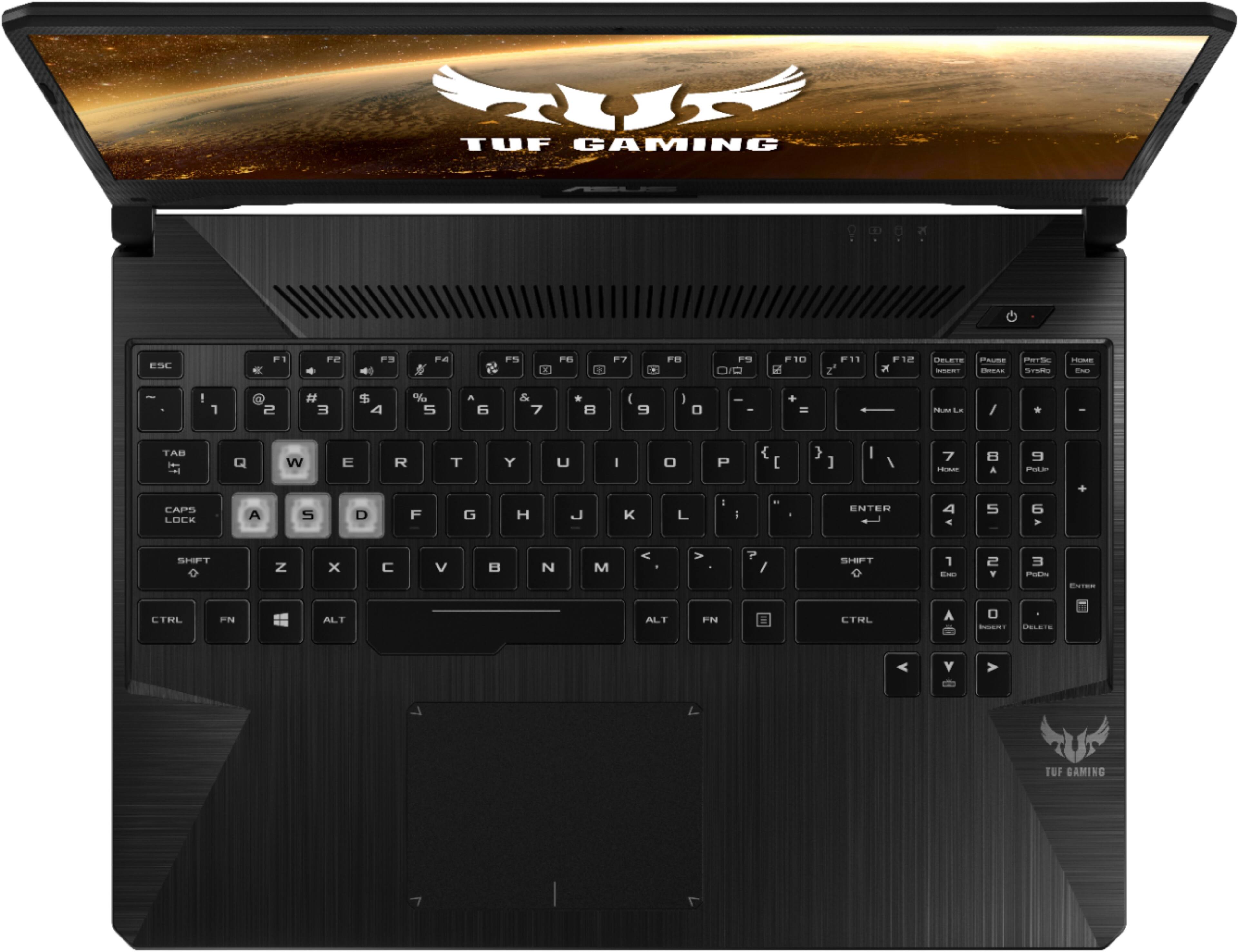
A:AnswerThe driver download page for this laptop can be found here. https://www.asus.com/Laptops/ASUS-TUF-Gaming-FX505GT/HelpDesk_Download/
For troubleshooting help, please reach out to ASUS Support either by phone, chat, or email. https://www.asus.com/support/

A:AnswerDon't know about video editing, but for video conversion it's great. Converted a 480p 2 hour long DVD video from USB 3.0 flash drive to internal SSD in 11 minutes (processor worked at 4 GHz and cooling system performed at 100% speed during conversion). It has a FullHD IPS screen and 8 GB of DDR 2667 MHz of RAM expandable to 32 GB (there are 4 memory slots). Processor is i5-9300h (9th generation). 512 GB of PCI-e SSD. Video cad is made in 2019. It's low-range gaming video card with 4 GB of GDDR5 memory.
A:AnswerIt's a low to mid-range gaming latop. Video card was made in 2019, but not a top performer. If he is not a hard core gamer, it shoud be OK. I suggest to read reviews, where people mention in-game performance of this laptop.
A:AnswerOpen Asus Armoury Crate program.
Bottom left click the Settings cog.
Update all software, then restart.
Reopen Armoury Crate.
Click the Triangle.
choose anything from on/off, brightness, to how you would like the lighting to pulse.
A:AnswerThe ports this laptop has are as follows:
Headphone Jack
Yes
Number of USB Ports (Total)
3
Number of USB 2.0 Type A Ports
1
Number of USB 3.0 Type A Ports
2
Number of HDMI Outputs (Total)
1