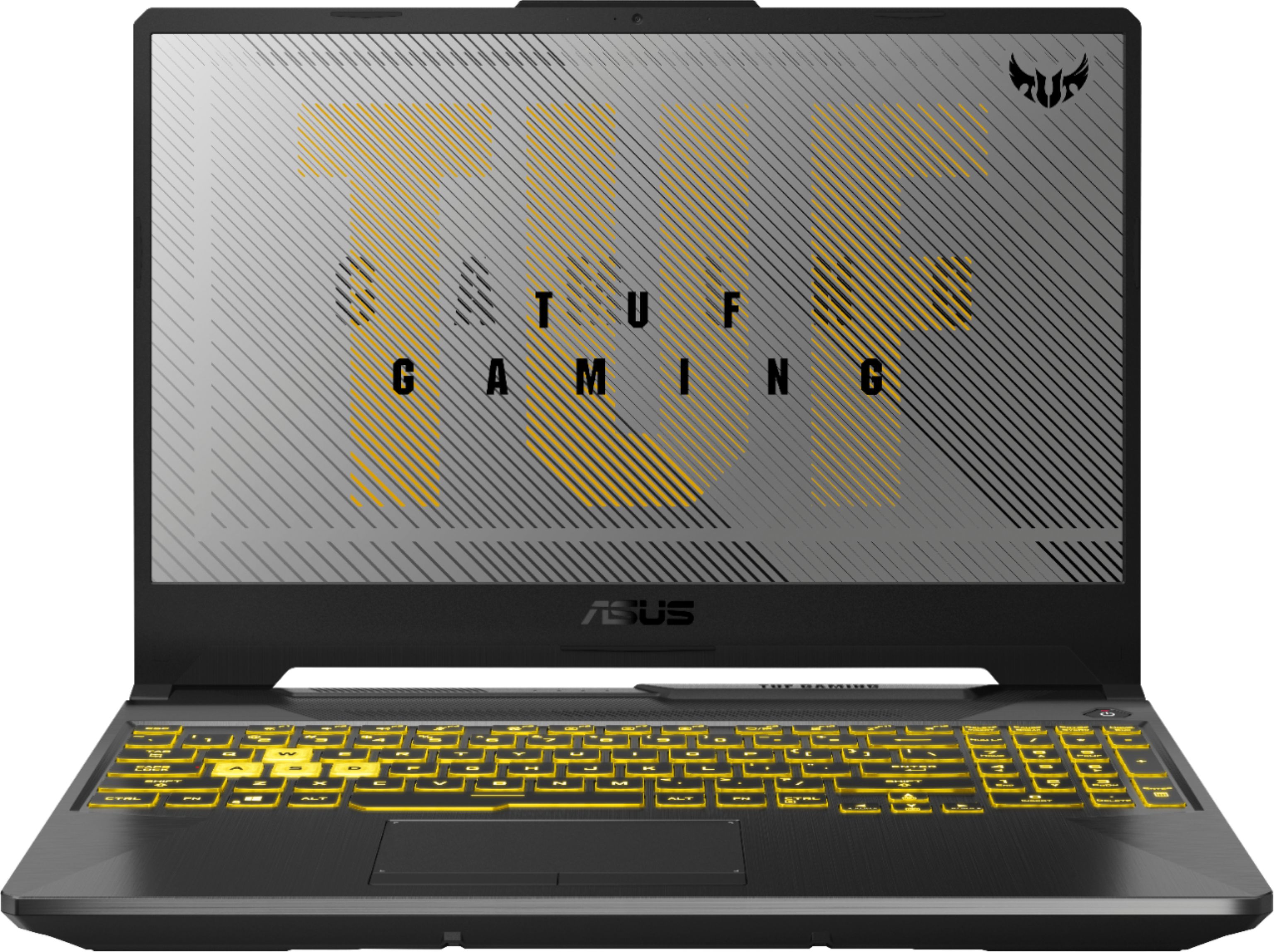
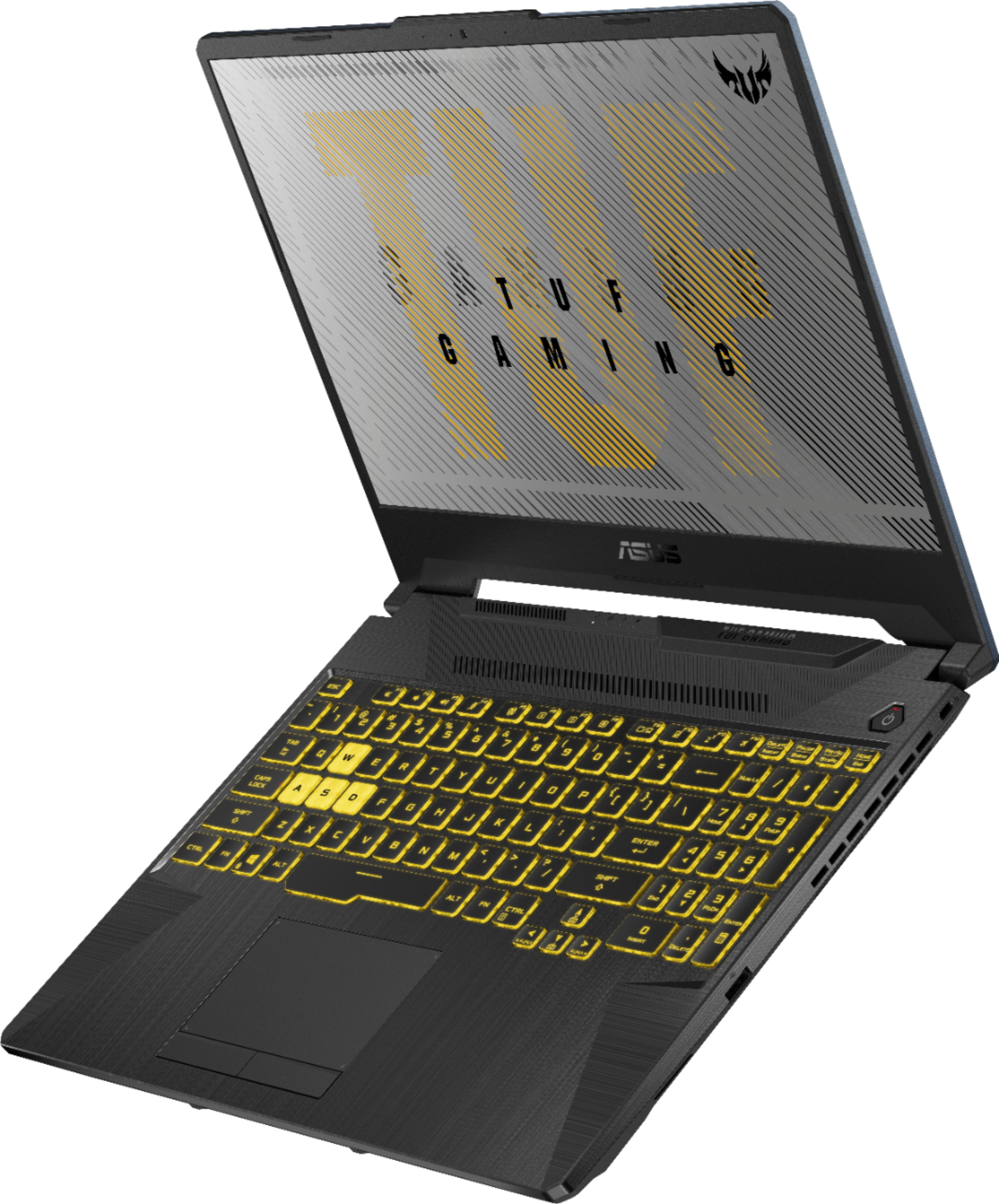
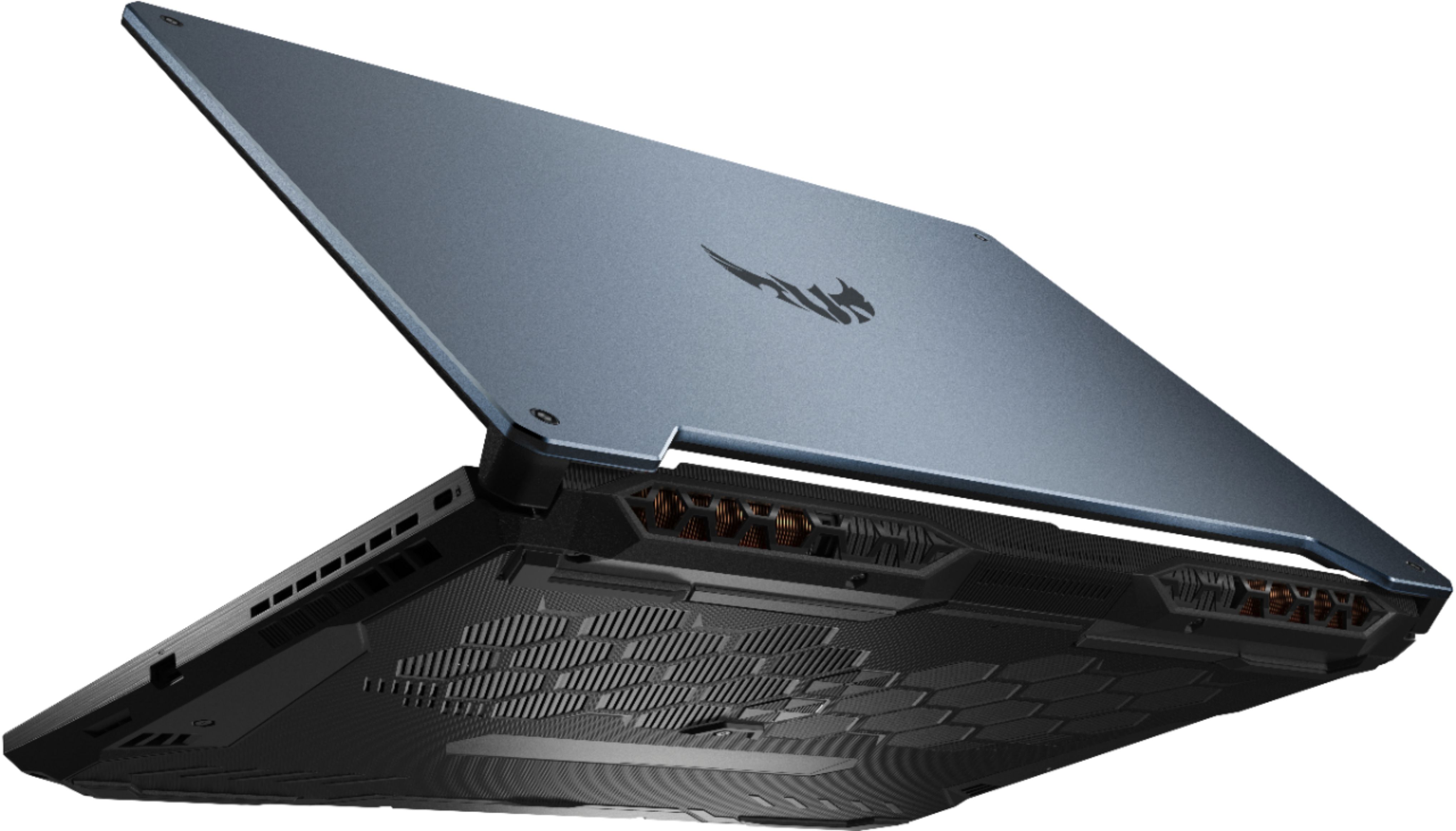
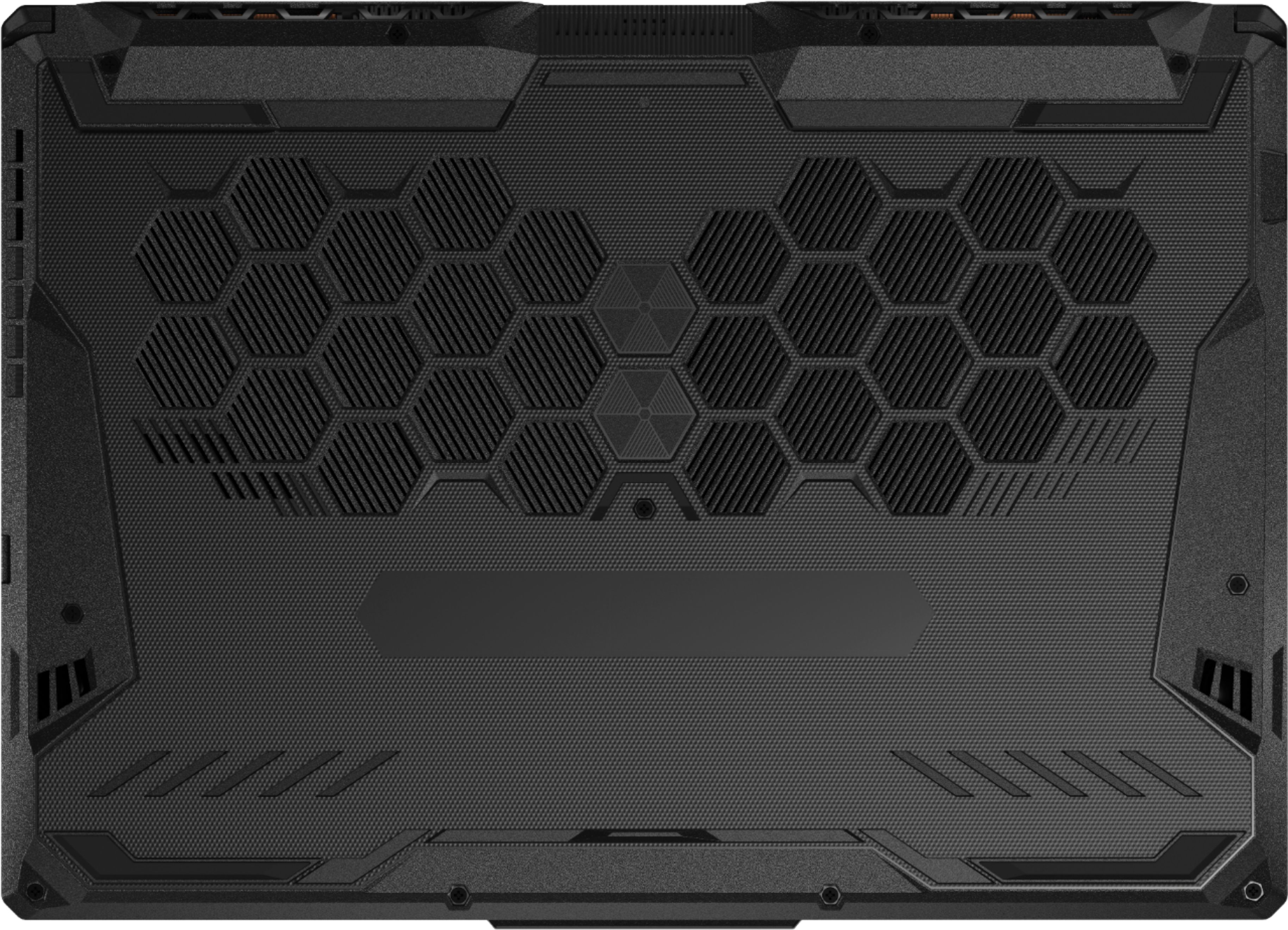
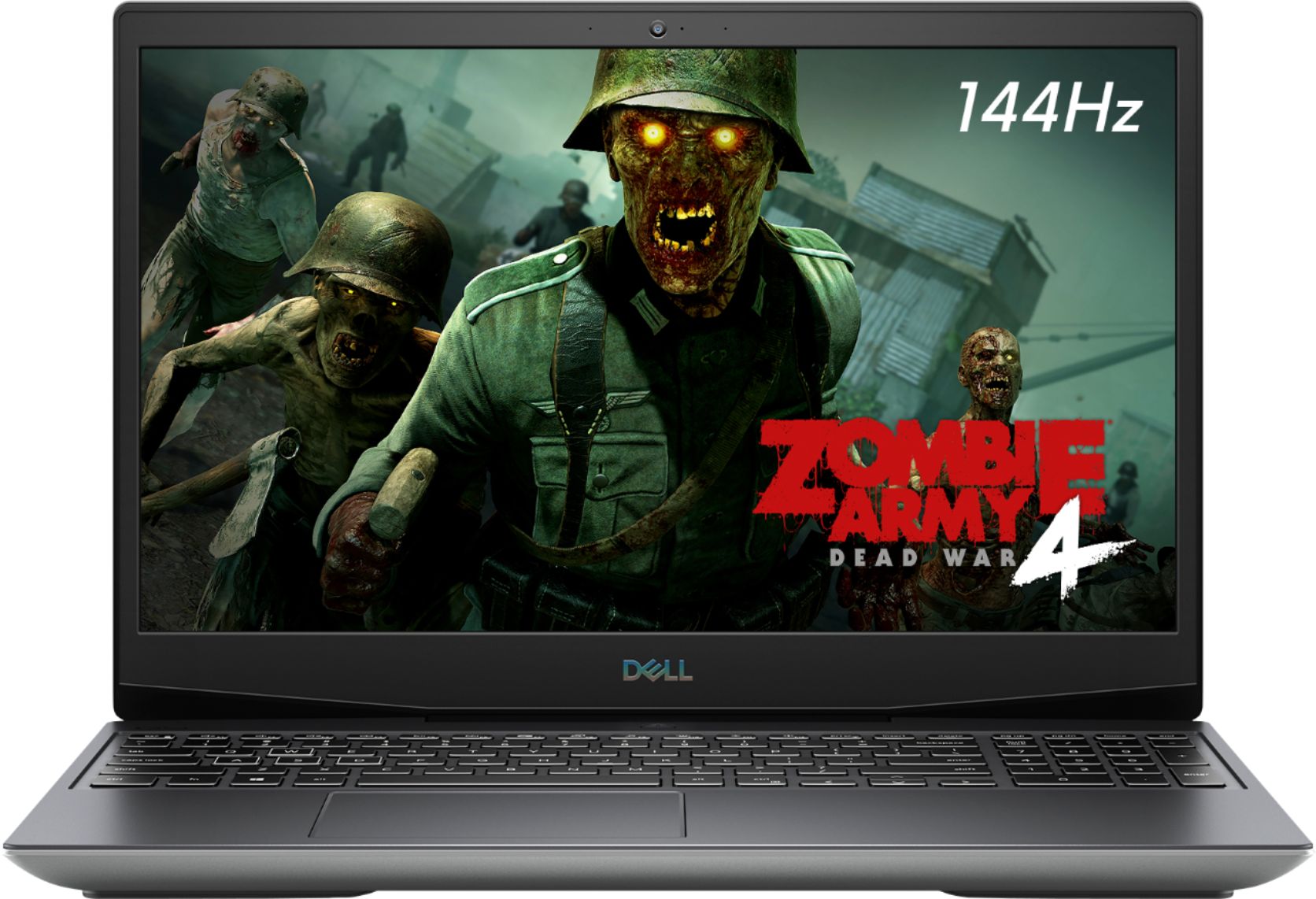
A:AnswerIt's 60hz and it's a 6 bit panel - which is total doodoo. It's a 30 pin video cable with VERY limited aftermarket options due to the not as popular screen size. (350mm outline vs 359mm) I bought it with plans to upgrade the screen in the future but it's looking harder than I originally planned. If all this sounds like gibberish to you, and if screen refresh rate is important, it might be better for you to go with another laptop instead of modding this one to a better screen, which, while technically possible, is going to be difficult.
Also, the screen is glued to the lid panel and the bottom of the bezel uses adhesive to the actual screen. This is not a simple remove the bezel and unscrew the screen like the older laptops. In fact, this would probably be good to throw on here if allowed, here's a really solid Reddit discussion talking about the whole thing.
https://www.reddit.com/r/GamingLaptops/comments/gjboiw/asus_tuf_a15_screen_upgrade/
A:AnswerModel number fa506iv-br7n12 which SHOULD be the model you are looking at is the Ryzen 4800h 8 core 16 thread 2.9GHz. Max Boost Clock. Up to 4.2GHz. You can read my review. That should help you out.
A:AnswerI figured it out. Once I bought new screwdrivers, I used a flat head to get the case open pretty easily. Just to help anyone else who may experience this.
A:AnswerI've had this laptop for about a month, it is a very good machine, and will outperform the 16" MacBook pro with the i9 costing over $3,000, which came out last year. The Ryzen 7 4800H is faster than many modern mid-range desktop CPUs and high-end CPUs of a few years ago. Slap another 8GB stick of RAM in there, and it will take anything you throw at it. I personally believe it will be good for the next 4 years; however, at the rate tech has been changing lately, no one can know for sure.
A:AnswerThe display on the one I purchased was 60 Hz even though it was advertised as 144Hz, the screen is fine for me, I haven't tried to overclock it, and wouldn't recommend doing it. If you are wanting a higher refresh rate screen, I would recommend looking into a better laptop. The 144Hz screen on the TUF FX506 doesn't seem to be well favored online either. The TUF line is Asus' budget line of laptops, if you are into serious gaming and really want a high refresh rate display, you would be better off looking for something better.
A:AnswerI had watched that video and was worried about the cooling. However I use it with a 4 fan cooling stand and haven't had any issues. I use it primarily for playing VR games. After playing for a few hours, I've gone into the bios to check the cpu temp, and it's within normal limits. The high end, but still within the suggested tolerance limits. Same thing for the ram. You'll definitely want to have it in turbo mode when gaming, and you'll need to wear headphones because it's basically a turbine at that point. I have no idea of the impact in the long term though.