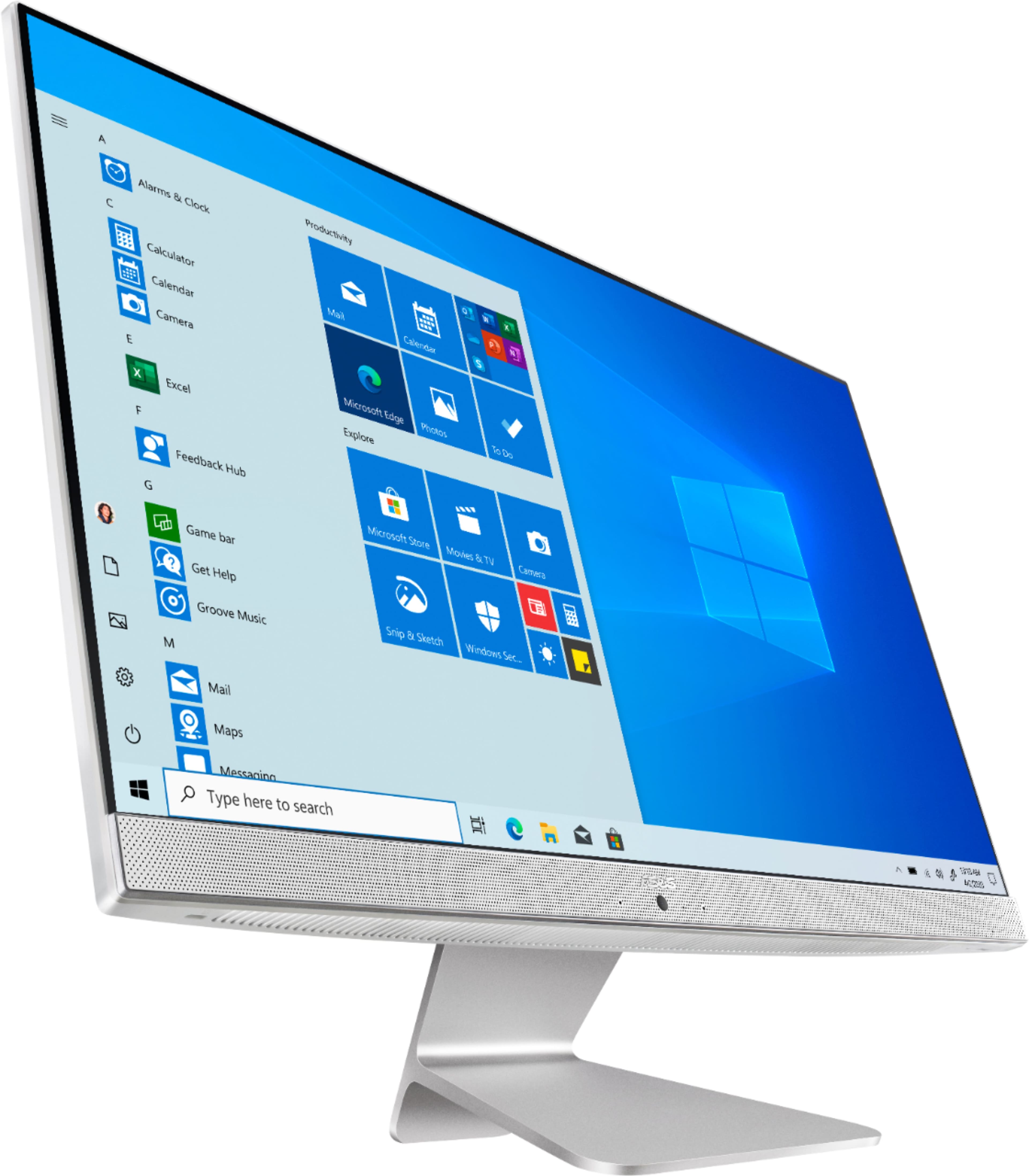
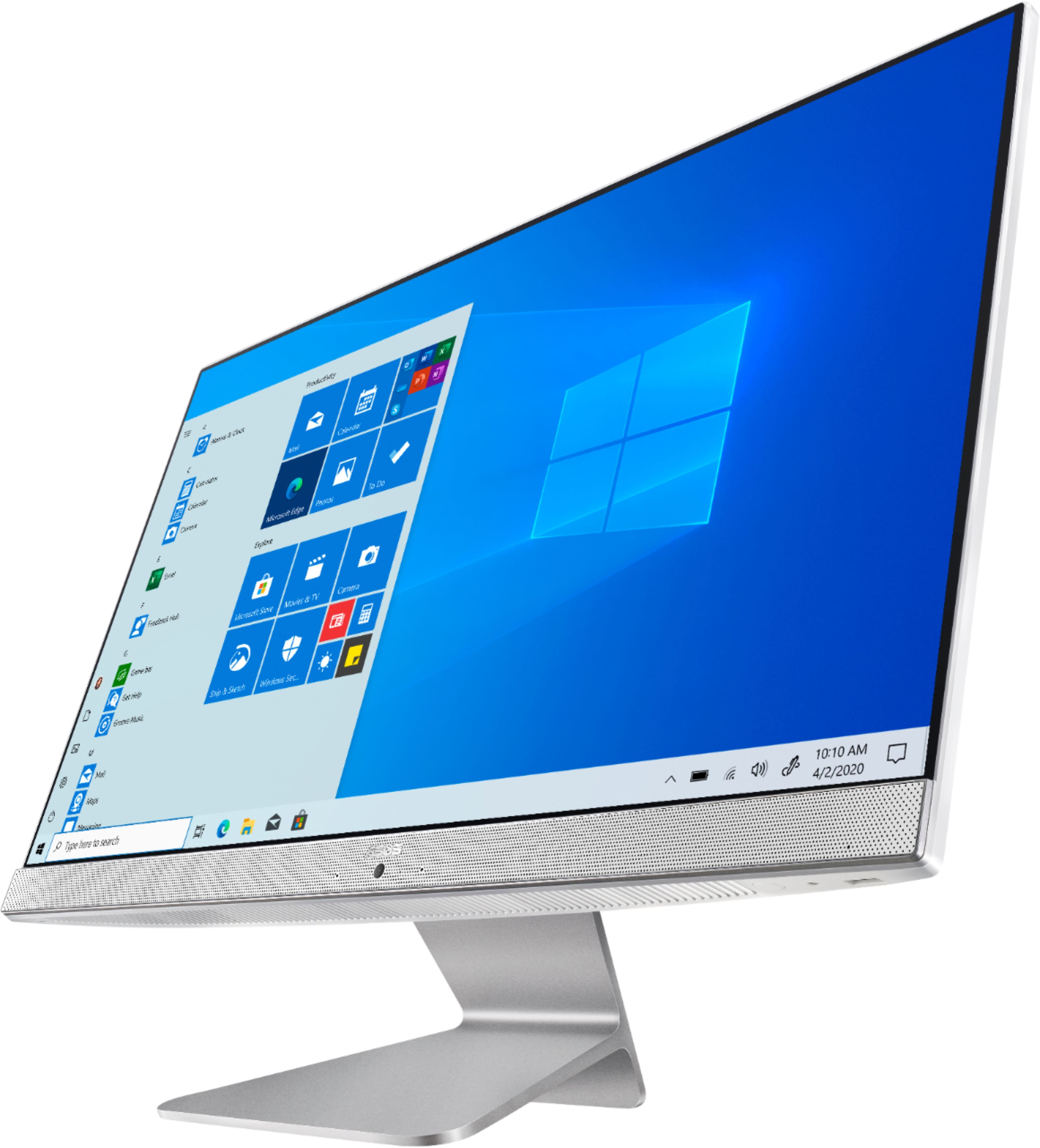
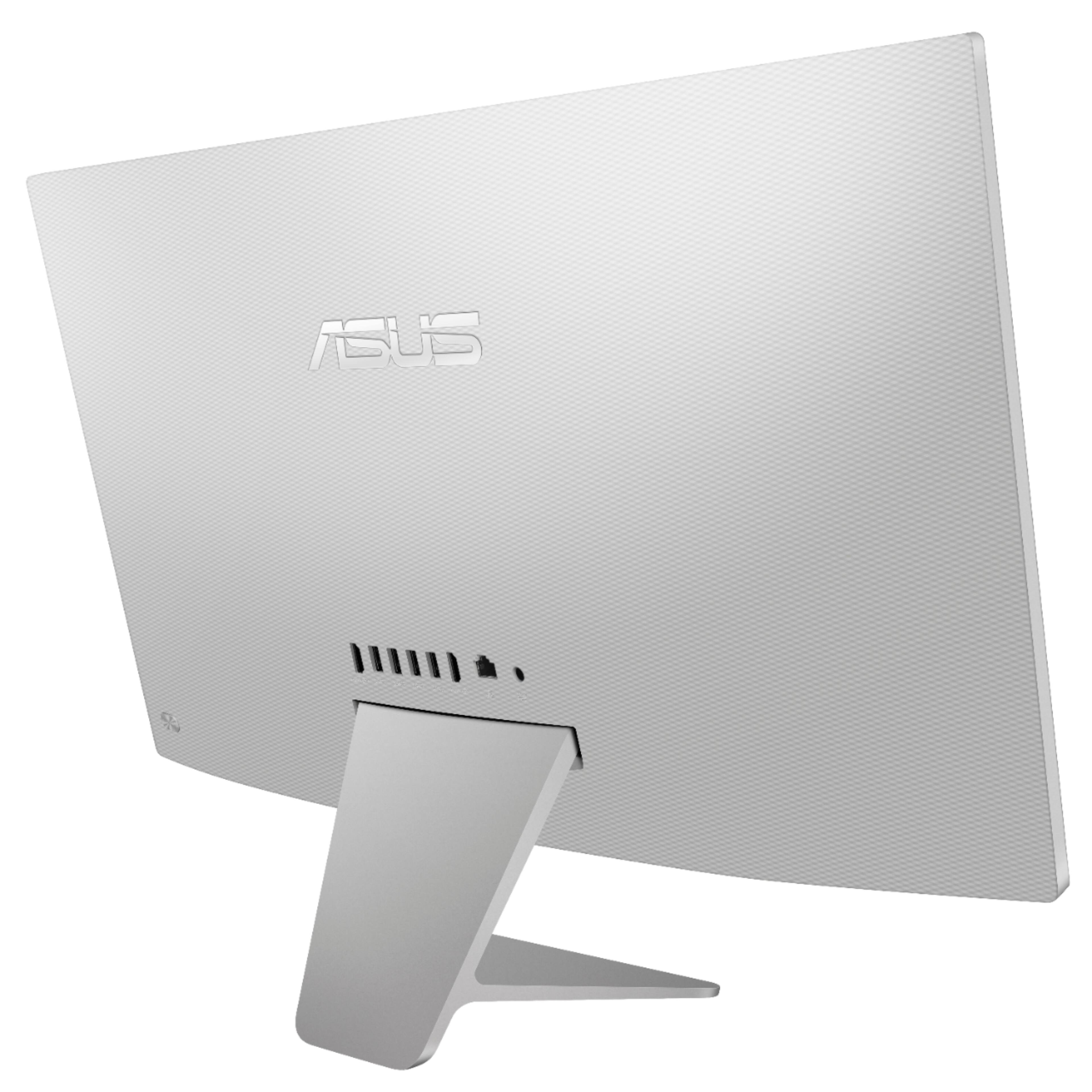
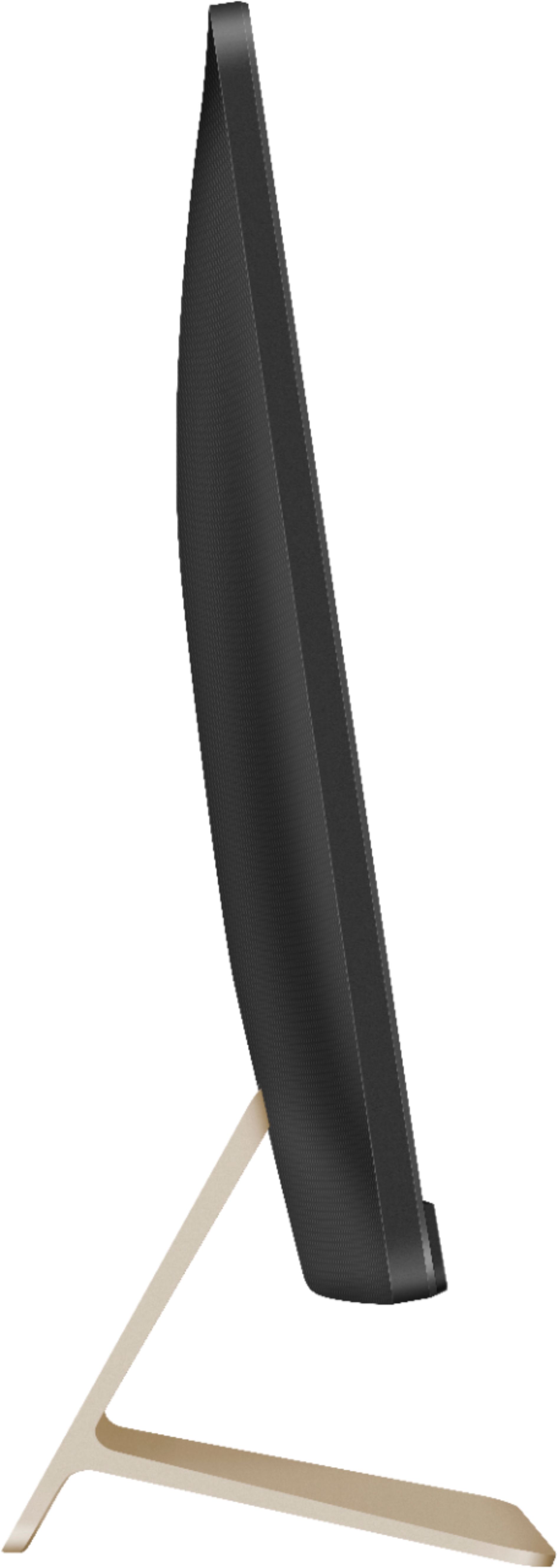
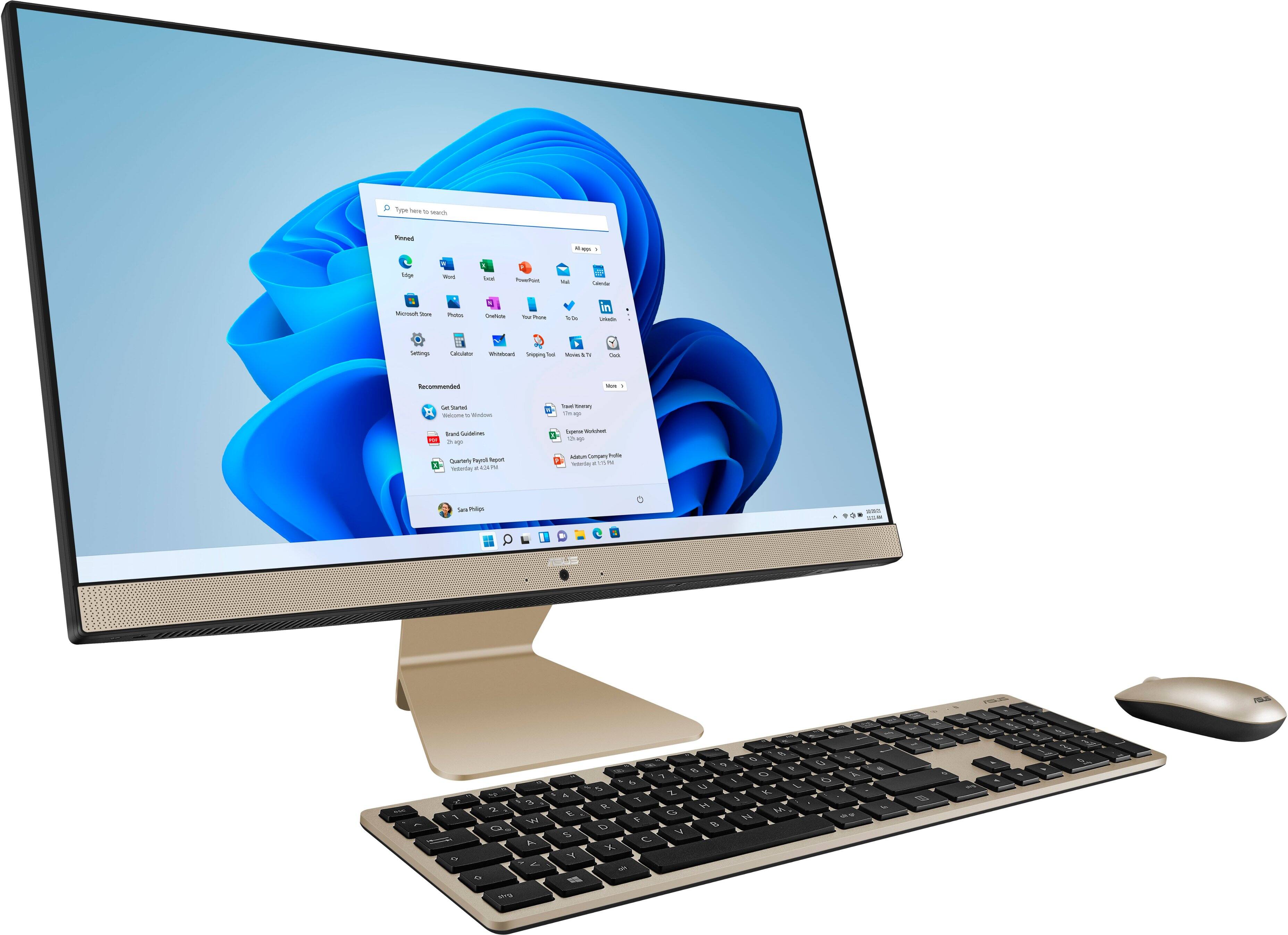
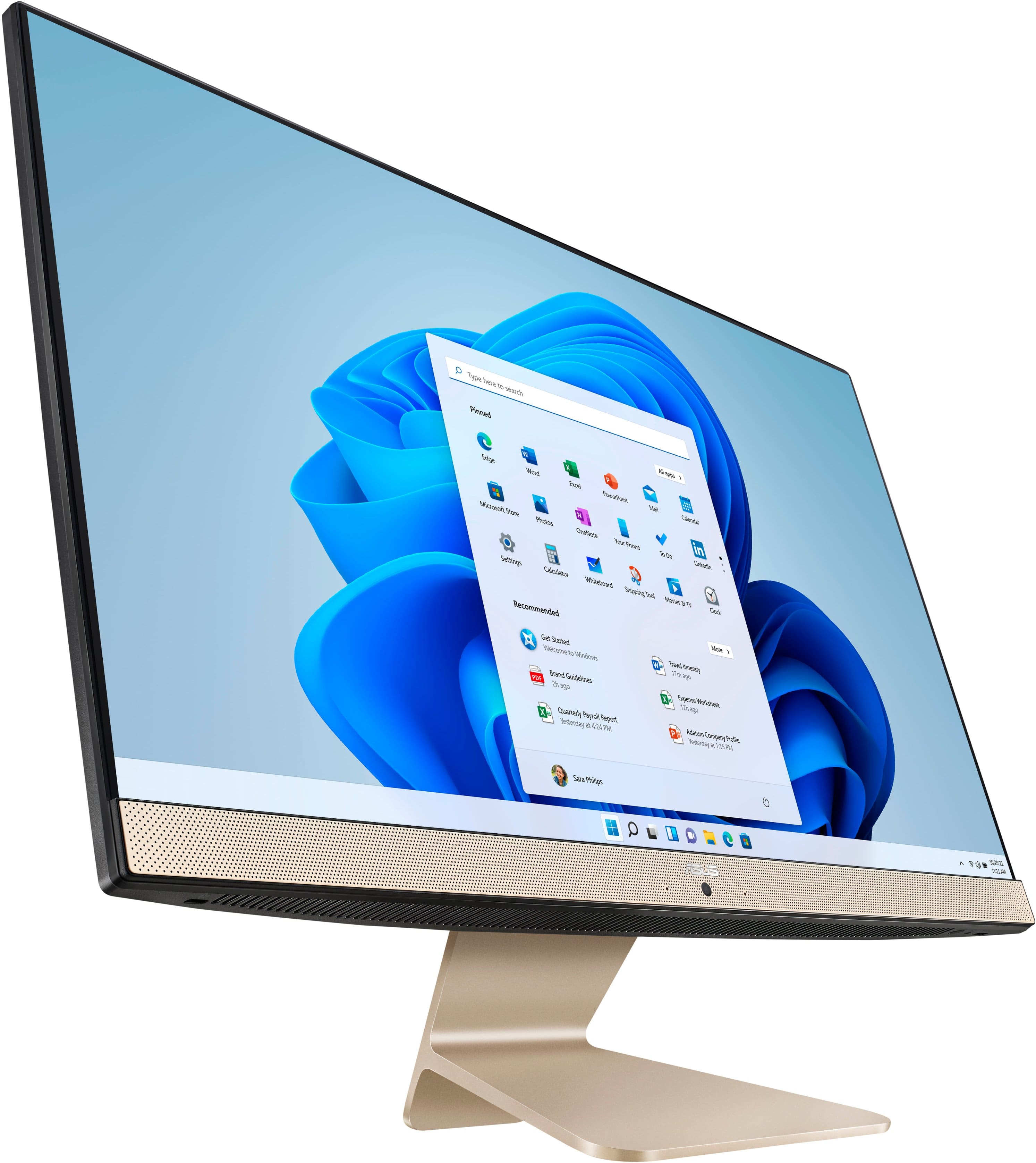
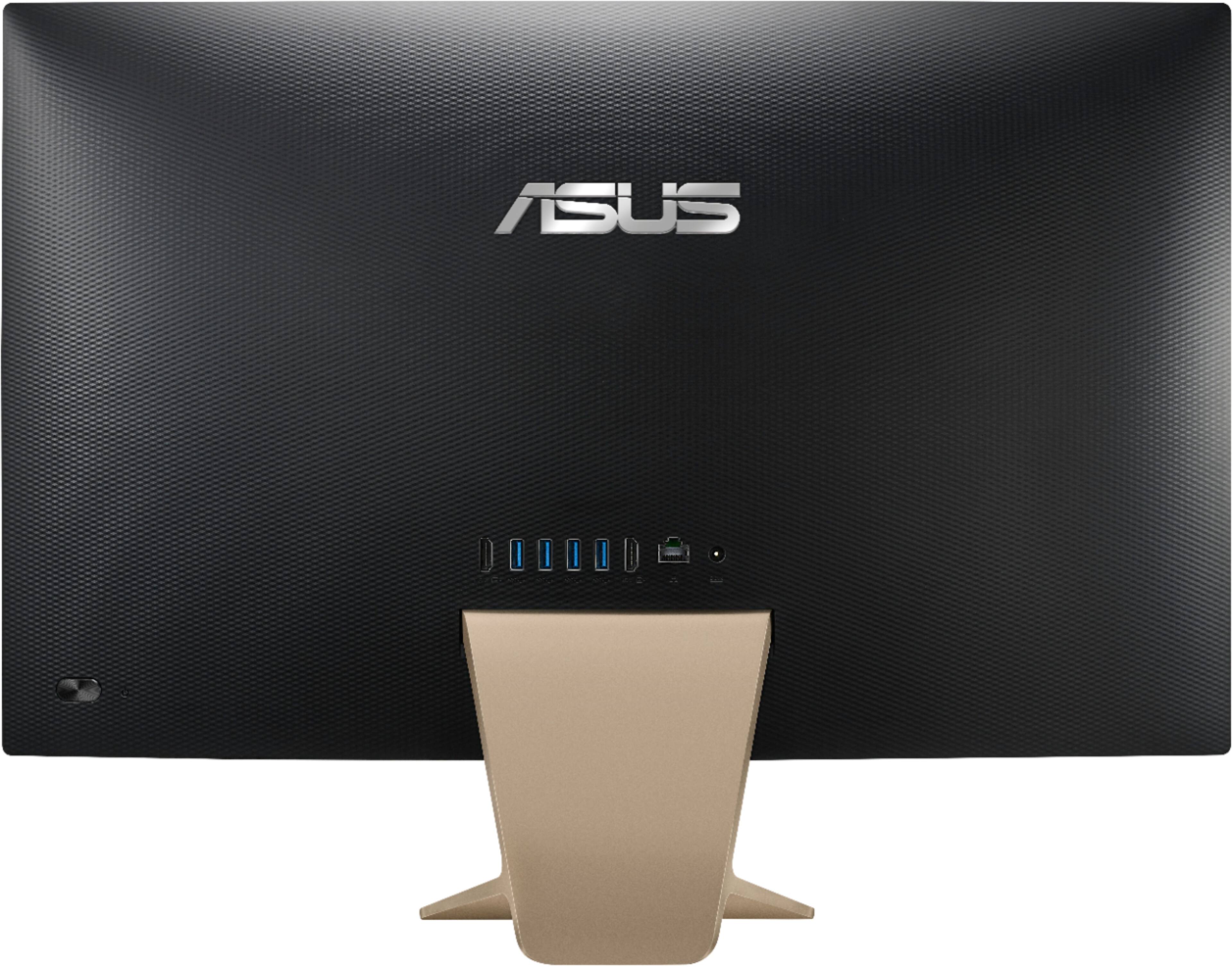
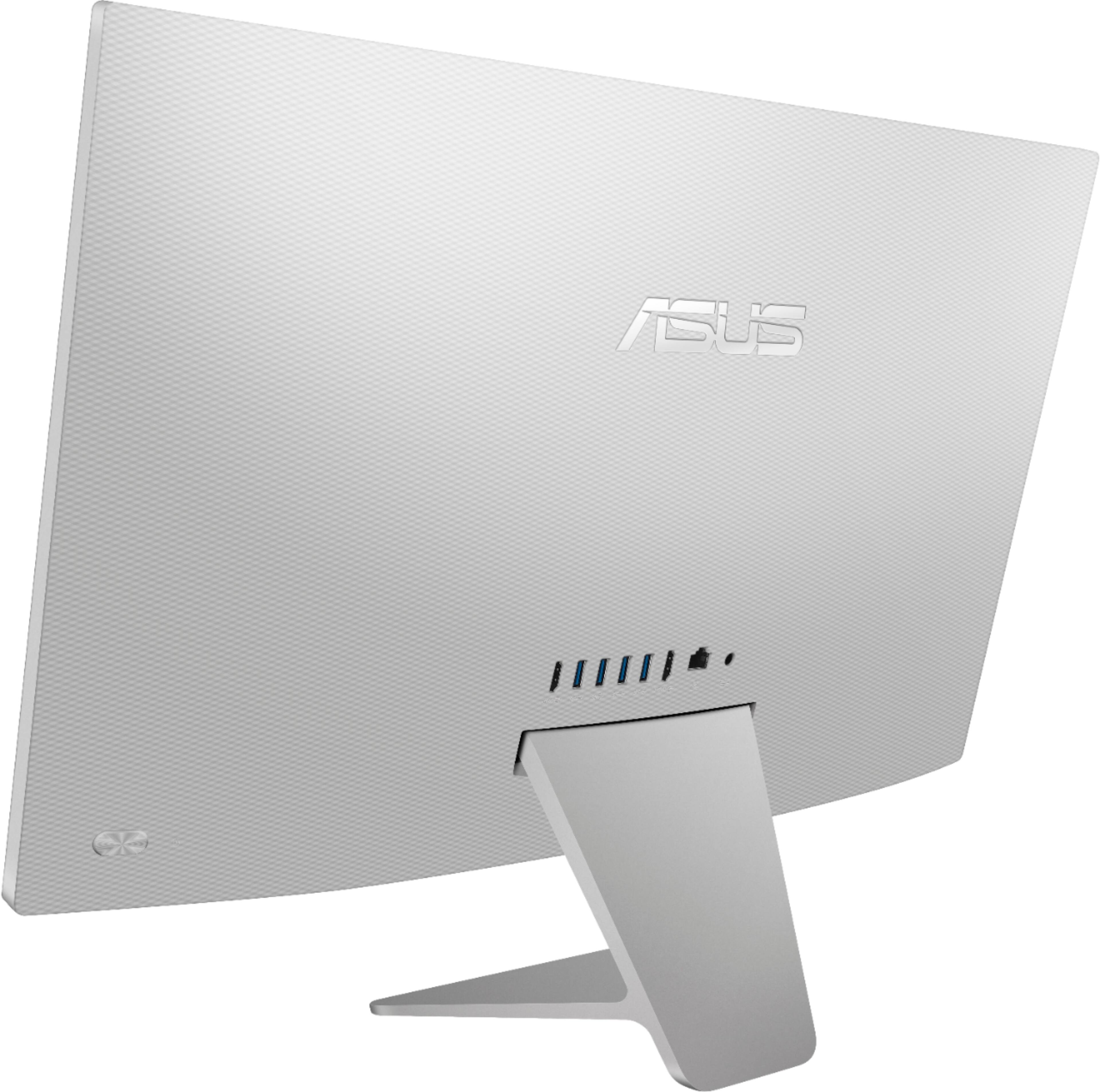
A:AnswerThe All In One computer doesn't have a SD card reader, you may need to used an external USB device or a USB card reader adapter to use as extra storage.
A:AnswerAll ASUS products undergo intensive quality control testing and inspections, this is a random problem. Normally, ASUS provides one year warranty coverage, if product was purchased brand-new, in order to fix or repair any hardware or part that stop working prematurely under normal usage. If help is needed, you are most welcome to call Product Support Hotline at: 1(888) 678-3688. Also, you can chat with an ASUS live support agent at: http://bit.ly/AsusLiveChat.
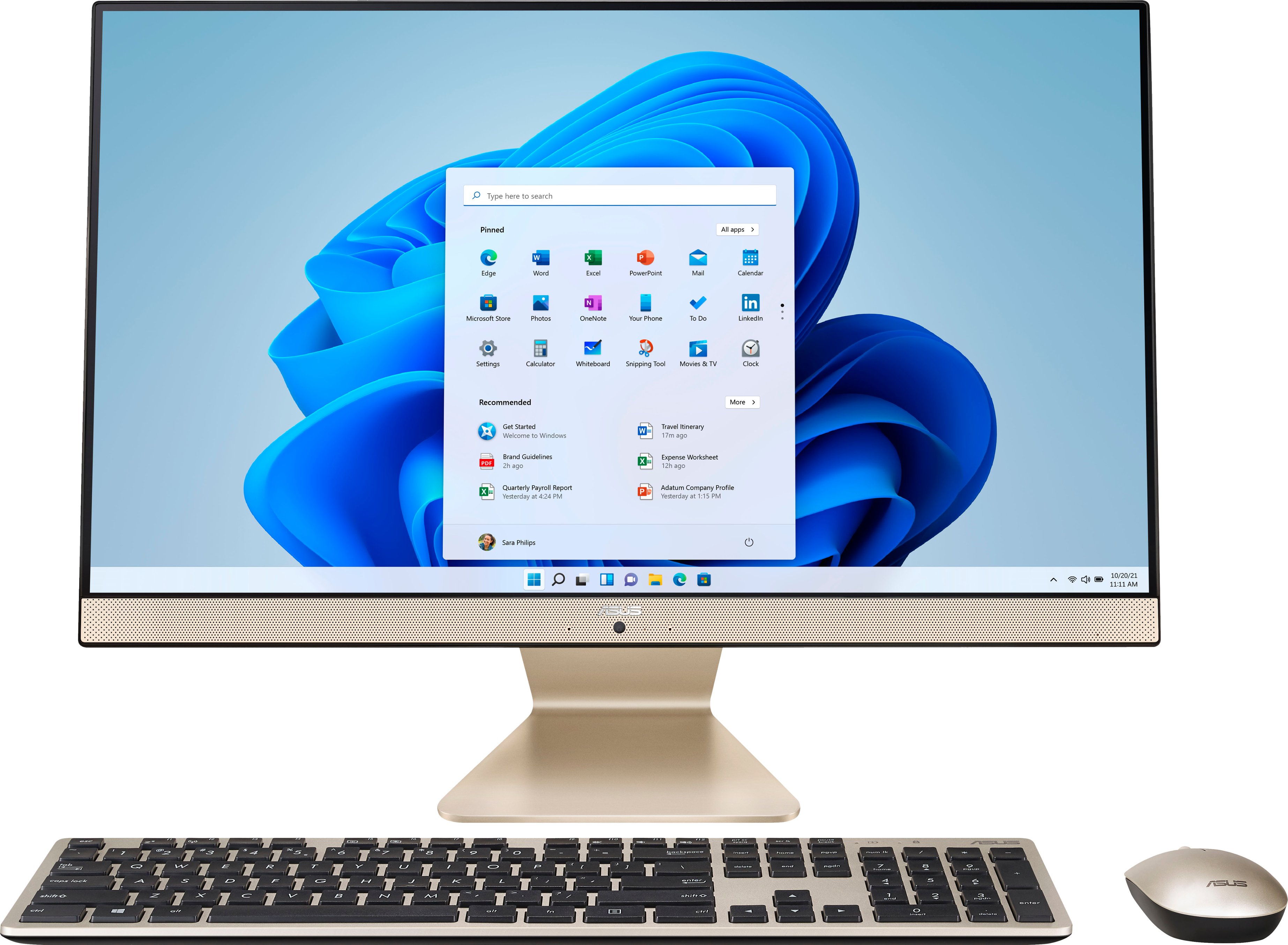
A:AnswerYes, this model comes with 1x HDMI out 1.4. Please review further specifications here: https://www.asus.com/us/Displays-Desktops/All-in-One-PCs/Everyday-use/ASUS-M241/techspec/
A:AnswerIf WIFI connection is weak, please ensure Windows is up to date and the All-In-One PC has access to an established and stable wireless router, and is getting an excellent signal. An external large screen can be connected to the HDMI out port and an external drive can be connected to the USB port.
A:AnswerIt can drastically depend on what model of printer you are referring to, but I would say you would be hard pressed to find a printer model that does not work with this computer. Just make sure that the printer in question supports Windows 10 and you should be good.