A:AnswerYou shouldn't have any issues, unless as you noted the laptop cannot output the native resolution with a secondary display at the same time. I suggest you contact Dell directly to verify that your laptop can support multi-monitor configurations.
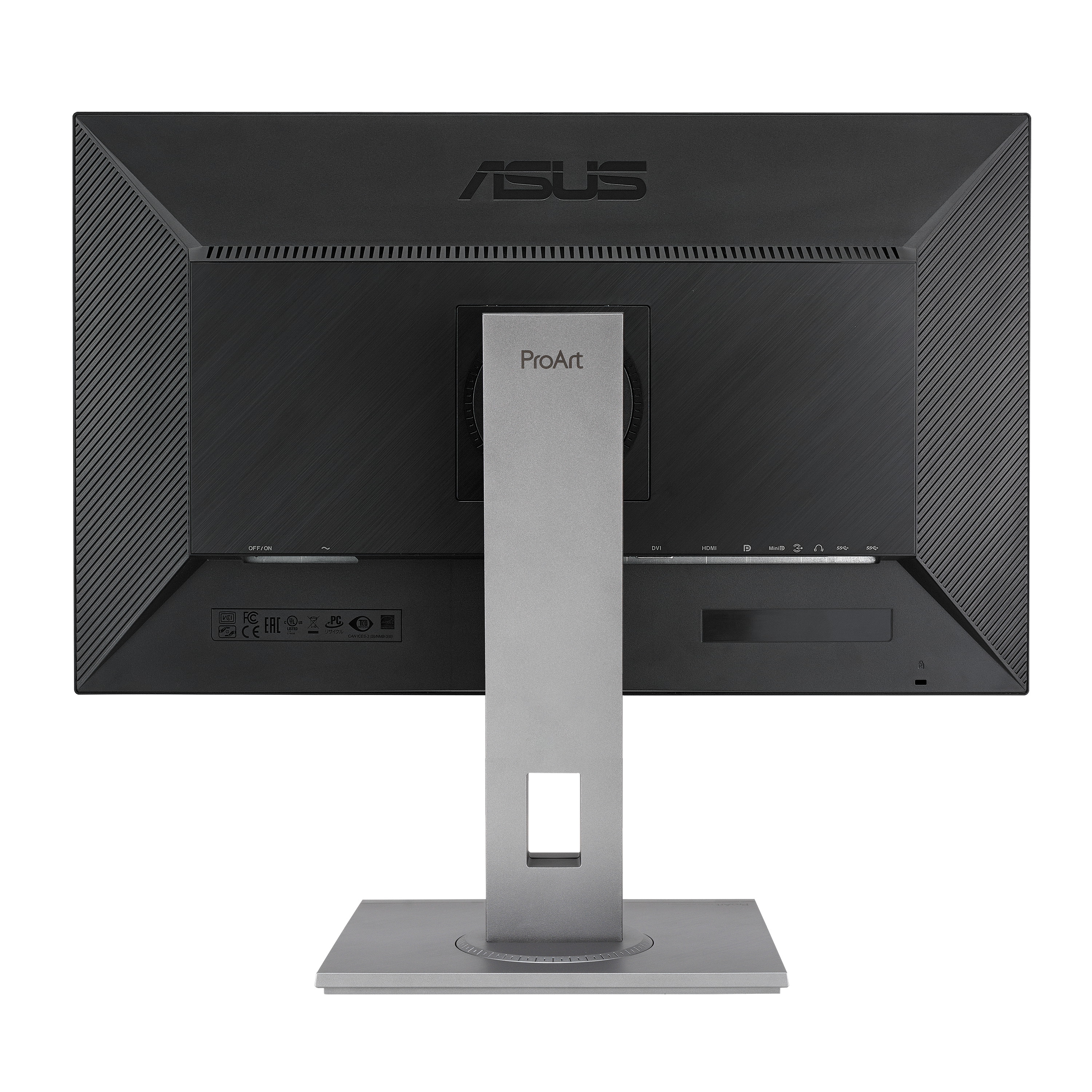
A:AnswerIt doesn't matter what you use with the DVI cable. Both HDMI and Display Port throughput will be hamstrung using the inferior DVI connection. I would not use DVI, instead, go with HDMI 2.0 or better or Display Port Port 1.2 or better.
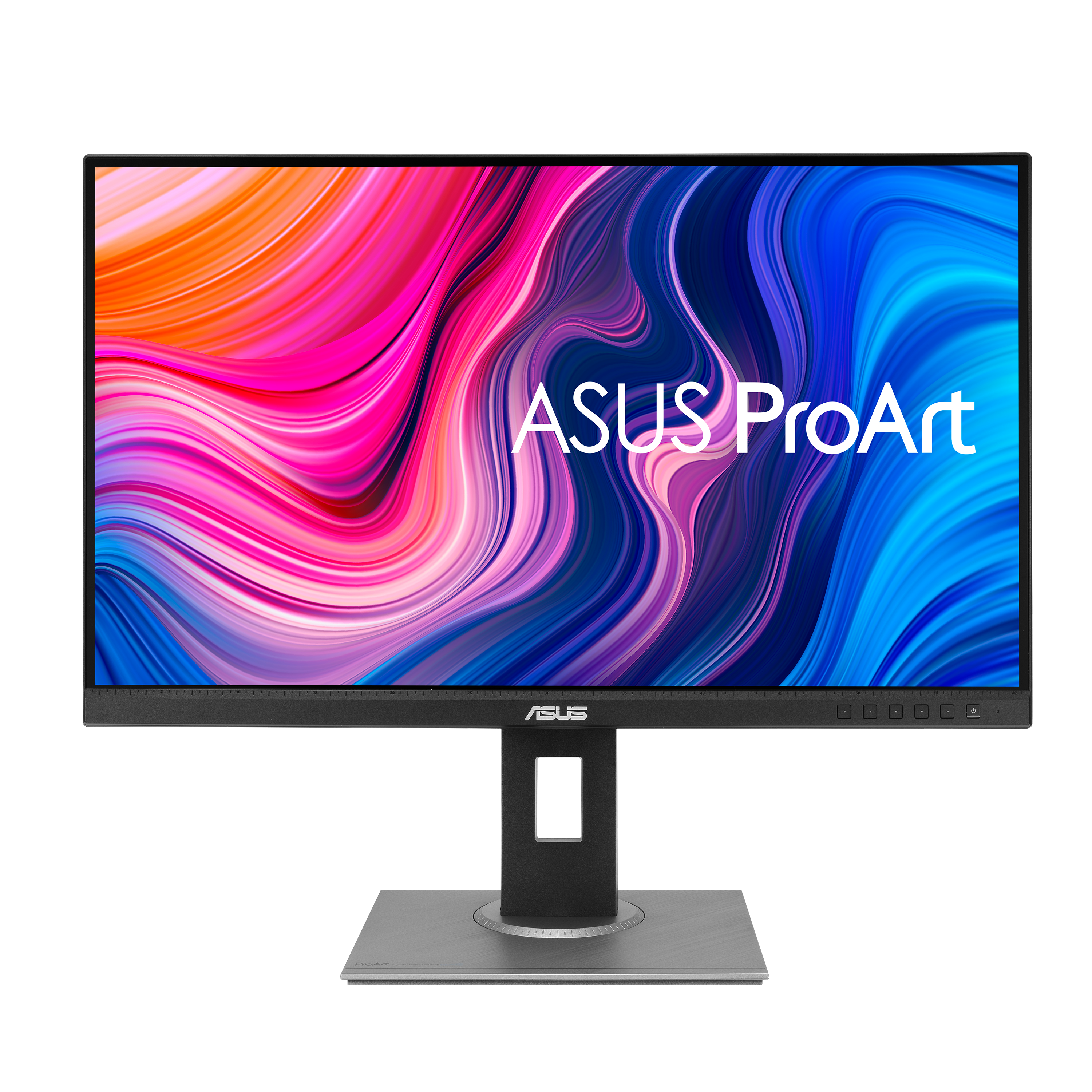
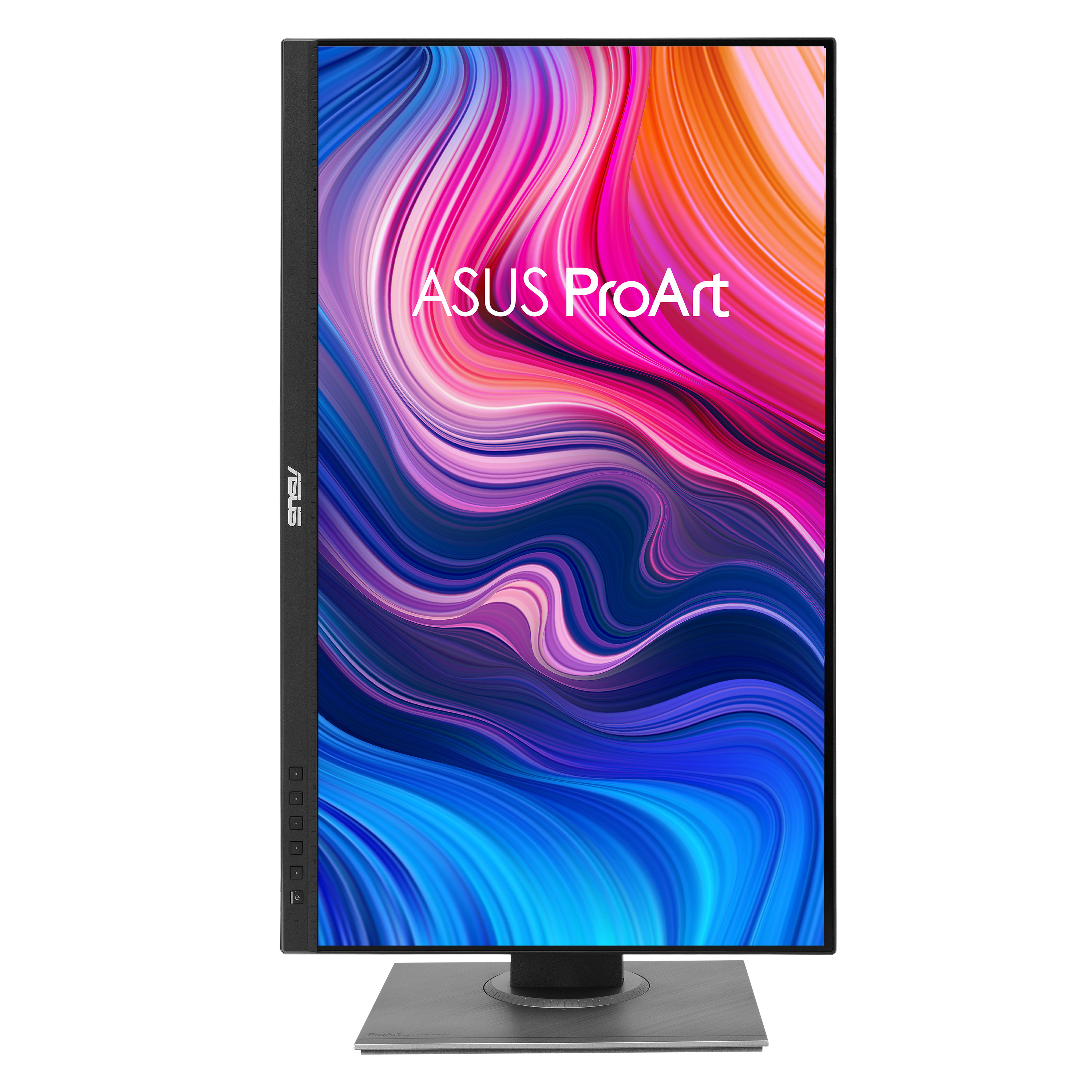
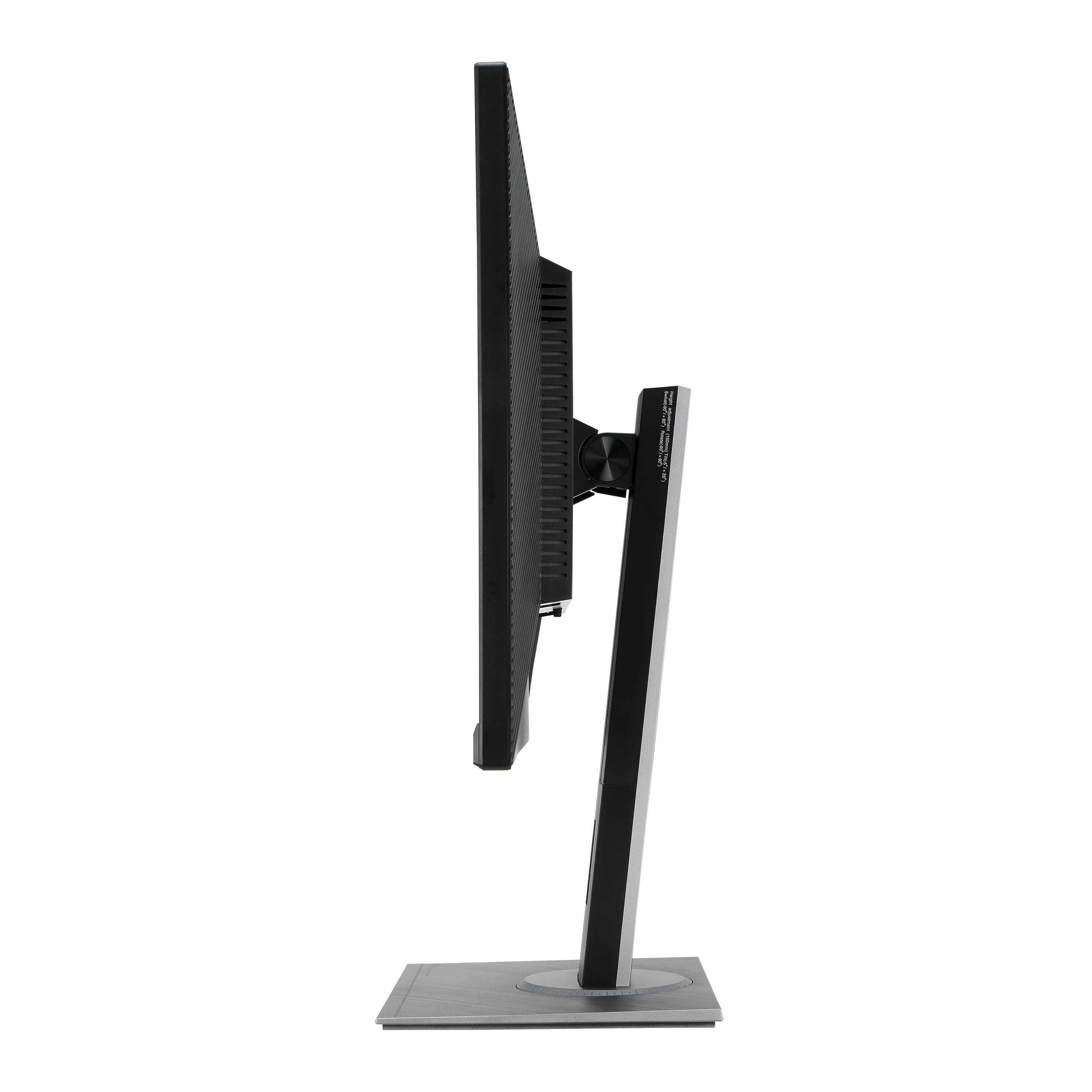
A:AnswerThe stand of the ASUS ProArt Display PA278QV has dimensions of approximately 24.21 inches (61.5 cm) in width and 8.90 inches (22.6 cm) in depth.
https://www.asus.com/eg-en/displays-desktops/monitors/proart/proart-display-pa278qv/techspec/
A:AnswerI'm using an Apple wireless keyboard and Trackpad. It works fine. It takes a few seconds for the Trackpad to connect when I boot up, but other than that, it's great. I'm sure it will work with your dell wireless keyboard.
A:AnswerYes, it is plug and play for use with MacBook Pro 2023 14" M2 Pro using DisplayPort or HDMI connection, the monitor doesn't have a Thunderbolt port. No, the keyboard will not control the monitor.
A:AnswerYes, it does woek with a MacBook Pro 14, you need to use the correct video cable and adjust the display resolution in the Apple menu>System Settings, then click on Displays in the sidebar.
A:AnswerWhen it is pushed down all the way the top of the screen is 16.25 inches, and the bottom of the screen is 2 inches, from the table top, Hope this helps.