A:AnswerIt does a pretty good job gaming. You can't play Battlefield on Ultra or anything like that, but I haven't found a game I cannot play at least moderate settings on.
A:AnswerCan't answer the Canada question, but the laptop is superb! They did come out with a newer generation, however, so this one is now on clearance.
A:AnswerI actually game a lot on this PC and I've never had it feel hot. It must do a good job because even when my friend Joey has to stop because his laptop is burning him, I feel nothing. LOL
A:AnswerI had the same problem. I went to Geek squad and they updated the keyboard locking program and drivers, nothing worked with my computer so I returned it. Online forums did say that was a possible fix so that's at least worth trying.
A:AnswerAssuming its a SATA drive with a 2.5" form factor it should be fine. You will just need an USB to SATA cable. I upgraded the HD in mine by cloning the original equipment drive onto the SSHD with Aomei Backupper (free version). with no problems. All that left after that is swapping the drives. If needed, you can use Aomei Partition Assistant to adjust your partition size.
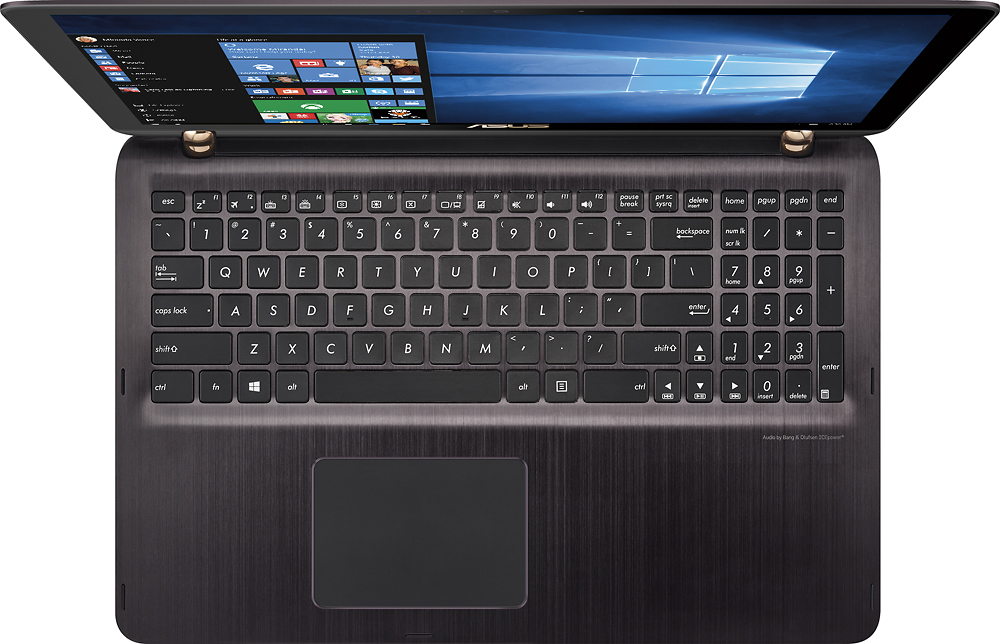
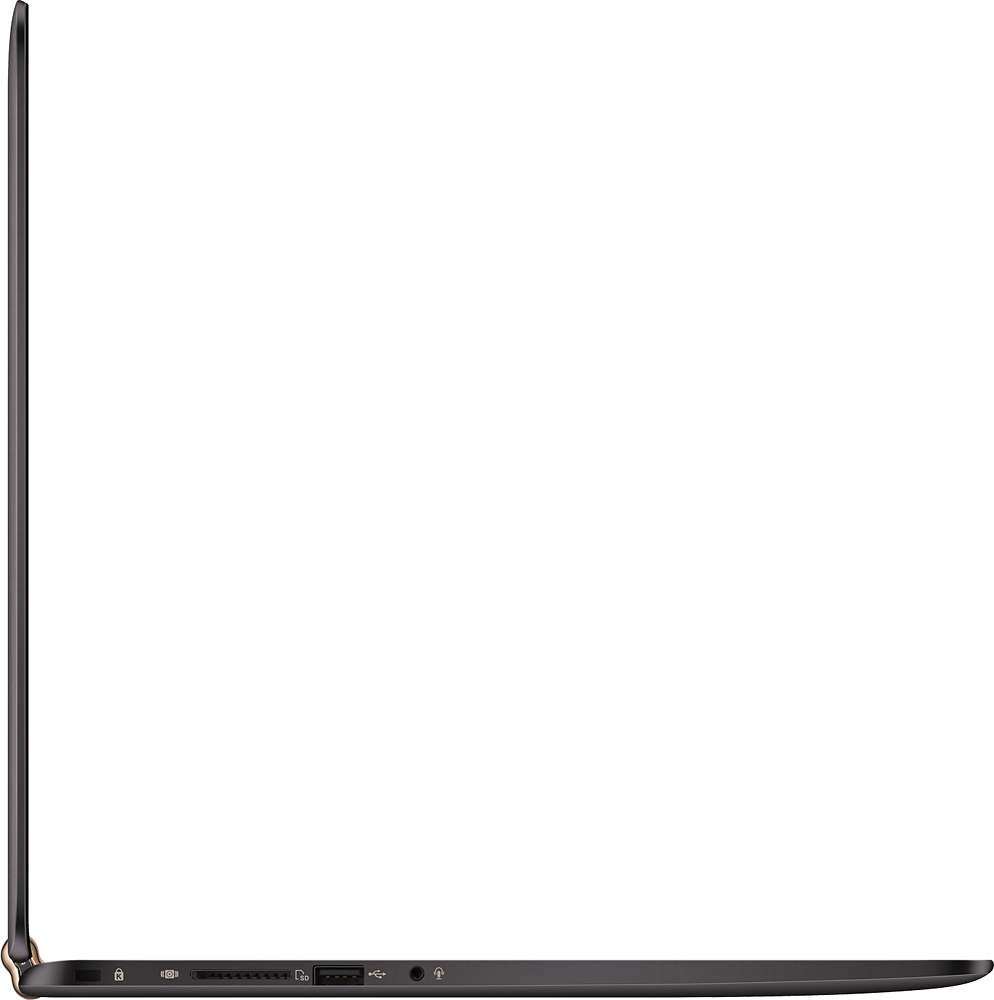
A:AnswerYou should just be able to plug it into the assigned jack on the left side of the computer. It's a somewhat slight difference depending on what you're listening to. If you plug it in and then unplug it, you can definitely tell a difference.
A:AnswerI am NOT a gamer, but this is NOT a gaming laptop. This is an all-purpose laptop for everything from internet surfing/social networking to doing office-related work to some games.
A:AnswerYou need a guitar pick or similar to slide between the gaps in the cover and the base. Insert gently...and slide it until you hit clips. I believe it was best to start from the front - went smoother there - but it takes a little getting used to and a gentle & careful touch not to break ghe brackets. Certainly do not force the cover off.