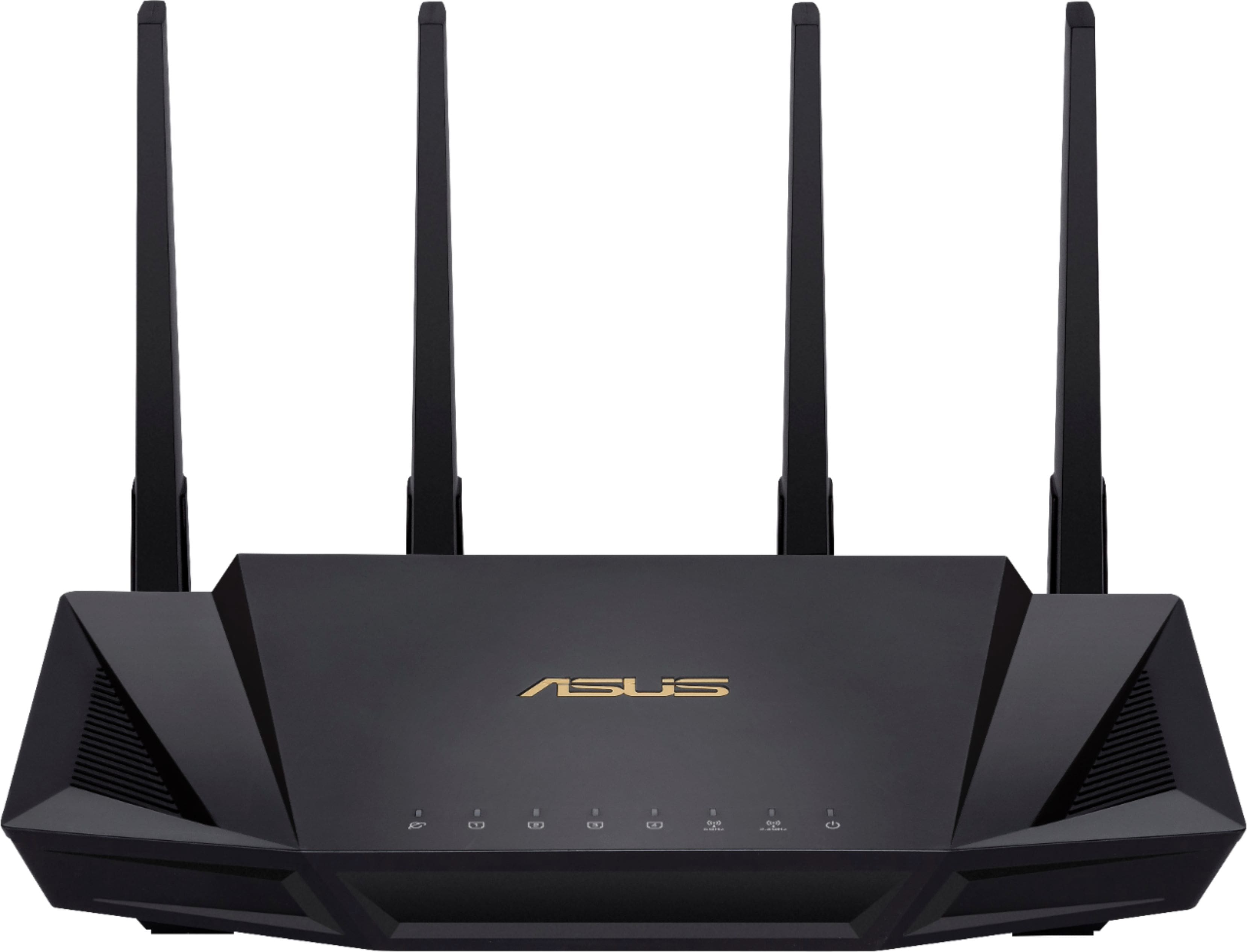
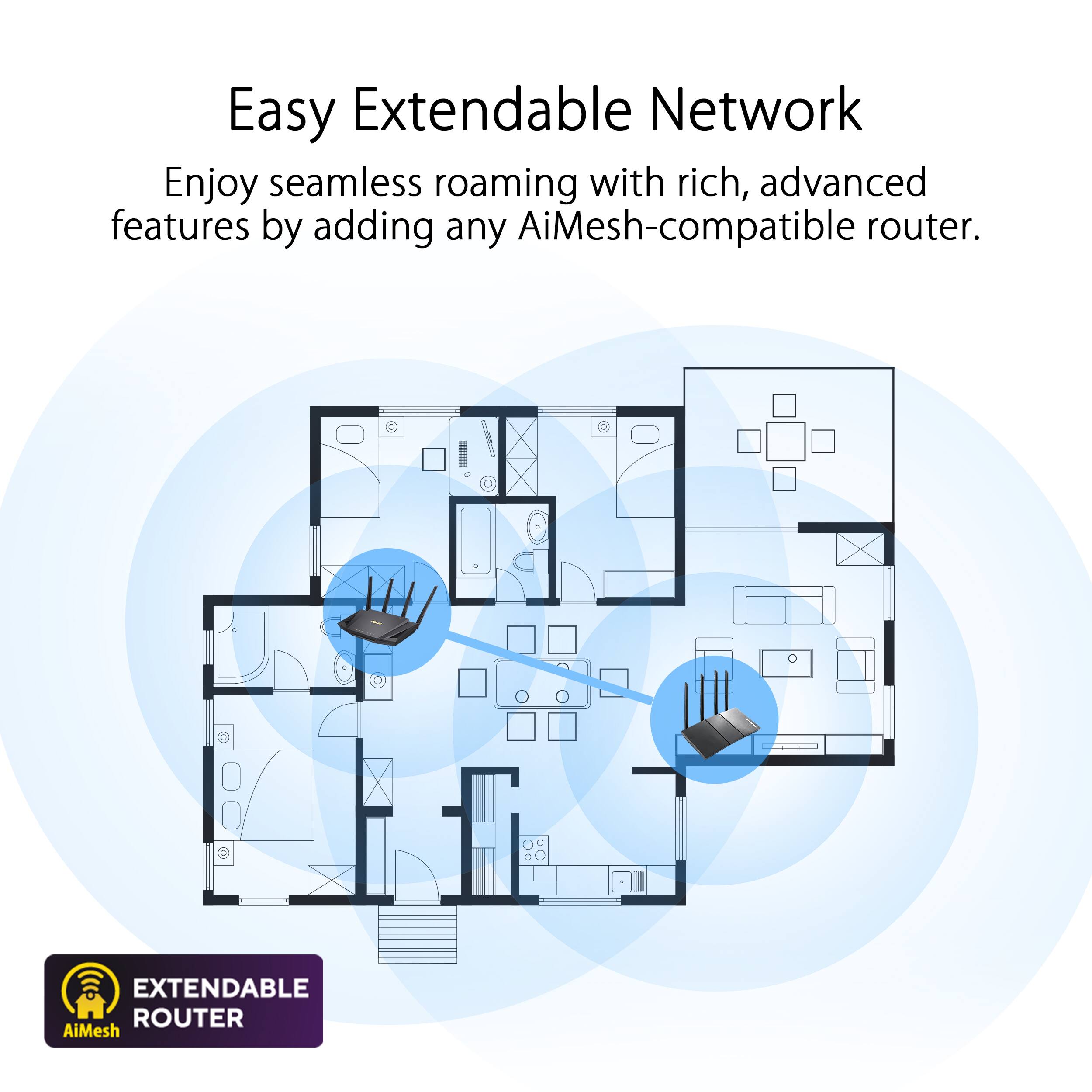
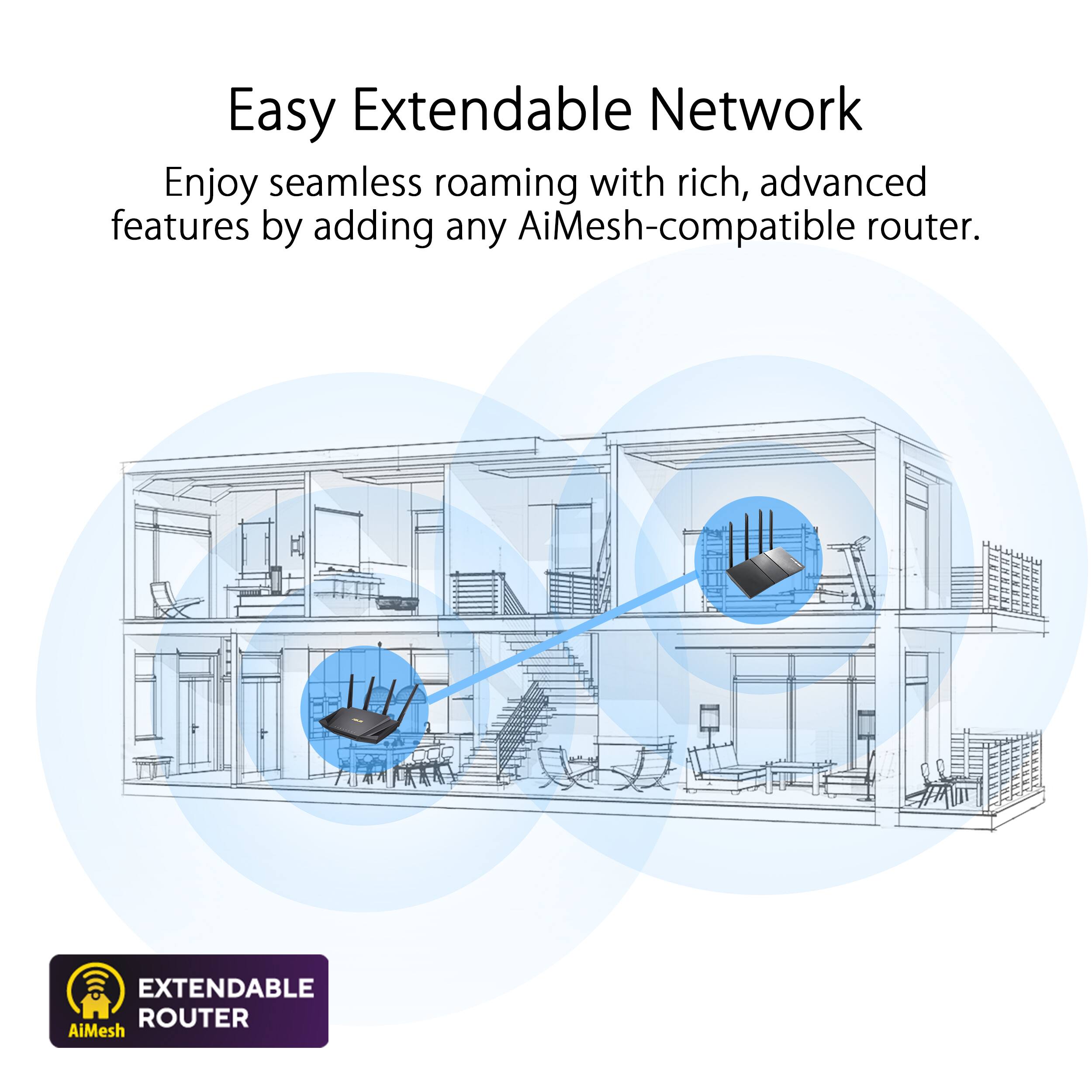
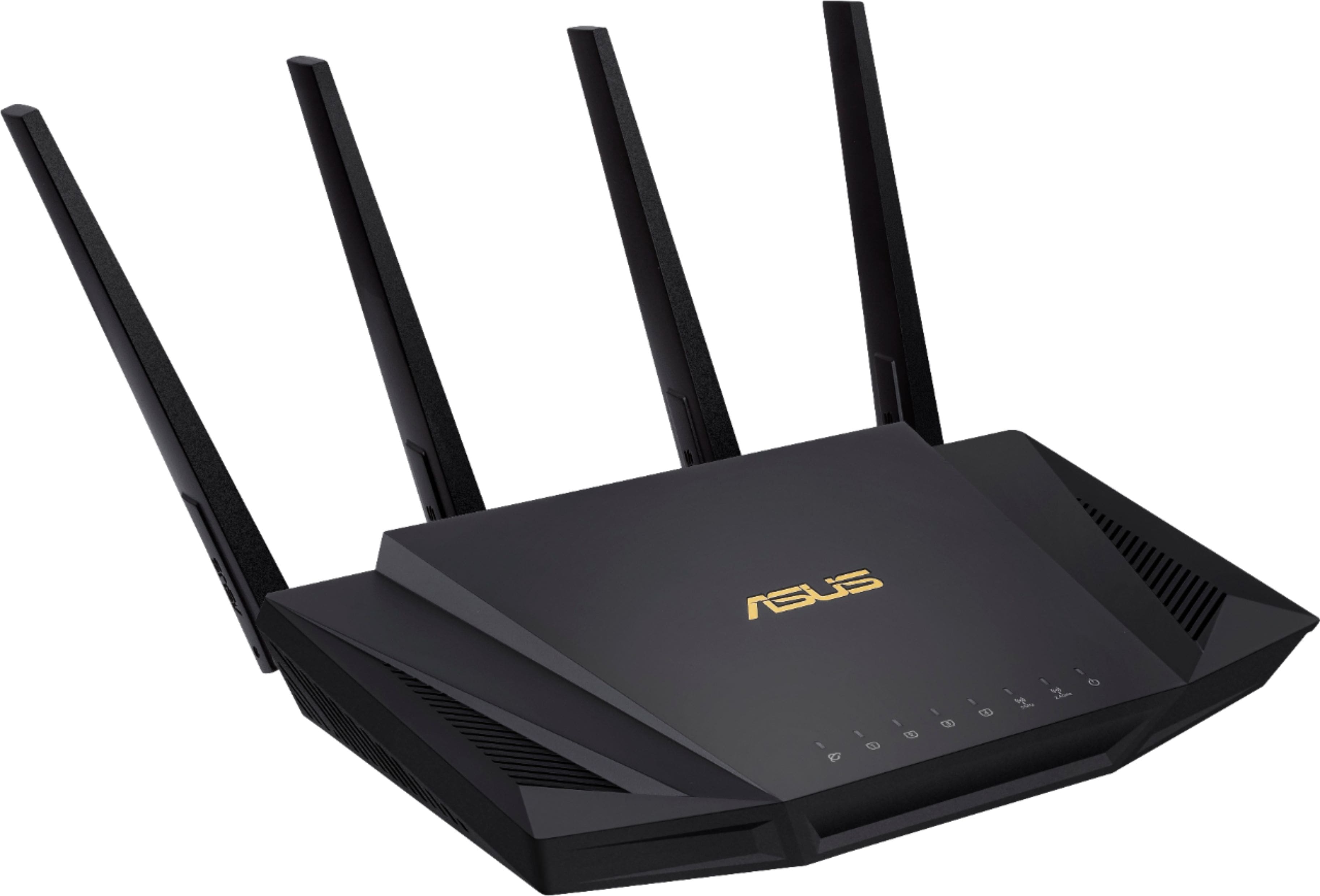
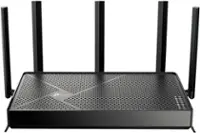
A:AnswerYes, you can add the ASUS RT-AX58U to your Motorola MG8702 Router/Modem combo. The ASUS RT-AX58U can be used as an additional router to extend your network coverage and improve Wi-Fi performance. The following link will provide you with more information about the router.
https://www.asus.com/networking-iot-servers/wifi-routers/asus-wifi-routers/rt-ax58u/techspec/
A:AnswerTo change the bandwidth to 2.4 GHz, please login to the router's configuration page by entering the IP address into a web browser. Find the wireless settings page and change the wireless channel to 2.4GHz, then save the changes.
A:AnswerYes, this router doesn't support multiple guest WIFI with different password. However, this supports four different networks that you can setup each one with a unique SSID and password that each guest can access individually.
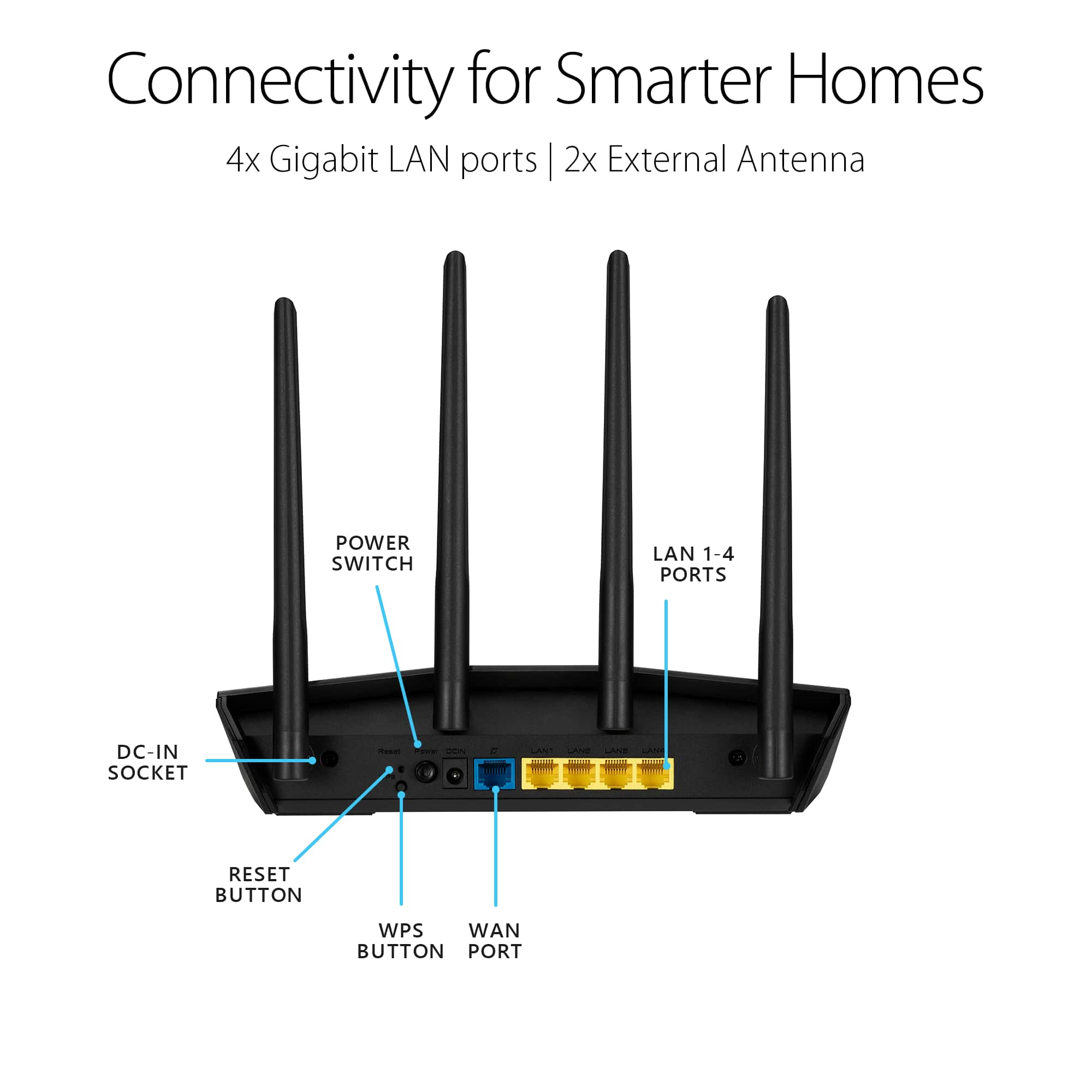
A:AnswerIn order to access the internet, a subscription to an internet service provider is required and connect this router to the ISP(Internet Service Provider)'s modem.
A:AnswerI have a RT-AX58U and RT-AX82U routers set up in a AiMesh configuration (I have a two story house) for better coverage. I am using Spectrum Xumo streaming service and the routers handle it without an issue. This is on top of two other computers watching Youtube shows.
A:AnswerI am using the RT-AX82U and RT-SX58U in a AiMesh setup and I have Spectrum. It is handling the internet and Xumo streaming service just fine with no pausing or issues to date. It was working with Spectrum ISP before I setup the AiMesh configuration.