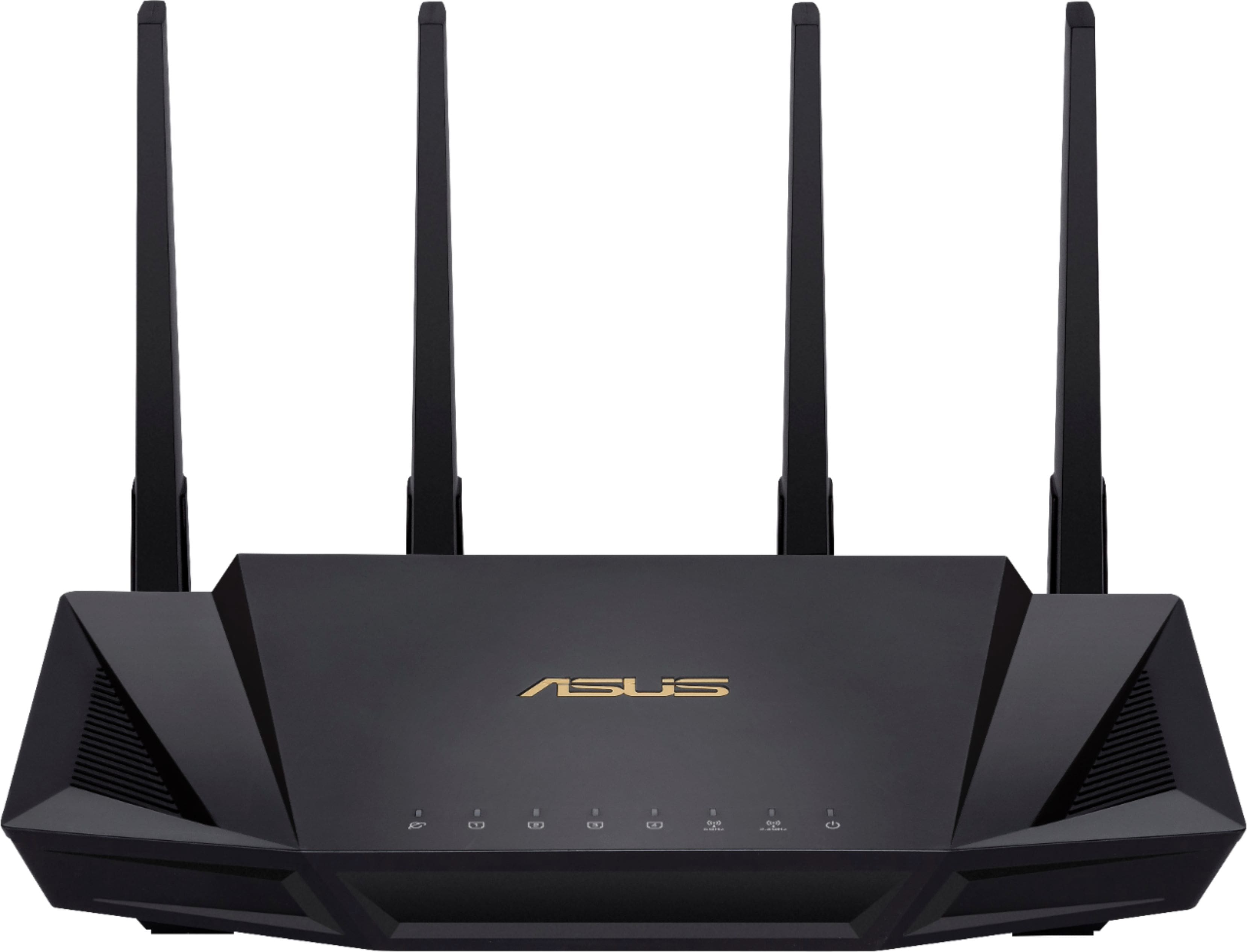
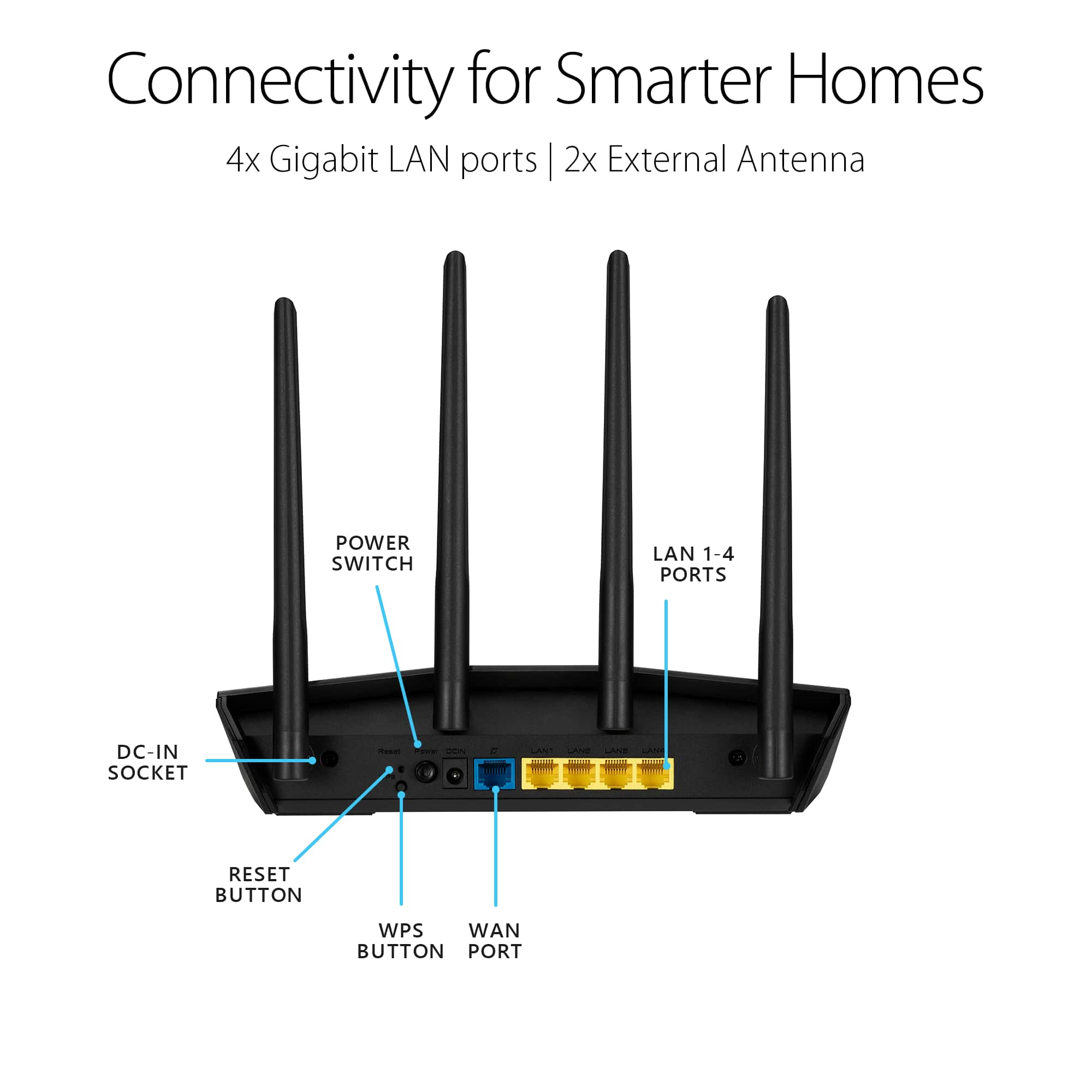
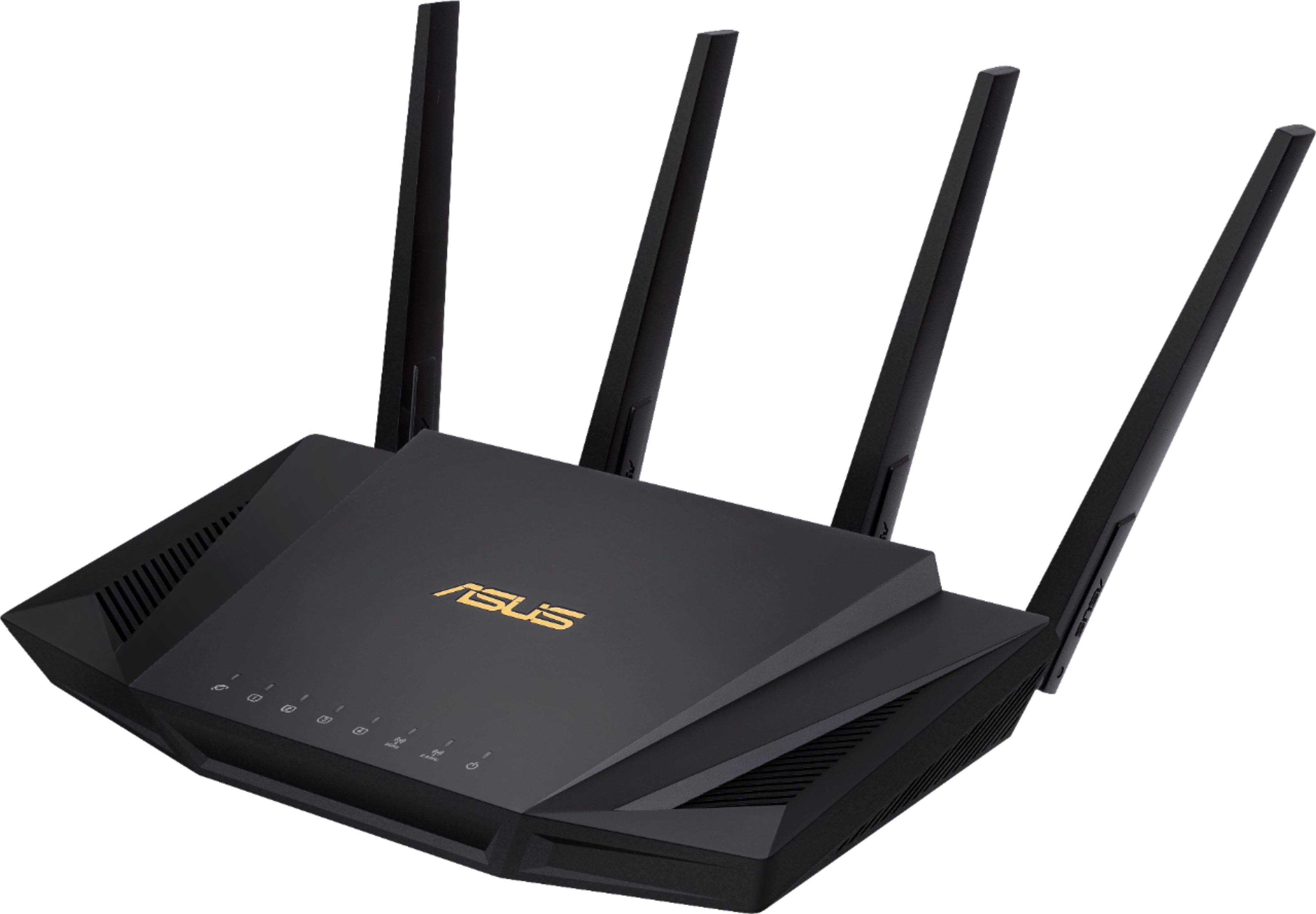
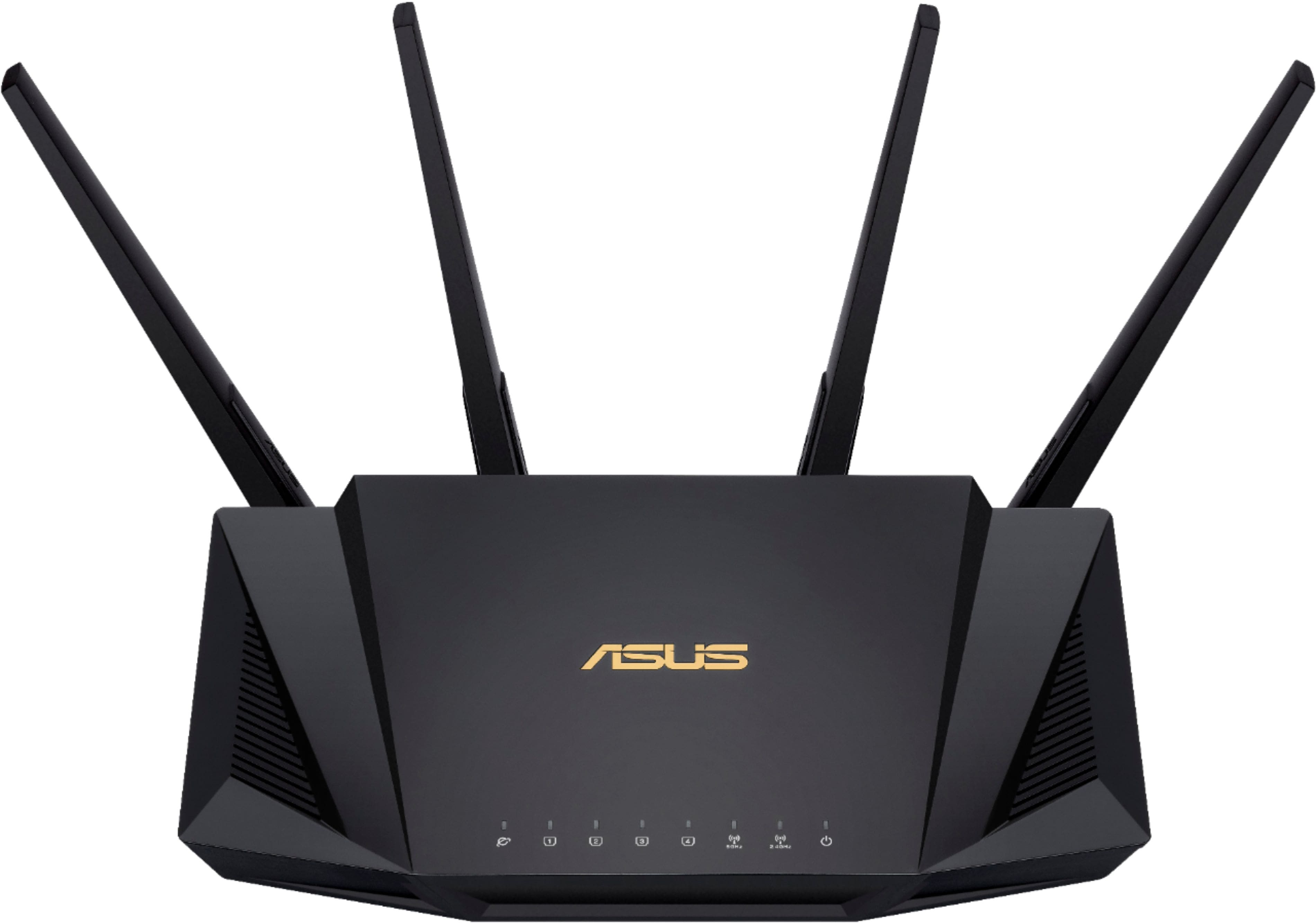
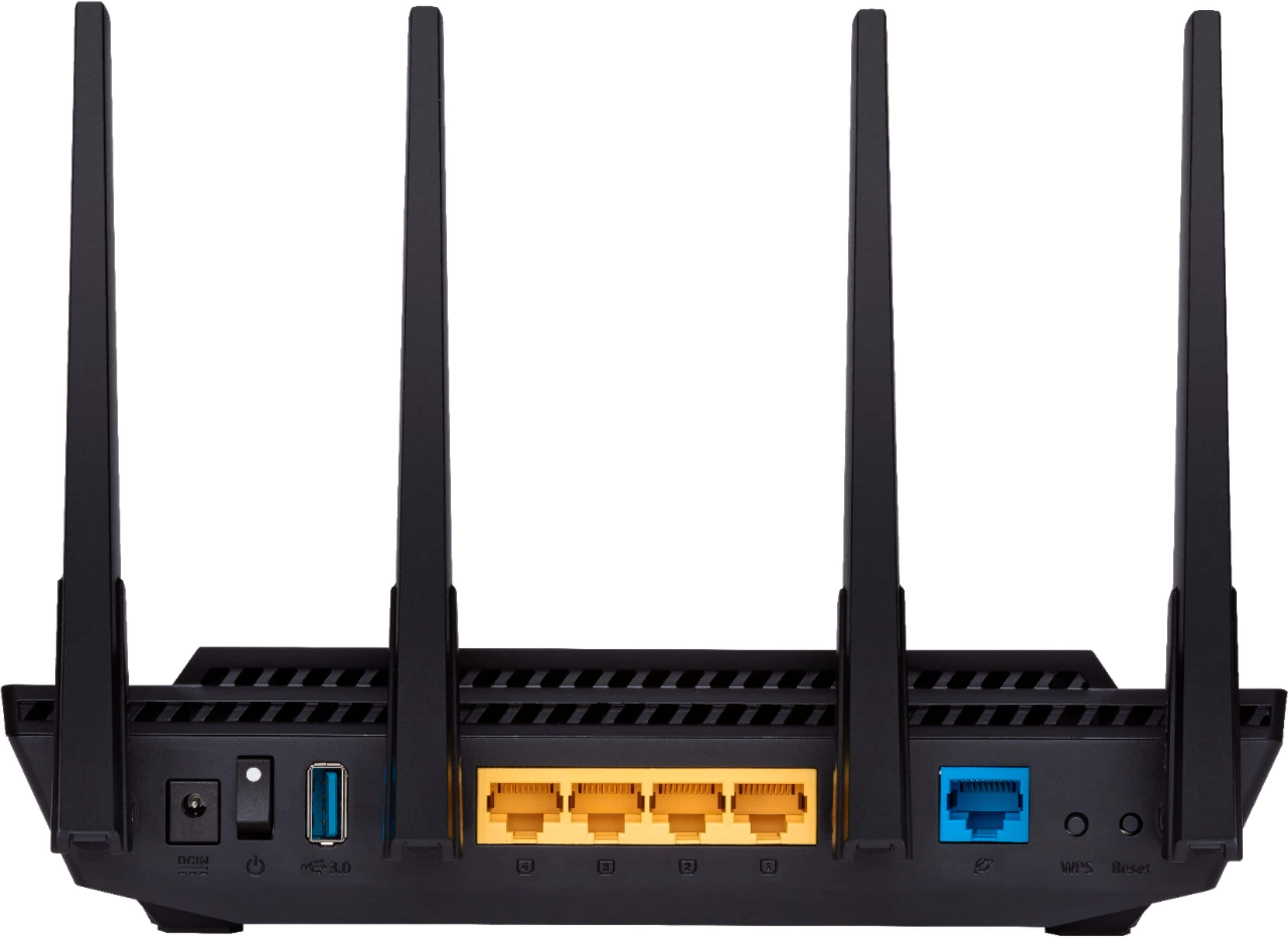
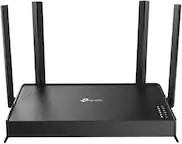
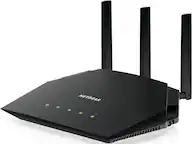
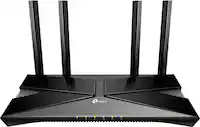
A:AnswerThis is a Router only NOT a modem. If your fiber comes through a modem then yes itr will support it however it will not take the fiber direct, you have to use Ehternet "RJ45" connection
A:AnswerTo disable or switch off SIP ALG, you need to login to the router as Admin, go to Advanced Settings/WAN on the left side. From the tabs across the top, choose NAT Pass Through. Change SIP pass through to "Disable" and hit "apply".
A:AnswerI have a Verizon fios router with a built in WiFi. I wanted a more centralized WiFi access point so I turned the WiFi section in my Verizon Fios router OFF and hooked the ASUS Wireless router to the Fios router using an Ethernet cable thereby setting it up as an access point for WiFi.
It works perfectly.
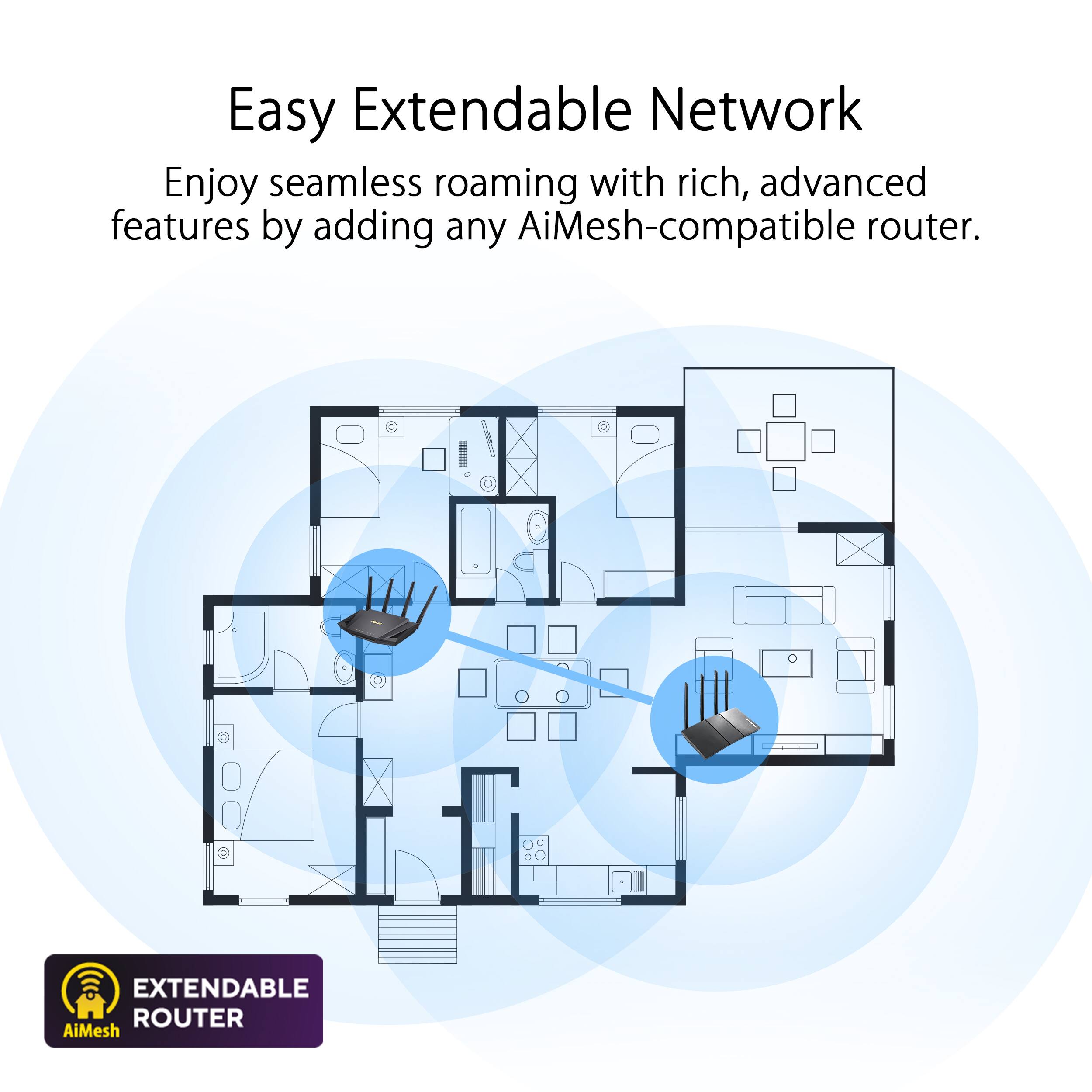
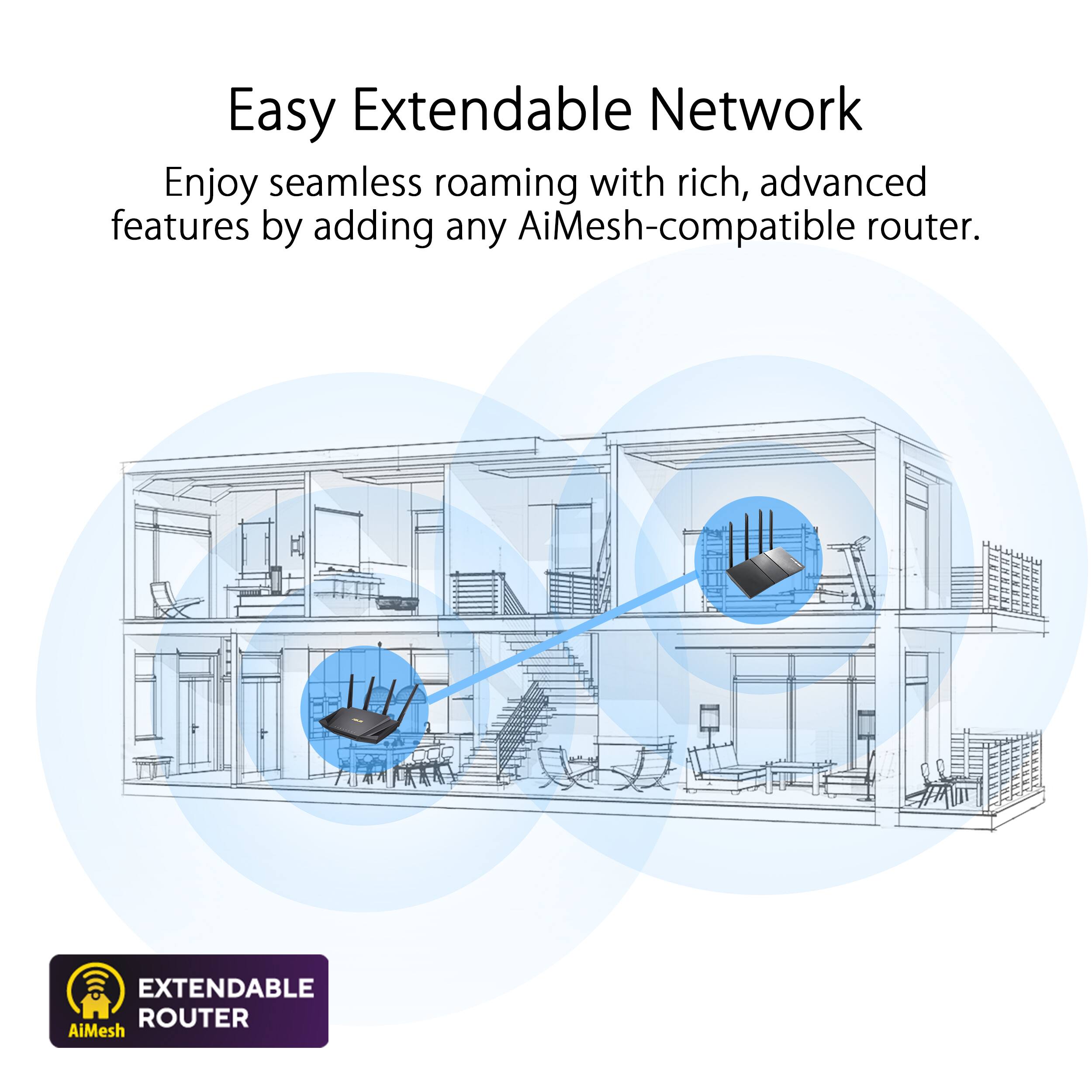
A:AnswerYou can use multiple brands for a mesh system. But i highly recommend sticking to brands for the sake of upgrades. I use Asus as my mesh system.
A:AnswerThis device is meant to distribute ethernet from a modem you use with your internet service provider. Landlines are not meant to be plugged into this device as ethernet is RJ45 and phone lines are RJ12. They look similar but are completely different plugs and are not used for the same purpose.